Cashier System for Supermarkets and Restaurants in Iraq: Hardware and Workflows
Plan a cashier system in Iraq for supermarkets and restaurants: barcode scanners, receipt printers, shift handover, offline POS, and how workflows differ from free software trials.
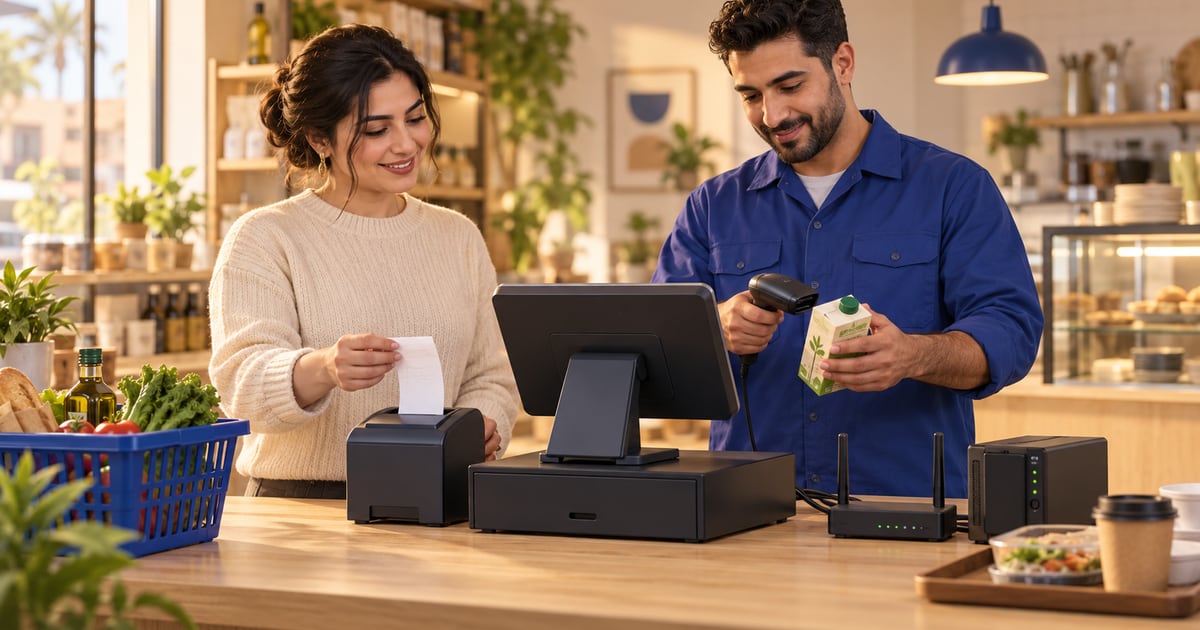
A cashier system in Iraq combines checkout software, a reliable device, barcode scanner and receipt printer for retail, or order screens and kitchen printers for restaurants, plus shift controls and offline selling when internet drops. Supermarket cashier workflows emphasize scan speed, suspended tickets, and stock deduction; restaurant cashier workflows emphasize tables, modifiers, void rules, and kitchen routing. This guide covers hardware setup—not free-app limits. Pair it with paid POS such as RA8M Basic 7,500, Advanced 15,000, or Manufacture 30,000 IQD per month after a 14-day trial.
01
Cashier System for Supermarkets and Restaurants in Iraq: Hardware and Workflows
A cashier system in Iraq is more than an app icon on a tablet. It is how money, stock, and tickets move during the busiest hour: scanner beeps at a supermarket lane, or a restaurant cashier firing items to the kitchen while the line at the counter still moves. Owners who only compare download prices miss cable routing, printer placement, shift handover, and what happens when fiber cuts out mid-shift.
Quick answer: A cashier system stacks POS software, a stable device, receipt printing, and—for supermarkets—a barcode scanner; for restaurants, order screens plus kitchen ticket printers and strict void rules. Supermarket and restaurant workflows differ more than many vendors admit. Software trials are covered in free cashier software in Iraq; this guide covers hardware setup, shifts, and offline POS. RA8M plans run 7,500 / 15,000 / 30,000 IQD per month with a 14-day trial—see pricing.
If you are still choosing whether “free” is enough, read free cashier software in Iraq first. Return here when you are ready to mount scanners, route printer cables, and train shifts on handover.
02
What belongs in a complete cashier system?
Cashier system definition for Iraqi shops: synchronized checkout software, register hardware, customer receipt printer, input devices (scanner, keyboard, or touch), payment recording in Iraqi dinar, staff logins, end-of-shift reports, and—when needed—secondary printers or displays.
Neither row in the table is “better.” A supermarket cashier lane that behaves like a café order screen will frustrate staff; a restaurant cashier that only accepts barcodes will break the first time someone orders a half-portion with extras.

| Layer | Supermarket focus | Restaurant focus |
|---|---|---|
| Input | Barcode scanner, quantity keys | Touch menu, modifiers, table or ticket ID |
| Output | Customer receipt | Receipt plus kitchen or bar ticket |
| Stock | Scan deducts SKU | Recipe or ingredient deduct optional |
| Control | Suspend ticket, supervisor override | Void sent items, manager discount |
| Resilience | Offline queue at lane | Offline during dinner rush |
03
Supermarket cashier workflow: line speed and stock truth
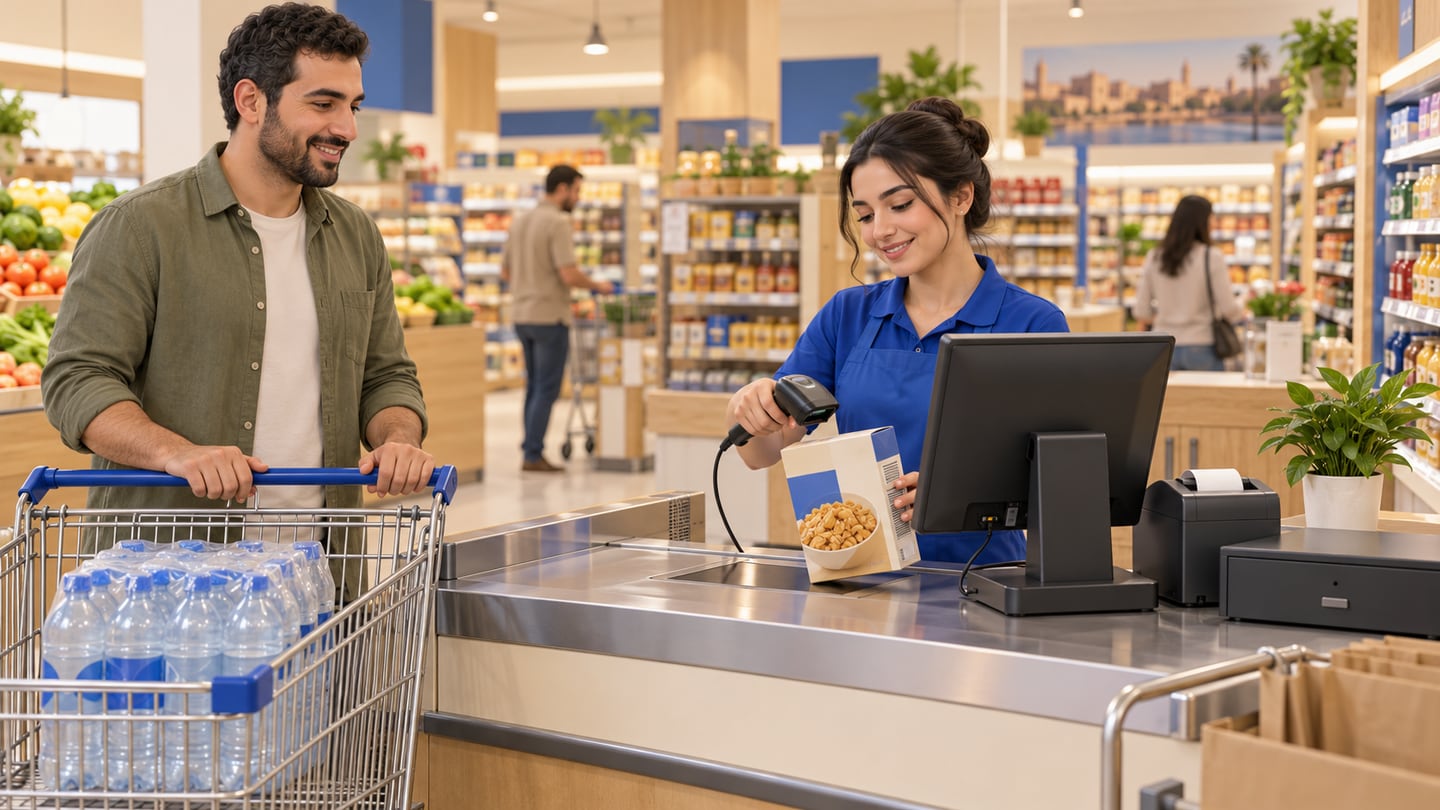
Supermarket cashier work is repetitive but unforgiving. Customers measure you in queue length. The system must scan, change quantity, suspend a ticket when someone runs for an item, recall it, apply loyalty or discount rules, and print a readable Arabic receipt without retyping prices from memory.
Wired USB scanner for fixed counters; wireless only if you tested interference during rush.
Receipt printer with auto-cut; spare paper rolls stored at the register, not the back office.
Cash drawer kick connected to software if you use one—manual drawers need explicit open logs.
Label printer at receiving for items that arrive without barcodes (see POS barcode system in Iraq).
Supervisor login for price overrides and suspended ticket deletion.
Connect software depth to grocery and mini-market software in Iraq: purchases should increase stock before the lane sells the same SKU twice. When lanes sell offline, stock should still deduct locally and sync once—test using offline POS system in Iraq.
Scanner aimed at glare from fluorescent lights—missed beeps and manual price entry.
Shared login for three cashiers—impossible to trace voids.
No suspended ticket policy—queues restart from zero when customers step away.
Printer too far from the monitor—staff walk away and leave the lane unattended.
04
Restaurant cashier workflow: tickets, modifiers, and permissions
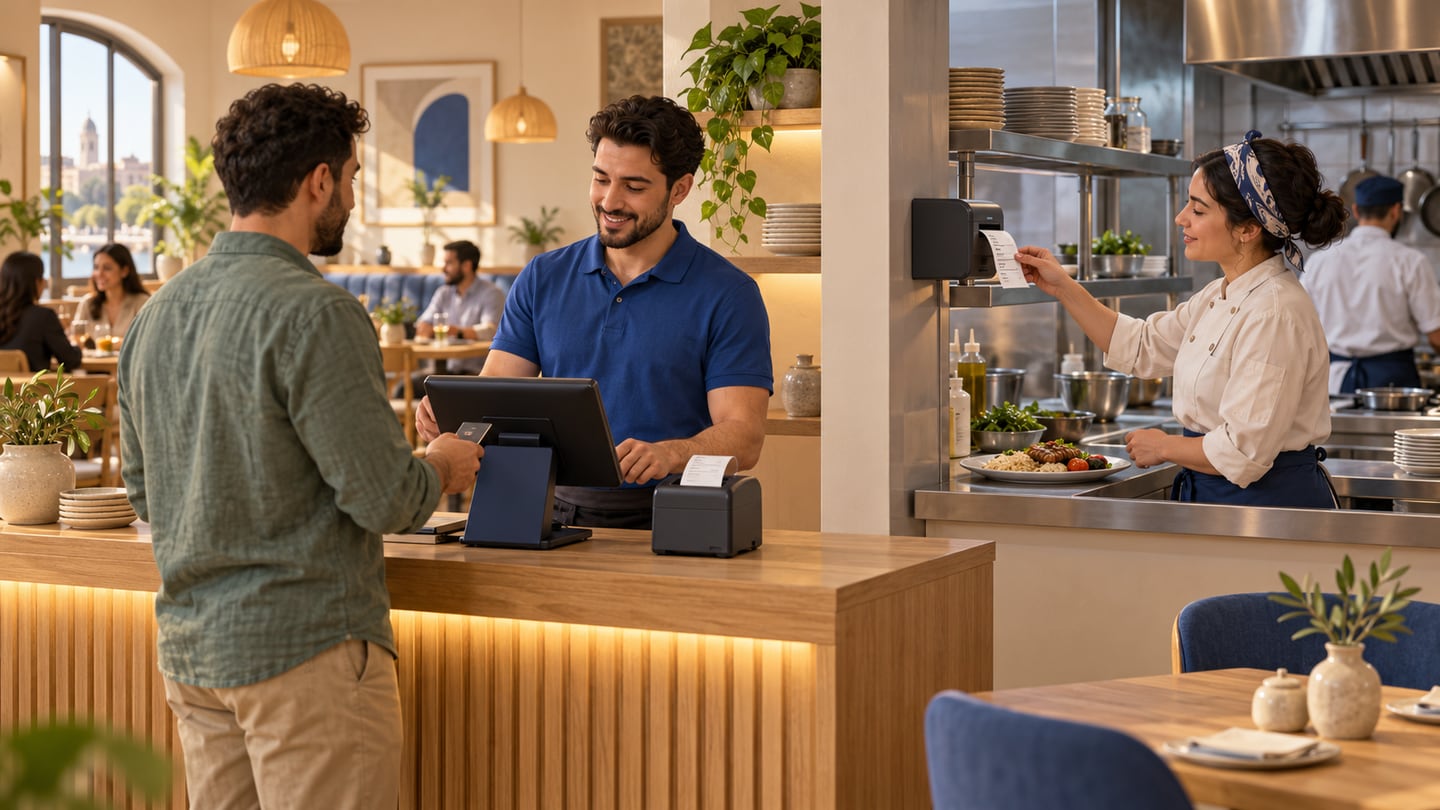
A restaurant cashier (or floor POS) must capture what the kitchen actually prepares: table number, course timing, modifiers, notes, and sometimes split payments. Speed matters, but accuracy matters more—a wrong ticket wastes food and angers customers.
Compare feature depth in best POS software for restaurants in Iraq. Minimum operational tests:
Open table, add items, send to kitchen, add late item without duplicating the table.
Modifier priced automatically (“extra cheese”) not keyed as a discount.
Manager-only void after send.
Separate kitchen printer path if grill and cold prep split.
Cafés with simpler menus may share some restaurant patterns but emphasize drink sizes; full dining rooms break generic retail cashier system templates quickly.
05
Hardware setup: build the counter once, correctly
Fixed PC or tablet on a stand for high-volume supermarkets.
Tablet for compact restaurants if heat and grease are managed.
Battery backup (UPS) for router and register—not only for the cashier screen.
Prefer Ethernet to the main register when Wi‑Fi is congested.
Keep printer USB cables short and strain-relieved; kitchen printers may use Ethernet on long runs.
Document IP addresses for kitchen printers—staff should not guess after reboot.
Customer receipt printer: thermal 80mm common in Iraq retail.
Kitchen printer: often impact or rugged thermal depending on heat near cooking lines.
Barcode scanner: 2D imagers read phone screens and damaged labels better than old laser wands.
Cash drawer: match kick port to printer or drawer bridge supported by your POS.
Deep device buying notes live in POS device in Iraq—software first, hardware second.

06
Barcode scanning in the cashier system
Barcodes tie the supermarket cashier to inventory. Test:
1. Scan same item twice in one basket.
2. Scan unknown code—software should block or prompt, not invent a price silently.
3. Weighed items if you use deli scales—confirm integration path.
4. Multi-pack barcodes versus single-unit shelf labels.
Train receiving staff to enter purchases before items hit the aisle. Otherwise the lane sells “ghost” stock. RA8M Basic at 7,500 IQD targets retail needing dependable deduction; confirm barcode limits on your plan during the 14-day trial at /create-account.
07
Receipt printers: customer, kitchen, and duplicates
Customer receipts must be legible in Arabic, show payment method, and match what the drawer expects. Kitchen tickets should show modifiers and allergy notes clearly—without prices if that is your policy.
During rush, misrouted prints cause chaos: food prepared twice, or tickets lost under grease. Label printers physically: “CUSTOMER” versus “KITCHEN.”
If you reprint, software should log reprints for shift review—pair with cashier shift handover checklist in Iraq.
08
Shifts, handover, and cashier accountability
A cashier system fails when only one person understands end-of-day. Define:
Opening float recorded in software.
Each cashier login closes only their session where possible.
Suspended tickets resolved or escalated before handover.
Z-report or day close PDF stored—not only a photo in chat.
Handover is where supermarket lanes and restaurants converge: cash count, card or wallet totals, void list, and printer paper status. Use the shift checklist article as a printed laminate at the register.
09
Offline POS at the register
Iraqi links drop. Offline is not a luxury feature—it is queue insurance. Procedure:
1. Sell with internet up; note last sync time.
2. Disconnect; sell three real SKUs or menu items.
3. Print receipts offline.
4. Reconnect; verify one invoice per sale and stock matches expectation.
RA8M public materials describe offline-ready POS with sync on return—validate on your router and ISP, not on demo Wi‑Fi. Structured steps: offline POS system in Iraq.
10
Software layer: tie hardware to the right POS plan
Hardware without matching software becomes expensive decoration. After layout planning:
RA8M published IQD tiers on pricing:
Optional ecommerce keeps storefront subdomains indexable for search when you expand beyond the physical lane—still secondary to getting the counter right.
| Need | Starting direction |
|---|---|
| Mini-market lanes | Grocery software + barcode guide |
| Full dining room | Restaurant POS comparison |
| Device specs | POS device Iraq |
| Free vs paid features | Free cashier program |
11
Rollout week for a new cashier system
Day 1–2: Install device, printers, scanner; run test receipts in Arabic.
Day 3: Import top 100 SKUs or menu items; scan each once.
Day 4: Train two cashiers on suspend, void rules, and supervisor login.
Day 5: Offline drill at quiet hour.
Day 6: Soft open with owner beside the lane.
Day 7: Review shift handover numbers against stock spot-check.
12
Security, cables, and daily maintenance
Treat the register area as production equipment, not a side table. Strain-relief USB cables, labeled power bricks, and a single documented Wi‑Fi SSID for POS reduce mystery reboots. Clean thermal printer heads on schedule; faded Arabic receipts create disputes at the return desk.
13
When to add a second lane or handheld
Add a supermarket cashier lane when queue time regularly exceeds what customers tolerate, not when a competitor opens nearby. Handheld scanners help floor checks and pop-up promotions, but they are not a substitute for purchase receiving discipline.
14
Integrating wallets and cards at the counter
Wallet brands such as Zain Cash are common in Iraq; your cashier system should record tender type clearly on the receipt even if integration is manual confirmation. Never store secrets on sticky notes at the register.
15
Training script for new cashiers (one shift)
Hour one: login, scan or tap three items, print receipt. Hour two: suspend and recall. Hour three: supervisor discount and void rules. Hour four: offline sale drill. Hour five: handover checklist with real numbers—not demo mode.
16
Linking back to software selection
After hardware is stable, revisit free cashier software in Iraq only if you change apps—otherwise invest training time in one POS. Barcode discipline: POS barcode system in Iraq. Restaurant depth: best POS software for restaurants in Iraq.
17
Customer-facing details owners forget
Receipt footer text, return policy lines, and VAT or fee wording should be reviewed with your accountant before printing thousands of copies. A cashier system that prints unclear Arabic confuses customers and slows disputes at the lane. For restaurants, decide whether kitchen tickets show table numbers prominently enough for runners during a full dining room.
Noise matters too: impact printers in kitchens are loud by design so staff hear new orders; customer areas may need quieter thermal printers. Mount screens where glare from street windows does not hide modifier buttons during afternoon sun.
18
Measuring whether the cashier system is working
After two weeks, compare three signals: average queue time at peak, count of manual price lookups, and stock differences on your top twenty SKUs. If manual lookups remain high, fix barcodes and product names before buying a second scanner. If stock differences grow, fix receiving discipline—not only cashier speed. Share one printed cashier system checklist at the register so relief staff do not improvise void rules during lunch rush.
Owners sometimes buy hardware before defining who opens the drawer each morning. Label each USB port on the back of the PC so night cleaning staff do not unplug the scanner by mistake. Write that roster before the first customer: name, login, and whether they may apply discounts. During Ramadan or holiday peaks, relief cashiers cause more variance than slow scanners—train handover on a quiet Tuesday, not on the busiest Friday of the year.
19
Conclusion: match the cashier system to the floor
The right cashier system for Iraq supermarkets centers on barcode throughput, purchase-linked stock, and lane resilience. The right restaurant cashier stack centers on modifiers, kitchen tickets, and permissions—not on treating tables like SKUs.
Choose software on a 14-day trial, mount hardware once with clean cabling, and document shifts so every cashier closes the day the same way. If you are still comparing business types, read small business ideas in Iraq before locking in lane layout. When free apps are no longer the bottleneck, paid POS at 7,500 / 15,000 / 30,000 IQD plus optional ecommerce from 50,000 IQD is usually less costly than a single week of lane chaos—illustrative judgment, not a guaranteed saving.
20
Frequently asked questions
What is a cashier system?
It is the full checkout stack: POS software, register device, printers, scanners or kitchen routing, payment recording, receipts, staff permissions, shift closing, and reports—matched to supermarket or restaurant reality.
How is a supermarket cashier system different from a restaurant cashier?
Supermarkets prioritize barcode scanning and SKU volume; restaurants prioritize tickets, modifiers, and kitchen routing.
Do I need a barcode scanner for a mini-market?
Usually yes once queues or SKU count grow—test your top 50 products during trial.
Can the cashier system work offline in Iraq?
It should; run the disconnect test before peak season.
How much does RA8M cost for a cashier setup?
Basic 7,500, Advanced 15,000, Manufacture 30,000 IQD per month; ecommerce from 50,000; 14-day trial on selected plans.
Is this the same as free cashier software?
No—free guides cover license limits; this guide covers hardware and workflows.
21
Sources and reference notes
GS1 barcode basics — label and scan discipline for retail lanes.
Google Business profile guidance for Iraq — local discovery after your counter works.
RA8M pricing and /create-account — verify trial and plan features before buying printers.
Frequently asked questions
What is a cashier system?
It is the full checkout stack: POS software, register device, printers, scanners or kitchen routing, payment recording, receipts, staff permissions, shift closing, and reports—matched to whether you run a supermarket or a restaurant.
How is a supermarket cashier system different from a restaurant cashier?
Supermarkets prioritize barcode scanning, high SKU volume, purchase receiving, and fast line throughput. Restaurants prioritize order entry, modifiers, table or ticket numbers, kitchen or bar prints, and void permissions during service.
Do I need a barcode scanner for a mini-market?
Once you exceed a few dozen products or sell during rush queues, a wedge or handheld scanner usually pays back in speed and fewer pricing mistakes compared with manual search.
Can the cashier system work offline in Iraq?
It should. Test disconnecting internet, recording a cash sale, printing a receipt, then reconnecting to confirm one sync without duplicate stock hits. See offline POS guidance for structured tests.
How much does RA8M cost for a cashier setup?
POS plans start at Basic 7,500 IQD per month, Advanced 15,000, and Manufacture 30,000. Ecommerce is from 50,000 IQD per month as an add-on. A 14-day trial is available on selected plans—confirm on pricing.
Is this the same as free cashier software?
No. Free or trial apps are about license limits and features. This article is about physical layout, devices, and supermarket versus restaurant workflows before you commit to hardware.
Written by
RA8M Team
Practical guides for restaurants, shops, and operations teams
Next step
Try RA8M with data close to your operation
Read next
Related RA8M guides
Restaurants and Cafes
Restaurant Cashier in Iraq: Free POS Limits and What Full Service Needs
Read article
POS and Cashier
Cloud POS System in Iraq: When It Fits Your Business
Read article
POS and Cashier
Free Cashier Software in Iraq: Limits, Checks, and When to Upgrade
Read article
POS and Cashier
Best Cashier Software in Iraq: Practical Buyer Checklist
Read article
POS and Cashier
Cashier Software in Iraq: How to Choose for Your Shop
Read article