POS Device in Iraq: Hardware, Software and Checkout Checklist
A practical guide to choosing a POS device in Iraq, including cashier hardware, offline software, barcode workflows, receipts, stock, branches, and cost tradeoffs.
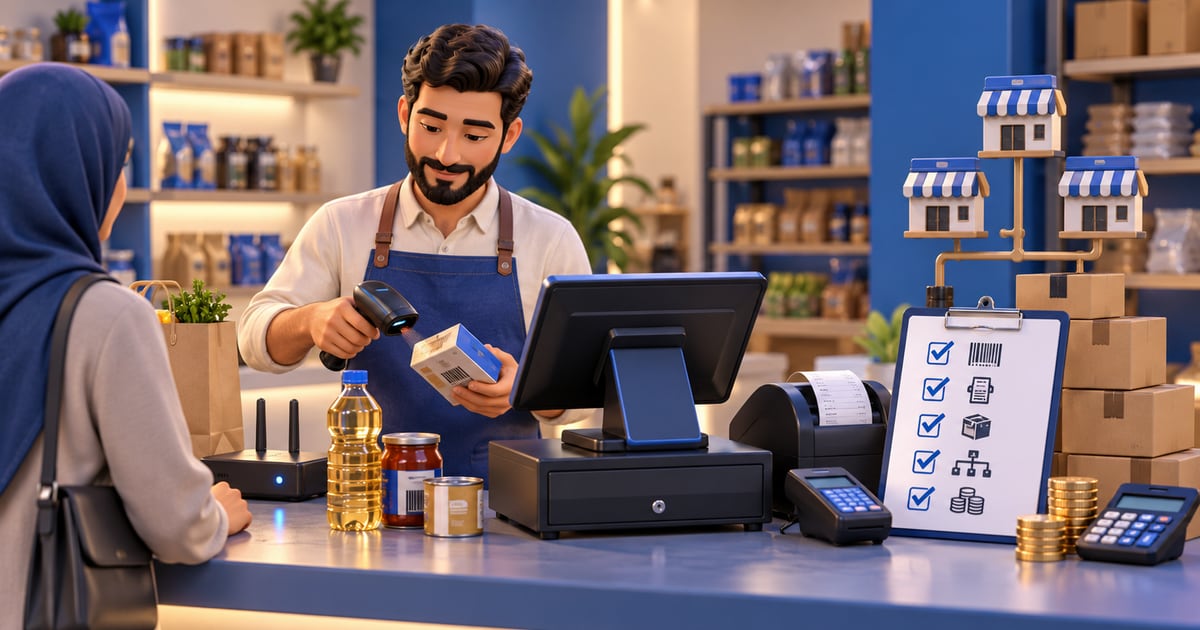
A POS device is the hardware used at checkout, but the real value comes from the POS software connected to it. In Iraq, a strong setup should support Arabic cashier screens, barcode sales, receipts, offline selling, inventory updates, staff roles, reports, and branch visibility so sales continue even when internet is unstable.
01
POS Device in Iraq: Hardware, Software and Checkout Checklist
This guide helps you choose cashier hardware, printer, and scanner. For software behavior during an outage and reconnect, use the offline cashier test on the hardware you plan to deploy.
A POS device is the physical checkout tool your cashier uses, but buying hardware alone does not create a good cashier system. Iraq businesses need the device, receipt printer, scanner, internet setup, and POS software to work together.
Quick answer: A POS device is the hardware used at checkout, but the real value comes from the POS software connected to it. In Iraq, a strong setup should support Arabic cashier screens, barcode sales, receipts, offline selling, inventory updates, staff roles, reports, and branch visibility so sales continue even when internet is unstable.
02
What is a POS device?
A POS device can be a tablet, laptop, desktop, touchscreen terminal, or dedicated checkout station. The device lets the cashier add products, apply discounts, select customers, record payment method, print receipts, and close the sale.
The device is only one layer. The POS software decides whether the sale updates inventory, appears in daily reports, respects user permissions, works offline, and syncs with branches or ecommerce. A beautiful device with weak software still creates manual work.
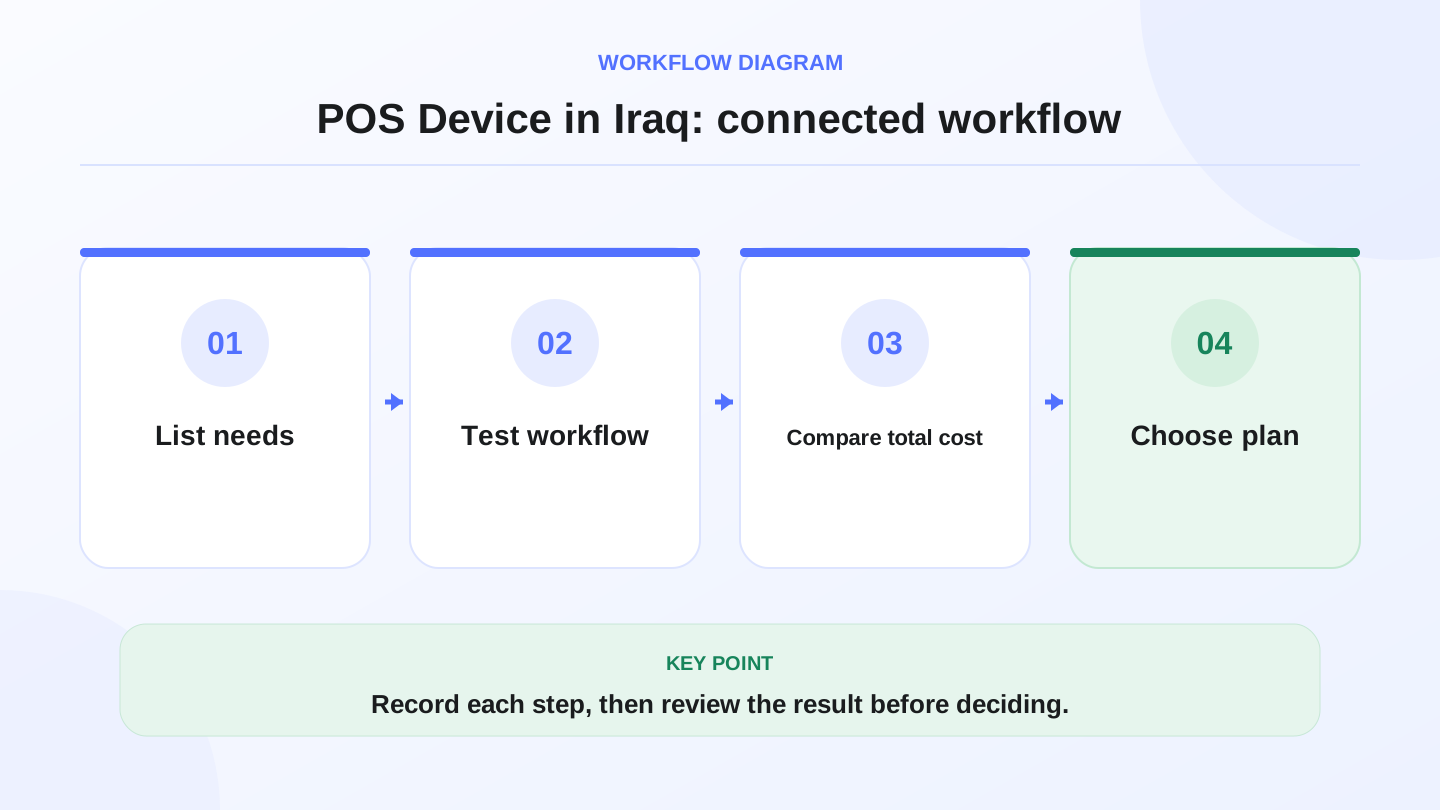
A practical sequence has four connected steps: List needs, Test workflow, Compare total cost, Choose plan. Recording each step makes the daily result easier to review.
03
Hardware versus software: know the difference
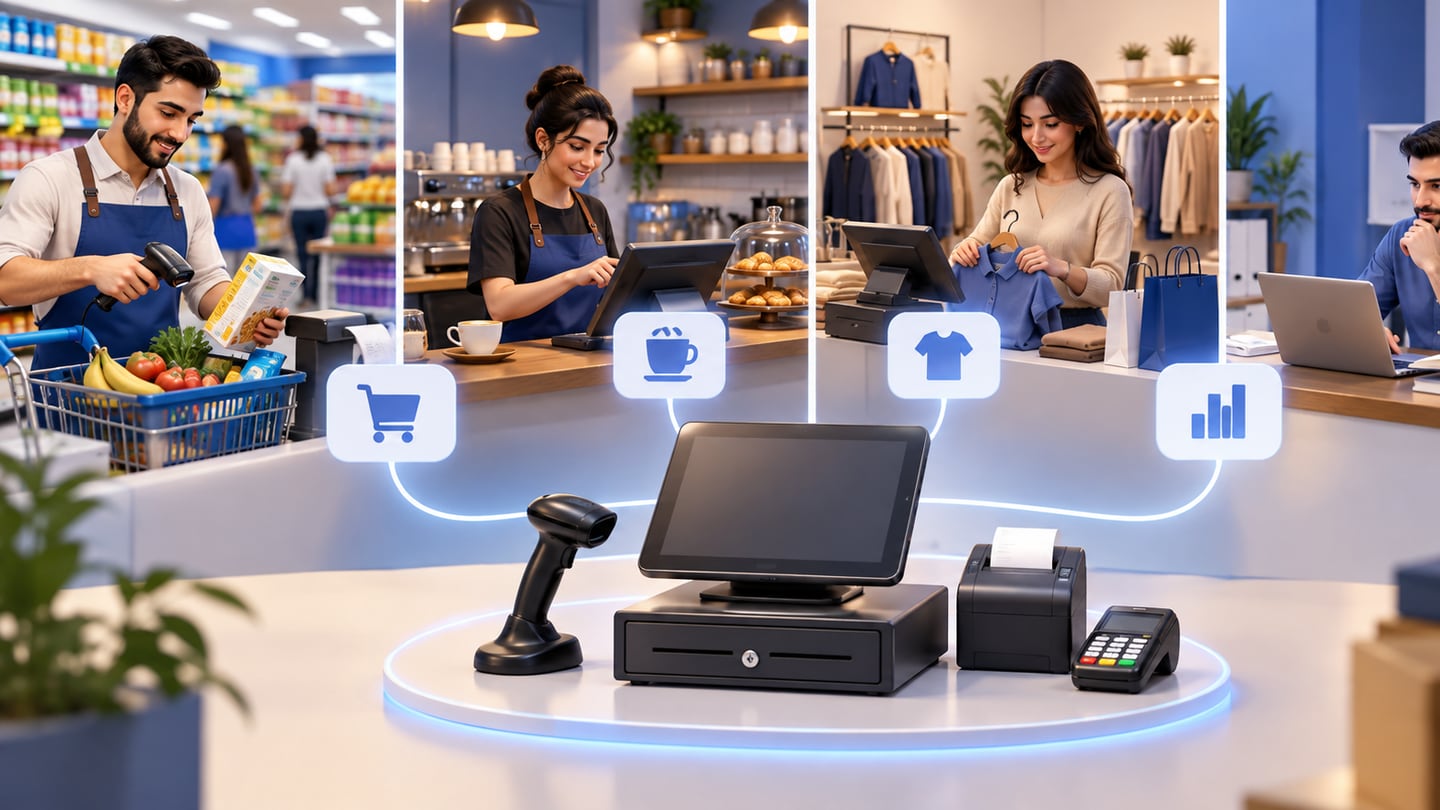
Many owners start by asking which device to buy. A better first question is what checkout workflow the business needs. A supermarket needs fast barcode scanning. A cafe needs quick product buttons and modifiers. A clothing shop needs sizes, colors, and returns. A branch manager needs reports and role control.
Once the workflow is clear, choose the hardware that supports it. For example, barcode shops need a scanner and possibly a label printer. Restaurants may care more about touch speed and receipt printing. Ecommerce sellers need stock to update when online and in-store orders happen.
04
POS device checklist for Iraq businesses
Use this table before purchasing hardware. It helps separate nice-to-have devices from workflow-critical tools.
| Business type | Useful hardware | Software requirement | Risk if missing |
|---|---|---|---|
| Cafe or restaurant | Tablet or touch terminal, receipt printer | Fast cashier, modifiers, offline sales, reports | Slow queues and missing ingredient usage |
| Retail shop | Laptop or terminal, barcode scanner, printer | Variants, discounts, customers, stock movements | Wrong sizes or colors in stock |
| Supermarket | Stable terminal, scanner, cash drawer, printer | Barcode speed, product categories, daily reports | Long checkout lines and stock errors |
| Pharmacy | Terminal, scanner, printer | Structured products, stock discipline, roles | Confusing item records and weak controls |
| Multi-branch business | Devices per branch | Branch visibility, roles, transfers, consolidated reports | One branch sells while another cannot see stock |
| Ecommerce seller | Checkout device plus online storefront | Shared POS and online inventory | Overselling products online |
05
Offline selling should be part of the decision
In Iraq, internet interruptions can happen during working hours. If the cashier cannot sell, print, or record orders during that time, the business loses sales and trust. Offline-ready POS software is more important than an expensive screen.
RA8M POS is offline-ready and syncs when the connection returns. That means a shop or restaurant can continue recording cashier sales locally, then reconnect the data later. The device still needs enough battery, local network stability, and printer setup to support the workflow.
06
Worked example: device cost per day
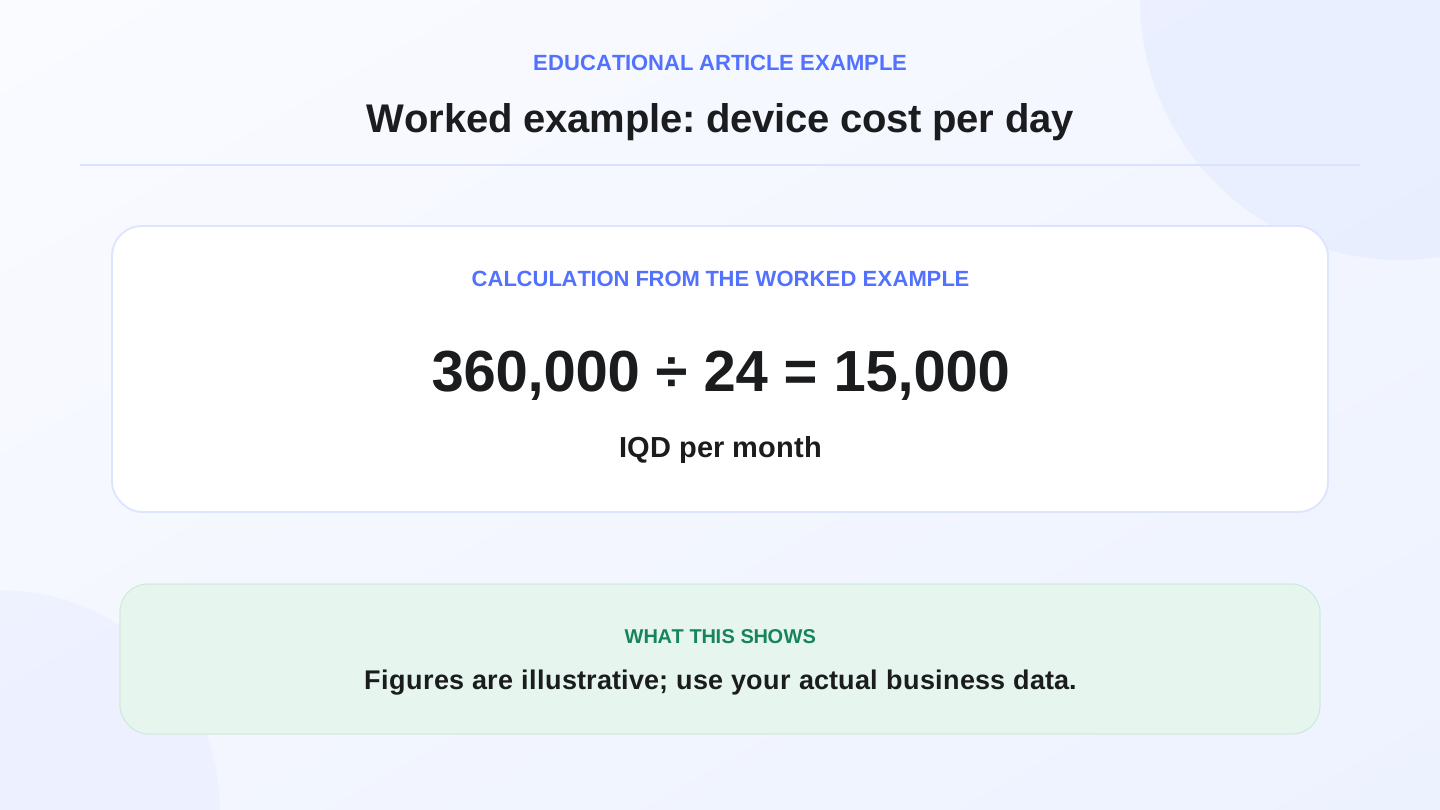
Assume a shop buys a checkout tablet for 360,000 IQD and expects to use it for 24 months. The hardware cost per month is 360,000 IQD ÷ 24 = 15,000 IQD. The daily hardware cost is 15,000 IQD ÷ 30 = 500 IQD per day.
If that setup saves 10 minutes per day and reduces two stock mistakes per week, the device can pay back through better operations. But if the software does not connect sales to stock and reports, the business still pays for manual reconciliation.
Pricing for RA8M plans may change, so verify the current subscription on RA8M pricing before buying.
07
Barcode and receipt workflows
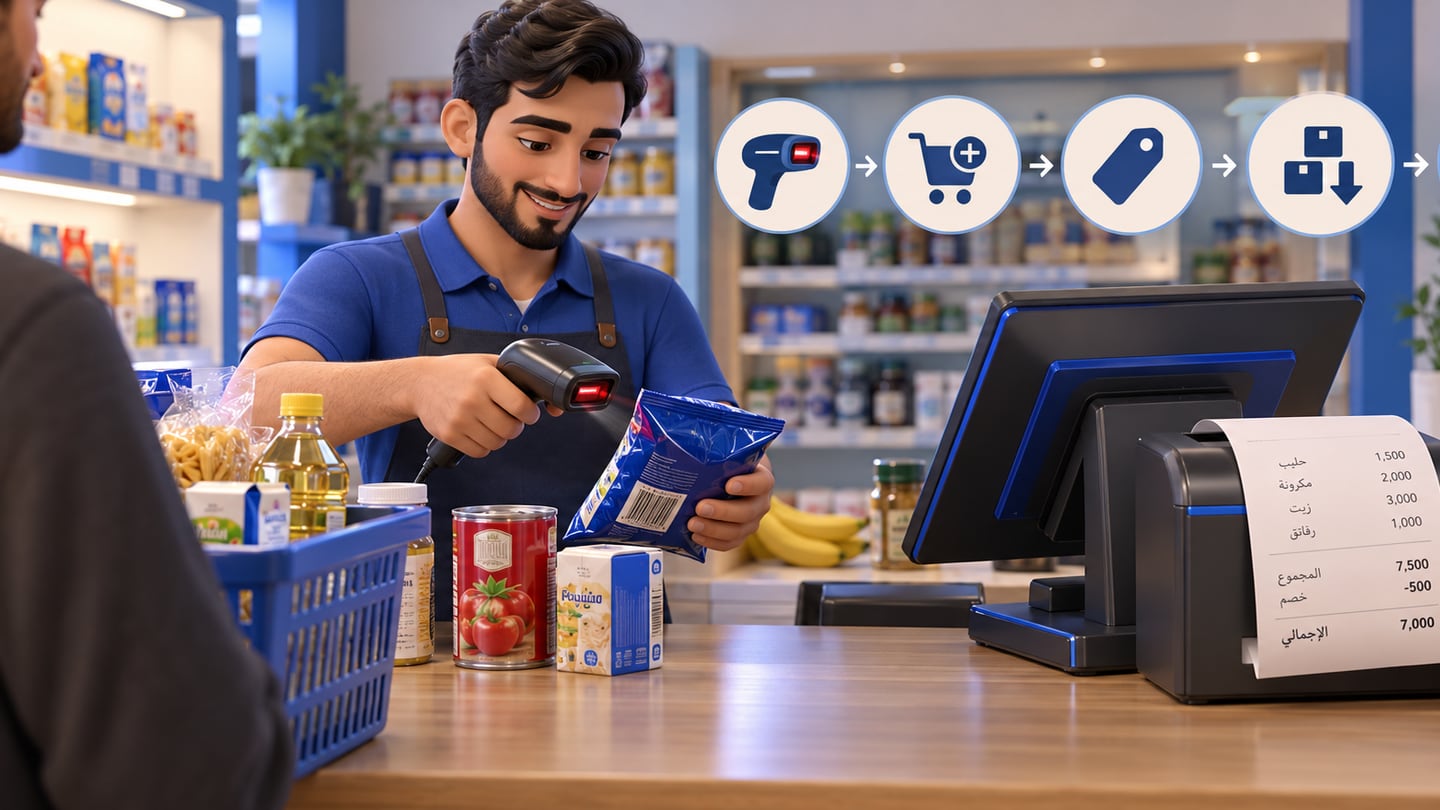
For barcode-heavy shops, the scanner matters. The cashier should scan, add the item, show the correct price, reduce stock, and print a clear receipt. If the scanner works but the product catalog is messy, checkout still fails.
Receipt printing also needs testing. Check Arabic text, item names, totals, discounts, and payment records. A receipt is not only for the customer. It is also part of daily cash review, return handling, and staff accountability.
08
How POS devices connect to inventory and reports
A good checkout setup updates stock immediately after a sale. Purchases increase stock when goods arrive. Adjustments record damage, waste, counting corrections, or supplier mistakes. Reports then show what sold, which categories move fast, and what needs attention.
RA8M connects POS sales with inventory, purchases, customers, finance, reports, roles, branches, and ecommerce. Review RA8M POS if your main need is cashier selling, and RA8M Ecommerce if online orders should share the same products and stock.
09
When a simple device is enough
A tiny shop with few products and one cashier may start with a laptop or tablet, basic printer, and simple workflow. The owner may not need multiple screens, kitchen printers, or advanced branch controls on day one.
Upgrade when the business adds barcode volume, staff roles, branches, online orders, stock transfers, or daily reporting requirements. The trigger is complexity, not only business size.
10
Where RA8M fits
RA8M fits Iraq businesses that want the POS device to be part of a connected operating system. It is relevant when the business needs Arabic-first and English workflows, offline-ready cashier selling, inventory, purchases, finance, reports, branches, roles, and ecommerce sync.
A simpler setup may be enough if the owner only needs to print occasional receipts. But if sales, stock, customers, reports, and branch control matter, choose software first and hardware second.
11
Conclusion
Do not buy a POS device as a standalone gadget. Define the checkout workflow, confirm offline needs, test barcode and receipt flows, then choose hardware that matches the software.
For Iraq restaurants, shops, supermarkets, pharmacies, and multi-branch operators, RA8M can connect cashier devices with inventory, purchases, reports, roles, branches, and ecommerce. Start with RA8M POS, compare the current plans on pricing, or explore the business types on industries.
12
FAQs
What is a POS device?
A POS device is the checkout hardware used to enter sales, scan items, accept payment records, print receipts, and run cashier workflows through POS software.
Do I need a special POS device for RA8M?
RA8M is software-led, so the right device depends on the cashier setup, barcode scanner, receipt printer, network, and business workflow. Confirm hardware needs before buying.
Is a tablet enough for a small shop?
A tablet or laptop can be enough for a small shop if it supports the cashier workflow, receipt printing, barcode scanning if needed, and stable daily use.
What matters more, the POS device or the POS software?
The software usually matters more because it controls inventory, reports, roles, branches, offline sync, purchases, customers, and ecommerce connection.
Frequently asked questions
What is a POS device?
A POS device is the checkout hardware used to enter sales, scan items, accept payment records, print receipts, and run cashier workflows through POS software.
Do I need a special POS device for RA8M?
RA8M is software-led, so the right device depends on the cashier setup, barcode scanner, receipt printer, network, and business workflow. Confirm hardware needs before buying.
Is a tablet enough for a small shop?
A tablet or laptop can be enough for a small shop if it supports the cashier workflow, receipt printing, barcode scanning if needed, and stable daily use.
What matters more, the POS device or the POS software?
The software usually matters more because it controls inventory, reports, roles, branches, offline sync, purchases, customers, and ecommerce connection.
Written by
RA8M Team
Practical guides for restaurants, shops, and operations teams
Next step