Best Cashier Software in Iraq: Practical Buyer Checklist
Choose the best cashier software in Iraq by checking offline sales, Arabic receipts, inventory, reports, roles, branches, support, and real daily cost.
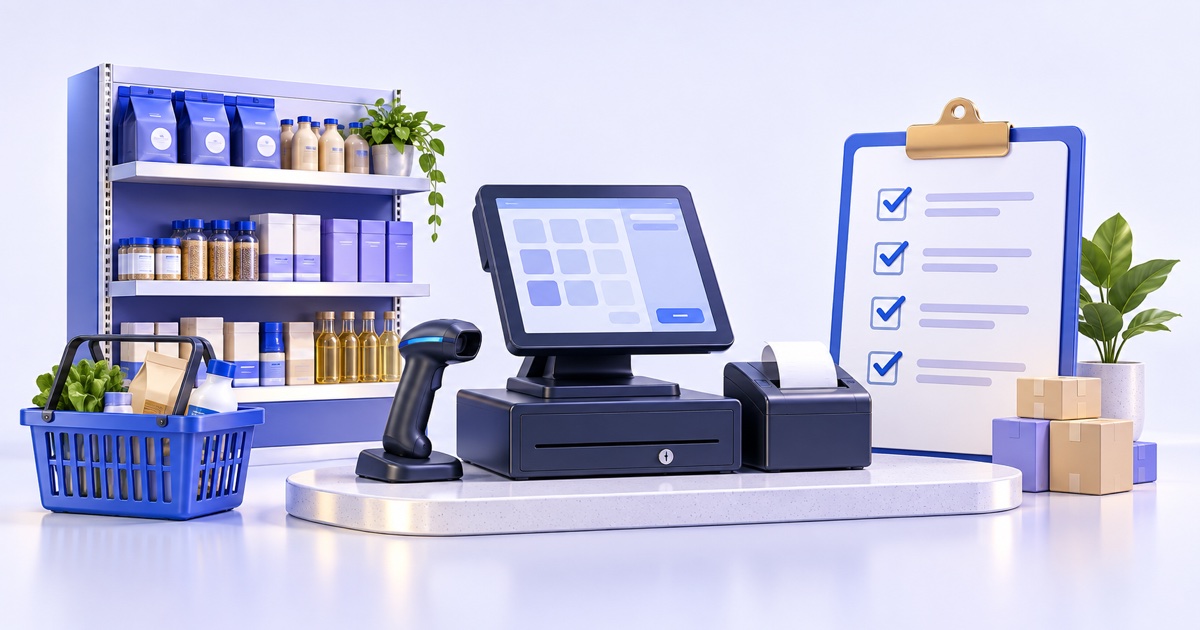
The best cashier software for an Iraq business is the system that keeps checkout fast, works offline when internet drops, supports Arabic receipts and RTL workflows, updates inventory automatically, protects staff roles, and gives clear daily reports. For many shops, restaurants, supermarkets, and service businesses, a POS connected to stock, purchases, finance, branches, and ecommerce is safer than a simple register app.
01
Best Cashier Software in Iraq: Practical Buyer Checklist
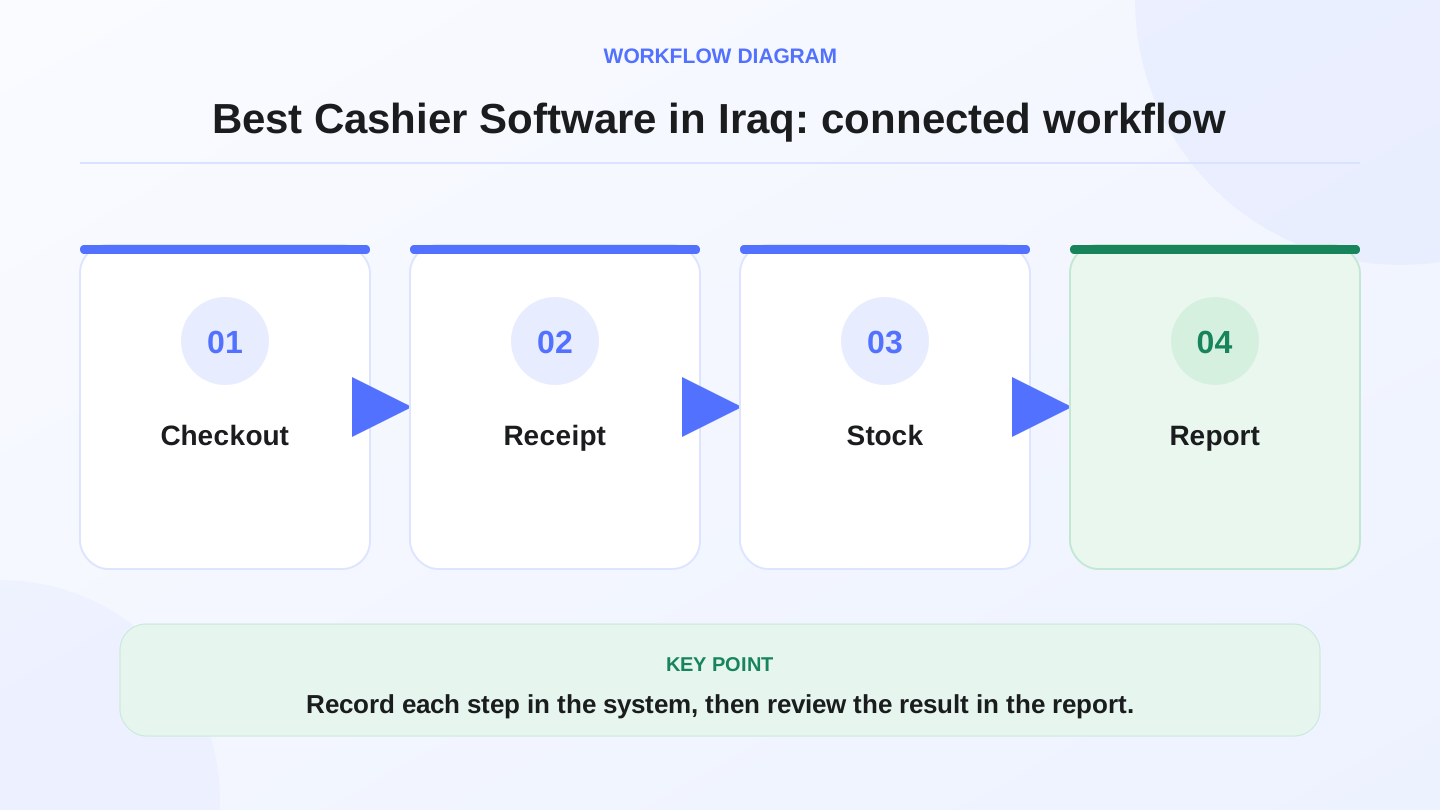
Choosing the best cashier software is not about finding the longest feature list. It is about finding the system that fits how your team sells, controls stock, prints receipts, handles internet interruptions, and reads the day’s numbers.
Quick answer: The best cashier software for an Iraq business is the system that keeps checkout fast, works offline when internet drops, supports Arabic receipts and RTL workflows, updates inventory automatically, protects staff roles, and gives clear daily reports. For many shops, restaurants, supermarkets, and service businesses, a POS connected to stock, purchases, finance, branches, and ecommerce is safer than a simple register app.
02
What should cashier software do first?
Cashier software should make daily selling faster and cleaner. The cashier needs to add products, apply discounts, select payment method, print or share a receipt, and close the sale without confusion. If each sale is slow, the system fails at the most important moment.
For Iraq businesses, language and continuity matter. Arabic RTL screens, Arabic item names, IQD totals, and receipt clarity reduce training friction. Offline-ready selling is also important because a busy restaurant or shop should not stop taking orders because the internet dropped.
The best cashier software should also record every sale in a way the owner can trust later. A receipt is useful for the customer, but the owner needs stock, cash, expenses, and reports to match.
03
Cashier app, cash register, or full POS?
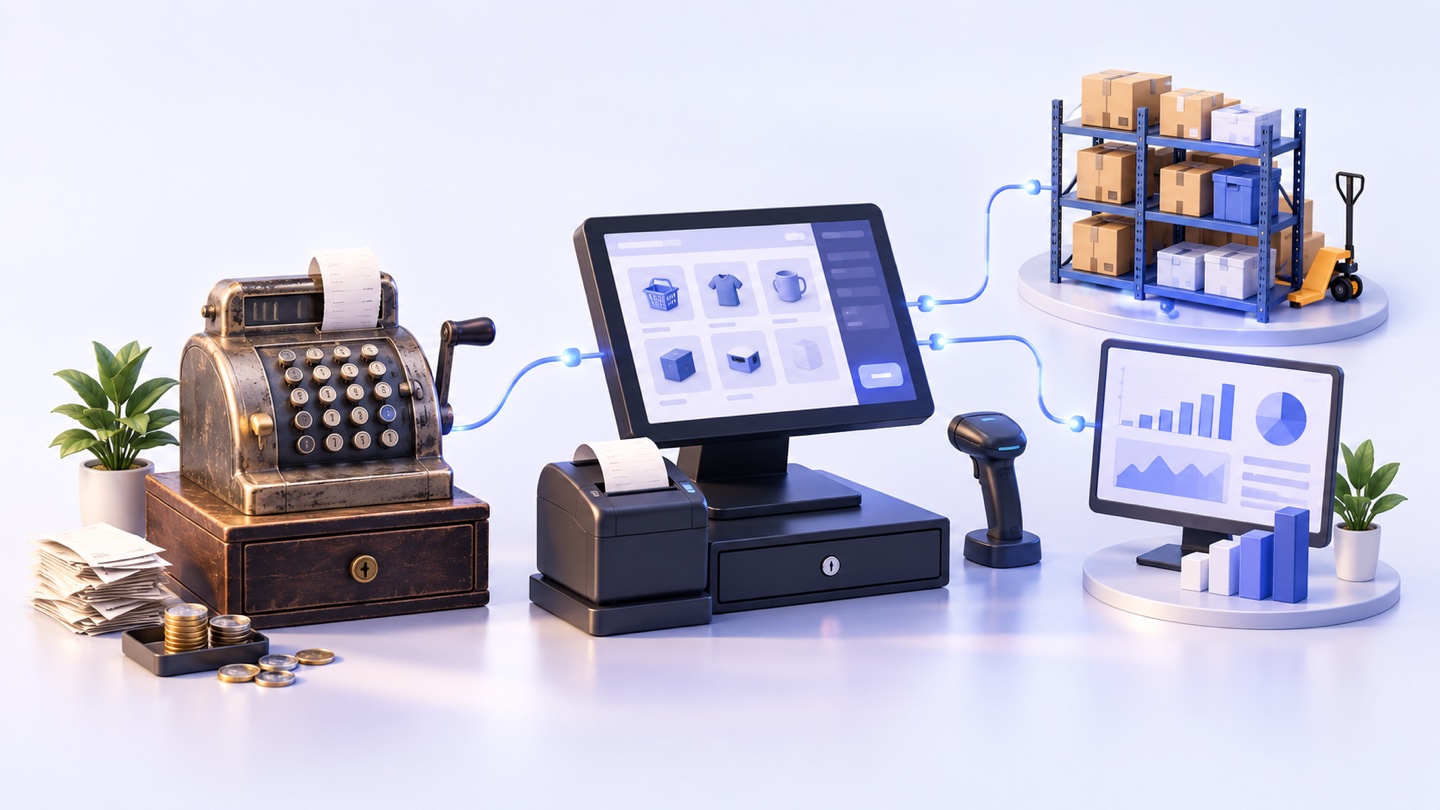
Some sellers only need a simple app. A growing business usually needs a real POS system. The difference is not branding; it is workflow depth.
A full POS becomes important when you want sales to reduce stock, purchases to increase stock, managers to review reports, and online orders to use the same product record.
| Option | Best fit | Main limitation |
|---|---|---|
| Basic calculator or register | Very small seller with few items | No reliable stock, reports, or role control |
| Simple cashier app | One cashier and basic receipts | Often weak for purchases, branches, offline sync, and accounting flow |
| Full POS system | Shops, restaurants, groceries, salons, and branches | Requires setup discipline and staff training |
| POS plus ecommerce | Businesses selling in-store and online | Needs product, stock, payment, and delivery process alignment |
04
Checklist for the best cashier software in Iraq
Use this checklist before you buy or migrate:
1. Checkout speed
Can cashiers find products quickly by category, barcode, search, or touch screen? Can they handle discounts, returns, customers, and payment methods without manager help every time?
2. Arabic and English workflow
Can Arabic-speaking staff work naturally? Can managers or mixed teams use English where needed? Arabic-first software is not only translation; it includes RTL layout, readable receipts, local wording, and training comfort.
3. Offline selling
Ask what happens when internet fails. Can the cashier keep selling, printing, and saving orders? Does the system sync later without losing transactions?
4. Inventory connection
Every sale should reduce stock. Every purchase should increase stock. Adjustments, transfers, and low-stock checks should be visible enough that the owner does not depend only on memory.
5. Reports and control
The owner should see daily sales, payment methods, best-selling items, discounts, returns, expenses, and inventory movement. Staff roles should control who can discount, refund, edit products, or view financial data.
05
Worked example: stock after a busy day
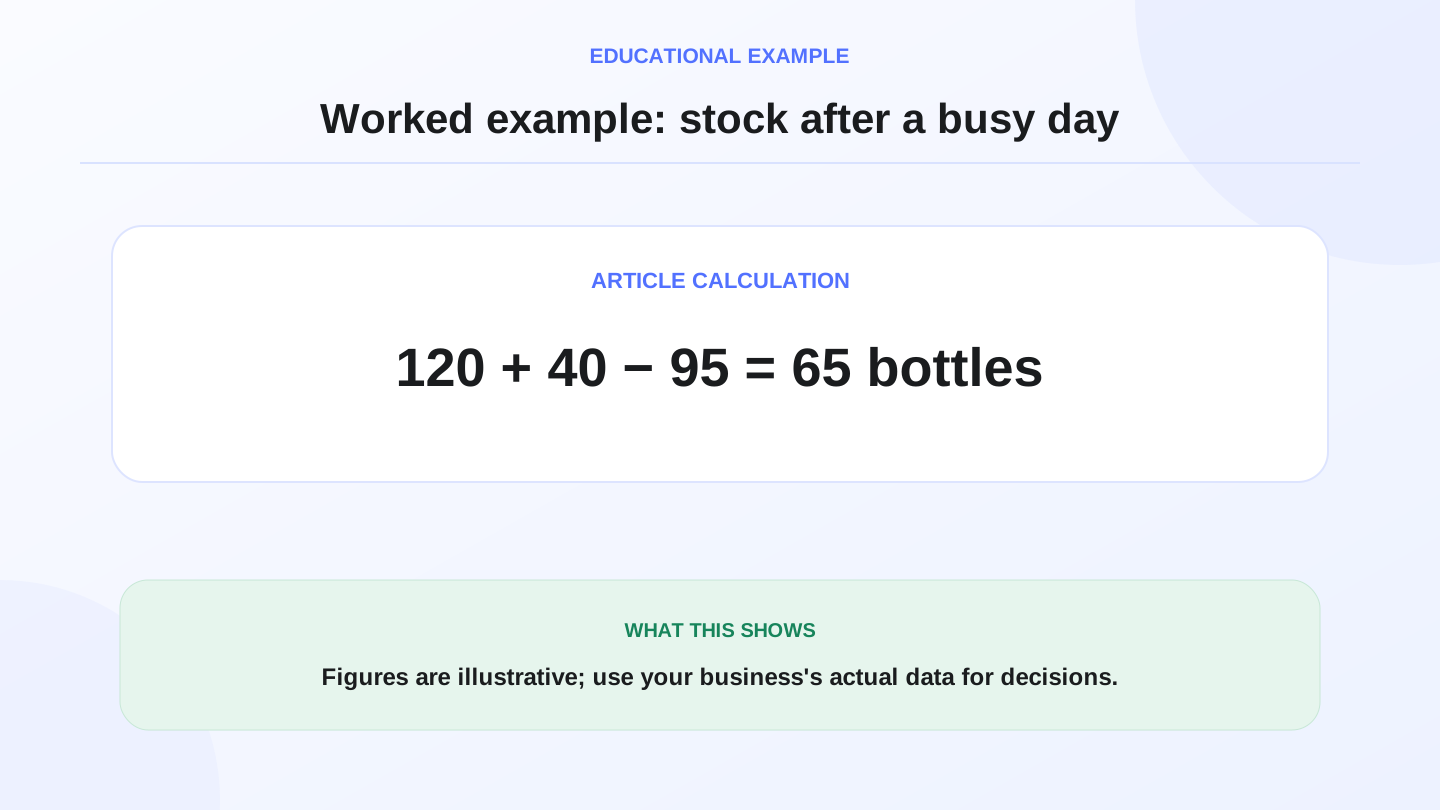
Assume a mini-market starts the day with 120 juice bottles, receives 40 more from a supplier, and sells 95 through the cashier.
Opening stock + purchases − sales = expected closing stock.
120 + 40 − 95 = 65 bottles expected at closing.
If the shelf count is 58, the owner has a 7-bottle gap to investigate. The reason may be scanning mistakes, damaged stock, unrecorded returns, or theft. Good cashier software does not solve the issue alone, but it gives the expected number quickly so the team can act.
06
How to compare price without being fooled
A low monthly price can be expensive if it creates manual work. Compare the cost of the system with the cost of mistakes, wasted stock, slow checkout, and missing reports.
If a cashier plan costs 15,000 IQD per month, the daily software cost is:
15,000 IQD ÷ 30 days = 500 IQD per day.
That number is illustrative. The real decision is whether better checkout, stock control, and reports are worth more than the daily cost. Verify current RA8M pricing on Pricing before making a buying decision because published pricing can change.
07
Which features matter by business type?
A restaurant needs modifiers, orders, receipts, roles, and ingredient deduction. A clothing shop needs sizes, colors, variants, barcodes, discounts, and customer history. A supermarket needs fast barcode checkout, categories, low-stock visibility, purchase bills, and shift reports. A salon needs services, staff workflows, invoices, payments, and reports.
Use RA8M POS and Industries pages to map your business type to the workflow you need.
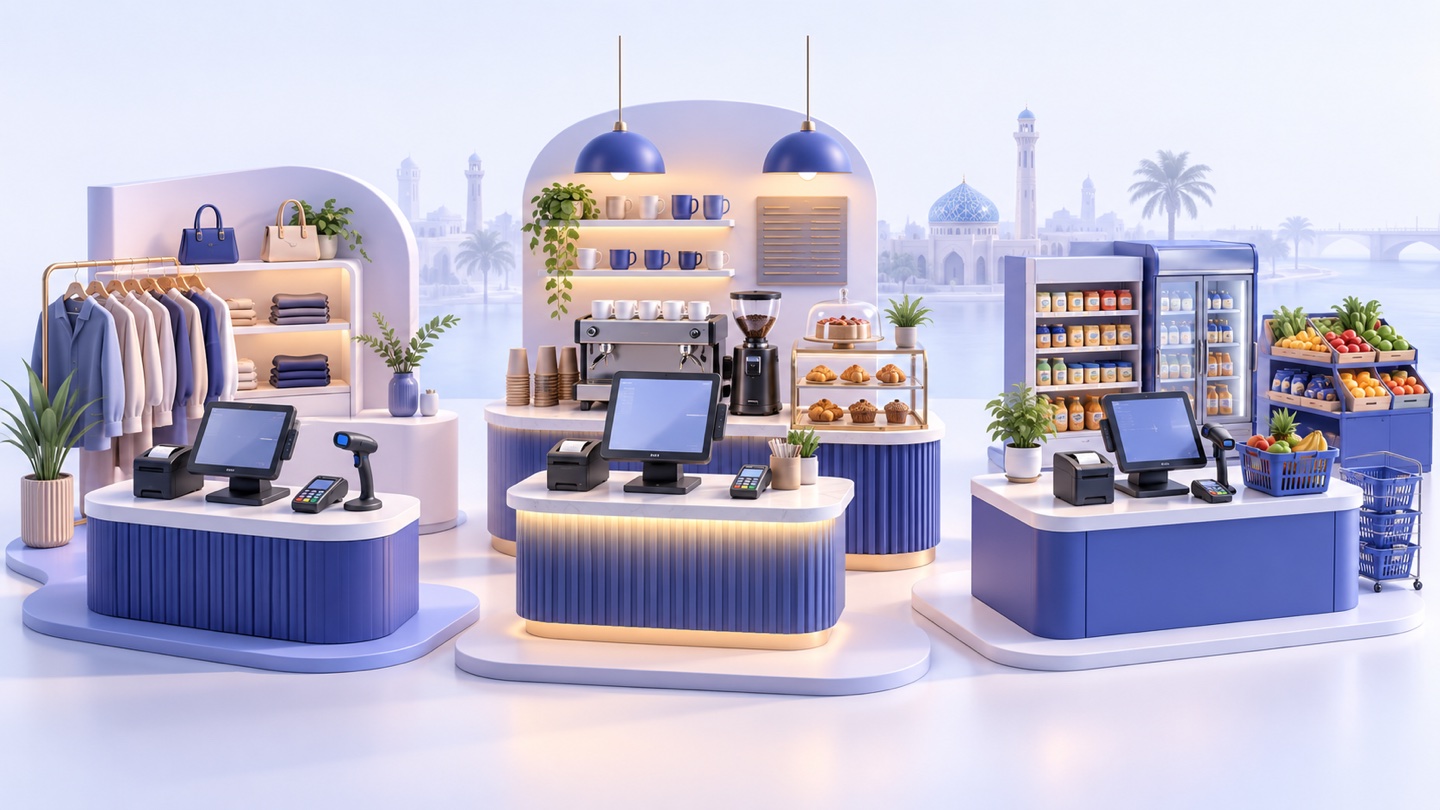
| Business | Must-check cashier features | Useful RA8M fit |
|---|---|---|
| Restaurant or café | Fast orders, modifiers, receipts, offline mode, recipe stock | POS, inventory, reports, roles |
| Retail or clothing shop | Barcode, variants, discounts, customers, invoices | POS, stock, purchases, branches |
| Supermarket | High-volume barcode sales, categories, low stock, daily reports | POS, inventory, purchase flow |
| Salon or service business | Services, staff tracking, invoices, payment records | POS, customers, finance, reports |
08
When RA8M fits and when simple software is enough
RA8M fits businesses in Iraq that need Arabic-first and bilingual cashier workflows, offline-ready POS, inventory, purchases, finance, reports, customer records, roles, branches, and optional ecommerce in one connected system. It is especially relevant when the owner wants the cashier to be part of the business operating system, not only a payment screen.
A simpler setup may be enough if one person sells a very small number of products, does not track inventory seriously, has no staff permissions, and does not need reports. But once you have employees, stock pressure, purchases, branches, or online orders, a connected POS becomes more practical.
09
Questions to ask before signing up
Ask the vendor to demonstrate your real day: one sale, one return, one purchase bill, one stock adjustment, one discount, one offline sale, and one daily report. If you sell online, ask how online orders affect the same stock record.
Also ask about onboarding, data import, device requirements, receipt printers, barcode scanners, support channels, and what happens if you change plan later. For formal accounting or tax decisions, treat POS reports as operational records and check with a qualified professional when needed.
10
Conclusion: choose the system that protects daily operations
The best cashier software is the one your team will actually use correctly under pressure. It should sell fast, stay available offline, speak Arabic clearly, control stock, protect roles, and show the owner what happened today.
If your business needs connected cashier, stock, reports, and online selling, review RA8M POS, compare current plans on Pricing, and check whether the ecommerce add-on fits your future online order workflow.
Frequently asked questions
What is the best cashier software for shops in Iraq?
The best choice is the one that matches the shop workflow: fast checkout, Arabic receipts, offline selling, inventory deduction, reports, roles, and support. Do not choose by price alone.
Should cashier software work offline?
Yes for many Iraq businesses. Offline-ready POS lets staff continue selling and printing receipts during internet interruptions, then sync data when the connection returns.
Is cashier software different from POS software?
Cashier software can mean only checkout, while POS software usually connects checkout to inventory, customers, invoices, payments, reports, roles, and branches.
How do I compare cashier software cost?
Divide the monthly subscription by 30, then compare that daily cost with time saved, fewer stock mistakes, better reports, and fewer manual corrections.
When does RA8M fit?
RA8M fits Iraq businesses that need Arabic-first cashier workflows, offline POS, inventory, purchases, finance, reports, roles, branches, and optional ecommerce in one connected system.
Written by
RA8M Team
Practical guides for restaurants, shops, and operations teams
Next step
Try RA8M with data close to your operation
Read next
Related RA8M guides
POS and Cashier
Cashier Software in Iraq: How to Choose for Your Shop
Read article
POS and Cashier
Billing Software in Iraq: POS Invoices, Payments and Reports
Read article
POS and Cashier
Cashier System for Supermarkets and Restaurants in Iraq: Hardware and Workflows
Read article
POS and Cashier
Offline Cashier Software That Syncs Later in Iraq
Read article
POS and Cashier
Free vs Paid Cashier Software in Iraq: What Do You Really Get?
Read article