Cloud POS System in Iraq: When It Fits Your Business
A practical Iraq guide to choosing a cloud POS system that connects cashier sales, inventory, reports, branches, and offline-ready selling.
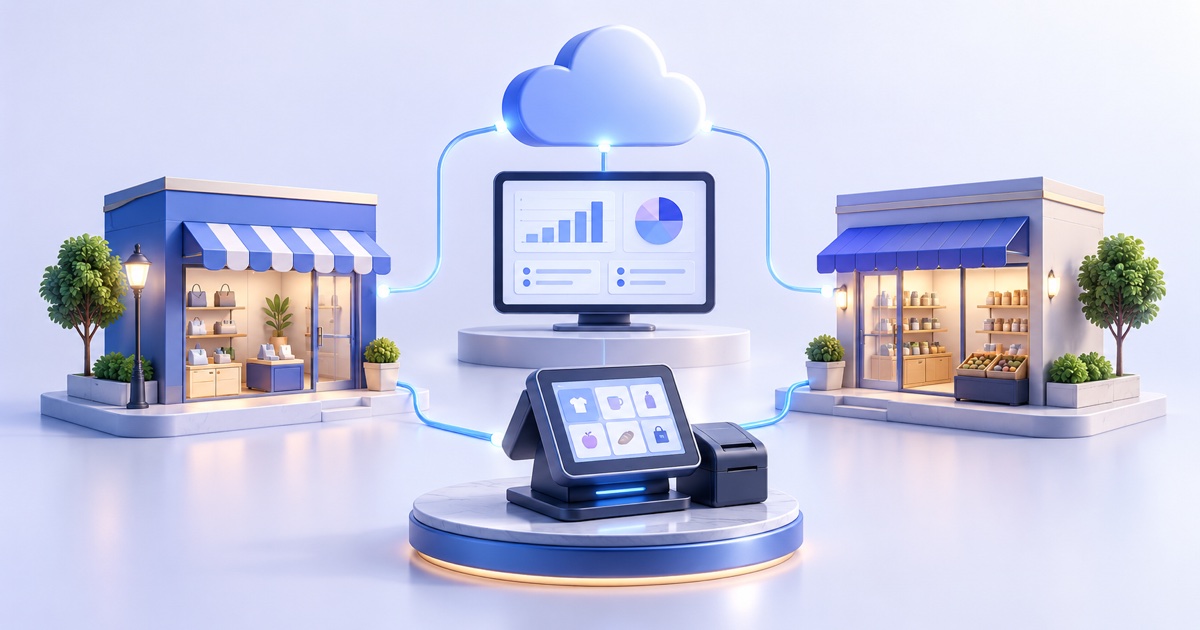
A cloud POS system is cashier software that connects sales, inventory, reports, users, and branches through a shared platform instead of keeping data on one isolated register. In Iraq, the safest choice is an Arabic-first cloud POS with offline selling, later sync, IQD reporting, and clear staff permissions so the business can keep selling during internet interruptions.
01
Cloud POS System in Iraq: When It Fits Your Business
This guide compares a cloud POS system with a local register and branch needs. If the buying question is offline selling followed by invoice and stock sync, start with the offline cashier test.
A cloud POS system helps a business run cashier sales, inventory, and reports from one connected operating base instead of one isolated register. For Iraq businesses, the key requirement is not only cloud access; the POS must be fast at the counter, Arabic-friendly, and able to keep selling offline when internet service is weak.
Quick answer: A cloud POS system is cashier software that connects sales, inventory, reports, users, and branches through a shared platform instead of keeping data on one isolated register. In Iraq, the safest choice is an Arabic-first cloud POS with offline selling, later sync, IQD reporting, and clear staff permissions so the business can keep selling during internet interruptions.
02
What is a cloud POS system?
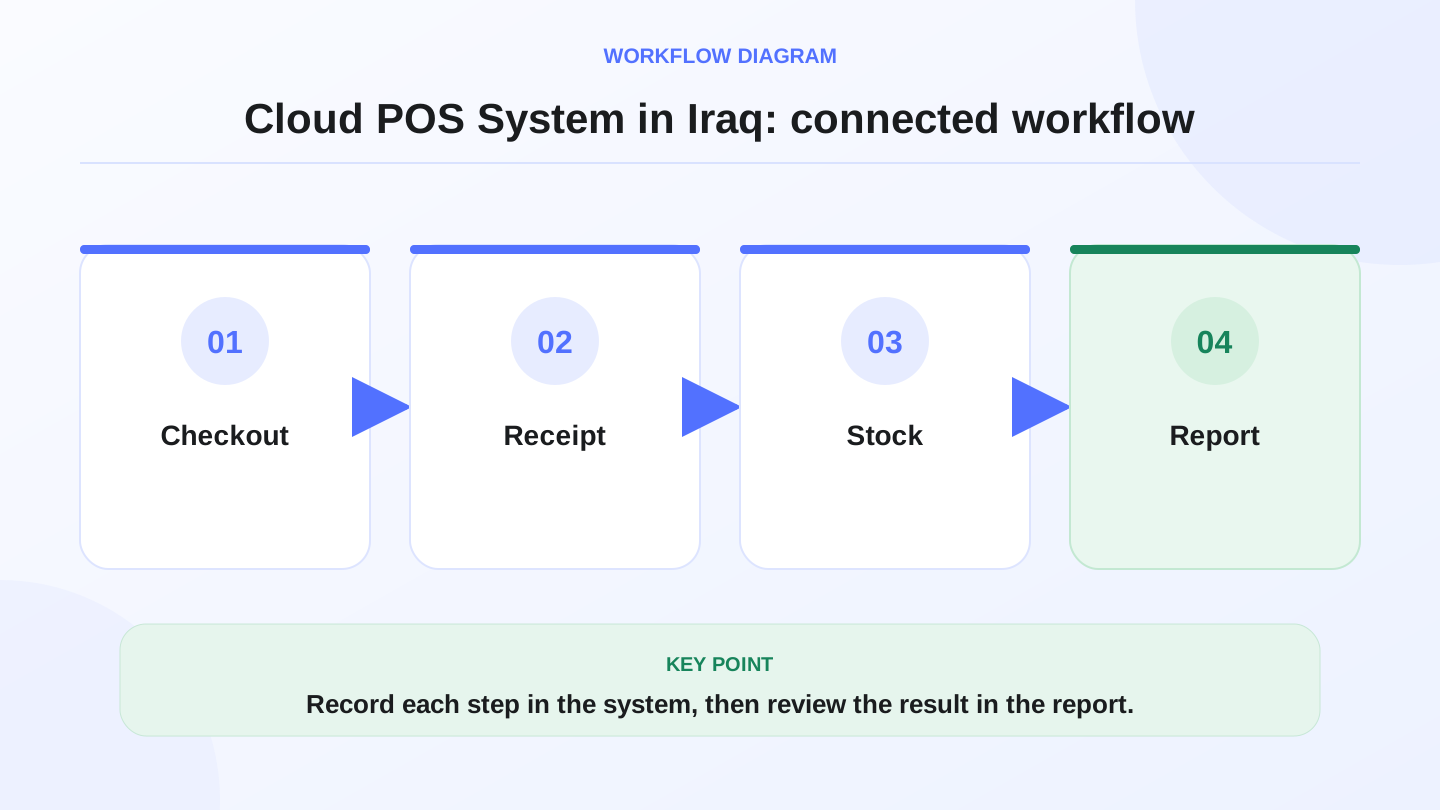
A cloud POS system connects the cashier workflow to a shared database. When a cashier sells a product, the invoice is recorded, stock decreases, the payment appears in reports, and the owner can review results from an admin dashboard.
This does not mean every second of work must happen online. A good system combines counter speed with management visibility. That is why Iraq shops and restaurants need a practical setup that supports Arabic and English teams, offline selling, and clear reports in Iraqi dinar.
03
Why does cloud POS matter in Iraq?
Many businesses in Baghdad, Basra, Erbil, Najaf, Mosul, and other Iraq cities sell from shelves, accept phone or online orders, and manage staff shifts at the same time. If sales data sits in one register, stock in a spreadsheet, and reports in a notebook, mistakes are discovered too late.
Cloud POS reduces that gap because sales, inventory, purchases, customers, branches, and reports can share one operating flow. Internet interruptions still happen, so offline-ready POS is not a nice extra. It is a practical requirement for busy cashiers.
04
Table: traditional register vs cloud POS system
A simple register may work for a very small operation. Once stock, branch visibility, staff permissions, or online sales matter, connected POS becomes safer.
| Decision | Traditional register | Cloud POS system | Owner impact |
|---|---|---|---|
| Reports | Manual end-of-day collection | Daily reports from the system | Faster decisions |
| Inventory | Often separate from sales | Stock decreases with invoices | Fewer quantity mistakes |
| Internet | May not need sync | Needs sync plus offline mode | Sales continue during outages |
| Branches | Hard to monitor | Branch-level visibility | Cleaner growth |
| Staff control | Limited permissions | Roles, discounts, and access control | Better accountability |
| Ecommerce | Usually disconnected | Can connect to online stock | Unified selling |
05
What features should you check first?
Start with the counter, not the marketing page. Can the cashier add products quickly? Can the team print receipts? Does stock decrease automatically? Can the owner see sales by day, employee, payment method, and branch?
Then check management features: roles, reports, product categories, customers, purchases, inventory transfers, and finance visibility. If you sell both in store and online, make sure the system can connect POS with ecommerce instead of forcing two separate inventory lists.
06
How do offline mode and sync work?
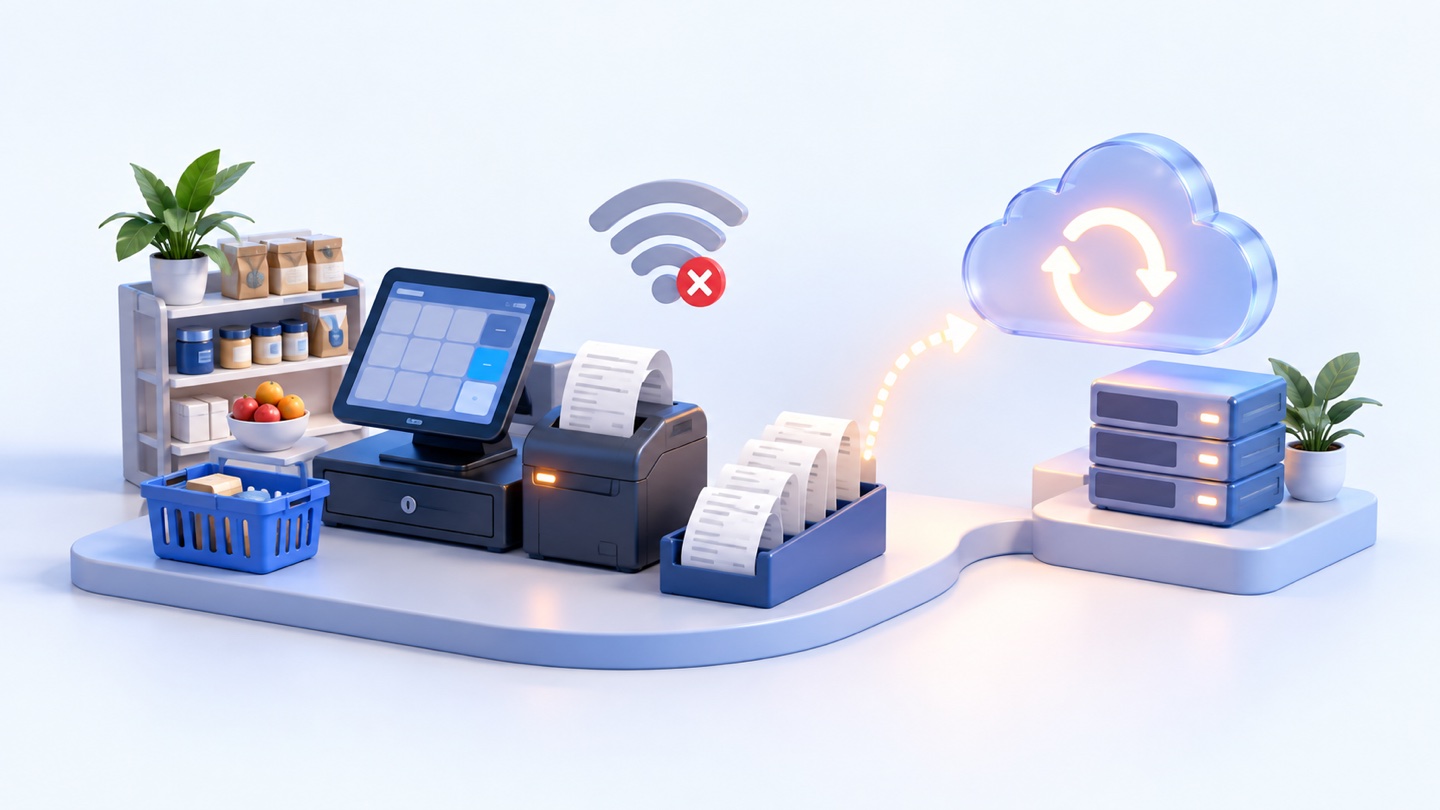
In normal conditions, the POS records sales and syncs data to the shared system. When the internet drops, the cashier should continue selling and recording transactions locally. When the connection returns, the system syncs those transactions, updates reports, and adjusts inventory.
This matters for restaurants, cafés, supermarkets, mini-markets, pharmacies, and retail shops because checkout cannot stop during rush hours. RA8M is built as an offline-ready POS that syncs when internet service returns.
07
Worked example: daily cost of a POS plan
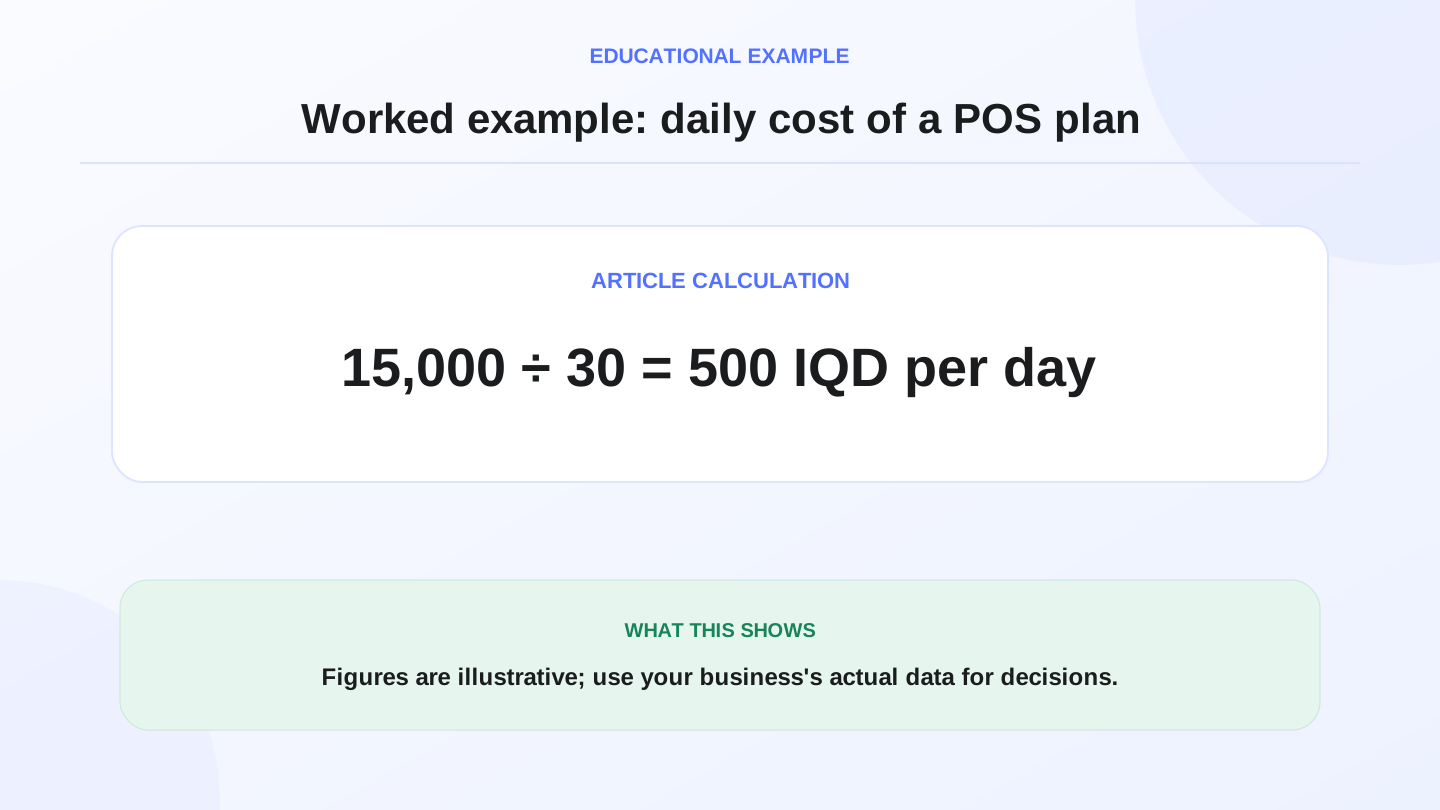
Assume a shop compares a plan that costs 15,000 IQD per month. The approximate daily cost is 15,000 ÷ 30 = 500 IQD per day. If the system prevents one stock error worth 10,000 IQD in a week, it has already covered a meaningful part of its operating cost.
These numbers are illustrative, not fixed commercial terms. RA8M pricing may change, so always verify the current plan on pricing before buying or comparing options.
08
Does cloud POS fit restaurants, shops, and supermarkets?
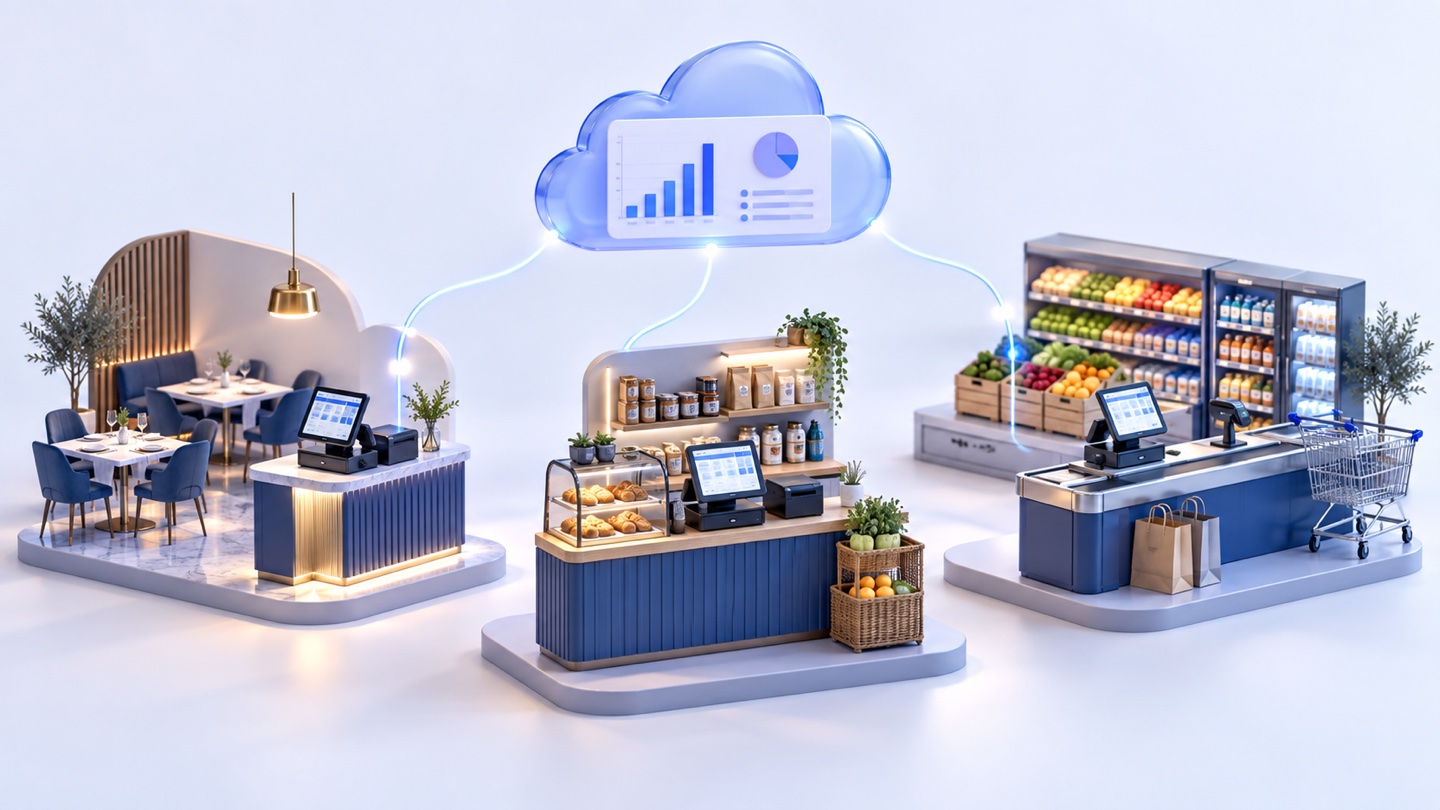
Yes, but each business uses it differently. A restaurant needs fast ordering, modifiers, receipts, recipes, stock deduction, and shift reports. A clothing shop needs barcode sales, sizes, colors, discounts, and customer history. A supermarket needs high-volume checkout, categories, low-stock visibility, and daily cashier closing reports.
The right system provides the shared base: cashier sales, inventory, reports, roles, and branches. Each industry then uses the features that match its workflow instead of forcing every business into the same screen.
09
When is a simpler setup enough?
If you have very few products, one employee, no serious stock risk, and no need for reports, a simple register or manual process may be enough at the beginning. Not every new business needs a full connected system on day one.
Move to cloud POS when you see quantity mistakes, slow cashier closing, unclear discounts, missing reports, or the need to manage another branch. Those are signs that the business has outgrown a disconnected setup.
10
Where RA8M fits
RA8M fits Iraq businesses that want Arabic-first cashier POS, inventory, purchases, finance, reports, branches, and ecommerce in one connected system. It supports Arabic and English workflows and serves restaurants, cafés, retail shops, supermarkets, pharmacies, salons, service businesses, and multi-branch operators.
If you mainly need in-store selling, start with the POS page. If you also want online sales, review the ecommerce page and then compare current plans on pricing.
11
Quick buying checklist
1. Does the cashier stay fast during rush hours?
2. Does it support Arabic RTL and English workflows?
3. Can staff keep selling offline?
4. Does stock decrease after each sale?
5. Are reports shown in IQD?
6. Are roles and branch permissions clear?
7. Can the system connect to an online store later?
12
Conclusion
A strong cloud POS system is not just a modern screen. It is a way to reduce daily errors by connecting cashier sales, inventory, reports, staff permissions, and branches.
Start from the real operating need: fast checkout, accurate stock, clear reports, and continued selling when internet is weak. If those needs matter, an offline-ready cloud POS will usually be safer than a traditional disconnected register.
13
FAQs
What is a cloud POS system?
It is cashier software that connects sales, stock, reports, users, and branches through a shared platform, so owners can manage daily operations beyond one isolated register.
Does a cloud POS system need internet all the time?
It needs internet for sync and reporting, but the right Iraq setup should allow offline sales and sync transactions when the connection returns.
When is cloud POS better than a traditional cash register?
It becomes better when you need daily reports, inventory control, staff roles, branch visibility, or a connection between in-store selling and ecommerce.
Does RA8M support cloud POS workflows?
Yes. RA8M connects POS, inventory, purchases, finance, reports, branches, and ecommerce in an Arabic-first system with offline selling and later sync.
Frequently asked questions
What is a cloud POS system?
It is cashier software that connects sales, stock, reports, users, and branches through a shared platform, so owners can manage daily operations beyond one isolated register.
Does a cloud POS system need internet all the time?
It needs internet for sync and reporting, but the right Iraq setup should allow offline sales and sync transactions when the connection returns.
When is cloud POS better than a traditional cash register?
It becomes better when you need daily reports, inventory control, staff roles, branch visibility, or a connection between in-store selling and ecommerce.
Does RA8M support cloud POS workflows?
Yes. RA8M connects POS, inventory, purchases, finance, reports, branches, and ecommerce in an Arabic-first system with offline selling and later sync.
Written by
RA8M Team
Practical guides for restaurants, shops, and operations teams
Next step
Try RA8M with data close to your operation
Read next
Related RA8M guides
POS and Cashier
Cashier System for Supermarkets and Restaurants in Iraq: Hardware and Workflows
Read article
POS and Cashier
POS Device in Iraq: Hardware, Software and Checkout Checklist
Read article
POS and Cashier
POS with Barcode in Iraq: Faster Checkout and Stock Control
Read article
POS and Cashier
Offline Cashier Software That Syncs Later in Iraq
Read article
POS and Cashier
Free vs Paid Cashier Software in Iraq: What Do You Really Get?
Read article