Grocery Store and Mini-Market Software in Iraq
A practical guide to choosing grocery store and mini-market software in Iraq for barcode checkout, inventory, purchases, offers, stock counts, and reports.
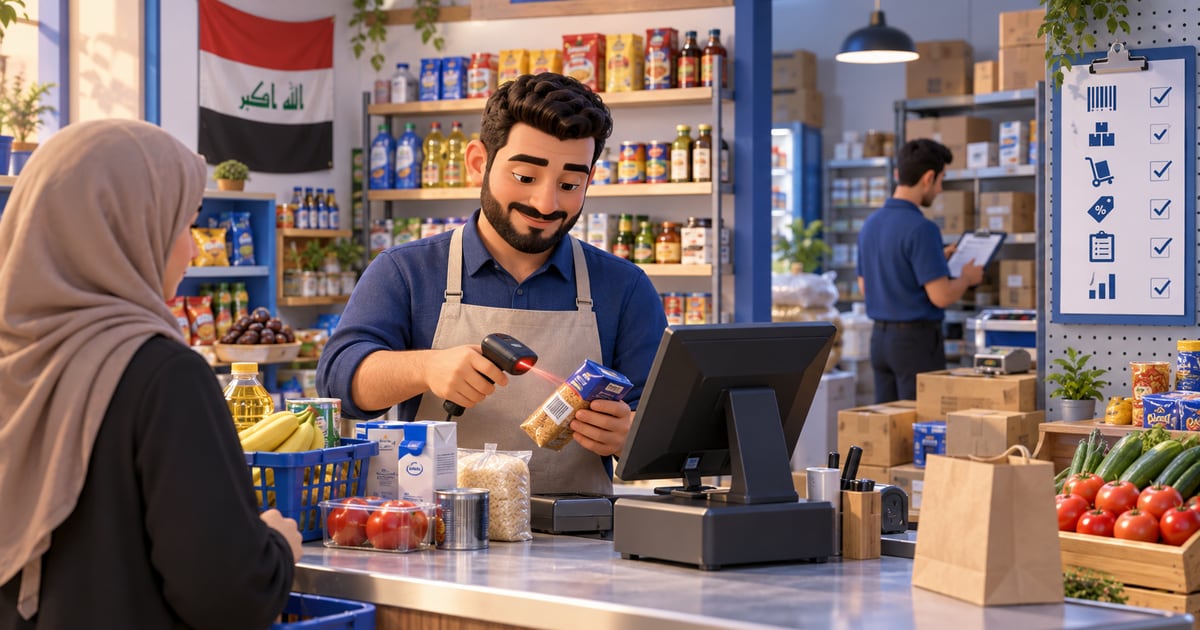
Grocery store software is a POS and inventory system that helps Iraq shops sell quickly by barcode, update stock after every invoice, record supplier purchases, manage offers, and review daily reports. The best fit supports Arabic workflows, IQD, offline-ready checkout, permissions, and inventory tracking because grocery and mini-market sales are fast and repetitive.
01
Grocery Store and Mini-Market Software in Iraq
A grocery store or mini-market does not need only a screen that prints receipts. It needs fast checkout, accurate barcode scanning, inventory that changes after every invoice, supplier purchases, controlled discounts, and an early warning before daily essentials such as water, milk, rice, juice, and detergents run out.
Quick answer: Grocery store software is a POS and inventory system that helps Iraq shops sell quickly by barcode, update stock after every invoice, record supplier purchases, manage offers, and review daily reports. The best fit supports Arabic workflows, IQD, offline-ready checkout, permissions, and inventory tracking because grocery and mini-market sales are fast and repetitive.
02
Why does a grocery store need more than a cash drawer?
A cash drawer answers only one question: how much cash came in today? It does not answer more important operating questions: which item is nearly out of stock, which product moves fastest, whether a discount was authorized, whether supplier purchases were entered correctly, or whether the cash drawer matches the POS report.
In foodstuff shops, profit is affected by small repeated movements. One bottle here and two cartons there seem simple, but over a week they can change the entire stock picture. If sales do not update inventory, the owner discovers the shortage only when a customer asks for a product that is no longer available.
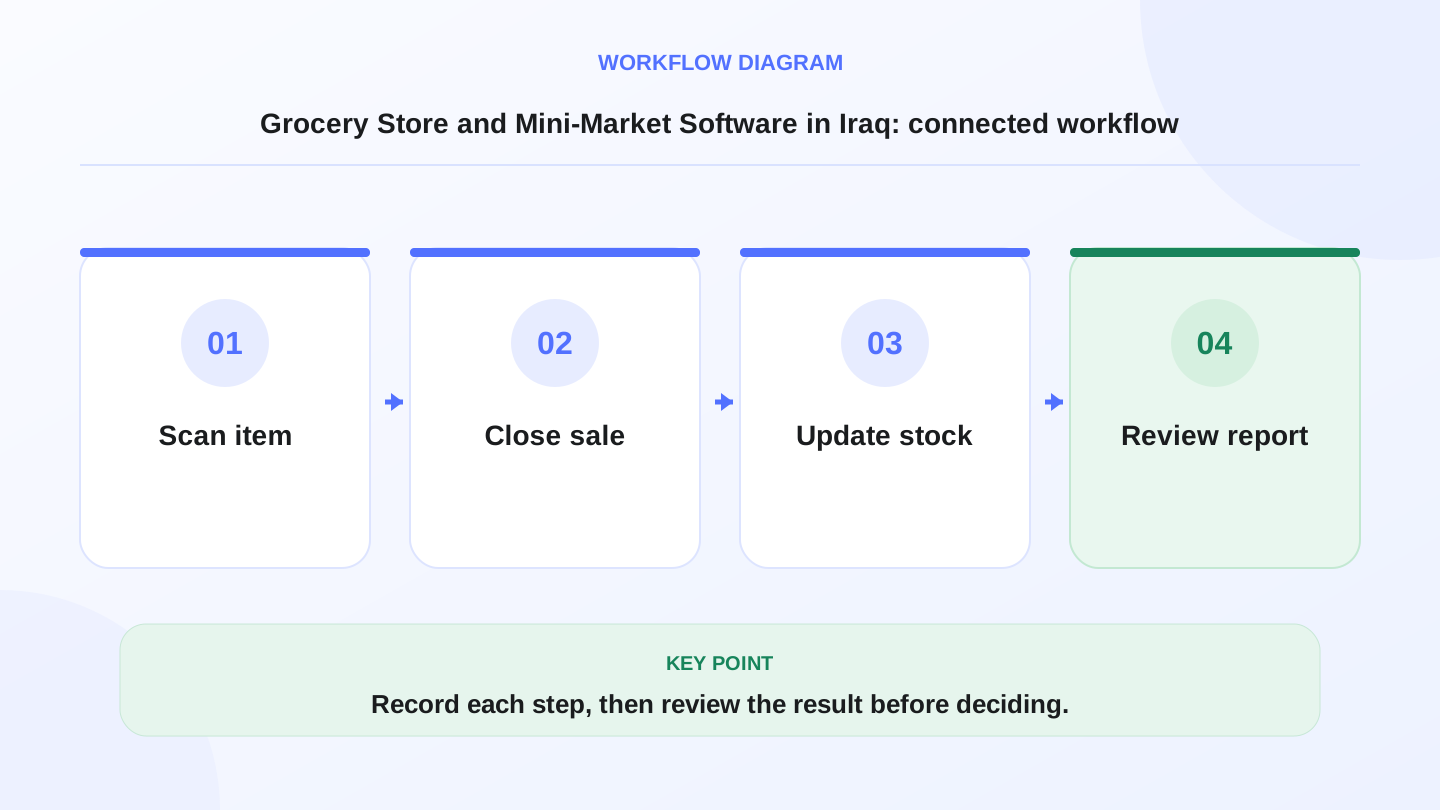
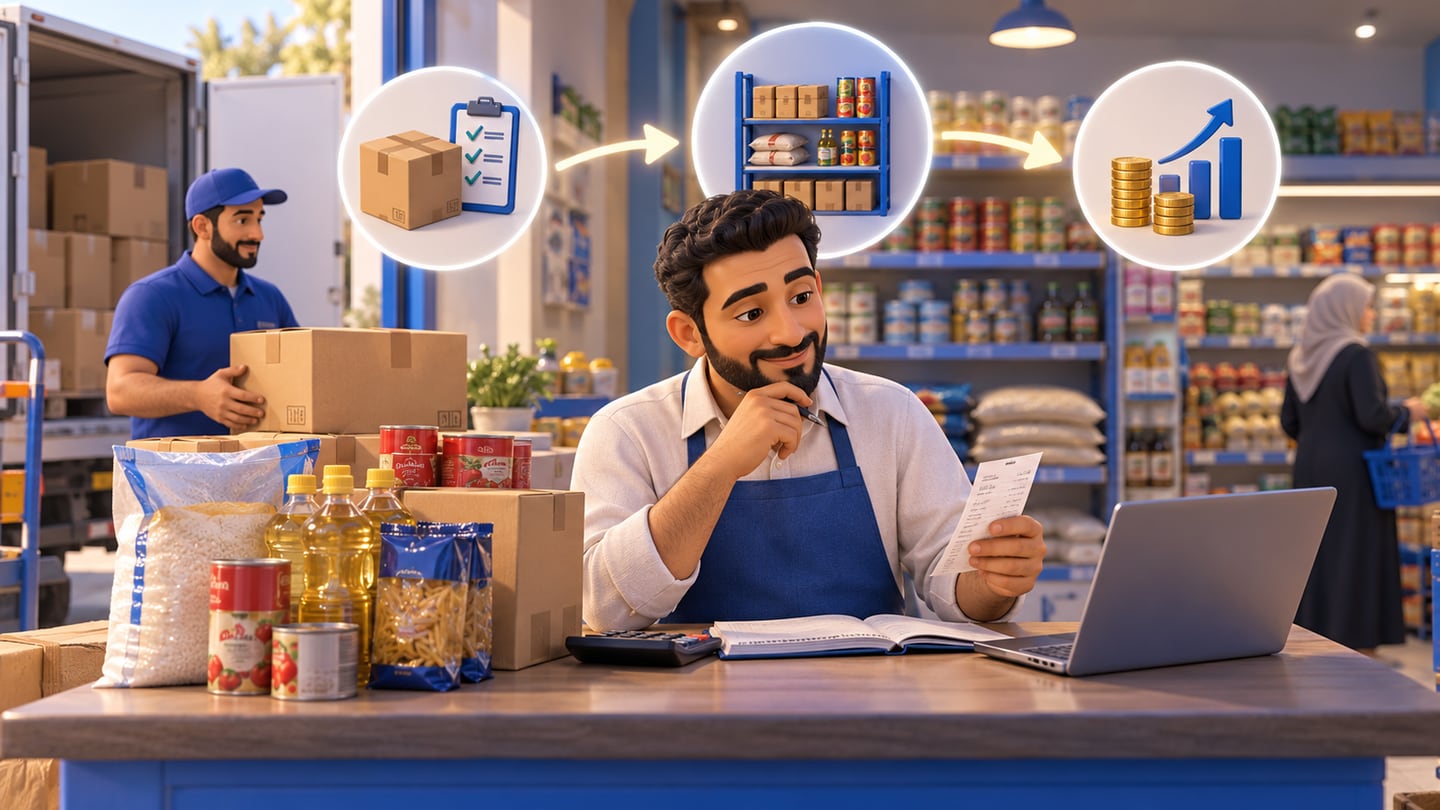
A practical sequence has four connected steps: Scan item, Close sale, Update stock, Review report. Recording each step makes the daily result easier to review.
03
What features should grocery store software include?
Start with the busiest point of work: checkout. The software should support barcode scanning, quick search, quantity changes, allowed discounts, payment method selection, and clear receipts. Then review what happens behind the screen: did stock decrease, did the sale appear in reports, and can an employee change prices without permission?
When testing a system, do not add only one product. Try 20 consecutive sales, one discount, one return, one supplier purchase, and one quick stock count.
| Area | Needed feature | Why it matters |
|---|---|---|
| Checkout | Barcode and quick search | Reduces queues and mistakes |
| Inventory | Stock update after each sale | Shows shortages early |
| Purchases | Supplier, quantity, and cost | Organizes buying and margin review |
| Offers | Discounts with permissions | Protects margin from random discounts |
| Reports | Daily sales and fast-moving items | Improves purchasing decisions |
| Offline POS | Selling during weak internet | Keeps checkout running during outages |
04
How does barcode checkout improve speed?
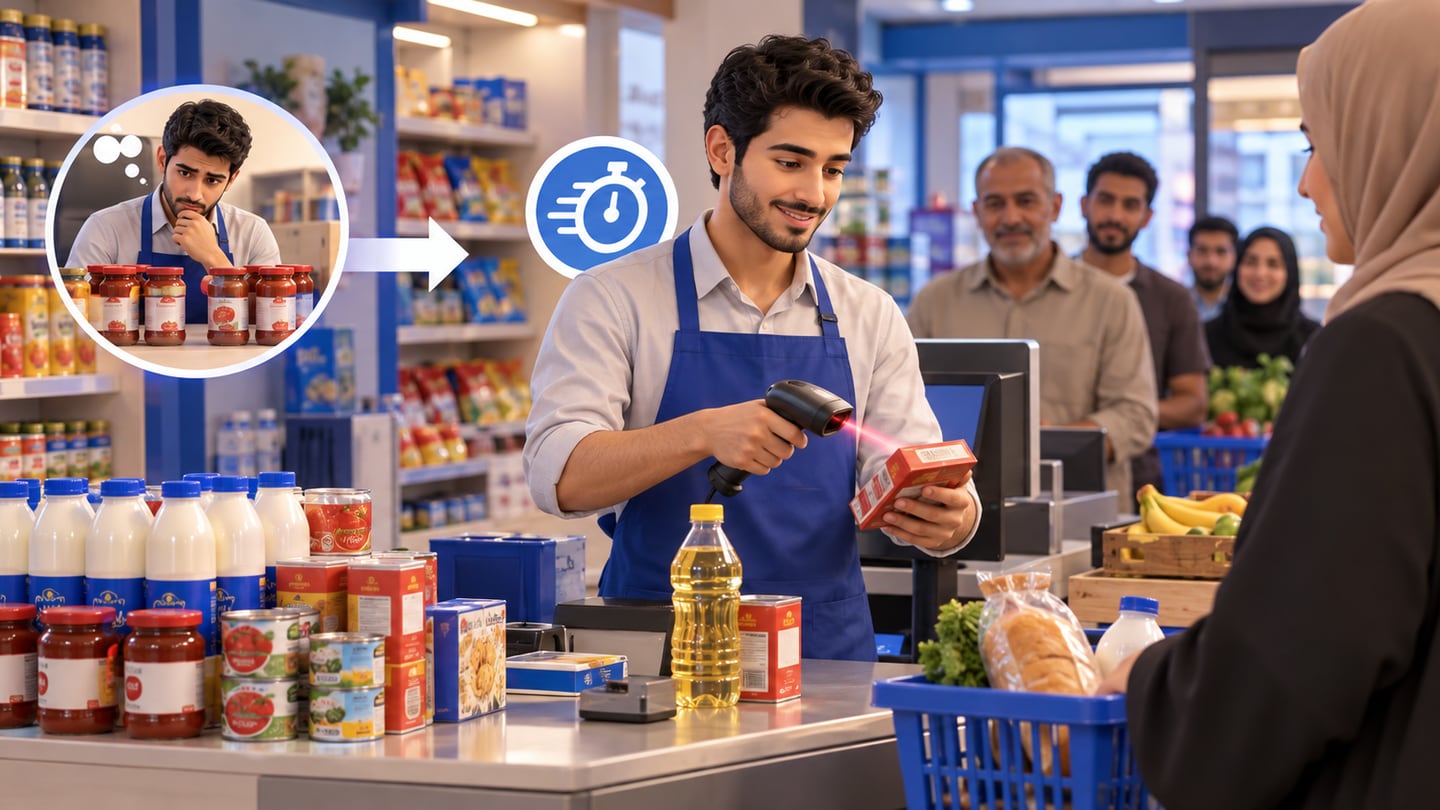
Barcode scanning matters because mini-markets sell many products, and many of them look similar. Searching by product name increases the chance of mistakes, especially when the employee is new or the queue is long. Scanning reduces time and links the sale to the correct product record.
But barcode workflows still require clean setup. You need to know which products already have manufacturer barcodes, which products need internal codes, and how to handle items sold by unit, pack, or carton. That preparation saves repeated errors later.
05
Worked example: water stock after a busy day
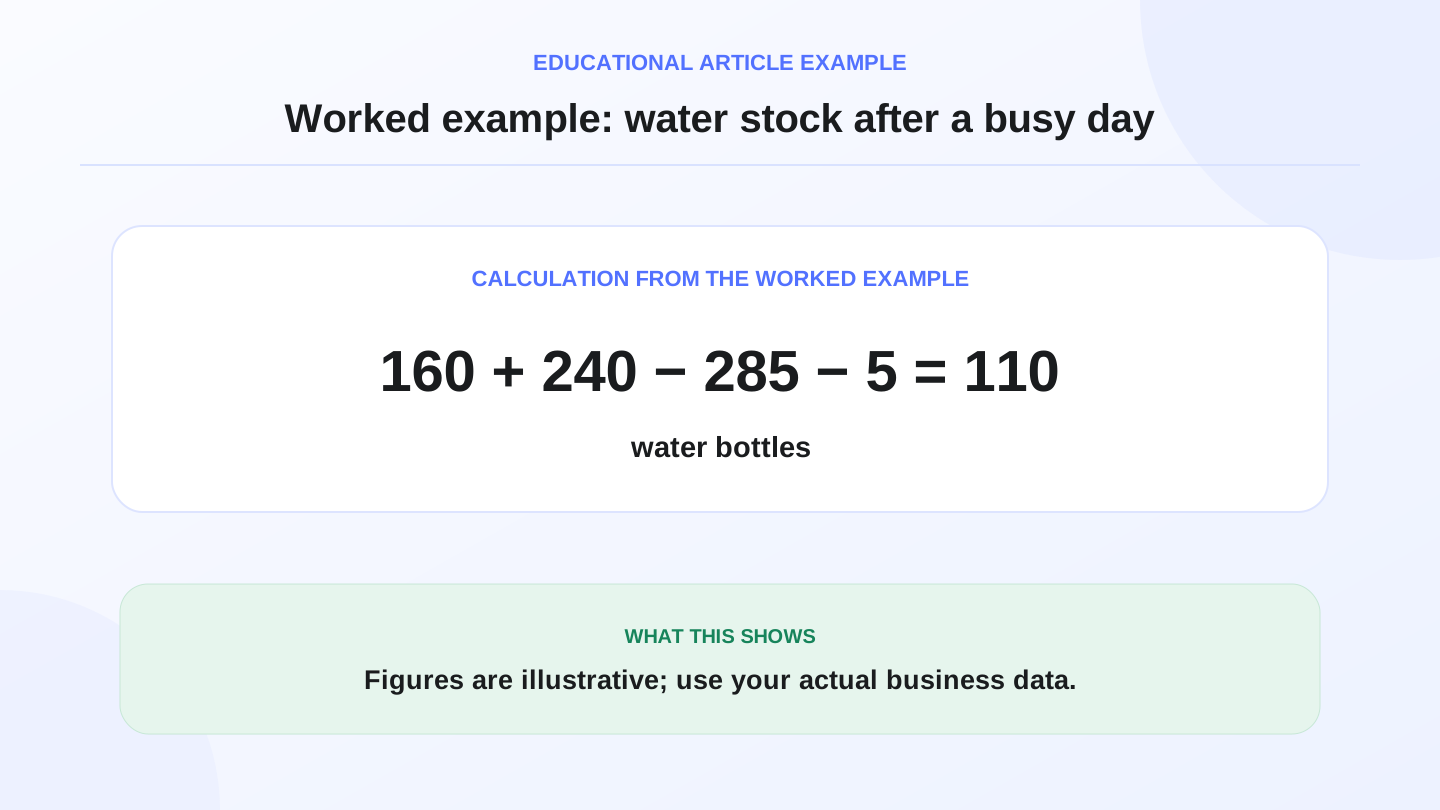
Imagine a mini-market in Karrada starts the day with 160 water bottles. It receives 240 bottles from a supplier, sells 285 bottles through POS, and finds 5 damaged bottles during review.
Expected closing stock = 160 opening + 240 purchase - 285 sales - 5 damaged = 110 bottles.
If the physical count shows 102 bottles, the difference is 8 bottles. The owner can then review sales invoices, purchase entry, damage permissions, and possible unrecorded transactions. The system does not prevent every mistake, but it makes the mistake searchable instead of mysterious.
These numbers are illustrative. Use your actual quantities, costs, and supplier records when calculating inventory and profit.
06
How do purchases connect to profit?
Many grocery owners focus on daily sales, but supplier purchases shape real profit. If supplier cost increases and the selling price is not reviewed, margin can fall without anyone noticing. The system should record purchase cost, quantity, supplier, and receiving date.
When purchases connect to inventory, decisions become clearer: should you order more of a fast-moving item, stop buying a slow item, or review the selling price of a product whose cost increased? RA8M POS connects POS with inventory, purchases, and reports, which makes the daily operating cycle easier to understand.
07
What about offers, discounts, and permissions?
Offers can attract customers, but random discounts can damage margin. Grocery store software should support clear discount rules and simple permissions. Not every employee should be able to change prices, cancel invoices, or mark items as damaged.
Many Iraq shops work with small teams, but that does not make permissions unnecessary. Simple permissions protect the team because they clarify who did what and when. They also reduce arguments when the owner reviews the cash drawer, discounts, and daily report.
08
Does a mini-market need advanced reports?
You do not need complex analytics on day one. You need reports that answer practical questions: total sales, payment methods, best-selling items, low-stock products, purchase activity, discounts, cancellations, and the difference between expected stock and the physical count.
A good report does not need to be long. It needs to lead to a clear decision at the end of the day.
| Report | Decision it supports |
|---|---|
| Daily sales | Match cash drawer and understand volume |
| Best-selling items | Increase purchase quantity or shelf focus |
| Low-stock items | Order before stockout |
| Discounts and cancellations | Review staff permissions |
| Purchases by supplier | Compare suppliers and order timing |
09
When does RA8M fit, and when is a simpler setup enough?
RA8M fits grocery stores and mini-markets that need Arabic POS, barcode sales, inventory, purchases, reports, permissions, and possibly ecommerce later. Offline-ready POS is also important because checkout should not stop when internet connectivity is weak.
A simpler setup may be enough if the shop is tiny, has very few SKUs, the owner sells alone, and there is no need for structured purchases or reports. But when SKUs, employees, suppliers, or daily stock differences increase, a connected system becomes clearer and often less costly than repeated manual mistakes.
Review current pricing before deciding, because public prices can change and should be verified on the live pricing page.
10
How should you apply the software during the first week?
Start with the products that move fastest: water, juice, milk, rice, sugar, detergents, and items that regularly create mistakes. Do not wait until every product is perfect before using the system. Add barcode data and opening quantities from a real stock count, not from memory.
Train the team on checkout, returns, allowed discounts, and one supplier purchase. At the end of each day, review the report and count only ten important items. This makes implementation practical and avoids overwhelming the team.
11
What should the owner test before buying?
A short demo is not enough. Test the workflow as if it were a real day. Scan multiple products quickly, change quantities, apply a controlled discount, receive stock from a supplier, sell part of that stock, count it again, and check whether the report makes sense.
Also test Arabic and English visibility if your team is bilingual. The system should feel natural for Arabic users while still allowing English where management or partners need it. For Iraq businesses, Arabic-first workflows, IQD, receipts, and offline-ready selling are not small details; they affect daily adoption.
Pair software tests with counter layout: cashier system for supermarkets and restaurants in Iraq covers barcode scanners, receipt printers, and shift handover on a real lane.
12
Conclusion: grocery software protects both speed and accuracy
A grocery store in Iraq needs speed, but speed without accuracy creates shortages, stock differences, and poor purchasing decisions. The right software connects checkout, inventory, purchases, permissions, and reports so the owner can see what sold, what remains, and what should be ordered next.
If you want structured operations, test the system on a real day: barcode sales, purchase receiving, discount, stock count, and report review. Then the decision is based on workflow evidence, not only on how attractive the interface looks.
Frequently asked questions
What is grocery store software?
It is POS and inventory software for grocery stores and mini-markets that helps with barcode checkout, stock updates, supplier purchases, invoices, and reports.
Does a mini-market need different software from a supermarket?
The core need is similar, but a mini-market usually needs a simpler and faster setup focused on barcode sales, inventory, purchases, and daily reports.
What is the most important feature for a foodstuff shop?
The most important feature is connecting sales to inventory. Every invoice should reduce stock so the owner sees shortages before a customer asks for an unavailable item.
Can RA8M work for grocery stores when internet is weak?
Yes. RA8M public materials describe the POS as offline-ready with syncing when internet returns, which matters for fast retail shops in Iraq.
When is a simpler grocery setup enough?
If the shop is very small, has few SKUs, and does not need structured purchases or reports, a simpler setup may be enough until product volume or staff grows.
Written by
RA8M Team
Practical guides for restaurants, shops, and operations teams
Next step
Try RA8M with data close to your operation
Read next
Related RA8M guides
Supermarket and Grocery
Foodstuff Shop Software in Iraq: POS and Stock Control
Read article
Retail Shops
Electronics Store Software in Iraq: POS, Stock and Repairs
Read article
Supermarket and Grocery
How to Open a Supermarket in Iraq: Location, Shelves, Suppliers, and Daily Operations
Read article
Accounting and Finance
Free Accounting Software in Iraq: Limits, Shop Needs, and When Integrated Reports Win
Read article
Sales and Inventory
Free Sales and Inventory Software in Iraq: Desktop vs Cloud, Stock, and Offline Reality
Read article