Cashier Software in Iraq: How to Choose for Your Shop
Choose cashier software for an Iraq shop by testing checkout speed, inventory, receipts, internet outages, and staff permissions before subscribing.
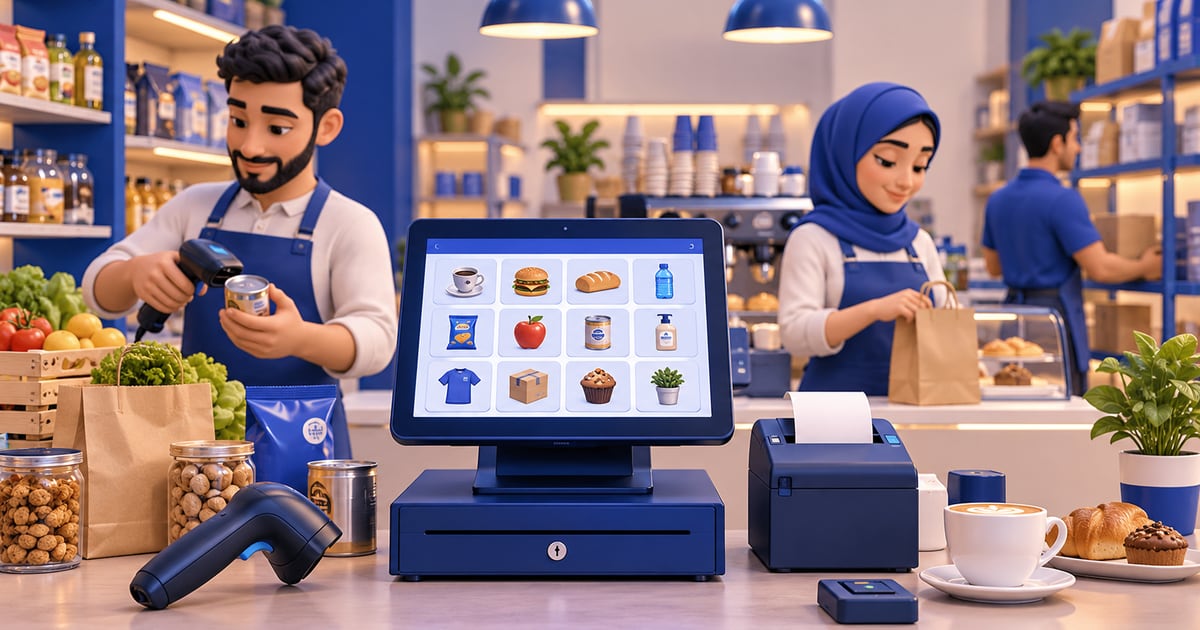
To choose cashier software for a shop or restaurant in Iraq, test a sale with three IQD-priced items, the receipt, stock deduction, staff permissions, and the daily close. If internet access is unreliable, test a cash sale offline and verify the invoice after sync. RA8M connects POS, inventory, and reports; choose a plan after trying your real workflow.
01
Cashier Software in Iraq: How to Choose for Your Shop
Choosing a cashier for your Iraq shop? Start with a sale from your own business, rather than a long feature list: add three IQD-priced items, take payment, print a receipt, and check that stock and the daily report change. Run the test with the employee, device, and printer you will actually use.
Practical answer: Choose cashier software that makes Arabic checkout fast, controls discounts and refunds by role, and gives the owner sales and stock from the same records. If your connection is unreliable, add an offline cash sale and check the invoice after sync. You can try RA8M POS and review current pricing before subscribing.
This guide covers the overall software choice for a shop or restaurant: speed, inventory, staff, and reporting. If the deciding question is continuity during an internet outage, use the step-by-step offline cashier test.
02
What is cashier software?
Cashier software is the checkout system staff use to record sales. A basic system totals items and prints a receipt. A stronger POS system also updates inventory, records customers, tracks payment methods, shows shift reports, protects staff permissions, and connects sales with purchases and finance.
For Iraq businesses, the cashier is often the busiest operational point. It must be fast enough for rush hours, clear enough for Arabic-speaking staff, and reliable enough when the internet drops. If the cashier stops, the business loses time and trust.
That is why owners should compare the full workflow, not only the checkout screen. The question is not only can it sell? The better question is what happens after each sale?
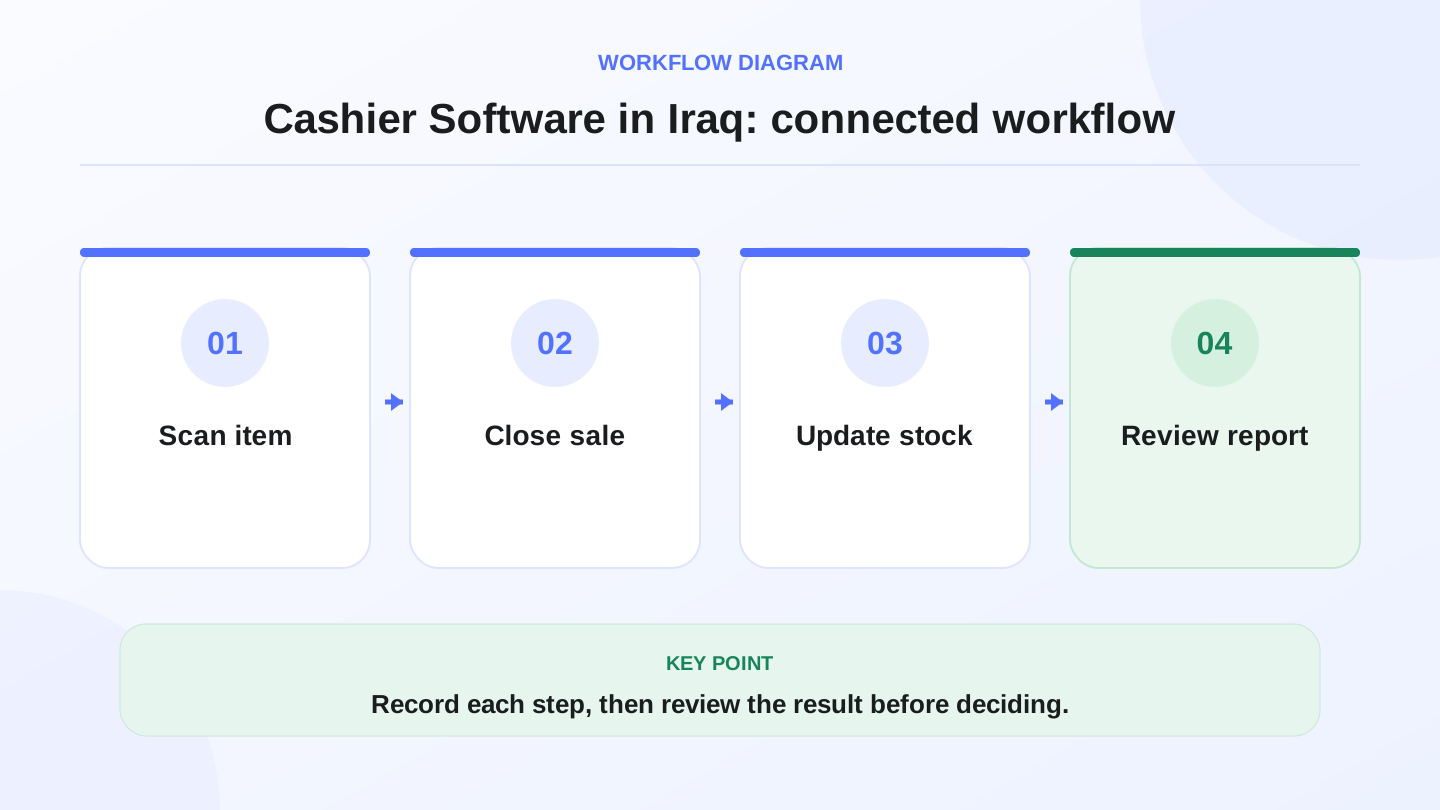
A practical sequence has four connected steps: Scan item, Close sale, Update stock, Review report. Recording each step makes the daily result easier to review.
03
What should cashier software do every day?
A practical cashier system should handle normal sales, discounts, returns, payment methods, customers, and receipts. It should also reduce stock automatically, show what sold, and help the owner understand cash, card, COD, and online order activity.
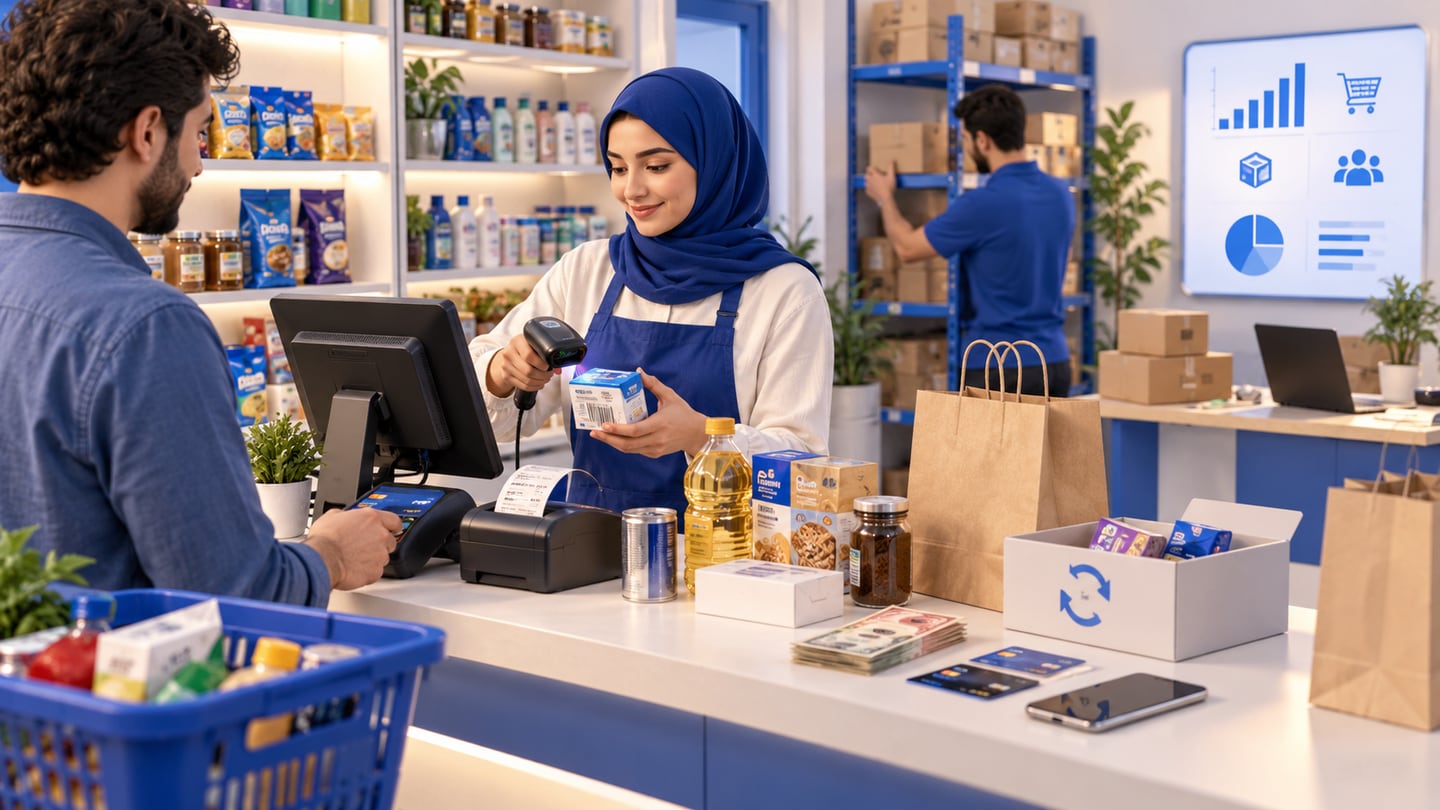
Use this table as a vendor demo script. Ask the seller to run each workflow live, not only show screenshots.
| Workflow | What the system should do | Why it matters |
|---|---|---|
| Checkout | Add products, quantities, discounts, and payment method | Keeps sales fast and consistent |
| Receipts and invoices | Print or record clear Arabic and English transaction details | Helps staff and customers review purchases |
| Inventory | Deduct sold items and show low stock | Prevents selling items that are not available |
| Staff roles | Limit refunds, discounts, reports, and settings | Reduces mistakes and misuse |
| Reports | Show daily sales, items, shifts, payments, and stock movement | Gives the owner operating visibility |
| Offline mode | Keep selling during internet interruption and sync later | Protects revenue during busy hours |
04
Why Arabic-first matters in Iraq
Many global POS tools technically allow Arabic product names, but that is not the same as an Arabic-first workflow. Iraq teams may need RTL screens, Arabic receipts, Arabic product categories, IQD pricing, and managers who can read reports without translating every field.
English support still matters. Some owners, accountants, suppliers, or partners work in English. The best setup for many Iraq businesses is bilingual: Arabic for cashier speed and English where managers need it.
RA8M is positioned as Arabic-first and bilingual, with Arabic RTL workflows and English support. That makes it easier for mixed teams to work from one system instead of switching between translated spreadsheets and disconnected apps.
05
Offline selling is not optional for many shops
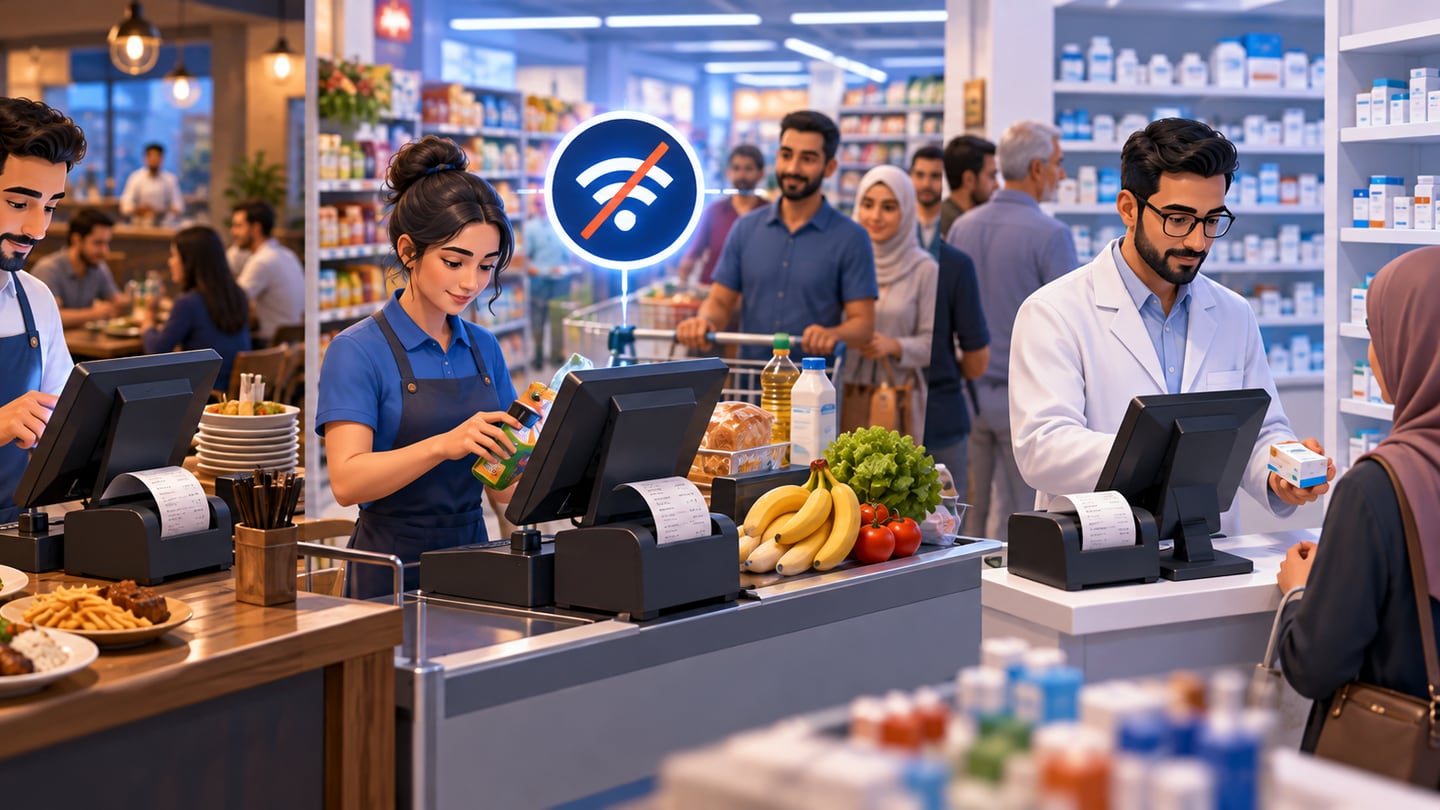
Internet interruptions are not rare enough to ignore. A restaurant during lunch, a supermarket at evening rush, or a pharmacy during a customer queue cannot stop selling because the connection dropped.
Offline-ready cashier software should allow staff to keep adding products, recording transactions, and printing or issuing receipts. When the connection returns, the system should sync sales and update connected records. Owners should ask how conflicts are handled, whether reports mark offline sales clearly, and what staff can or cannot do offline.
RA8M POS is described in public materials as offline-ready, with sales continuing during internet interruption and syncing when the connection returns.
06
Worked example: checkout to inventory math
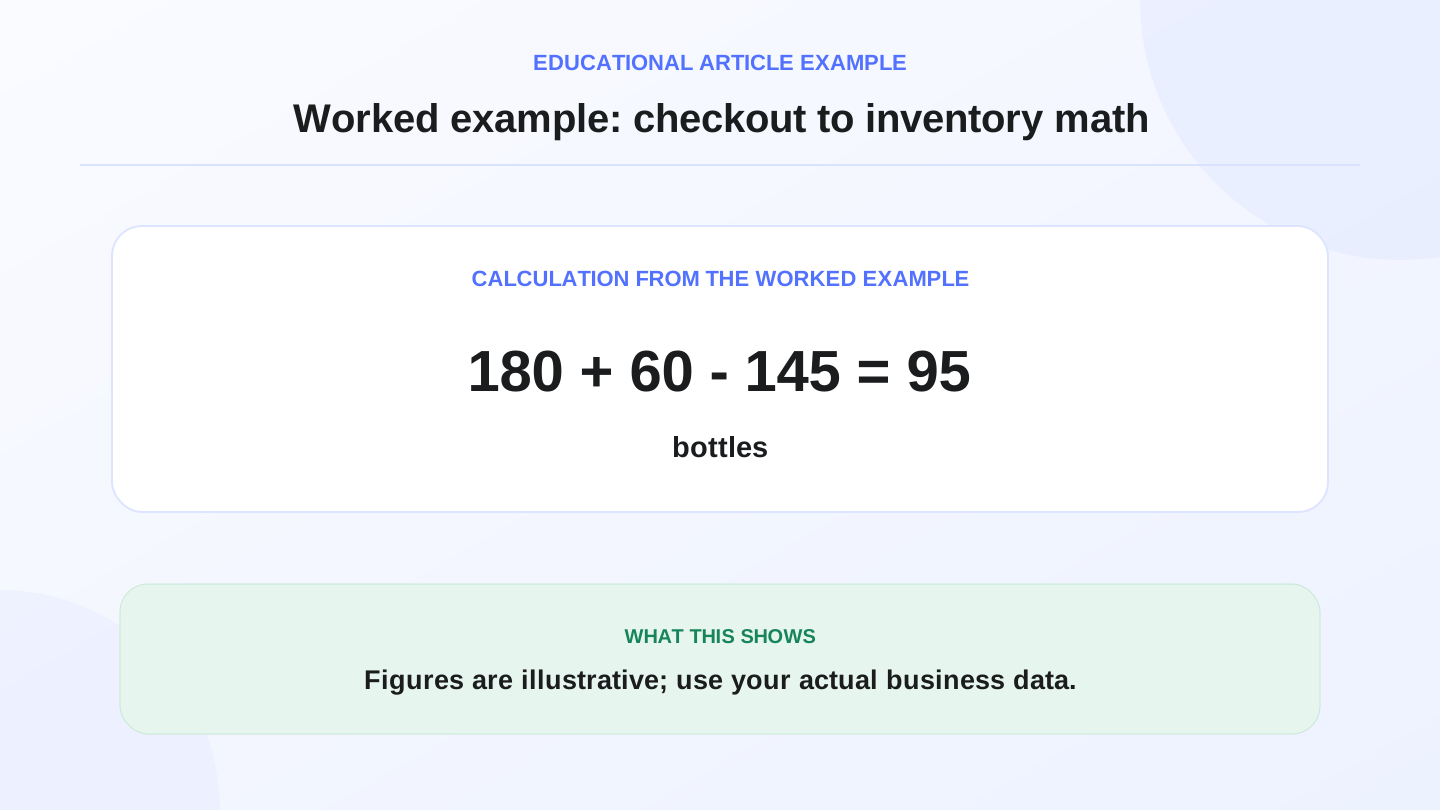
Assume a mini-market starts the day with 180 bottles of water. It receives 60 more bottles from a supplier and sells 145 bottles through the cashier.
Expected closing stock = opening stock + purchases - sales.
180 + 60 - 145 = 95 bottles expected closing stock.
If the shelf count at closing is 91 bottles, the difference is 4 bottles. The owner can investigate breakage, unrecorded sale, wrong receiving quantity, or staff mistake. Without connected cashier and inventory software, this problem may stay hidden until the next full stock count.
This example is illustrative, but the equation is practical. A cashier system should make daily stock math easier, not force the owner to calculate everything from paper receipts.
07
Cashier software by business type
Different Iraq businesses need different cashier details. A café may care about modifiers, recipes, and fast order entry. A clothing shop needs variants, sizes, colors, and discounts. A supermarket needs barcode speed and low-stock discipline. A pharmacy needs structured product control and branch-level visibility where relevant to the workflow.
The right cashier software is the one that matches the work at the counter and the decisions after the counter.
| Business type | Features to check first | Useful RA8M fit |
|---|---|---|
| Restaurant or café | Touch ordering, modifiers, receipts, stock deduction, reports | POS with inventory and offline sales |
| Retail or clothing shop | Barcodes, variants, discounts, customers, stock movement | POS, customers, reports, ecommerce sync |
| Supermarket or mini-market | Fast scanning, categories, purchases, low stock, daily reports | Barcode checkout and inventory control |
| Pharmacy | Structured sales, inventory discipline, branch reports | POS, roles, inventory, reports |
| Salon or service business | Services, staff workflows, invoices, payments | POS, customers, roles, reports |
08
How to compare free and paid options
Free cashier software may help a tiny seller test checkout basics. It becomes risky when the business needs support, offline selling, inventory, roles, purchases, reports, branches, or ecommerce. The hidden cost is usually manual work: copying sales into spreadsheets, adjusting stock late, or rebuilding data when the business grows.
Paid software should not be chosen only because it costs money. It should be chosen because it saves work, reduces mistakes, and gives better control. Pricing may change, so always verify RA8M plan details on Pricing before buying.
09
When RA8M fits and when a simpler setup is enough
RA8M fits Iraq businesses that need Arabic-first cashier software connected to POS, inventory, purchases, customers, finance, reports, roles, branches, and optional ecommerce. It is relevant for restaurants, cafés, shops, supermarkets, pharmacies, salons, manufacturers, service businesses, and multi-branch operators.
A simpler setup may be enough for a one-person seller with very few products, no staff permissions, no inventory pressure, and no reporting needs. But once staff, stock, customers, branches, or online orders matter, disconnected cashier tools become harder to control.
Useful pages to review are POS, Industries, and Pricing.
10
Conclusion: choose cashier software by control, not only checkout
The best cashier software in Iraq should make daily selling faster and daily management clearer. It should help staff sell, help inventory stay accurate, and help owners read reports without waiting for manual reconciliation.
Before choosing, test the workflows that happen every day: sale, discount, return, barcode scan, offline sale, stock deduction, purchase receiving, staff role, and end-of-day report. If the system handles those cleanly, it is more than a cash register; it is the operational front door of the business.
Frequently asked questions
What is cashier software?
Cashier software is a POS system for checkout, receipts, payments, inventory deduction, staff roles, customers, and sales reports.
What should cashier software in Iraq include?
It should include Arabic and English workflows, IQD pricing, offline selling, barcode checkout, inventory, purchases, reports, and practical support.
Is cashier software different from POS software?
In daily use they often mean the same thing, but POS software usually includes broader inventory, reporting, customer, branch, and finance workflows.
Does RA8M work as cashier software?
Yes. RA8M POS supports cashier workflows and connects sales with inventory, customers, finance, reports, branches, and ecommerce.
When is a simple cash register enough?
A simple register may be enough for a tiny operation with few items, no inventory pressure, no staff controls, and no need for reports.
Written by
RA8M Team
Practical guides for restaurants, shops, and operations teams
Next step
Try RA8M with data close to your operation
Read next