POS with Barcode in Iraq: Faster Checkout and Stock Control
A practical guide to POS with barcode workflows for Iraq shops: checkout speed, inventory accuracy, label discipline, branch stock, math example, and checklist.
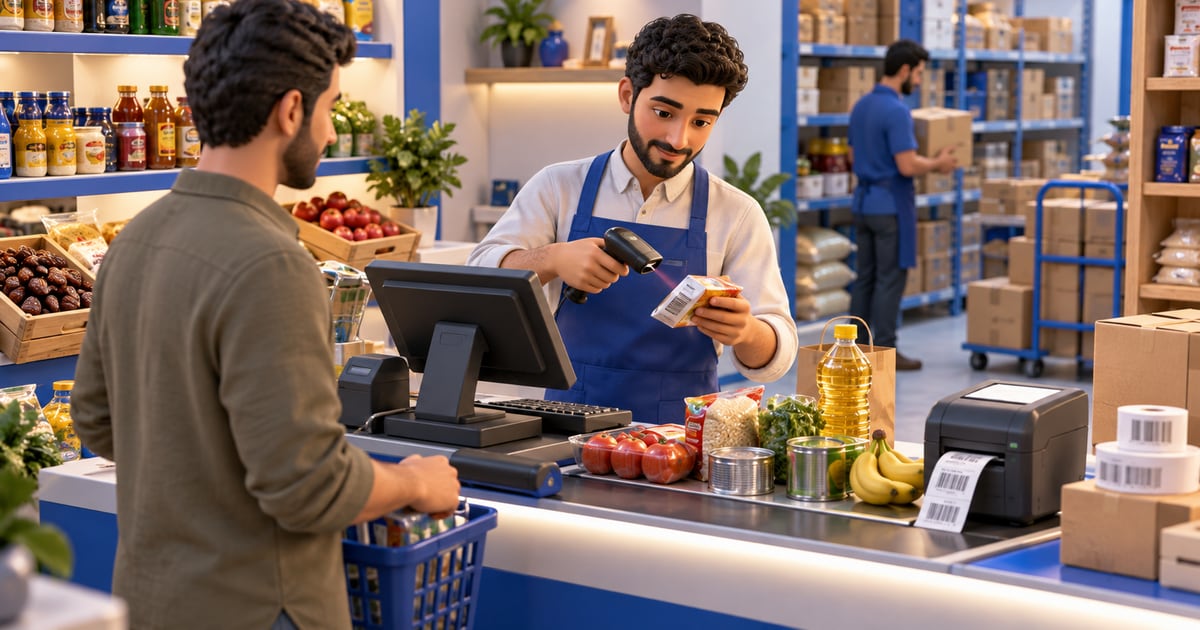
A POS with barcode lets Iraq shops scan products at checkout, identify the correct item or variant, reduce manual price entry, and update inventory automatically after each sale. It is most useful for supermarkets, pharmacies, clothing stores, electronics shops, and retailers with many SKUs because barcode discipline connects cashier speed with stock accuracy and daily reports.
01
POS with Barcode in Iraq: Faster Checkout and Stock Control
A barcode is not only a sticker on a product. In a serious shop, it is the bridge between the cashier, the shelf, the warehouse, and the owner report.
Quick answer: A POS with barcode lets Iraq shops scan products at checkout, identify the correct item or variant, reduce manual price entry, and update inventory automatically after each sale. It is most useful for supermarkets, pharmacies, clothing stores, electronics shops, and retailers with many SKUs because barcode discipline connects cashier speed with stock accuracy and daily reports.
02
What does POS with barcode mean?
A POS with barcode is a cashier system where products are sold by scanning a barcode instead of typing a name or price manually. The scan should pull the product name, price, variant, discount rule, inventory record, and reporting category into the sale.
For Iraq retailers, this matters because many shops sell similar-looking products: shampoo sizes, phone accessories, medicine packages, grocery items, clothing sizes, cosmetics shades, or spare parts. A barcode reduces guessing at the cashier and gives the owner cleaner stock data.
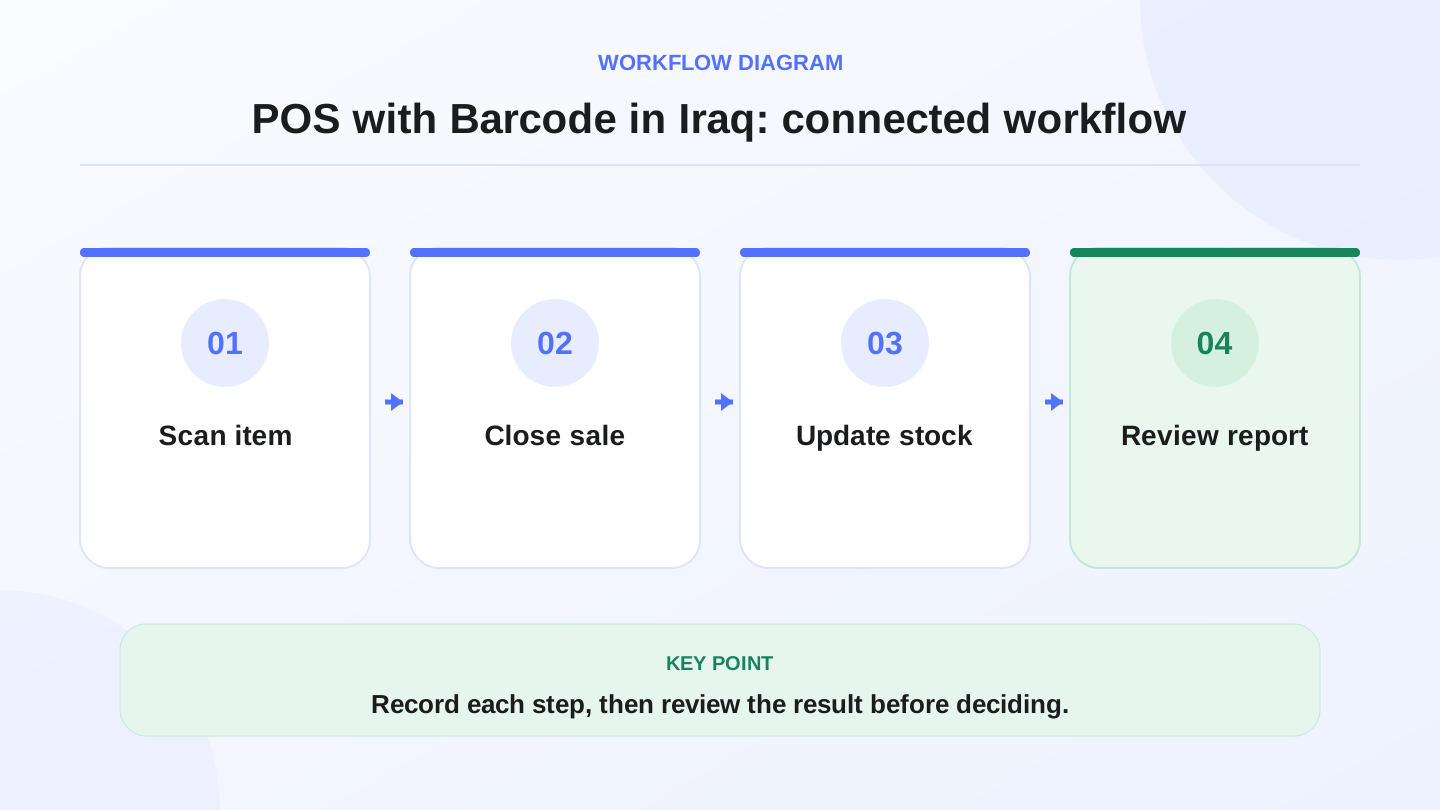
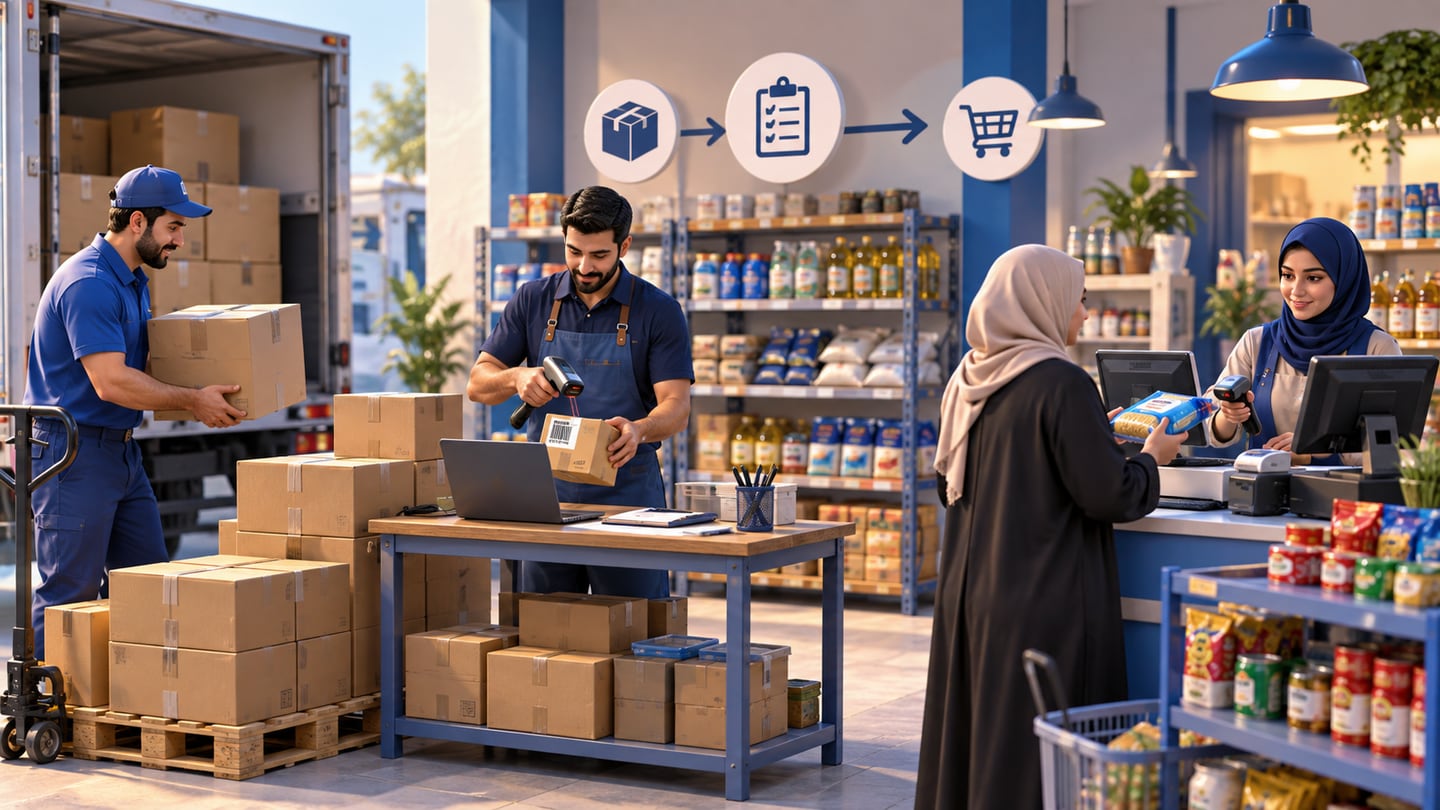
A practical sequence has four connected steps: Scan item, Close sale, Update stock, Review report. Recording each step makes the daily result easier to review.
03
Why barcode discipline matters in Iraq shops
Many local businesses start with a simple cashier screen or notebook. That can work while the owner personally knows every product. It becomes risky when staff join, product count grows, or branches open.
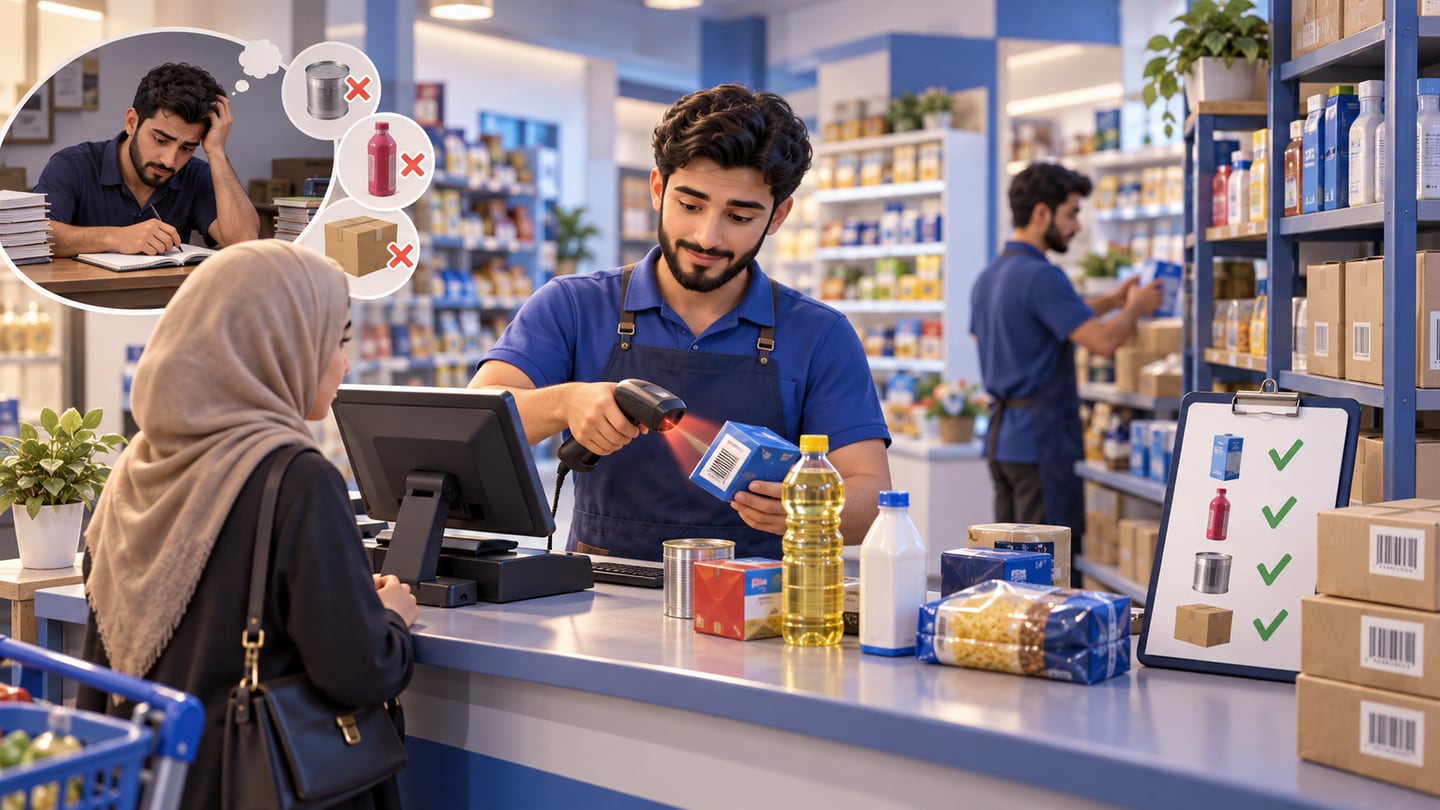
The common failure is not one big mistake. It is hundreds of small mistakes: the cashier chooses the wrong item, a variant is sold under a generic product, a promotion is applied manually, or an item leaves the shelf without reducing stock. Barcode discipline makes each sale more structured.
A barcode process also helps Arabic and English teams work together. The product can carry Arabic names, English names, SKU codes, categories, and prices, while the cashier only needs to scan the right label.
04
Barcode POS features to look for
Use this table before choosing software. If a barcode scan only fills a price but does not connect to inventory and reports, it is not enough for a growing business.
| Feature | Why it matters | Practical test during a demo |
|---|---|---|
| Fast scan-to-cart | Keeps checkout lines moving | Scan 20 mixed products quickly |
| Product and variant match | Prevents size or color errors | Scan two similar variants |
| Inventory deduction | Updates stock after each sale | Sell 5 units and check stock |
| Purchase receiving | Adds stock from supplier bills | Receive a purchase then scan |
| Price and discount control | Reduces manual price changes | Try a cashier-only discount |
| Arabic product names | Helps local teams read items | Search and print Arabic names |
| Branch stock visibility | Separates locations | Check stock in two branches |
05
Worked example: barcode sales and expected stock
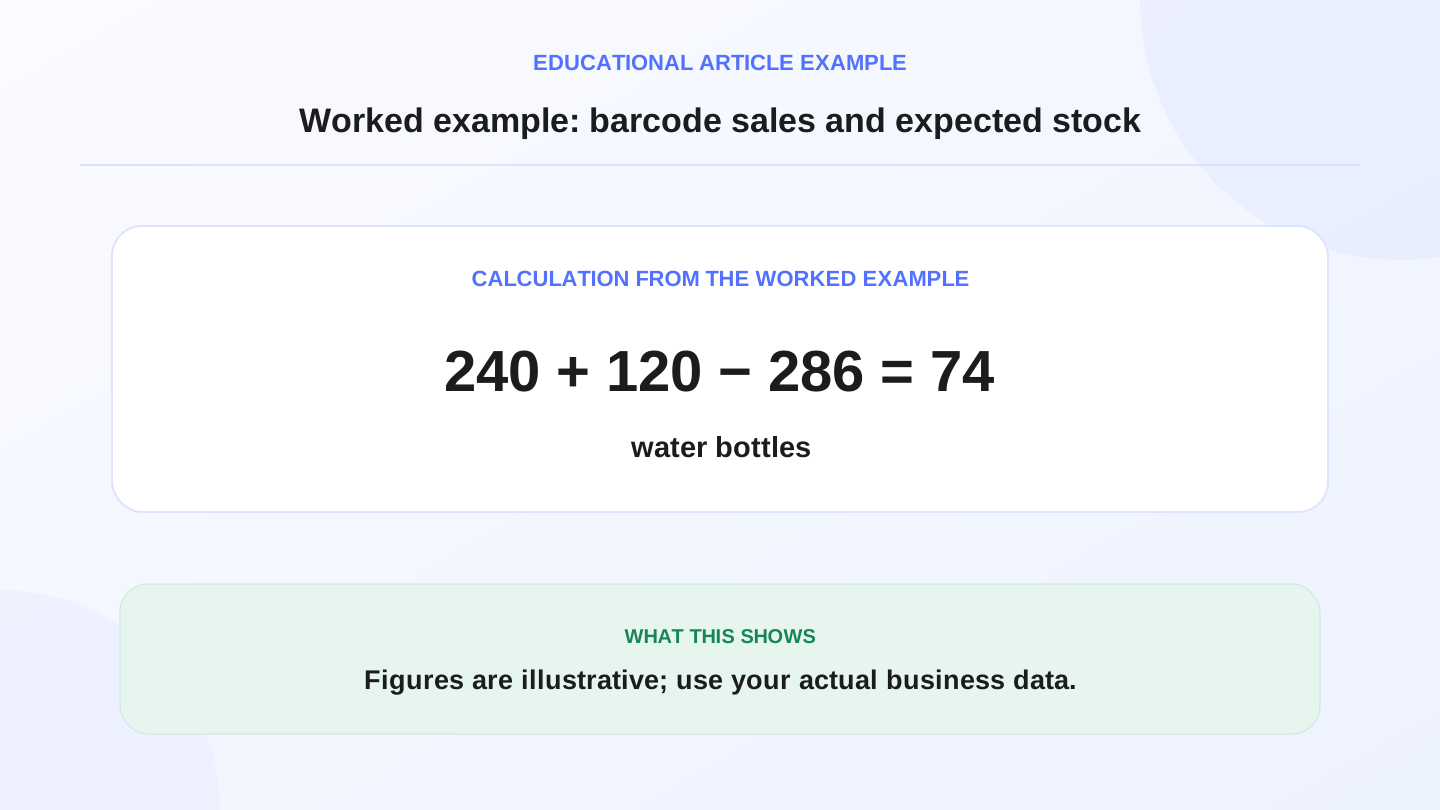
Assume a mini-market in Baghdad starts the morning with 240 bottles of water. It receives 120 more bottles from a supplier and sells 286 bottles during the day through barcode scans.
Expected closing stock is: 240 opening + 120 purchases - 286 scanned sales = 74 bottles.
If the physical count at night is 70 bottles, the variance is 70 counted - 74 expected = -4 bottles. The owner now has a precise line to investigate: broken bottles, unscanned sales, supplier shortage, wrong barcode mapping, or counting error. Without barcode sales, the owner may only know that cash entered the drawer, not which items caused the stock difference.
06
Barcode labels, SKUs, and variants
Barcode POS works best when product setup is clean. Each sellable item should have a consistent product record. A small bottle and a large bottle should not share the same barcode. A black size 42 shoe should not be mixed with a black size 43 shoe. A phone charger with one brand should not be sold under another brand.
SKUs help the business keep internal order even when supplier barcodes are inconsistent. The key is to decide the rule before the store becomes too large: which products use supplier barcodes, which products get in-store labels, and who is allowed to edit product records.
07
How barcode POS connects to purchases
Barcode discipline should start before checkout. When supplier goods arrive, the team should receive products into inventory using product records, quantities, costs, and categories. If purchases are entered carefully, the barcode sale later has a reliable stock number to deduct from.
This is where POS and purchase management should work together. A shop that scans at checkout but receives supplier bills in a separate spreadsheet will still struggle to know real margin and stock. RA8M connects POS, inventory, purchases, reports, roles, and branches, so barcode sales can become part of the full money and stock trail.
08
When barcode is essential and when it is optional
Barcode scanning is essential when the business has many products, fast queues, staff turnover, branches, inventory variance, or product variants. Supermarkets, pharmacies, cosmetics shops, electronics stores, and clothing shops usually benefit quickly.
It may be optional for a very small service business or a café selling a short menu from touch buttons. In those cases, a product grid can be enough. The decision should follow the workflow: if staff can reliably identify every item without mistakes, barcode may wait. If similar products cause confusion, barcode should become a priority.
09
Offline selling and barcode scanning
Internet interruptions should not stop a shop from selling. For Iraq businesses, an offline-ready POS matters because checkout needs to continue even when the connection drops.
The practical test is simple: disconnect the internet, scan products, print or record the receipt, then reconnect and confirm that sales sync correctly. RA8M POS is offline-ready and syncs when internet returns, which supports barcode checkout in real operating conditions rather than only in a perfect demo.
10
Reports owners should review
A barcode POS should produce reports that owners actually use. The most useful reports are top-selling items, slow-moving items, low stock, variance after stocktaking, sales by cashier, sales by branch, and category margin.
These reports turn barcode scanning into decisions. If a supermarket sees fast movement in one category, it can reorder earlier. If an electronics shop sees returns around one SKU, it can check supplier quality. If a clothing shop sees size-level stock problems, it can adjust purchasing.
11
How RA8M fits barcode POS workflows
RA8M fits Iraq businesses that want barcode cashier sales connected to inventory, purchases, customers, finance, reports, roles, branches, Arabic, English, and offline-ready POS. Review RA8M POS for cashier workflows and RA8M pricing before choosing a plan because pricing may change.
A simpler setup may be enough if the owner sells a small number of items alone and does not need inventory discipline yet. RA8M becomes more useful when stock mistakes, staff roles, daily reports, branches, purchases, or ecommerce inventory sync start to matter.
12
Conclusion
POS with barcode is one of the fastest ways to make checkout cleaner and inventory more trustworthy. It reduces manual entry, identifies the right product, and gives owners better reports.
For Iraq shops, the best barcode system is not only a scanner. It is a connected workflow: purchase items, label them correctly, scan them at checkout, deduct inventory, review variance, and use reports to reorder. If that is the workflow you need, start by comparing connected POS options rather than standalone barcode tools.
Frequently asked questions
What is a POS with barcode?
A POS with barcode is cashier software that identifies products by scanning barcode labels, then adds the correct item, price, tax or discount rule, and inventory deduction to the sale.
Which Iraq businesses need barcode POS most?
Supermarkets, pharmacies, clothing shops, cosmetics stores, electronics shops, and any retailer with many products, variants, or fast checkout lines benefit most from barcode POS.
Can a small shop start without barcode scanning?
Yes. A small shop with few products can start with manual product selection, then add barcode discipline when sales volume, staff count, variants, or stock mistakes increase.
Does RA8M support barcode sales and inventory?
RA8M POS supports barcode-to-cart workflows and connects sales with inventory, customers, purchases, reports, roles, branches, and offline-ready cashier operations.
Written by
RA8M Team
Practical guides for restaurants, shops, and operations teams
Next step