Restaurant Cashier in Iraq: Free POS Limits and What Full Service Needs
A practical guide to free restaurant POS in Iraq: cashier speed, menus, modifiers, inventory deduction, offline selling, reports, pricing, and upgrade timing.
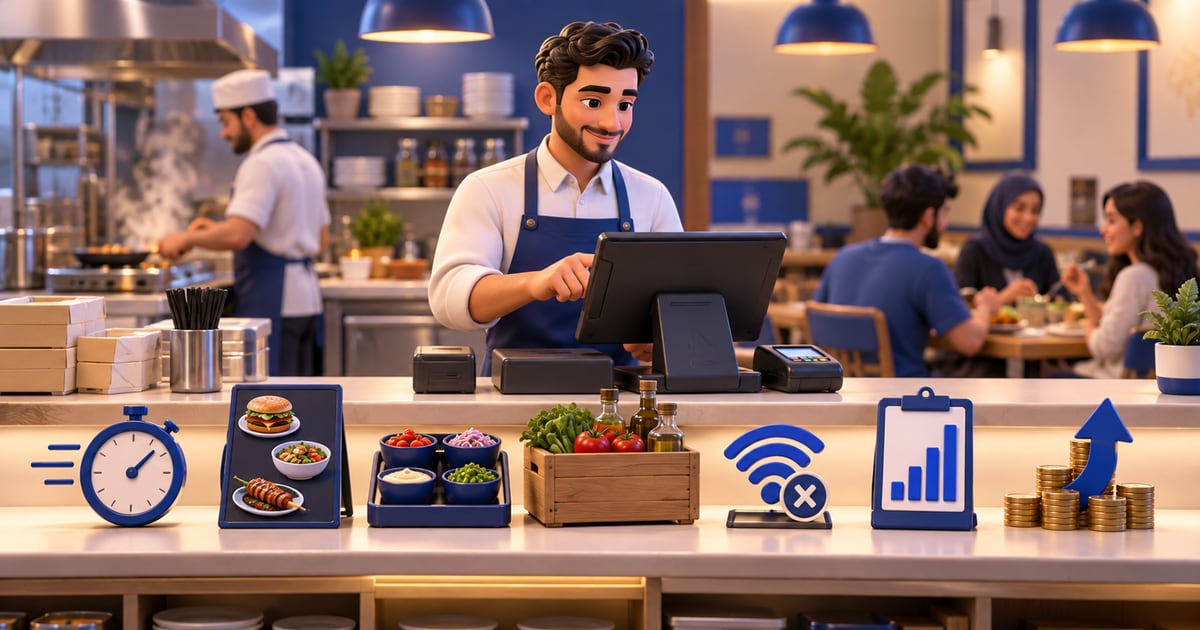
A free restaurant cashier—كاشير مطعم in Arabic—can help a small Iraq restaurant test digital tickets, but it often fails when you need table maps, kitchen order routing, split bills, delivery status, recipe stock deduction, offline rush-hour selling, and manager permissions. Compare the free tool against wrong orders, void abuse, and missing ingredient reports before peak season.
01
Restaurant Cashier in Iraq: Free POS Limits and What Full Service Needs
A restaurant cashier—what Iraqi teams call كاشير مطعم—is more than a total at the register. It is table status, kitchen tickets, split payments, delivery queues, and end-of-day cash that must match IQD sales. Free restaurant POS can be a useful starting point, but it should not be chosen only because it costs zero today. For restaurants and cafes in Iraq, the real question is whether the system can handle fast orders, modifiers, receipts, inventory deduction, staff roles, offline selling, delivery workflows, and reports without creating hidden costs.
Quick answer: A free كاشير مطعم setup can help a small Iraq restaurant test digital tickets, but it often becomes limiting when you need table maps, kitchen routing, split bills, delivery tracking, recipe inventory deduction, offline rush-hour selling, staff roles, and reliable reports. Owners should compare the free setup against the cost of wrong meals, void abuse, delays, and missing stock visibility—not only the subscription price.
02
What is a cashier in a restaurant?
In Iraq, cashier (كاشير / الكاشير) usually means the staff or screen that records orders and payments. In retail, that is barcode checkout; in restaurants, كاشير مطعم builds tickets with modifiers, tables, kitchen sends, and sometimes delivery—not a single product total.
03
What is a restaurant cashier (كاشير مطعم)?
كاشير مطعم—restaurant cashier—is the front-of-house selling workflow in Iraqi restaurants and cafés: capture dine-in, takeaway, and delivery orders; apply modifiers; route kitchen or bar tickets; record IQD payments; and produce item and cash reports managers can trust at close. It is not the same as retail barcode checkout. If your search is for a free download, treat كاشير مطعم as a checklist of table, kitchen, split-bill, and delivery behaviors—not only a monthly price of zero.
04
What does free restaurant POS usually include?
A free POS setup usually covers the basics: add menu items, create orders, accept payment, print or share receipts, and view simple sales totals. For a small juice bar, shawarma counter, or coffee cart, that may be enough to stop using only paper tickets.
The problem appears when the restaurant becomes busier. Free tools may limit devices, users, order volume, reporting, support, offline mode, integrations, or advanced inventory. Some free systems are also free only until the restaurant needs an important feature.
A good test is simple: can the free system run your busiest hour without slowing the cashier, confusing the kitchen, or losing sales data?
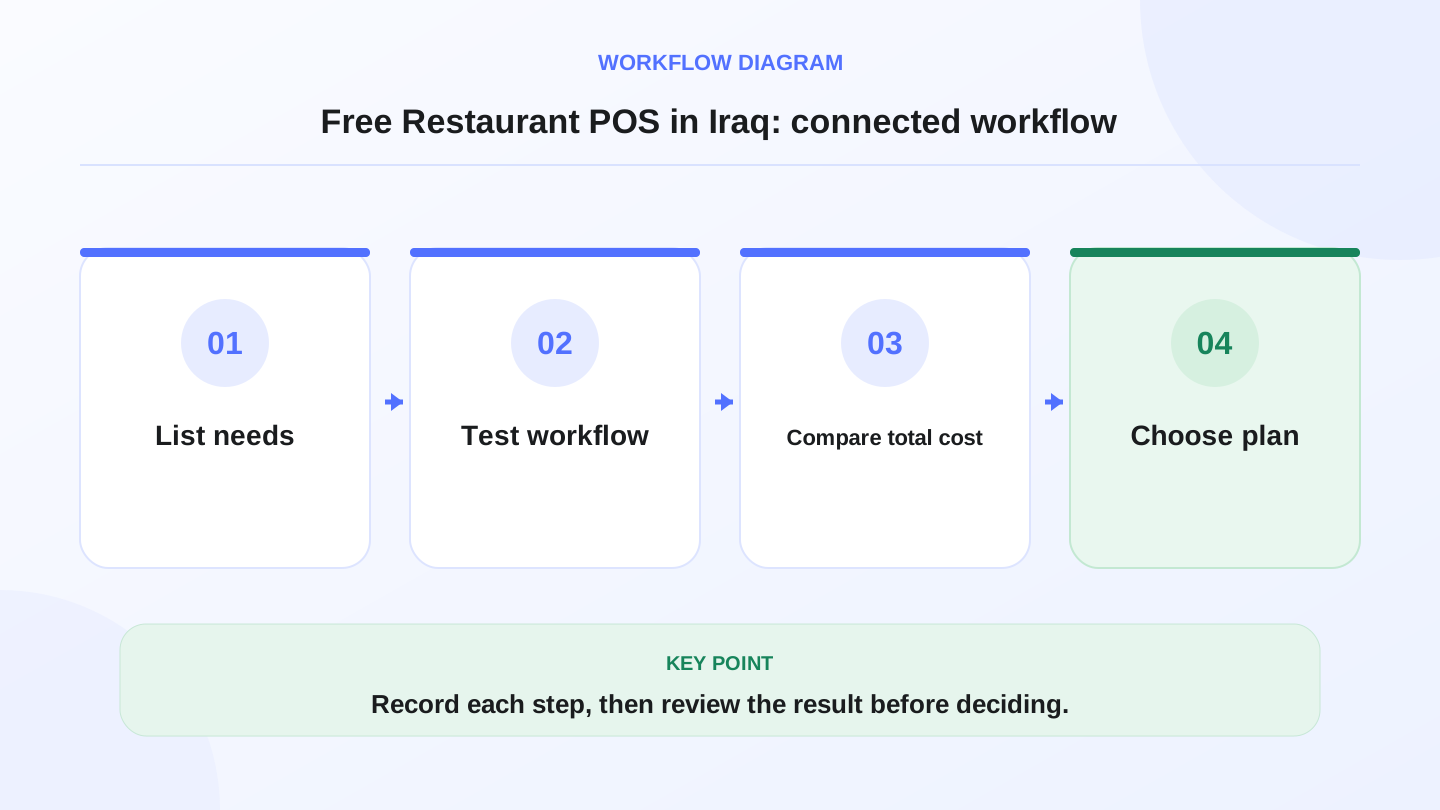
A practical sequence has four connected steps: List needs, Test workflow, Compare total cost, Choose plan. Recording each step makes the daily result easier to review.
05
Restaurant POS needs are different from retail POS
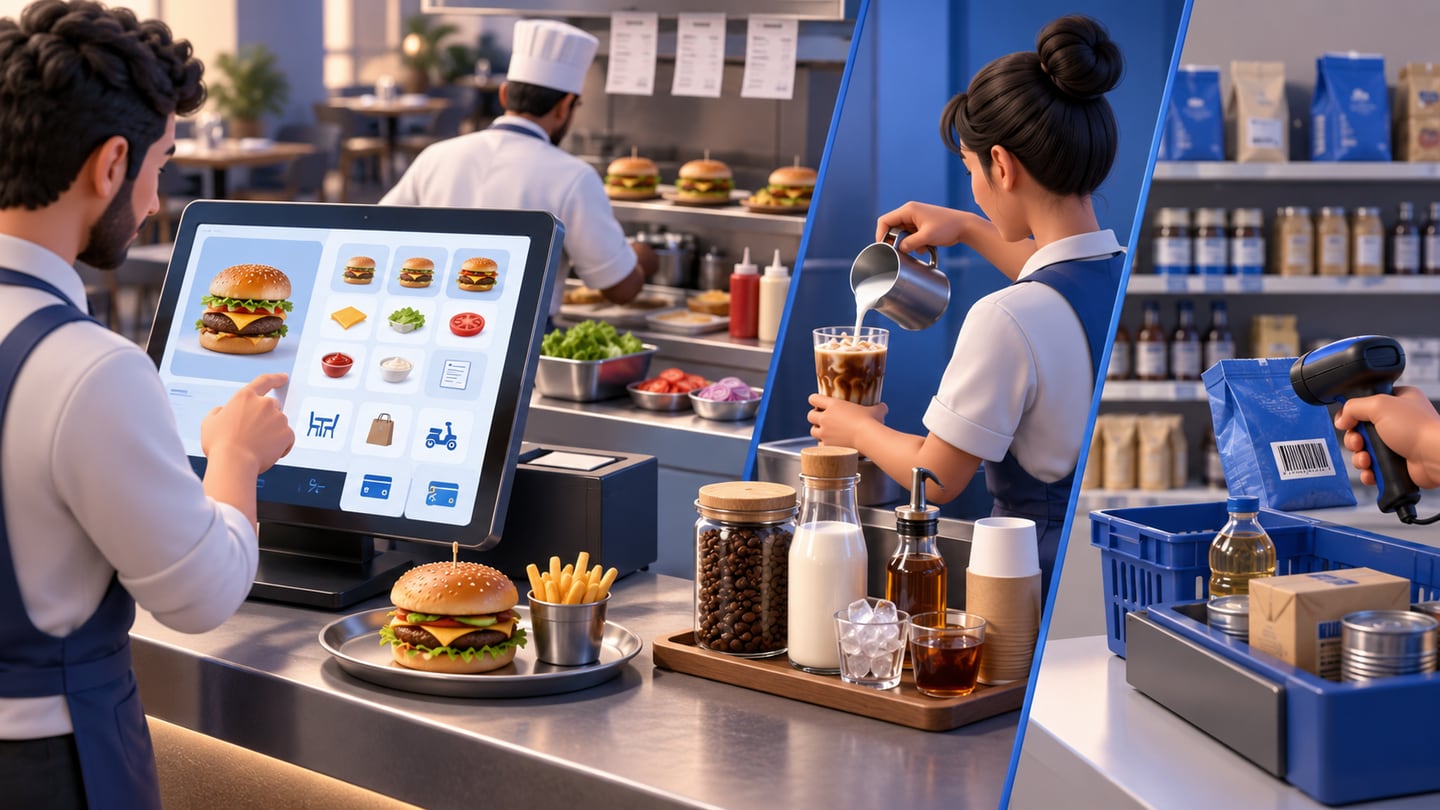
Restaurants are not only scanning products. They are building orders. A burger may need size, extras, notes, sauce choice, discount, table, takeaway, delivery, or split payment. A cafe may sell a drink whose cost depends on milk, coffee beans, cups, and syrup.
Retail POS focuses on barcode speed and stock units. Restaurant POS must handle menus, modifiers, preparation notes, receipts, kitchen flow, recipe stock deduction, and end-of-day reports. If a free cashier tool treats a restaurant like a simple shop, it may work for a few items but fail during real service.
RA8M supports restaurant and cafe workflows through POS, inventory, purchases, finance, reports, roles, branches, and ecommerce connections.
06
Feature checklist before choosing a free POS
Before using a free restaurant POS, compare it against the daily workflow, not only the signup page. The cashier should be fast, the manager should control access, and the owner should trust reports.
If the free plan misses one critical feature, the real cost may show up as waste, refunds, delays, or overtime.
| Requirement | Why restaurants need it | Risk if missing |
|---|---|---|
| Menu categories | Faster order taking by section | Cashier searches too long |
| Modifiers and notes | Sizes, extras, removals, cooking notes | Wrong orders and unhappy customers |
| Receipt printing | Customer proof and kitchen flow | Manual writing and lost orders |
| Offline selling | Continue during internet drops | Service stops at peak time |
| Recipe deduction | Ingredients reduce from stock | Food cost becomes invisible |
| Staff roles | Cashier, manager, owner permissions | Discounts or edits lack control |
| Daily reports | Sales, items, payments, discounts | Owner manages by guesswork |
| Delivery/ecommerce | Online and delivery orders connect | Separate records and stock confusion |
07
What should a restaurant cashier (كاشير مطعم) handle during service?
During lunch or dinner rush, كاشير مطعم work is a chain of small decisions: open a table, add items, fire the kitchen, adjust modifiers, move guests, split payment, and close without corrupting totals. Free apps that only accept one flat “order total” force staff to memorize exceptions on paper—exactly when handwriting errors spike.
Map tables or zones so waiters know what is occupied, reserved, or waiting for payment.
Merge or move tables when large families arrive without losing item history.
Hold items (appetizers now, mains later) if your service style needs coursing.
Print or display kitchen tickets with preparation notes—not only a customer receipt.
Route hot meals to kitchen printers or screens; cold drinks or shisha to bar if applicable.
Number tickets so expediter can match plates to tables during peak minutes.
Void or comp items with manager approval after send—free tools often lack audit trails.
Split by guest, by item, or by percentage while keeping one table record.
Accept cash plus wallet on one ticket; customers in Iraq often mix methods.
Reopen a paid table only with permission when a guest disputes an item.
If any step above requires a manager’s notebook beside the tablet, you are not running a true restaurant cashier—you are running free software with hidden labor cost. Paid POS with roles and reports usually pays back the first time a void dispute or cash shortfall is avoided.
08
How do delivery and takeaway orders differ from dine-in on free POS?
Delivery adds phone numbers, landmarks, driver handoff, and payment timing (paid online, COD to driver, or pay at counter). Takeaway needs queue numbers so bags are not swapped. Free restaurant POS often records “one sale” without status fields—then WhatsApp becomes your dispatch system.
Connect delivery to the same stock as dine-in when possible; see restaurant ordering system in Iraq for channel comparison. Test one delivery order end-to-end: create ticket, deduct packaging stock if you track it, mark out for delivery, mark delivered with payment, and confirm the item appears in daily sales by category.
| Channel | كاشير مطعم must record | Free-app risk |
|---|---|---|
| Dine-in | Table, server, coursing | Flat ticket only |
| Takeaway | Name/number, pickup time | Lost queue at rush |
| Delivery | Address, fee, driver | Stock sold twice |
| Aggregator phone | External order ID | Manual re-entry |
09
Worked example: when free becomes expensive
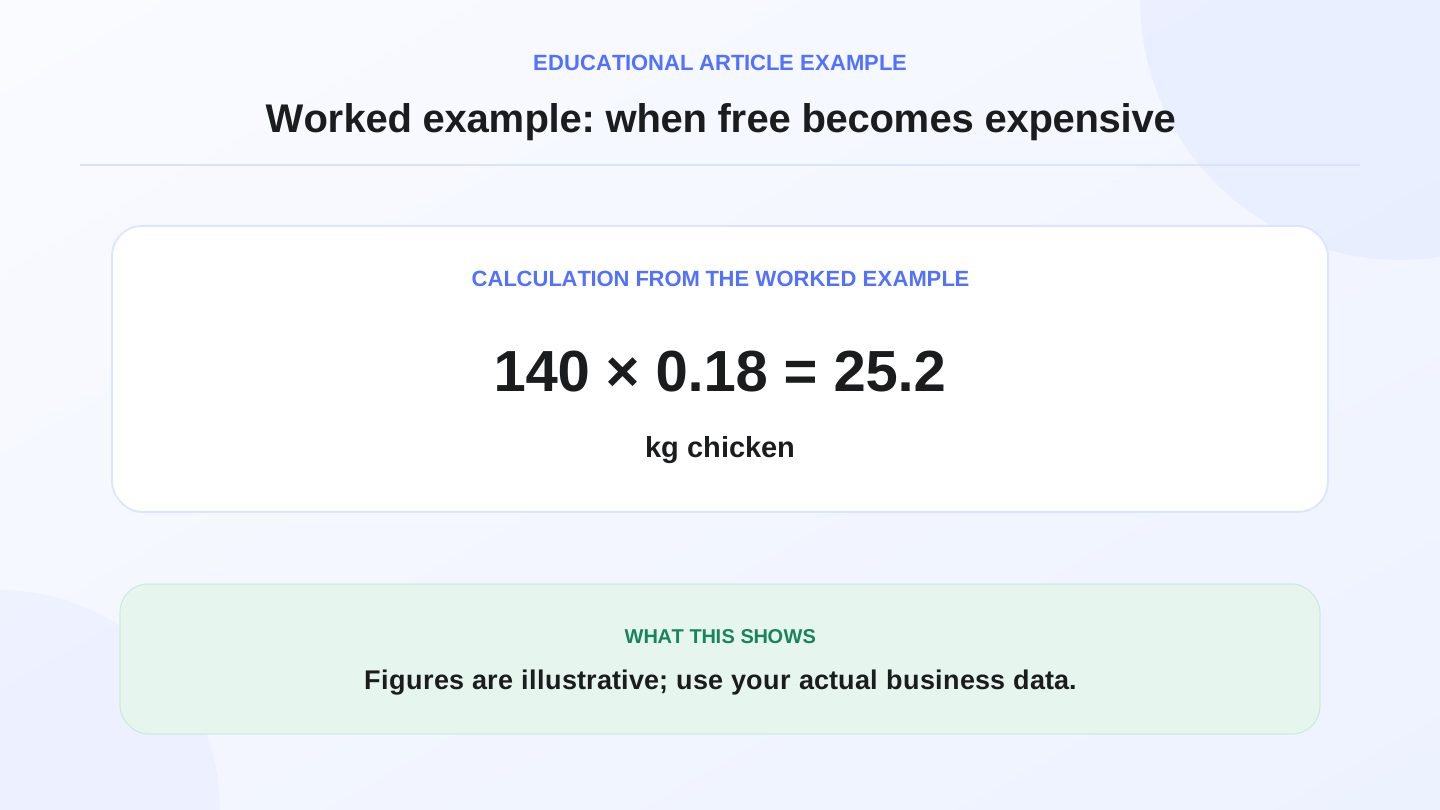
Assume a small restaurant sells 140 meals per day. A free POS does not deduct ingredients, so the owner discovers stock differences late. Each meal should use 0.18 kg of chicken. Expected chicken usage is:
140 meals x 0.18 kg = 25.2 kg chicken used per day.
If staff forget to record waste and the system does not connect recipes to stock, the owner may think only 21 kg were used. The hidden difference is:
25.2 kg expected - 21 kg recorded = 4.2 kg unexplained chicken difference.
If chicken costs 5,000 IQD per kg, the daily unexplained value is:
4.2 kg x 5,000 IQD = 21,000 IQD per day.
Over 30 days, that is 630,000 IQD of unexplained stock value. The numbers are illustrative, but the lesson is real: a free tool can become expensive if it hides food cost problems.
10
Offline selling is not optional for busy service
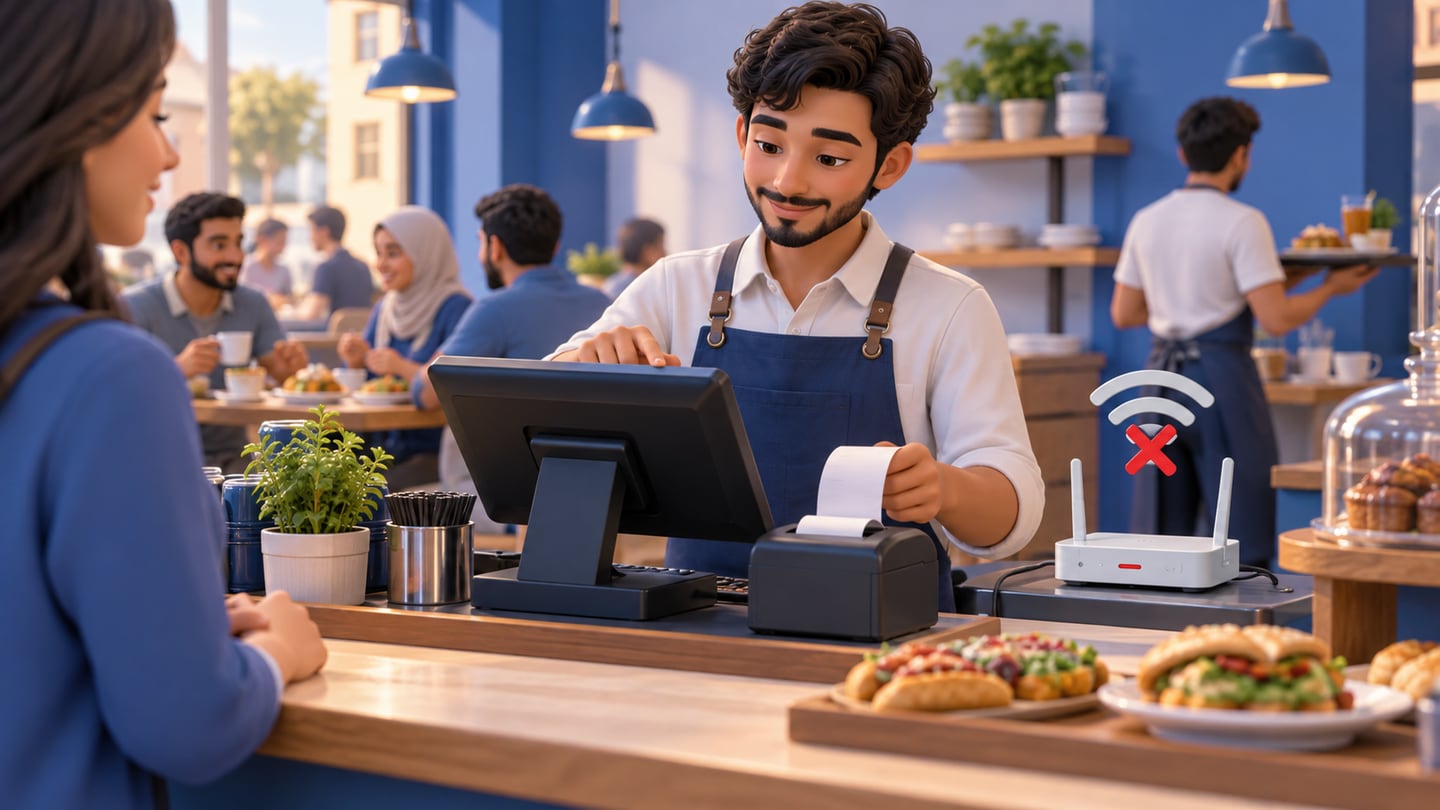
Internet interruptions should not stop lunch rush. A restaurant POS in Iraq should let the cashier continue taking orders, recording payments, and printing receipts when the connection drops, then sync later. If the cashier must wait for the internet before every order, customers wait too.
Offline readiness is especially important for cafes, bakeries, quick-service restaurants, and delivery-heavy shops. A few minutes of downtime during peak service can cause missed orders and poor customer experience.
RA8M POS is described as offline-ready, so teams can keep selling and sync when the internet returns.
11
What reports should restaurant owners expect?
A free POS may show total sales, but restaurant owners need more than a total. They need item sales, category performance, payment methods, discounts, refunds, staff activity, low-stock items, and daily cash close. Multi-branch owners also need branch comparison.
Reports should help answer practical questions: Which meals sell most? Which modifiers are popular? Which payment methods are used? Did cash match POS totals? Did today’s ingredient usage make sense? Which branch needs attention?
If reports are weak, the owner may still spend the evening building a spreadsheet. That defeats the point of digital POS.
12
Free POS, free trial, and paid subscription are not the same
A free POS, a free trial, and a low-cost subscription solve different problems. A free POS may stay free with limits. A free trial lets the owner test a paid system for a short period. A subscription should provide ongoing features, support, updates, and operational depth.
When comparing options, ask what happens after the first month. Are reports limited? Are devices limited? Is support included? Can data be exported? Can the system grow into inventory, purchases, finance, branches, or ecommerce?
Pricing can change, so always verify current RA8M plans on pricing before buying.
13
When RA8M fits, and when a simpler free setup is enough
RA8M fits restaurants and cafes that need a connected system: POS, modifiers, receipts, inventory deduction, purchases, finance, reports, staff roles, branches, offline-ready selling, and ecommerce options. It is useful when the owner wants one operational record instead of separate cashier, stock, delivery, and finance files.
A simpler free setup may be enough for a tiny owner-operated counter with few items, no modifiers, no recipes, no delivery, no staff permissions, and no stock complexity. In that case, the owner can start small and upgrade when the operation becomes harder to control.
The best decision is not free versus paid. It is whether the system protects service speed, stock accuracy, and daily visibility.
14
Implementation plan for a restaurant moving to POS
Start with a clean menu. Add categories, item names, prices, modifiers, taxes or service settings where applicable, payment methods, staff roles, and receipt details. Then test common scenarios before going live: dine-in, takeaway, delivery, discount, refund, split payment, and internet interruption.
During the first week, compare POS totals with cash and payment receipts every day. Compare ingredient expectations with real stock counts for high-cost items. Review best-selling meals and low-stock alerts. Train staff on what they can edit and what requires manager approval.
If the restaurant also sells online, connect products and stock where possible. RA8M Ecommerce can add a branded storefront connected to POS products and inventory, helping restaurant owners avoid separate online and in-store records.
Restaurant owners comparing free downloads should also read the free cashier program in Iraq evaluation checklist—offline selling, stock, permissions, and when paid POS plans fit.
15
Free restaurant cashier software for PC and fast-food counters
Restaurant cashier software for PC is popular when kitchens use USB ticket printers and a large rush-hour screen. A free restaurant cashier Windows build may cap printers or devices. Fast-food restaurant POS needs preset items, queue numbers, and fast cash/card handoff—test whether a free tier survives hundreds of tickets per day without lag.
16
What common كاشير مطعم search results offer—and what Iraqi shops should test
كاشير مطعم SERPs mix Play Store apps and regional cloud POS. Examples for comparison (context links, not a formal ranking):
Focus on IQD receipts, tables and kitchen, split bills, delivery, and offline lunch rush—not only marketing screenshots. Ra8m targets Iraqi operations with published pricing and trials via POS.
| Option | Typical offer | Iraqi test |
|---|---|---|
| Restaurant cashier (Google Play) | Restaurant-focused mobile app | Offline, printers, export |
| alcashier.com | Cashier for restaurants and shops | IQD, Arabic, local support |
| kashierapp.com | Cloud restaurant POS | Split bills, branches, network |
17
Conclusion: free is useful only if it does not hide costs
Free restaurant POS can help an Iraq restaurant start organizing orders, but it should be tested against real service. If the restaurant needs modifiers, receipts, recipe inventory, offline selling, delivery, roles, and reports, a connected system is usually safer. Review RA8M POS, industries, ecommerce, and pricing to compare the fit for your restaurant.
Frequently asked questions
Is free restaurant POS enough for a small restaurant?
It can be enough for a very small counter-service setup with simple items, but it becomes risky when modifiers, recipes, inventory, delivery orders, roles, or reports matter.
What should I check before using a free restaurant POS?
Check offline selling, receipt printing, menu modifiers, inventory deduction, user roles, reports, support, data export, and whether the free plan has order or device limits.
Why does offline POS matter for restaurants in Iraq?
Restaurants should keep taking orders and printing receipts during internet interruptions, then sync data when the connection returns. Otherwise service can stop at peak times.
When should a restaurant move from free POS to paid POS?
Move when mistakes, delays, stock gaps, reporting limits, staff access problems, or delivery/ecommerce needs cost more than the subscription.
Does Ra8m offer restaurant POS workflows?
Yes. Ra8m supports restaurant and cafe POS workflows including cashier selling, modifiers, receipts, inventory deduction, roles, reports, offline selling, and connected ecommerce options.
Can free restaurant cashier software split bills between guests?
Many free apps only total one ticket. Table service needs split by item, split by amount, or separate payments on one table without losing kitchen history—test this before Friday dinner rush.
What is كاشير مطعم in practice?
كاشير مطعم is the restaurant cashier workflow: taking dine-in and delivery orders, sending kitchen or bar prints, applying modifiers, recording payments in IQD, and closing the day with trustworthy item and cash reports.
What is a cashier in a restaurant versus retail?
A cashier records payments; in restaurants the cashier screen also builds orders with modifiers, tables, kitchen routing, and split bills—not only scanning barcodes.
Is free restaurant cashier software for PC better than a phone app?
PC setups often handle kitchen printers and rush-hour speed better; phones may suit tiny counters. Test offline and modifiers on the device you will actually use.
Written by
RA8M Team
Practical guides for restaurants, shops, and operations teams
Next step
Try RA8M with data close to your operation
Read next
Related RA8M guides
Restaurant and Cafe POS
Cafe POS in Iraq: Faster Orders, Stock and Reports
Read article
Restaurants and Cafes
Restaurant Ordering System in Iraq: From Table to Report
Read article
Restaurants and Cafes
Restaurant Recipe Costing in Iraq: POS and Inventory Guide
Read article
Restaurants and Cafes
Digital Menu, Online Orders and Delivery for Iraq Restaurants
Read article
Restaurants and Cafes
Cafe Software in Iraq: POS, Inventory and Reports for Coffee Shops
Read article