Product Barcodes for Shops in Iraq: Create, Print Labels, and Scan at POS
Iraq shop guide to product barcodes: EAN-13 vs Code 128, label sizes and thermal printers, variant barcodes, bulk GenerateBarcodeDialog in Ra8m, and POS scan—without built-in label printing in the app.
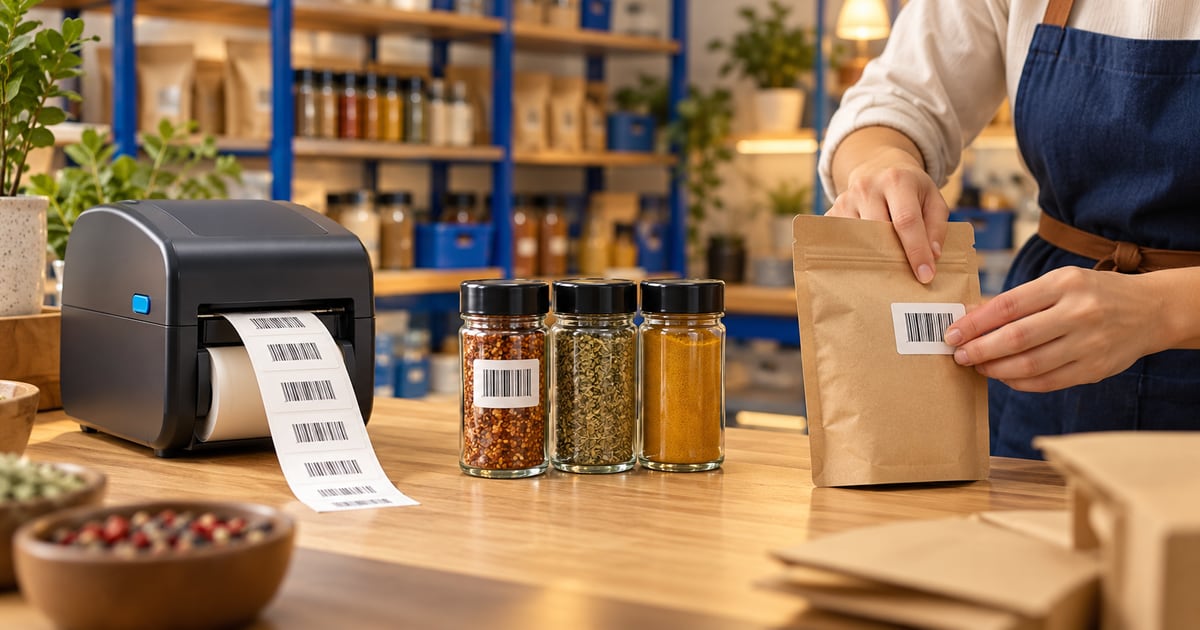
Product barcodes for shops in Iraq tie a scannable number to each SKU, variant, or sales unit. Use supplier EAN-13 on sealed imports; use Code 128 or documented internal ranges for bakery and private label. Print labels with external thermal software—Ra8m has no built-in label printer. Store barcodes on items, variants, and sales units; bulk-generate with GenerateBarcodeDialog; scan in POS ProductSearch. Plans from 7,500 IQD/month on /en/pricing.
01
Product Barcodes for Shops in Iraq: Create, Print Labels, and Scan at POS
When the owner types every shampoo name from memory, the queue tells you the truth before the ledger does. Product barcodes for shops in Iraq are how you turn each jar, carton, and clothing tag into one beep at checkout—and how you stop selling the wrong size because two blue boxes looked alike. This article is for mini-markets, pharmacies, cosmetics counters, and clothing stores that need labels on the shelf, not only numbers in a spreadsheet.
You are not reading a GS1 textbook. For EAN theory, QR menus, and Google Lens spot checks, see barcode for shops in Iraq. For scanner lanes and hardware stacks, see POS barcode system in Iraq. For cashier training and free-tier limits, see cashier software in Iraq or free cashier program in Iraq. For apparel variants and tagging discipline, see clothing store in Iraq. QR codes for Instagram menus stay separate—read QR code in Iraq.
Quick answer: Assign product barcodes on every SKU you scan at sale—supplier EAN-13 on imports, Code 128 or documented internal codes on bakery and private label. Print labels with external thermal software (Ra8m has no built-in barcode label printer). In Ra8m, store codes on items, variants, and sales units, bulk-create with GenerateBarcodeDialog, and scan in POS ProductSearch. Plans from 7,500 IQD/month on pricing; ecommerce from 50,000 IQD/month.
02
What counts as a product barcode in your shop—not a marketing QR?
A product barcode is the number your POS resolves when the laser flashes—not a QR poster that opens Instagram. Iraqi customers still say "barcode" for both; your backroom process must separate them. Trade items use EAN-13 or UPC when the factory already printed a global number. In-store packing uses Code 128 or a long internal digit string you control, as long as it is unique in your database.
If two different products share one barcode, reports will blame "shrinkage" while the real issue is lazy data entry. If one product has two barcodes because you reprinted labels without updating POS, cashiers will scan the old sticker and argue about price.

| Label job | Symbol | Who assigns the digits |
|---|---|---|
| Sealed import on shelf | EAN-13 / UPC | Importer or brand via GS1 |
| Bakery tray, spice refill | Code 128 or internal | Your shop with a written prefix |
| Size/color shoe box | Often EAN or internal per variant | You, per variant row in POS |
| Menu or payment link | QR | Marketing, not stock deduction |
03
EAN-13 versus Code 128: which label goes on which Iraqi shelf?
EAN-13 labels are wide: the symbol needs quiet zones on both sides, and the human-readable digits under the bars should match what you stored in POS. Use them when the pack already carries a legitimate GTIN from the supplier—scan once in receiving and never invent a replacement.
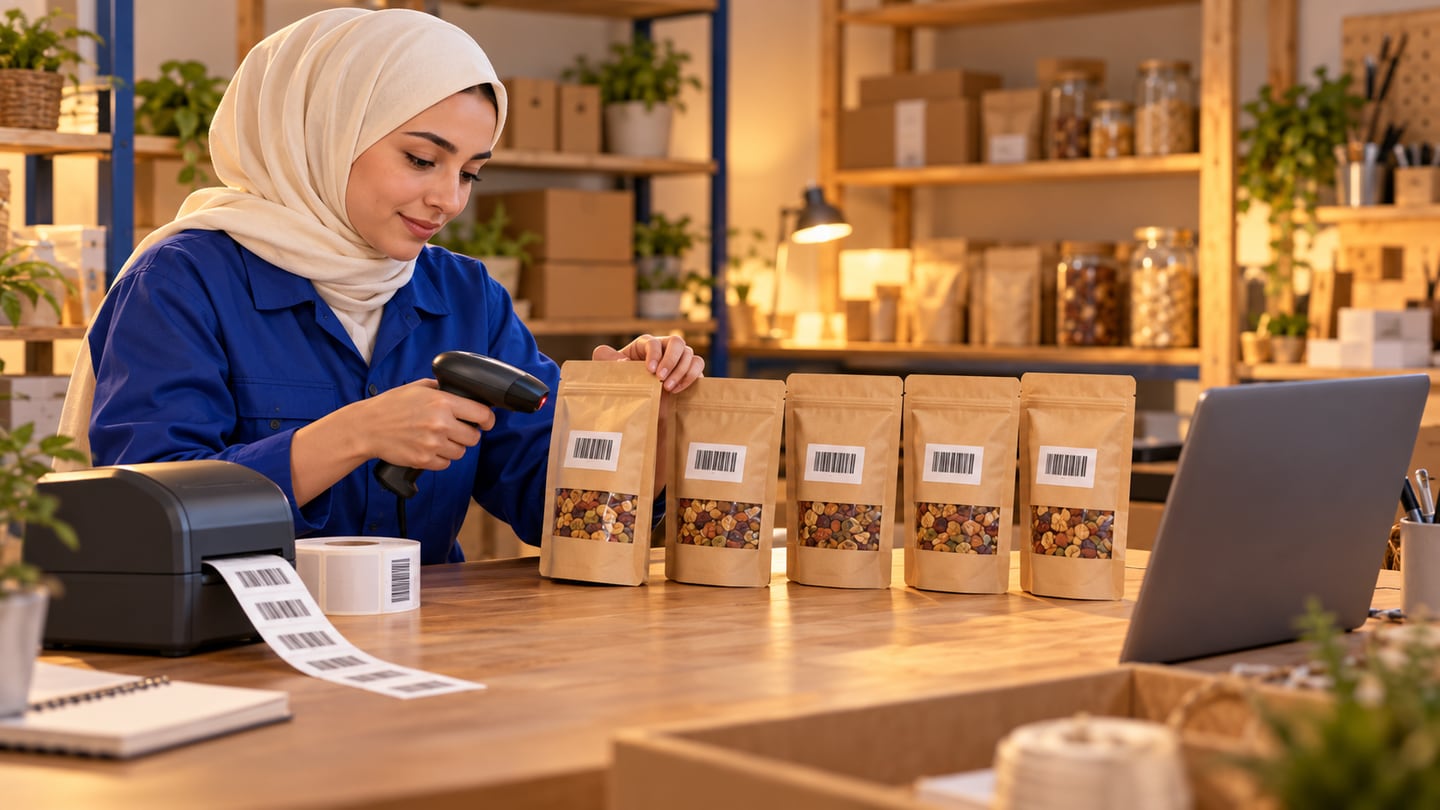
Code 128 compresses more characters into a narrower bar pattern, which suits internal SKUs like `BREAD-0630` encoded numerically or a six-digit bakery sequence. Thermal printers in Iraqi backrooms often run 40 mm or 50 mm rolls; Code 128 plus Arabic product name fits better than forcing EAN width on a tiny spice jar.
Test scan distance before a bulk print: hold the wand at the angle your shortest cashier uses. Glare from cellophane shippers defeats cheap labels; matte thermal stock survives longer near open-air fruit sections.
04
Label sizes, printers, and why Ra8m does not replace your label software
Ra8m completes sales, updates stock, and prints customer receipts on thermal printers you configure—it does not ship a built-in barcode label printer driver inside the admin for shelf batches. That is normal for POS platforms: label layout tools (BarTender-style desktop apps, open-source label designers, or printer vendor suites) handle margins, Arabic fonts, and roll width.
Workflow owners adopt: create or import the product in Ra8m, assign the barcode field, export or copy the number into label software, print a test sheet of five, scan each at POS, then print hundreds. Keep printer profiles (.btw or vendor templates) backed up on USB—when Windows updates, lanes should not stop because a driver vanished.
Contrast with POS barcode system in Iraq, which emphasizes wedge scanners and lane layout. Here the emphasis is getting the sticker right before the scanner matters.

| Printer width | Typical Iraq use | Barcode note |
|---|---|---|
| 40 mm | Cosmetics, small hardware | Code 128 or shortened internal |
| 50–58 mm | Mini-markets, pharmacies | EAN-13 with price text |
| 80 mm | Some shelf edge strips | Often price + name, scan optional |
| A4 laser | Carton labels at warehouse | Not for high-speed lane scan |
05
How do you create product barcodes in Ra8m on items, variants, and sales units?
Ra8m treats barcodes as first-class fields at three levels:
1. Item — default code when you sell one unit with no variant grid.
2. Variant — size, color, fragrance, or voltage row each gets its own barcode when price or stock differs.
3. Sales unit — when one item sells as single piece, six-pack, and carton with different prices.
Open the item in admin, paste the supplier GTIN, or type your internal range. For fashion, mirror the tag on the box—see clothing store in Iraq for floor discipline.
GenerateBarcodeDialog bulk-builds internal numbers: set prefix, suffix, start and end values, increment step, and mask patterns so twenty new sandal sizes do not require twenty manual clicks. Run it after you create the variant grid, not before names exist, or you will relabel twice.
After bulk generate, export a CSV for your label tool if your process requires it, and lock who may edit barcodes post go-live—casual edits break historical sales ties.
06
What does POS ProductSearch scanning look like on a busy Iraqi evening?
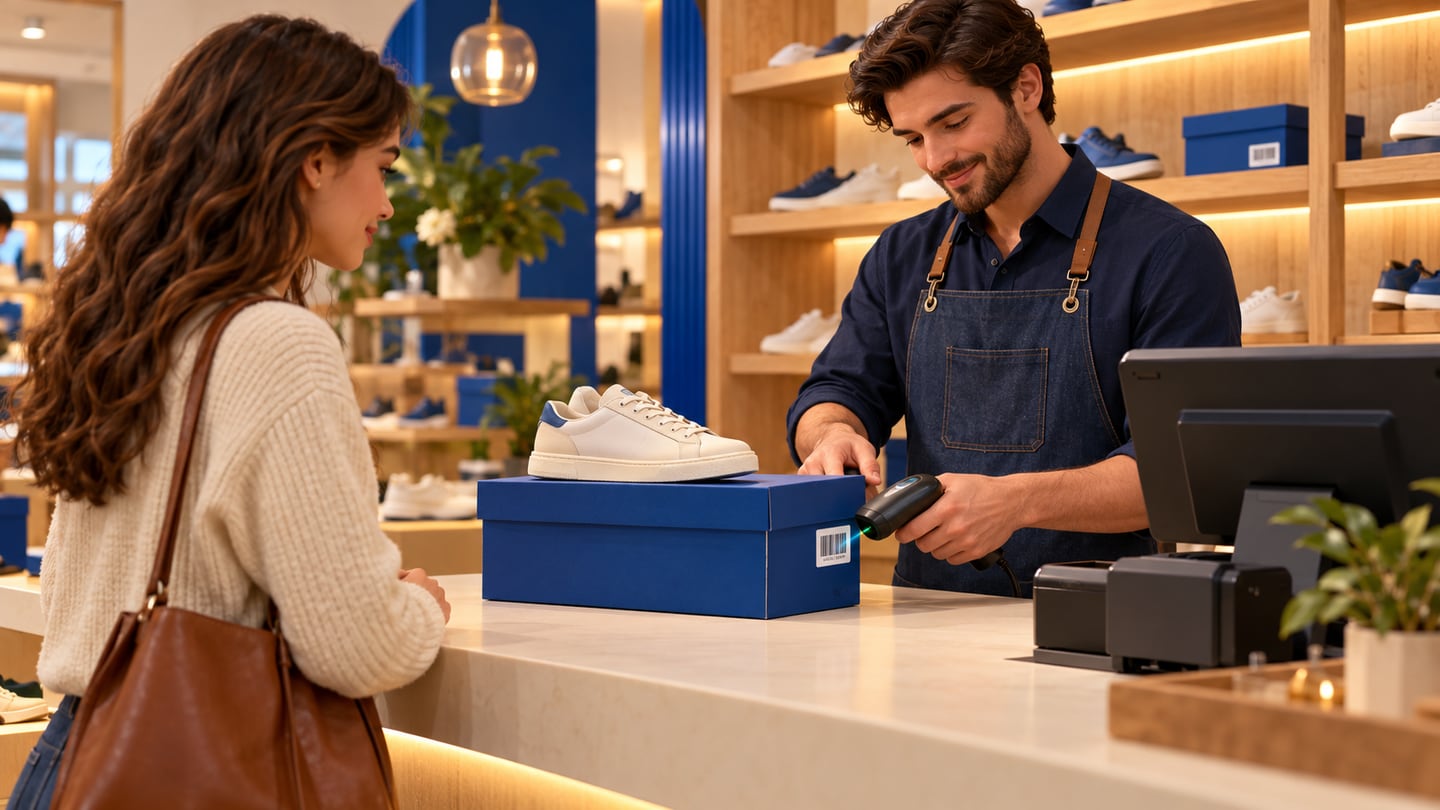
At the register, Ra8m ProductSearch accepts typed names or scanned digits. A USB wedge scanner behaves like fast keyboard input: focus the search field, beep, line item appears. Train cashiers to watch the variant name on screen, not only the price—apparel mistakes happen when the scan resolves but the size line is wrong.
Peak-hour checklist:
Scanner cable strain-relieved; spare scanner in back office.
Quantity keys for multi-buy promos—scan once, set qty, not three accidental lines.
Returns use the same barcode to pull stock back on the correct variant.
Suspended tickets recalled before applying a new customer scan.
Phones and Google Lens help owners research unknown importer packs; they are not a substitute for wedge hardware at volume. Link scanner setup to cashier software in Iraq shift handover so voided lines still match physical goods.
07
Variants, packs, and clothing tags: where barcodes fail in real shops
Variants are where product barcodes earn their keep or destroy trust. A shelf strip for "blue shirt medium" while the customer holds large is a training problem and a data problem. Each variant row in Ra8m should have a label on the sellable unit—the box, hang tag, or poly bag—not only on a generic shelf talker.
Sales units matter when you buy cartons but sell singles: the carton barcode might scan at receiving while the single unit barcode hits the lane. Document which code is default in POS when staff type instead of scan.
Electronics shops sometimes track serial numbers separately from product barcodes; decide whether serial capture happens at sale or only at warranty registration. Pharmacies may need batch notes on invoices even when the scan uses pack GTIN—confirm wording with a professional.
08
Common mistakes when Iraqi shops print their first barcode batch
Mistake one: printing labels before the Ra8m record exists—scan beeps "unknown" and cashiers invent prices.
Mistake two: reusing internal numbers after discontinuing a SKU—new product inherits old sales history.
Mistake three: one barcode on two variants because "they are the same price today."
Mistake four: shelf price updated in POS but old labels remain—customers film arguments on social media.
Mistake five: treating QR menu codes as inventory GTINs—marketing and stock must stay separate per QR code in Iraq.
Mistake six: skipping receiving scan—lane sales look perfect while backroom quantity drifts.
Run a Friday drill: ten scans, one return, one purchase line, one variant switch—before you print a thousand stickers.
09
Sources and standards notes
EAN/UPC symbology: GS1 EAN/UPC standards.
Iraq GS1 pointers: GS1 Iraq on gs1.org.
Camera lookup (not inventory): Google Lens.
10
Receiving discipline ties labels to truth
When a shipment arrives from Baghdad wholesalers or Basra distributors, photograph case labels before you break cartons. Scan the case barcode if present, then spot-check inner packs. Enter purchase lines in Ra8m before staff shelve goods—otherwise the first lane scan sells air. Pair receiving with barcode for shops in Iraq GS1 notes when a pack shows digits you do not recognize.
11
Price change playbooks without reprinting chaos
Define whether a price change requires new labels, shelf talkers only, or POS override at scan. Mixed policies confuse cashiers. If law or customer expectation requires shelf price to match register, batch reprint nights beat angry afternoons. Document IQD rounding rules for bundles so label price and POS promo rules align.
12
Multi-branch shops and shared barcode maps
When Erbil and Najaf branches share one catalog, barcode edits in one city affect scans in another. Restrict barcode edit permissions to inventory managers. Transfers should use the same codes—never re-key items at the receiving branch under a new internal number without a migration plan.
13
Receiving discipline ties labels to truth
When a shipment arrives from Baghdad wholesalers or Basra distributors, photograph case labels before you break cartons. Scan the case barcode if present, then spot-check inner packs. Enter purchase lines in Ra8m before staff shelve goods—otherwise the first lane scan sells air. Pair receiving with barcode for shops in Iraq GS1 notes when a pack shows digits you do not recognize.
14
Price change playbooks without reprinting chaos
Define whether a price change requires new labels, shelf talkers only, or POS override at scan. Mixed policies confuse cashiers. If law or customer expectation requires shelf price to match register, batch reprint nights beat angry afternoons. Document IQD rounding rules for bundles so label price and POS promo rules align.
15
Multi-branch shops and shared barcode maps
When Erbil and Najaf branches share one catalog, barcode edits in one city affect scans in another. Restrict barcode edit permissions to inventory managers. Transfers should use the same codes—never re-key items at the receiving branch under a new internal number without a migration plan.
16
Conclusion
Product barcodes for shops in Iraq succeed when the sticker, the Ra8m record, and the POS scan all describe the same unit—item, variant, or pack. Use supplier EAN where trade items demand it; use Code 128 and documented internal ranges where you pack yourself; print with external label software; bulk-fill variants with GenerateBarcodeDialog; and scan in ProductSearch until muscle memory beats name search. Test one busy evening, then scale labels—not the other way around.
17
Frequently Asked Questions
Does Ra8m print barcode shelf labels inside the app?
No. Ra8m stores barcodes and scans them at POS, but label printing uses external software connected to your thermal printer. Export or copy barcodes from admin, then print batches in your label tool.
Should I use EAN-13 or Code 128 for my own products?
Keep the supplier EAN-13 on imported sealed packs. Use Code 128 or internal numeric ranges for in-store packing, bulk spices, or variants when no GTIN exists—document prefixes so staff do not duplicate numbers.
Where do I put barcodes for size and color variants?
Ra8m supports barcode fields on the main item, on each variant row, and on sales units when you sell different pack sizes. Each scannable unit that prices differently should have its own code.
How is this different from barcode for shops in Iraq?
The barcode-iraq article explains GS1 standards, QR versus 1D, and general scan hardware. This guide focuses on day-to-day product labeling, printer sizes, and shop workflows from receiving to POS scan.
How does this relate to POS barcode system in Iraq?
The POS barcode system article compares scanner-first checkout stacks. Here we focus on creating and printing product labels and mapping them into Ra8m before the lane goes live.
What does Ra8m cost for barcode retail?
POS Basic 7,500 IQD/month, Advanced 15,000, Manufacture 30,000, ecommerce from 50,000 IQD/month—confirm features on /en/pricing and test GenerateBarcodeDialog on your trial.
Frequently asked questions
Does Ra8m print barcode shelf labels inside the app?
No. Ra8m stores barcodes and scans them at POS, but label printing uses external software connected to your thermal printer. Export or copy barcodes from admin, then print batches in your label tool.
Should I use EAN-13 or Code 128 for my own products?
Keep the supplier EAN-13 on imported sealed packs. Use Code 128 or internal numeric ranges for in-store packing, bulk spices, or variants when no GTIN exists—document prefixes so staff do not duplicate numbers.
Where do I put barcodes for size and color variants?
Ra8m supports barcode fields on the main item, on each variant row, and on sales units when you sell different pack sizes. Each scannable unit that prices differently should have its own code.
How is this different from barcode for shops in Iraq?
The barcode-iraq article explains GS1 standards, QR versus 1D, and general scan hardware. This guide focuses on day-to-day product labeling, printer sizes, and shop workflows from receiving to POS scan.
How does this relate to POS barcode system in Iraq?
The POS barcode system article compares scanner-first checkout stacks. Here we focus on creating and printing product labels and mapping them into Ra8m before the lane goes live.
What does Ra8m cost for barcode retail?
POS Basic 7,500 IQD/month, Advanced 15,000, Manufacture 30,000, ecommerce from 50,000 IQD/month—confirm features on /en/pricing and test GenerateBarcodeDialog on your trial.
Written by
RA8M Team
Practical guides for restaurants, shops, and operations teams
Next step
Try RA8M with data close to your operation
Read next
Related RA8M guides
POS and inventory
Barcode for Shops in Iraq: Create, Scan, Print, and Connect POS Stock
Read article
Ecommerce
Product photography for Iraq online stores: a practical phone workflow
Read article
Inventory and POS
Barcode Software in Iraq: Faster Cashier and Cleaner Stock
Read article
Pharmacy and Services
Sweets Shop Software in Iraq: POS, Recipes, Stock and Orders
Read article
Supermarket and Grocery
Foodstuff Shop Software in Iraq: POS and Stock Control
Read article