Foodstuff Shop Software in Iraq: POS and Stock Control
A practical guide for Iraq foodstuff shops that need fast cashier selling, barcode items, expiry awareness, purchases, low-stock checks, and daily reports.
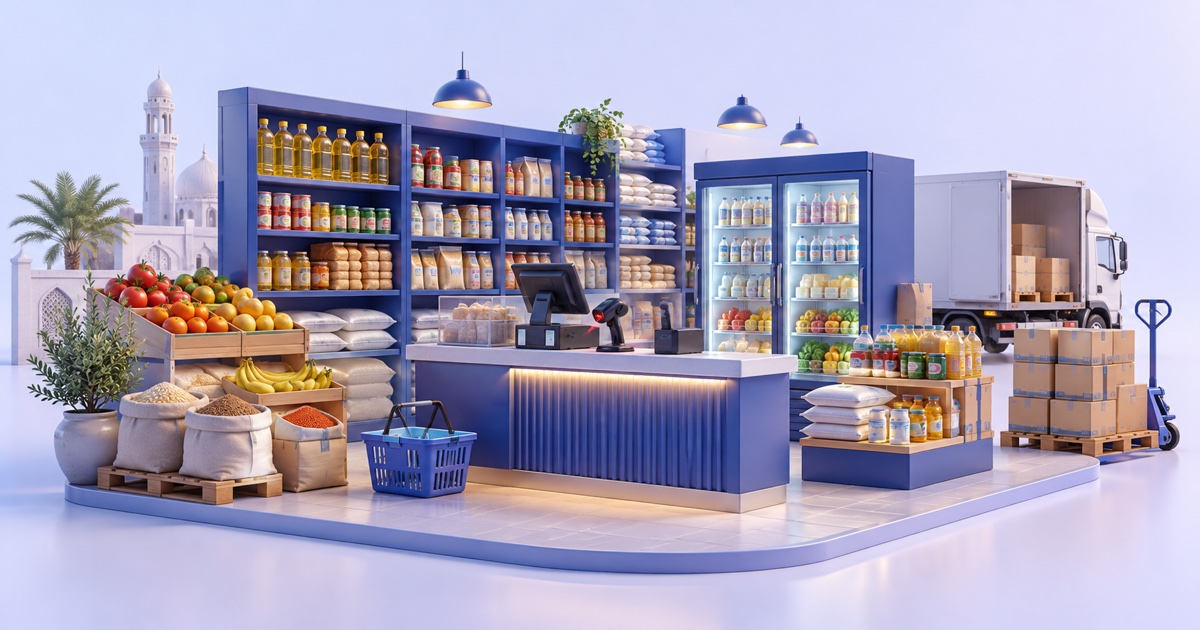
Foodstuff shop software in Iraq should connect fast POS checkout, barcode products, inventory, supplier purchases, expiry-aware routines, low-stock checks, payments, and daily reports. For groceries and mini-markets, the best system is the one that keeps sales moving while showing what stock is left, what must be reordered, and where losses may be happening.
01
Foodstuff Shop Software in Iraq: POS and Stock Control
Foodstuff shop software helps groceries, mini-markets, and foodstuff shops in Iraq sell quickly while keeping control of stock, purchases, costs, and daily reports. These businesses often handle many small items, frequent supplier deliveries, changing prices, and products that may expire or run out fast.
Quick answer: Foodstuff shop software in Iraq should connect fast POS checkout, barcode products, inventory, supplier purchases, expiry-aware routines, low-stock checks, payments, and daily reports. For groceries and mini-markets, the best system is the one that keeps sales moving while showing what stock is left, what must be reordered, and where losses may be happening.
02
What makes foodstuff shops different from general retail?
A foodstuff shop is not only a retail counter. It sells daily essentials, drinks, snacks, household products, packaged foods, and fast-moving items that customers expect to find every day. A missing item can push the customer to another nearby shop, while overstock can tie cash into slow shelves.
The product catalog is usually wide. One shelf may have rice, oil, tea, detergent, juice, biscuits, dairy, and small household items. Some items sell in pieces, some in cartons, and some in different sizes or flavors. The cashier must find them quickly and the owner must know what remains.
This is why a simple cash register is not enough for many shops. The owner needs sales speed, but also purchase records, inventory movement, low-stock review, supplier history, and reports by product or category.
03
Why barcode POS matters in busy grocery checkout
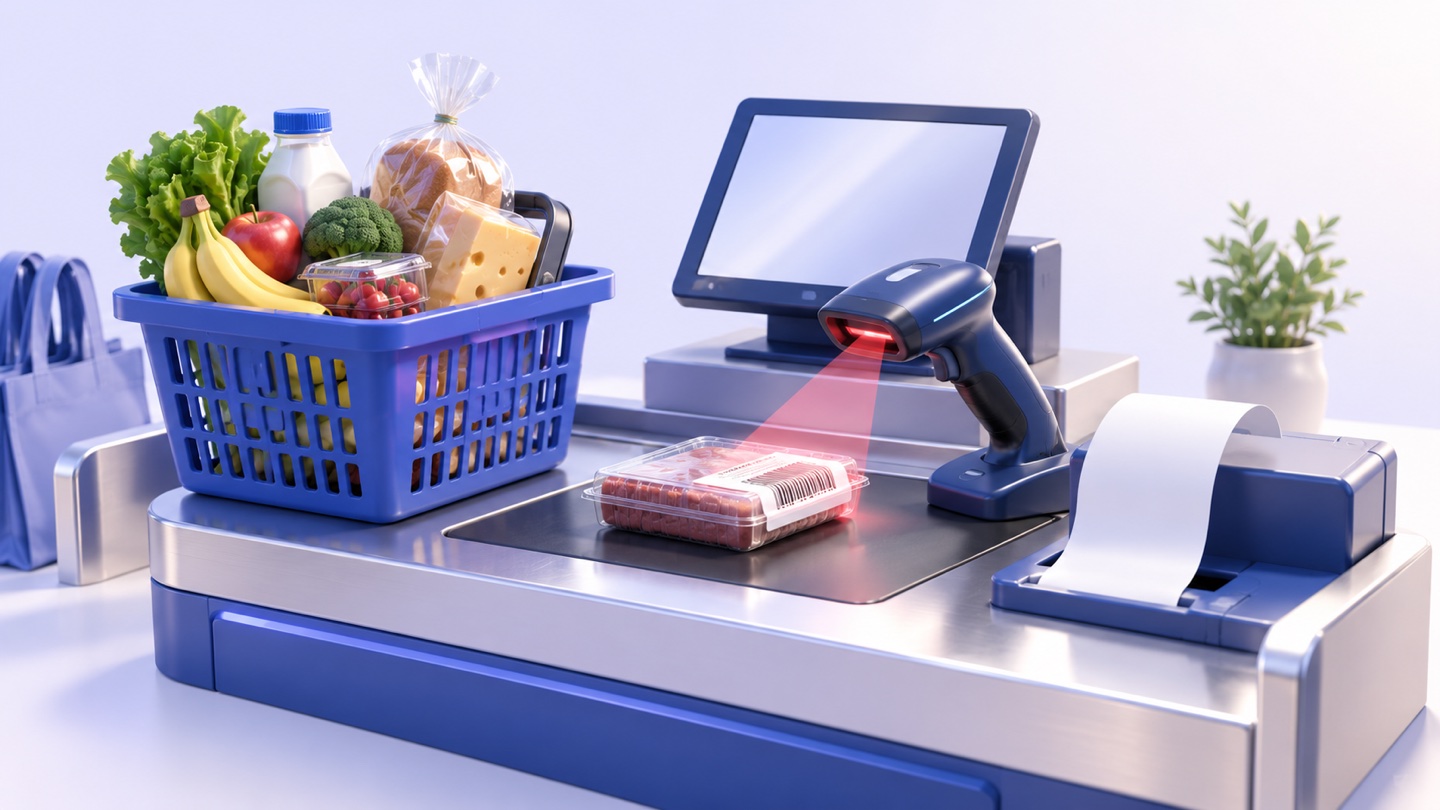
Barcode selling reduces the time and mistakes of manual item entry. The cashier scans the product, confirms quantity, applies the correct price, and prints the receipt. During busy hours, this is faster than searching through long product lists or typing names by memory.
Barcode discipline also protects reports. If two cashiers use two different names for the same product, sales data becomes split. When the barcode points to one product record, the owner can see total sales, stock movement, and reorder needs more clearly.
For Iraq shops with Arabic and English item names, clean product setup matters. A product can have an Arabic display name for the team and still keep a barcode or SKU that makes reporting consistent.
04
Which features should a foodstuff shop compare?
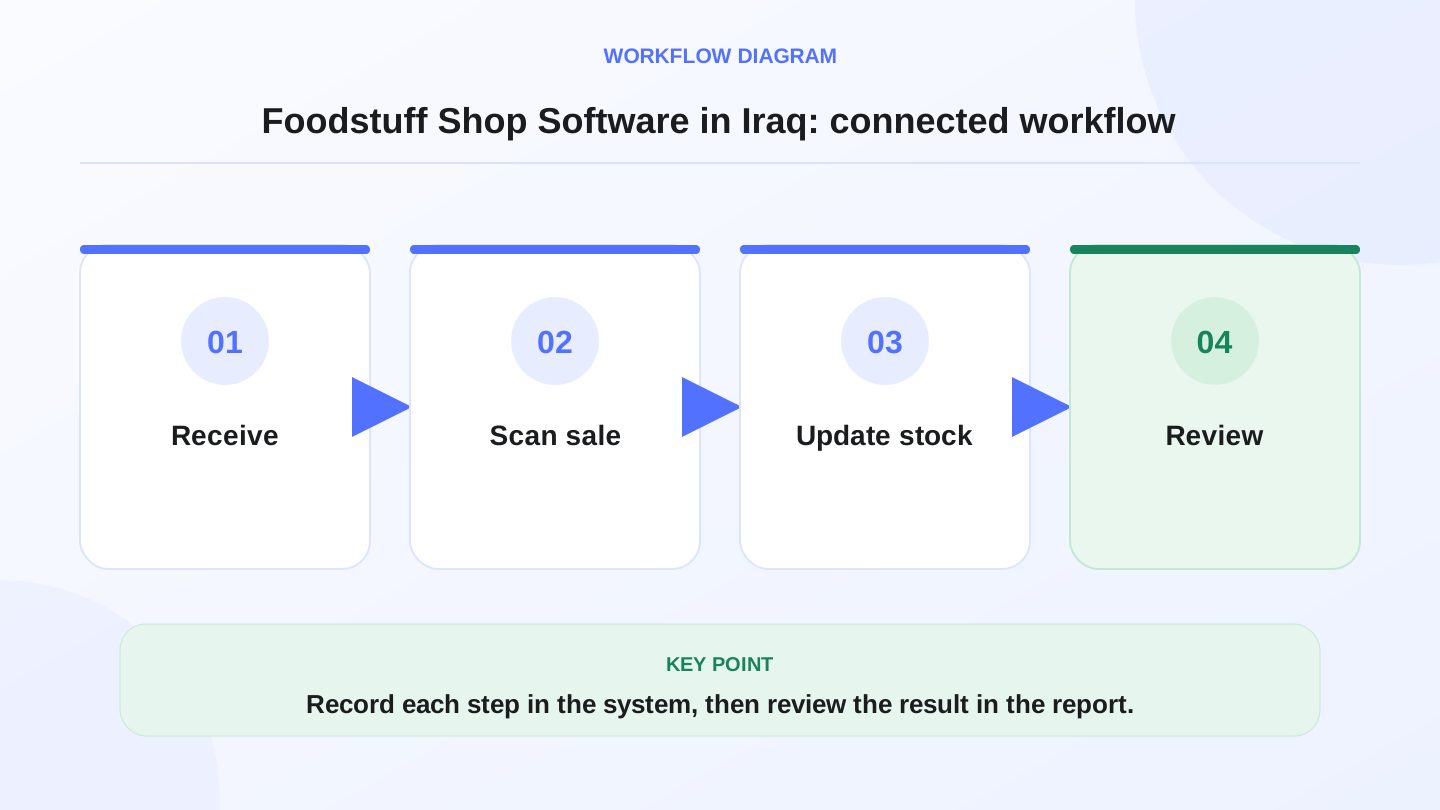
The right system should match the daily flow from supplier delivery to shelf to cashier to report. Use a practical checklist instead of only asking whether the software has many screens.
If a system cannot connect these areas, the owner may still need notebooks beside the cashier. That usually means the software is not really managing the shop.
| Need | What the software should do | Practical result |
|---|---|---|
| Fast checkout | Barcode scan, quantity edit, discounts, receipts | Shorter queues and fewer price mistakes |
| Inventory | Track stock by item, category, unit, and branch | Shows expected stock without manual rebuilding |
| Purchases | Record supplier bills, received quantities, and costs | Explains why stock and costs changed |
| Low stock | Show items that need reorder based on movement | Helps avoid empty shelves for daily essentials |
| Expiry routine | Support structured review of expiry-sensitive products | Reduces waste and rushed discount decisions |
| Reports | Daily sales, top items, slow items, payment totals | Gives the owner a clear operating picture |
| Offline selling | Keep selling during internet interruptions and sync later | Protects checkout continuity in Iraq conditions |
05
Worked example: daily stock and reorder math
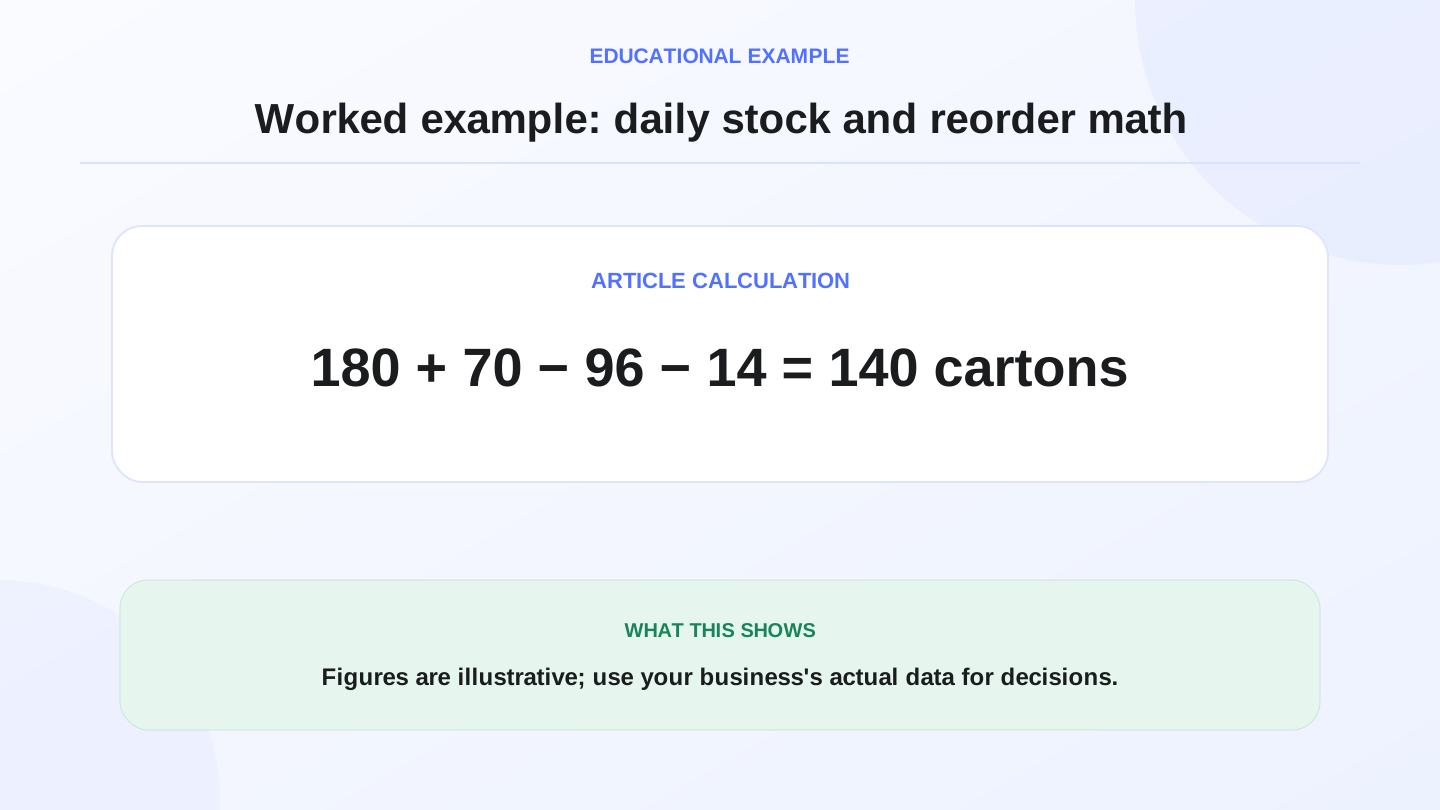
Assume a mini-market in Basra opens with 180 cartons of juice. A supplier delivers 70 more cartons, so available stock becomes 180 + 70 = 250 cartons. During the day, the POS records 96 cartons sold and 14 cartons ordered online.
Total outgoing quantity is 96 + 14 = 110 cartons. Expected closing stock is 250 - 110 = 140 cartons. If the owner wants at least 160 cartons ready for tomorrow morning, the reorder gap is 160 - 140 = 20 cartons.
Now add cost. If each carton costs 1,800 IQD from the supplier, the suggested reorder value is 20 × 1,800 = 36,000 IQD. These numbers are illustrative, but the workflow is useful: sales, online orders, purchases, and reorder decisions are all connected.
06
How purchase records protect grocery margins
Foodstuff shops often buy from multiple suppliers and prices can change. If purchase costs are not recorded clearly, the owner may keep selling with old assumptions. A product that looked profitable last month may have a smaller margin after supplier prices increase. The profit margin guide shows how to calculate that change from actual sales and sold-goods cost.
Purchase records should include supplier, item, quantity, unit cost, date, and payment status. This gives the owner a cleaner picture of what came in and what still needs to be paid. It also helps explain inventory value and stock movement.
The goal is not complex accounting for its own sake. The goal is to stop guessing. Operational records support better review, but formal accounting and tax decisions should still be checked with a qualified professional.
07
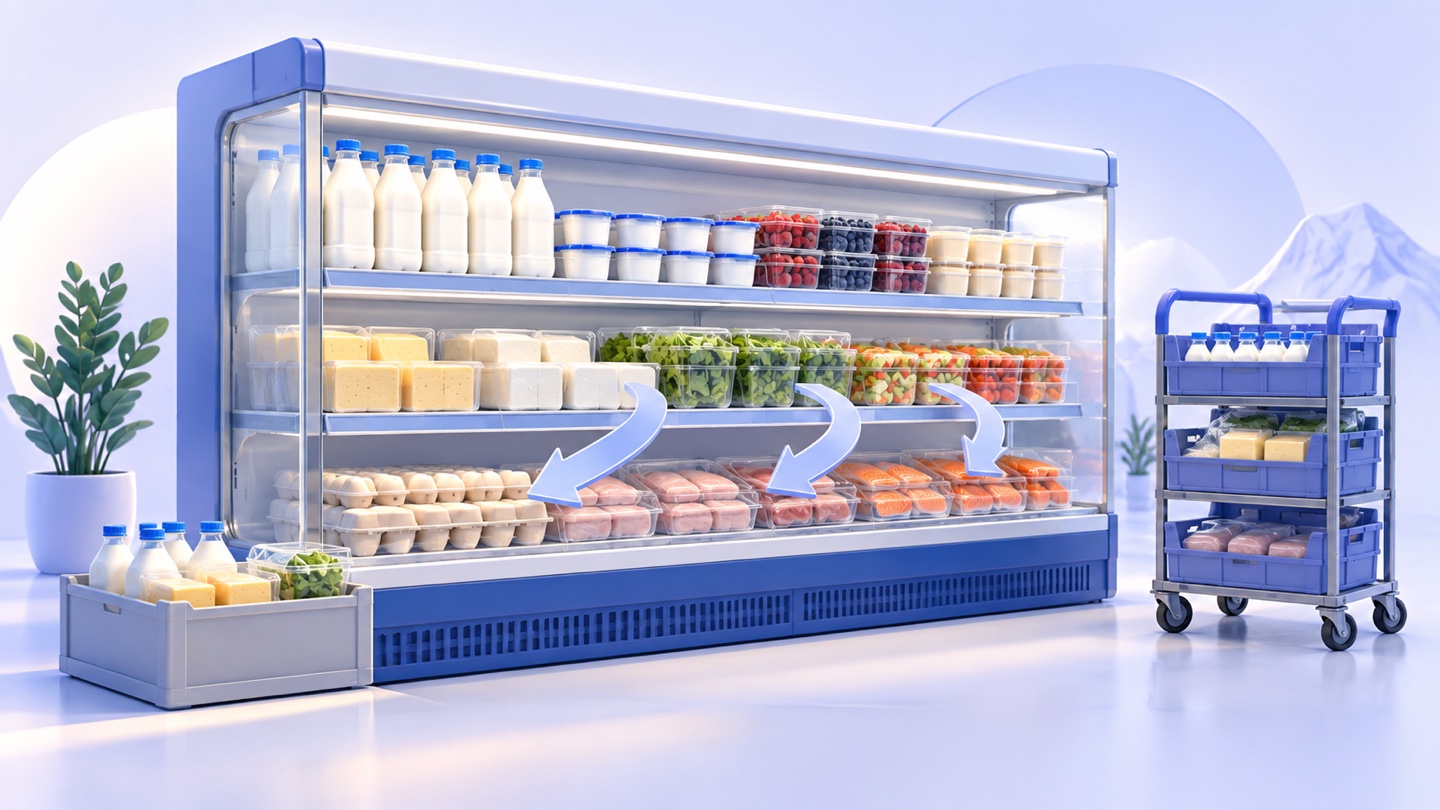
How to handle expiry-sensitive and fast-moving items
Foodstuff shops need routine, not magic. Software can help the team organize product records, categories, quantities, and reports, but the team still needs a daily or weekly process for checking items that expire or move quickly.
Start with the highest-risk categories. These may include dairy, drinks, packaged food, or any item where expiry, damage, or supplier replacement matters. Keep product names consistent and train the team to record purchases and adjustments when stock changes.
Low-stock checks should also be practical. A fast-moving item may need reorder before the shelf looks empty. A slow item may not need another carton even if the supplier is offering a deal. Reports help the owner compare movement against cash reality.
08
What changes when the shop sells online?
Many Iraq shops sell through Instagram, WhatsApp, or an online storefront. Once online orders start, the same stock may be promised to two customers unless POS and ecommerce share one inventory picture.
For example, if the shelf has 12 packs of coffee and the online store sells 5 while the cashier sells 4, the expected stock is 12 - 5 - 4 = 3 packs. If the online system and cashier system are separate, the owner may not see that number until it is too late.
RA8M Ecommerce adds a branded storefront connected to POS products and stock. For foodstuff shops that want structured online ordering, this can reduce double entry and help staff see orders, payments, delivery workflows, and inventory from one operating system.
09
When RA8M fits and when a simpler setup may be enough
RA8M fits Iraq foodstuff shops that need POS, inventory, purchases, reports, roles, branches, ecommerce, and offline-ready cashier selling. It is especially useful when the shop has many SKUs, barcode sales, regular suppliers, staff shifts, or online orders.
A simpler setup may be enough for a tiny neighborhood shop with one operator, few products, low daily volume, no barcode process, and no online sales. In that case, the owner can start simple while keeping product names and purchase notes clean.
If the shop is growing, review RA8M POS, Industries, and Pricing. Pricing can change, so verify the current plan before buying.
10
First-week setup checklist for a foodstuff shop
Begin with categories that match the shelves: drinks, dairy, snacks, grains, cleaning products, household items, or whatever matches the actual shop. Add barcodes where available and decide how to handle items sold by piece, carton, or pack.
Enter opening stock carefully for the top-selling items first. Then record purchases from suppliers and sell through POS during the week. Do not try to perfect every product before training the cashier; focus on a controlled rollout that protects busy checkout.
At the end of the week, compare expected stock against a physical count for ten important items. Review differences by sales, online orders, supplier receipts, returns, and adjustments. This gives the owner a practical quality check on the workflow.
11
Conclusion: speed and control must work together
Foodstuff shop software is valuable when it combines checkout speed with inventory discipline. In Iraq, that means barcode POS, Arabic and English usability, IQD purchase records, offline-ready selling, supplier workflows, low-stock checks, and reports the owner can understand.
The best test is simple: can the system explain what came in, what sold, what remains, what needs reorder, and what money moved? If yes, the shop can make better daily decisions instead of reacting after shelves are already empty.
Frequently asked questions
What is foodstuff shop software?
It is POS and inventory software for groceries, mini-markets, and foodstuff shops that need barcode sales, supplier purchases, stock control, reports, and daily cashier records.
Why do foodstuff shops need inventory control?
Foodstuff shops carry many fast-moving items with different costs and expiry risks, so inventory control helps reduce stockouts, waste, and manual counting errors.
Does RA8M fit groceries and mini-markets?
Yes. RA8M supports POS, barcode workflows, inventory, purchases, reports, branches, ecommerce, and offline-ready selling for Iraq businesses.
Should a small grocery use software or a notebook?
A notebook may work for a very small shop, but software becomes safer when products, suppliers, staff, daily sales volume, or online orders increase.
Can software guarantee expiry or tax compliance?
No. Software improves records and routines, but formal legal, tax, and compliance decisions should be checked with qualified professionals or authorities.
Written by
RA8M Team
Practical guides for restaurants, shops, and operations teams
Next step
Try RA8M with data close to your operation
Read next
Related RA8M guides
Supermarket and Grocery
Grocery Store and Mini-Market Software in Iraq
Read article
POS and Cashier
Cashier Software in Iraq: How to Choose for Your Shop
Read article
All-in-One Business Management
Shop Management Software in Iraq: POS, Stock and Branches
Read article
Pharmacy and Services
Sweets Shop Software in Iraq: POS, Recipes, Stock and Orders
Read article
Retail Shops
Accessories Shop Software in Iraq: POS, Stock and Variants
Read article