Barcode Software in Iraq: Faster Cashier and Cleaner Stock
A practical guide to barcode software in Iraq for POS checkout, product labels, inventory counts, branch transfers, variance control and reports.

Barcode software helps Iraq businesses identify products quickly, scan items at checkout, reduce manual entry errors, speed up inventory counts, and connect product movement to stock and reports. The real value appears when barcode scanning is part of a connected POS and inventory system, not only a handheld scanner or labels with no stock workflow.
01
Barcode Software in Iraq: Faster Cashier and Cleaner Stock
Barcode software is not just a scanner at the cashier desk. For Iraq shops, supermarkets, warehouses and multi-branch businesses, barcode workflows should connect products with prices, inventory, counts, transfers, permissions and reports so the business reduces manual errors and speeds up daily work.
Quick answer: Barcode software helps Iraq businesses identify products quickly, scan items at checkout, reduce manual entry errors, speed up inventory counts, and connect product movement to stock and reports. The real value appears when barcode scanning is part of a connected POS and inventory system, not only a handheld scanner or labels with no stock workflow.
02
What barcode software actually does
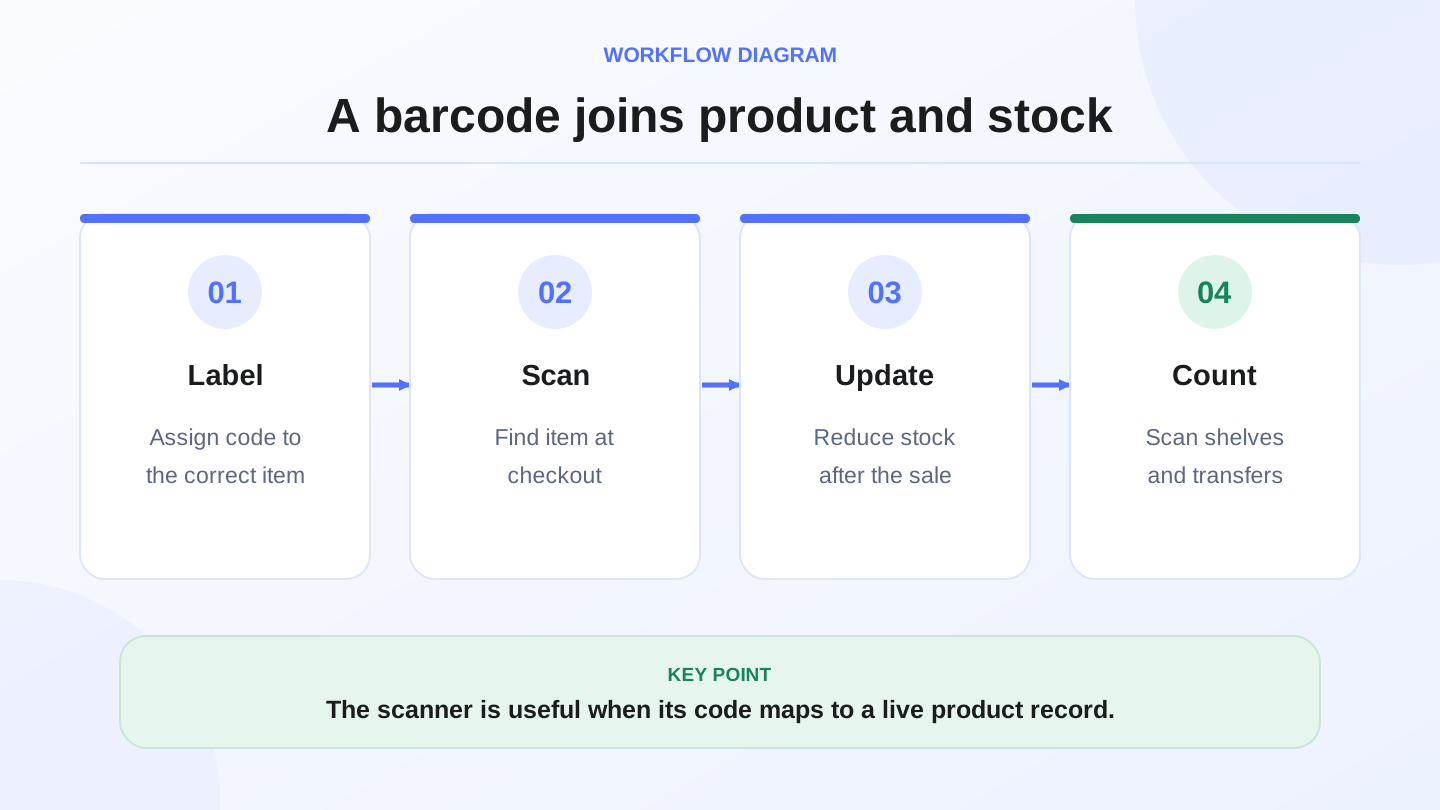
Barcode software links a scannable code to operational data: product name, price, category, variant, stock quantity, cost, branch, and sometimes warehouse location. When the cashier scans the code, the POS should add the correct item to the receipt. When staff use the same code during receiving, counting or transfer, the inventory workflow should update the right product.
That distinction matters. A barcode scanner is only the reading device. It often behaves like a smart keyboard: it reads the code and sends characters to the system. The software decides what those characters mean, which product they belong to, whether stock should move, and which report should change. Choosing barcode software therefore means choosing an operating workflow, not only buying hardware.
03
Where barcode workflows appear in daily operations
The most visible use is checkout. A cashier scans a product and the POS adds the item with the correct price. That reduces manual searching and avoids selecting the wrong product during busy hours. But checkout is only one part of the workflow.
Barcode software can also support supplier receiving, label printing, cycle counts, branch transfers, warehouse picking, product returns and variance investigation. A clothing store may use barcode labels for size and color. A mini-market may use barcodes to process many items quickly. A mobile phone shop may use them to distinguish accessories and models. A warehouse may use them to control stock before items reach the sales floor.
04
Scanner only versus connected barcode software
This table is important because many businesses buy a scanner first, then discover that the real problem was product data and inventory movement. The scanner is useful, but the connected system creates control.
| Area | Barcode scanner only | Connected barcode software |
|---|---|---|
| Reads the code | Yes | Yes |
| Knows product and price | Needs another system | Managed in POS and inventory |
| Updates inventory | No | Yes, after sales, counts or transfers |
| Produces reports | No | Sales, stock, variance and branch reports |
| Controls permissions | No | Roles can limit who edits stock or labels |
05
Worked example: cashier speed and time saved
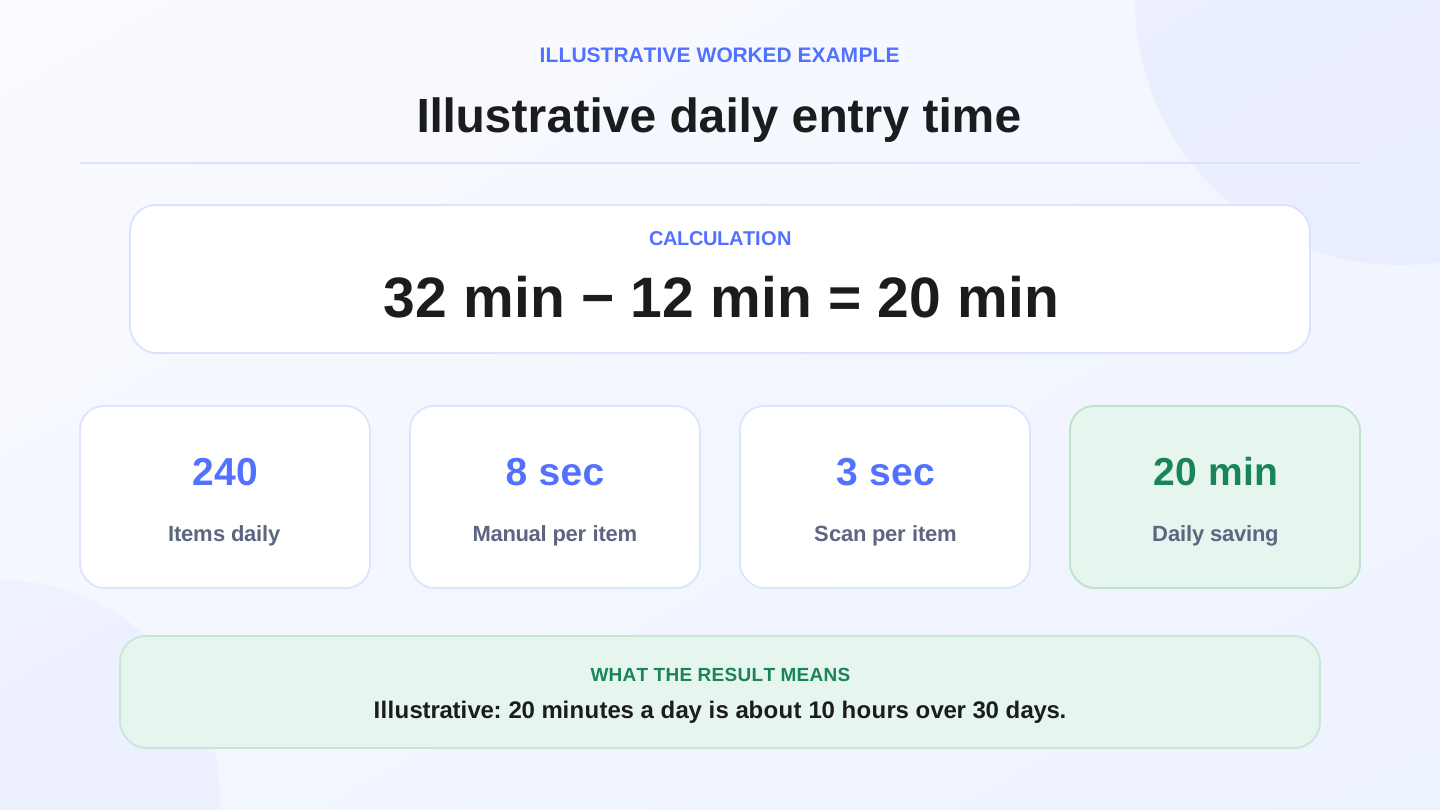
Imagine a grocery shop sells 240 scanned items per day. If manual product entry takes 8 seconds per item, the daily entry time is:
`240 items × 8 seconds = 1,920 seconds = 32 minutes`
If barcode scanning reduces entry time to 3 seconds per item, the daily time becomes:
`240 × 3 seconds = 720 seconds = 12 minutes`
The difference is 20 minutes per day. Across 30 days, that is:
`20 minutes × 30 = 600 minutes = about 10 working hours`
These numbers are illustrative, but they show why barcode software is not only about convenience. It can reduce queue pressure, wrong item selection and end-of-day correction work.
06
Barcode and inventory: where the value becomes bigger
The bigger value appears when stock changes automatically after checkout, increases after purchases, adjusts after inventory counts, and moves correctly between branches. If barcode scanning works at the cashier but inventory stays unchanged, the business has speed but not control.
For example, if the cashier scans a shampoo bottle, the sale should appear in the receipt, the quantity should decrease, the sales report should update, and the owner should later see product performance. In RA8M, barcode workflows should be considered part of POS operations, inventory, purchases and reports rather than a separate tool.
07
Product labels and supplier barcodes
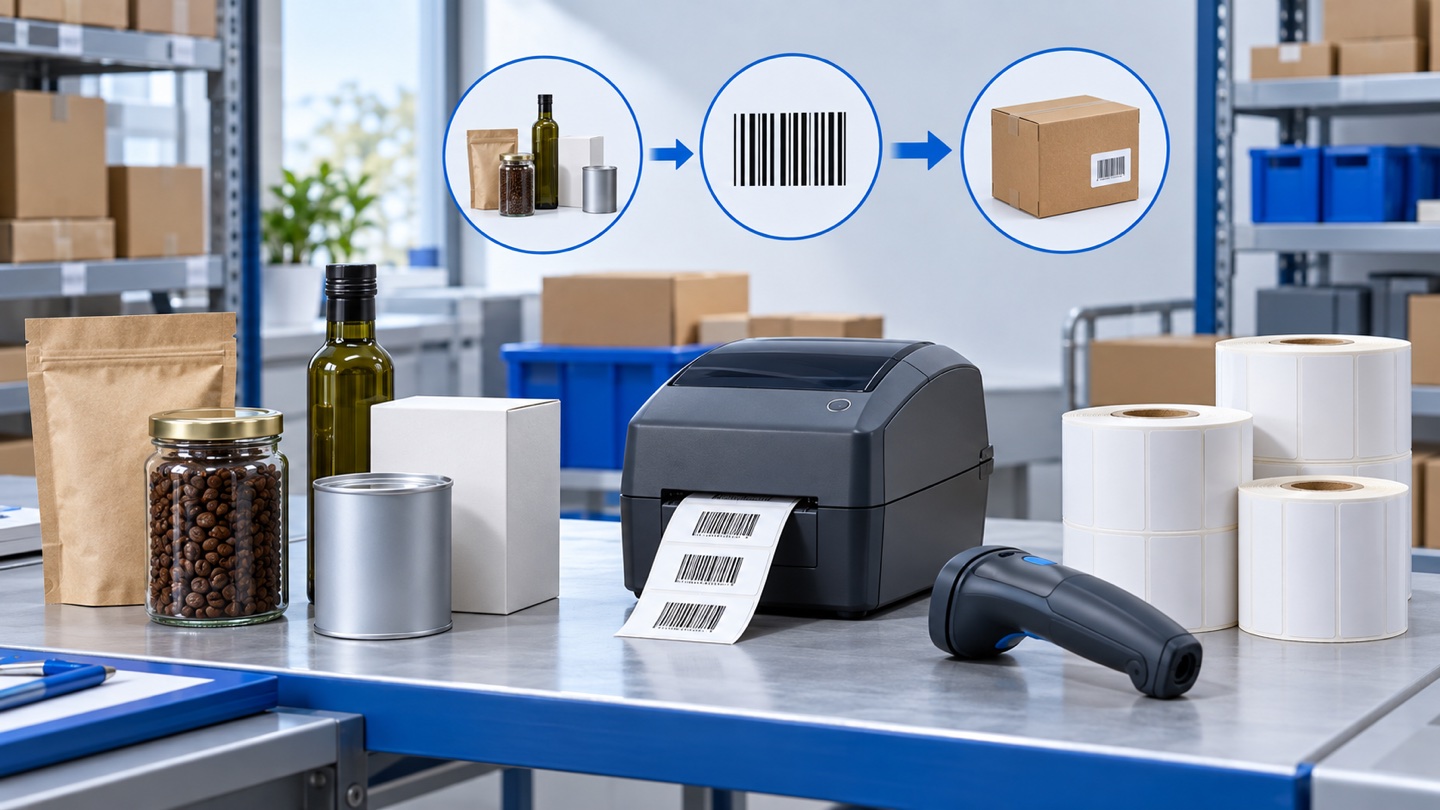
Some products arrive with manufacturer barcodes. Other products, such as accessories, custom items, local packages or warehouse units, may need internal labels. Before printing labels, clean the product list. Duplicate names, unclear variants and old prices will create barcode problems later.
A good label should scan reliably and describe the right level of detail. In clothing, the code may need size and color. In electronics, it may need model or accessory type. In food or pharmacy-like workflows, barcode labels should not replace expiry or batch discipline where the business needs it. The label identifies the item; the operating process still matters.
08
Inventory counts with barcodes
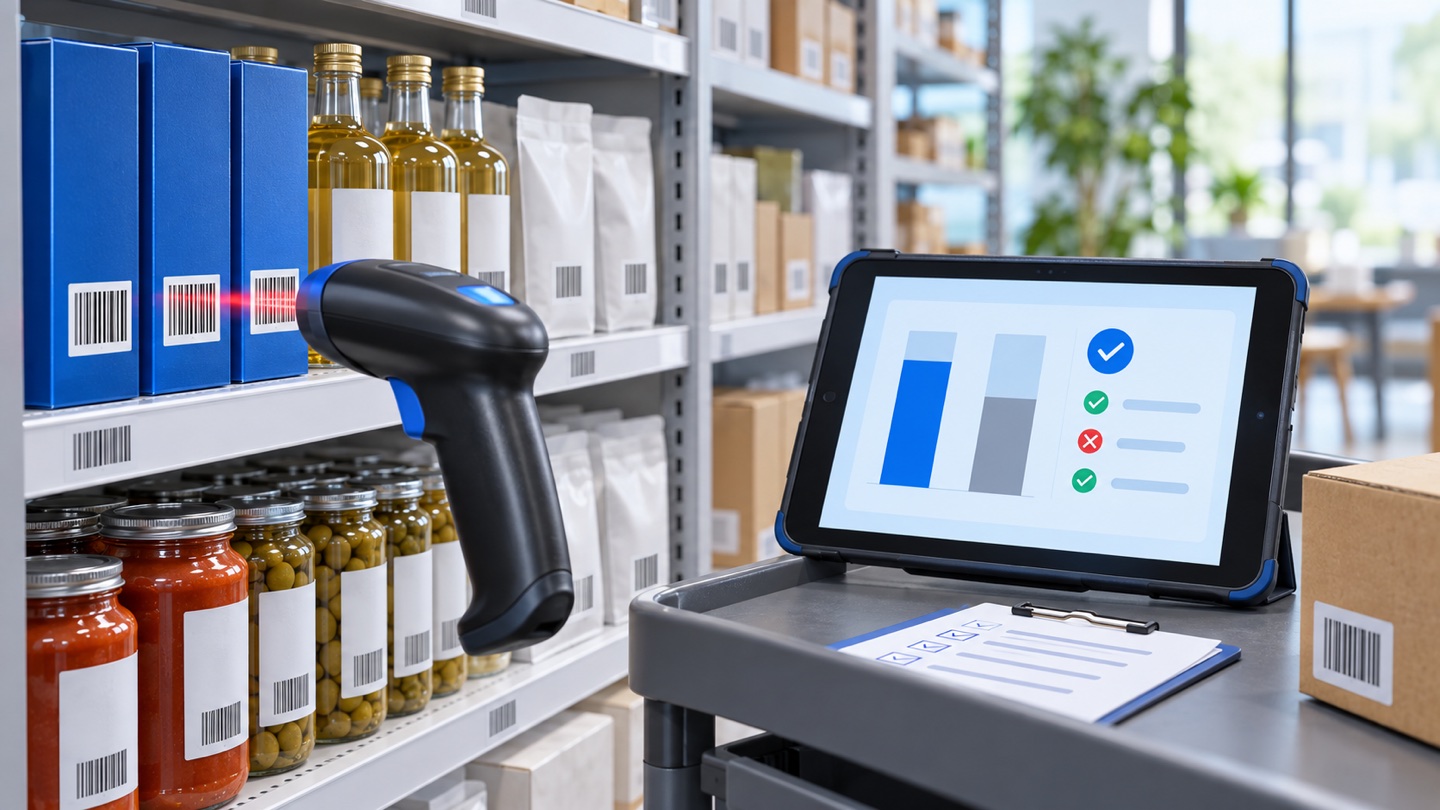
Barcode scanning can make inventory counts faster because staff scan the product and enter or confirm quantity. It also reduces the chance of counting the wrong item when products look similar. However, it is not magic. If products are stored randomly, duplicated in the system, or edited by too many people, variance will continue.
A practical routine is cycle counting. Instead of closing the whole shop for one painful annual count, count a small group of products each week. Review repeated variances and ask what caused them: a missed sale, short receiving, damaged stock, theft, wrong branch movement, or manual adjustment without approval.
09
Branch transfers and warehouse movement
Barcode software becomes even more useful when the business has more than one branch. If Branch A sends 30 units to Branch B, the system should decrease Branch A stock and increase Branch B stock after receiving. Scanning reduces product mistakes, but the software also needs transfer states, staff accountability and reports.
Without branch discipline, the owner may know total stock but not where it sits. That is not enough for daily operations or ecommerce. If an online order comes in, staff need to know which branch or warehouse can fulfill it, not only whether the business owns the item somewhere.
10
When RA8M fits and when a simple setup is enough
A very small shop with a few slow-moving products may start with clear product names and manual selection. Barcode software becomes more important when SKUs grow, variants become confusing, checkout lines get busy, inventory variance appears, or the business adds branches and ecommerce.
RA8M fits shops, supermarkets, warehouses and multi-branch operators that want barcode scanning connected to POS, inventory, purchases, reports and roles. Review RA8M pricing because plans can change, and compare the cost with time saved, fewer stock mistakes and cleaner reporting.
11
Barcode rollout checklist
1. Clean product names, categories and variants before printing labels.
2. Decide whether to use supplier barcodes, internal barcodes or both.
3. Make sure one code maps to one product or variant.
4. Test scanning at checkout, receiving, counting and transfer.
5. Limit who can edit barcode records and stock quantities.
6. Review variance reports weekly until the workflow stabilizes.
12
Common mistakes to avoid
The first mistake is buying hardware before cleaning product data. A scanner will not solve duplicate names, unclear sizes or missing prices. Fix the product list first, then select labels and devices.
The second mistake is using the same barcode for different variants. If black size 42 and brown size 42 share one code, stock reports become unreliable. Each variant that must be tracked separately needs its own product record or barcode logic.
The third mistake is ignoring offline-ready cashier needs. In Iraq, internet interruptions can happen during selling hours. The POS should support continued selling where the product provides offline operation and then sync later. Barcode scanning should fit that reality instead of stopping the cashier whenever the connection drops.
13
Conclusion
Barcode software in Iraq helps businesses speed up checkout and clean up stock control, but it works best as part of a connected system. Start with clean products, connect barcode scanning to POS and inventory, control who can adjust stock, and review reports. If your business has many products, branches, warehouse movement or ecommerce orders, a connected platform like RA8M is stronger than separate scanners and spreadsheets.
Frequently asked questions
What is barcode software?
Barcode software connects each scannable code to a product, price, variant, stock quantity and movement workflow so checkout, counts and transfers are faster and cleaner.
Do I need only a barcode scanner or full software?
A scanner only reads the code. Full software connects the code with products, prices, stock, reports, permissions and daily POS workflows.
Does barcode software fit restaurants?
It fits packaged items and inventory, but restaurants also need recipes, modifiers and ingredient deduction because meals are not always sold as scannable units.
How can RA8M support barcode workflows?
RA8M connects barcode scanning with POS, inventory, purchases, reports, roles and branches so product movement becomes part of daily operations.
Written by
RA8M Team
Practical guides for restaurants, shops, and operations teams
Next step
Try RA8M with data close to your operation
Read next
Related RA8M guides
Online Store and Ecommerce
Arabic Ecommerce Platform in Iraq: What to Check Before Launch
Read article
Accounting and Invoicing
Sales and Purchase Reconciliation in Iraq: Close the Money Trail
Read article
Inventory and Operations
Dead stock in Iraq shops: identify it and recover value carefully
Read article