Barcode for Shops in Iraq: Create, Scan, Print, and Connect POS Stock
A practical Iraq guide to barcodes for retail: EAN-13 and GS1 basics, 1D vs QR, phone and USB scanning, label printing, and Ra8m POS barcode workflows.
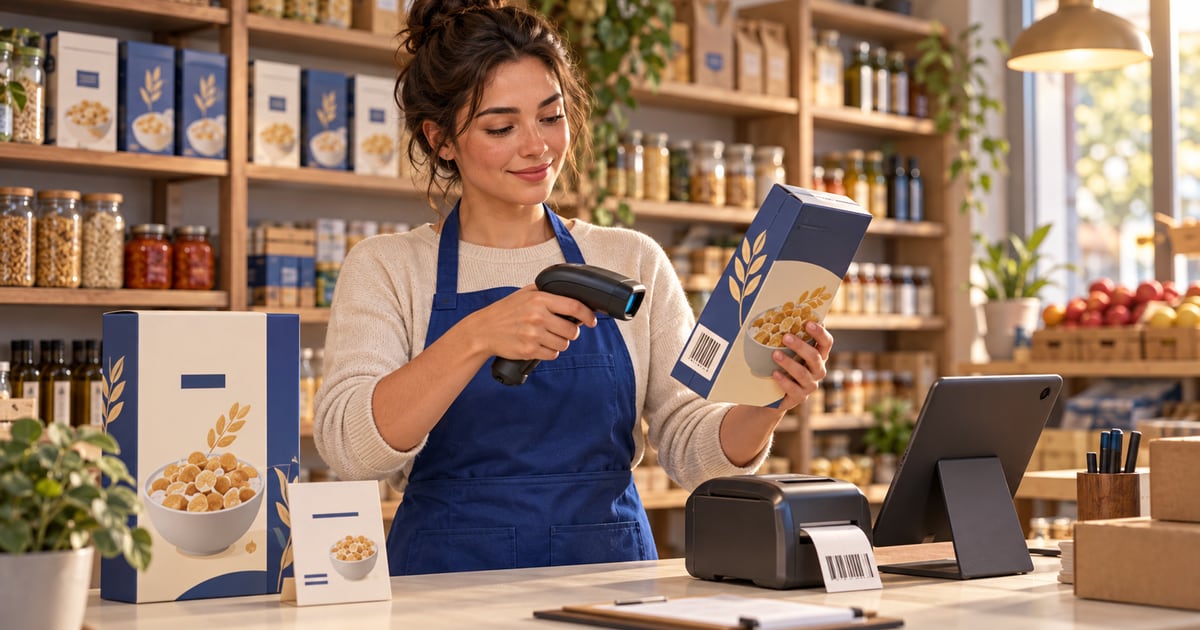
Barcodes let Iraqi shops identify products in one scan instead of manual search. Retail packs often use EAN-13 or UPC per GS1 standards; bakeries and delis may use internal codes. Scan at POS with a USB wedge reader or search by barcode in Ra8m; assign barcodes on items, variants, and sales units, bulk-generate with GenerateBarcodeDialog, and deduct stock on sale. Confirm GS1 membership for imported GTINs; verify Ra8m pricing on /en/pricing.
01
Barcode for Shops in Iraq: Create, Scan, Print, and Connect POS Stock
When a customer places ten items on the counter, the cashier should not rebuild the basket from memory. A barcode for shops in Iraq turns each product into a number the register understands in one scan or one typed search. Owners search for create barcode, barcode scanner, scan barcode, and product barcode when manual names slow the line, when two similar shampoos get mixed up, or when stock on the shelf no longer matches what the notebook says.
This guide is practical, not academic. It explains 1D barcodes versus QR codes, when EAN-13 and GS1 numbers matter, how to create barcodes for your own labels, how reading barcodes works on phones and USB scanners, how to convert a link to a QR code for menus and campaigns, and how barcodes connect to inventory in store management software in Iraq. For software selection language, see also barcode software in Iraq. For counts and variance, read stocktaking software in Iraq. For cashier basics, see free cashier software in Iraq. For size and color variants, see shoe store POS software in Iraq.
Quick answer: Use EAN-13/UPC on standard retail packs when the supplier already printed a GS1 number; use internal codes for bakery, bulk, or private label only if you will not collide with another SKU. Scan at checkout with a USB wedge scanner or search by barcode in POS; phones and Google Lens help spot-check but are not a full peak-hour strategy. In Ra8m, store barcodes on items, variants, and sales units, bulk-generate with GenerateBarcodeDialog, and let each sale update shared stock—plans from 7,500 IQD/month on pricing, ecommerce from 50,000 IQD/month.
02
What is a barcode—and why do Iraqi retailers adopt it late but need it early?
A barcode is a machine-readable symbol that maps to a product record: name, price, tax behavior, unit, and stock quantity. The register does not “understand” the drawing; it reads the encoded digits and looks up your database. That lookup is why barcode software and POS must share one product list. A sticker without a matching record is useless; a record without a scannable label forces slow search.
Iraqi mini-markets, pharmacies, cosmetics shops, phone accessory counters, and clothing stores hit the same tipping point: more than a few dozen SKUs, staff besides the owner, and peak hours after work or on weekends. At that point, typing names or tapping the wrong tile costs money. Barcodes do not replace discipline—they make discipline scalable.
03
How do 1D barcodes differ from QR codes at the counter?
1D barcodes (EAN-13, UPC-A, Code 128) are built for fast laser scanning at close range on flat packaging. QR codes are two-dimensional; they hold more data—often a URL, payment payload, or long internal code—and are read well by phone cameras.
Use 1D for checkout speed. Use QR when the goal is convert link to barcode for customers, not when you need forty scans a minute.

| Symbol | Typical use in Iraq | Cashier experience | Inventory note |
|---|---|---|---|
| **EAN-13 / UPC** | Imported FMCG, pharma packs | Fast wedge scan | Use supplier GTIN; do not invent |
| **Code 128** | Internal bakery, deli, bulk | Fast scan if label quality is good | You assign the number in your system |
| **QR** | Menu, Instagram bio, warranty link | Camera or phone; slower at volume | Often not the primary POS scan |
04
What are EAN-13, UPC, and GS1—and what should Iraq owners verify?
Global trade item numbers come from the GS1 barcode standards for EAN/UPC. A 13-digit EAN-13 (or 12-digit UPC in some markets) identifies a trade item so scanners worldwide resolve it to a product description—when databases align. GS1 Iraq lists local membership context on the GS1 site; registration, fees, and prefix allocation are handled through GS1 processes, not through a POS vendor.
Some regional GS1 member organizations serve neighboring countries; news pages on GS1 Bahrain sometimes mention cross-border retail programs. Treat such coverage as directional only: confirm who issues your company prefix and what documents you need before printing tens of thousands of labels.
Ra8m does not replace GS1 membership. It stores whatever barcode you assign per item, variant, or sales unit and uses it at POS search and sale time.
| Question | Why it matters |
|---|---|
| Did the importer already print a GTIN? | Scan the pack in receiving; store that number in POS |
| Are you private-label packing in-store? | You may need an internal code or GS1 allocation—do not copy a competitor’s digits |
| Do variants need separate numbers? | Each size/color/pack often needs its own barcode row |
| Will you export or sell on marketplaces? | Marketplace rules may require valid GTINs |
05
How do you create barcodes for in-store products step by step?
Creating barcodes is two jobs: (1) choose the number, (2) print a symbol humans and scanners can read.
1. Receive the product — Scan the supplier case if possible; photograph the label for disputes.
2. Create or open the product in your inventory system — Name, category, unit, purchase and sale price.
3. Assign the barcode field — Supplier GTIN for sealed goods; internal sequence for loose goods you weigh or pack yourself.
4. Print the label — Include human-readable name, price, and unit; test scan distance and contrast.
5. Place on shelf — Train staff to scan at sale, not only at stocktake.
6. Sell once in test mode — Confirm stock decrements on the correct variant.
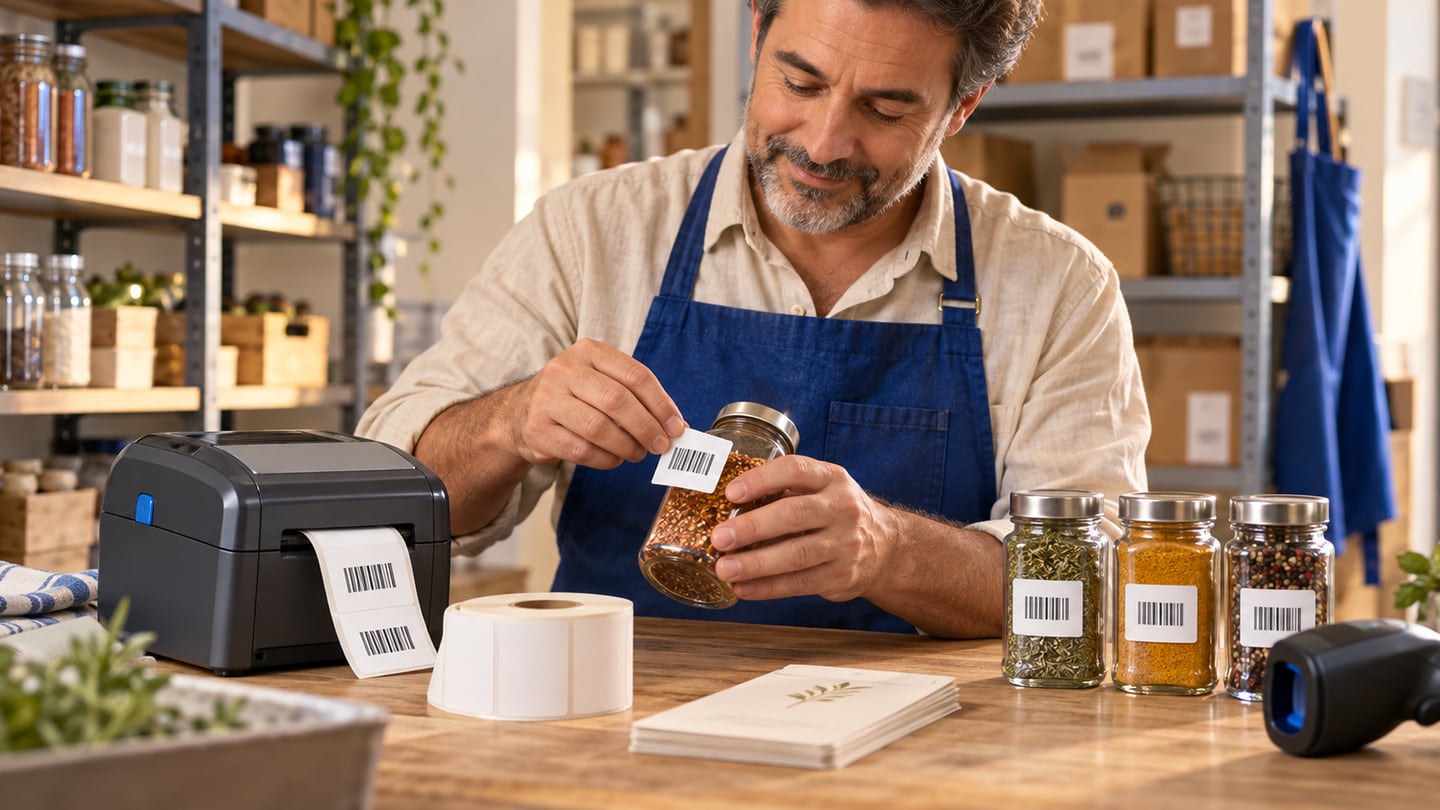
For bulk internal ranges, Ra8m’s admin item form includes GenerateBarcodeDialog: prefix, suffix, start/end values, increment, and mask patterns to build many variant barcodes in one pass—useful when you add twenty shoe sizes or spice jars that never had importer labels.
06
Can you make a free barcode without breaking inventory truth?
Searches for free barcode or create barcode free often land on online generators that draw a PNG from any digits you type. That is fine for a QR menu or a one-off poster; it is risky for retail GTINs. If you invent an EAN-13 that belongs to another brand, you will eventually sell the wrong item or fail a marketplace audit.
Free internal numbering can work when:
The code is clearly internal (prefix you document).
Every SKU has a unique row in POS.
You never reuse a number after discontinuing a product.
Labels are reprinted when price changes require it.
Paid GS1 membership is not “POS pricing”; it is numbering authority for trade items. Budget both: symbols on labels and software that decrements stock.
07
How does barcode scanning work at the POS in practice?
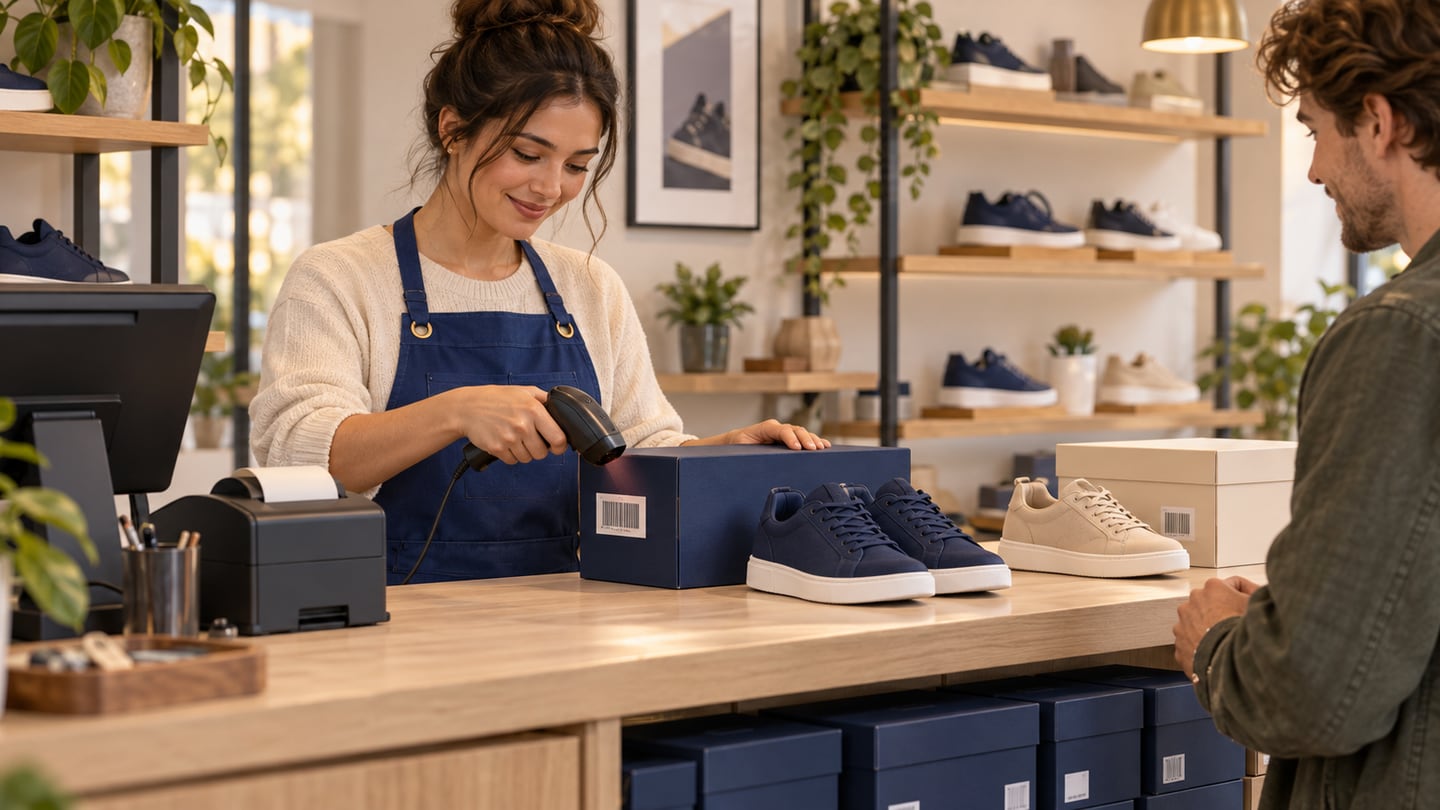
Scanning is lookup plus action. The scanner sends digits to the focused field; POS resolves the product; the cashier sets quantity, discounts, and payment; completing the sale posts inventory movement.
Ra8m POS exposes search by name or barcode in the sales flow and weights barcode matches in product search. That means a wedge scanner behaves like fast typing—no special driver if the device acts as a USB keyboard.
Workflow expectations:
Single beep, single line item — Default for unit sales.
Quantity before scan — For multi-pack promotions; train explicitly.
Variant discipline — Scan the size on the box, not a shelf strip for another size.
Returns — Scan the same code to pull the correct variant back into stock.
08
Phone camera, Google Lens, and dedicated scanners—which fits Iraq shops?
Google barcode scanner behavior in Lens can identify some consumer packs from the open web; treat it as research, not as stock control. Your system of record remains POS plus purchases plus adjustments—as in stocktaking software in Iraq.
| Method | Best for | Weakness at checkout |
|---|---|---|
| **USB laser scanner** | Supermarkets, pharmacies, busy cosmetics | Needs USB port or hub; cable management |
| **Bluetooth scanner** | Mobile counters, pop-ups | Pairing and battery |
| **Phone camera in POS** | Backup, pop-up stall | Slower; glare on glossy packs |
| **Google Lens** | Owner spot-check, unknown supplier pack | Not your inventory system of record |
09
How do you convert a website link into a QR code for customers?
Convert link to barcode usually means a QR pointing to `https://` pages: your Ra8m storefront, a Ramadan menu, or a Google Maps pin. Steps:
1. Copy the final URL—including `https`—after you test it in a private browser window.
2. Generate a QR PNG/SVG from a reputable tool or your ecommerce dashboard.
3. Print at least 2 cm square for close reading; larger for window posters.
4. Place where lighting is even; wrinkled laminates fail scans.
5. Track orders through the store backend, not through QR scan counts alone.
Link QR codes do not replace product barcodes on packs. Use QR for discovery; use EAN-13 or internal 1D for deduction at the register.
10
How should you print barcode labels for shelves and backroom?
Label printers range from consumer inkjets to thermal 40 mm rolls. Thermal is common in Iraqi retail backrooms because there is no ink smear on dusty shelves.
Checklist:
Contrast — Dark bars on white or very light stock.
Quiet zone — Empty margin around the symbol; never trim into the bars.
Human text — Arabic or bilingual name, price in IQD, unit (piece, carton).
Placement — Flat surface; curved bottles may need wrap labels or shelf strips.
Reprint on price change — Mismatch between shelf and POS erodes trust.

11
How do barcodes connect to stock counts, purchases, and branches?
Barcodes earn their keep when movement is recorded:
Purchases increase quantity for the scanned item or variant.
Sales decrease quantity at the scanned unit.
Transfers move quantity between branches with the same code map.
Stocktakes scan to count faster than paper lists.
If purchases are entered loosely but sales are scanned tightly, reports will blame “theft” when the real issue is receiving discipline. Connect barcode discipline from the receiving dock to the cashier—as described in store management software in Iraq.
12
What barcode-related features does Ra8m POS actually provide?
Based on the product codebase and public POS materials, Ra8m supports:
Barcode fields on items, variants (size/color), and sales units (pack sizes).
POS product search with barcode-weighted matching and a “search or scan barcode” field on receipts.
GenerateBarcodeDialog for bulk internal numbering on variant grids.
Stock updates on completed sales through the connected inventory layer (verify on your trial with weighted items and returns).
Ra8m is not a label-printing company: you choose printer drivers and label templates. The platform holds the authoritative code-to-product link.
Start a trial on the tier that matches your SKU count; run one Friday evening with real scanners.
| Ra8m plan (verify on /en/pricing) | Monthly IQD | Barcode-focused fit |
|---|---|---|
| Basic | **7,500** | Single-shop retail scan and stock |
| Advanced | **15,000** | Deeper purchasing and operations |
| Manufacture | **30,000** | Recipes and production with raw materials |
| Ecommerce add-on | **from 50,000** | Link catalog URLs and QR campaigns to shared stock |
13
What mistakes do Iraqi shops make with barcodes?
Mistake one: one barcode, two products. Staff create shortcuts; margin reports lie.
Mistake two: scanning the shelf strip while selling a different variant. Common in shoes and phones; fix with variant labels.
Mistake three: never scanning purchases. Sales look perfect while backroom quantity drifts.
Mistake four: using phone-only scan at peak. Lines grow; owners blame “the app” instead of hardware.
Mistake five: changing price on POS but not on the shelf label. Customers argue; cashiers override discounts.
Mistake six: treating QR menus as inventory control. Marketing codes are not SKU codes.
14
What should you test before printing a thousand labels?
1. Scan ten fastest movers plus ten slow movers.
2. Scan every variant of one high-risk item (shoes, phone cases).
3. Sell one unit, return one unit, confirm stock.
4. Receive one purchase line by barcode if your workflow allows.
5. Run a mini stocktake on one aisle.
6. Export or view a report the owner actually reads weekly.
Document who may edit barcodes after go-live; casual edits break historical sales ties.
15
How do barcodes fit clothing, shoes, and serialized goods?
Fashion shops need barcodes at variant level. Shoe store POS software in Iraq explains size/color logic; barcodes are the physical key to that logic. Electronics shops sometimes scan serials for warranty; if you track serials, define whether POS captures serial at sale or only at receiving.
16
When is barcode investment unnecessary?
A toy stall with twelve fixed prices and one owner may not need printed labels yet. The moment you hire a cashier, add a second branch, or open ecommerce sharing the same SKUs, barcode discipline pays back. Free cashier software in Iraq discusses when free tiers break; barcodes are often the breaking point for supermarkets.
17
Sources and standards notes
EAN/UPC symbology and trade item identification: GS1 EAN/UPC standards.
Iraq GS1 location and membership pointers: GS1 Iraq on gs1.org.
Regional GS1 news (verify applicability to your company): GS1 Bahrain news category.
Camera-based lookup (not inventory): Google Lens.
Ra8m pricing and plans: Ra8m pricing and POS overview.
18
Conclusion
Barcode for shops in Iraq is a workflow: correct numbers, readable labels, trained cashiers, and POS that updates stock on every scan. Use global standards where trade items require them; use documented internal ranges where you pack yourself; use QR for links customers open on phones. Connect scanning to purchases, transfers, and stocktakes so reports stay trustworthy.
If you outgrow notebooks and name search, test Ra8m with your real wedge scanner, variant grid, and one busy evening. Confirm pricing on pricing, link ecommerce when Instagram orders need the same stock, and keep GS1 paperwork separate from cashier training—both matter, but on different calendars.
19
Frequently Asked Questions
Do Iraqi shops need GS1 barcodes on every product?
Imported packaged goods often already carry a GS1 GTIN such as EAN-13. Private-label or bakery items may use internal codes you print yourself, but you should not reuse another brand's number. GS1 Iraq membership details are listed on gs1.org/locations/iraq; confirm registration paths with GS1 before printing mass retail labels.
Can I scan barcodes with only a phone at the cashier?
Phones work for occasional lookup using the camera or Google Lens, but a dedicated USB barcode scanner acting as a keyboard wedge is faster and more reliable during peak hours. Ra8m POS supports typing or scanning into the product search field; test your device and scanner before Friday rush.
How does Ra8m handle barcodes on sizes and packs?
Ra8m lets you store barcodes on the main item, on variants such as size and color, and on sales units when you sell different pack sizes. The POS product search matches name or barcode, and completing a sale updates inventory for the scanned unit.
What is the difference between this guide and barcode software in Iraq?
The barcode software article explains why barcode workflows matter across POS and counts. This guide focuses on practical creation, scanning tools, GS1 context, label printing, and day-one setup for shop owners searching how to create and scan barcodes.
How much does Ra8m cost for barcode POS in Iraq?
Ra8m POS plans start at Basic 7,500 IQD per month, Advanced 15,000, and Manufacture 30,000 on the public pricing page, with ecommerce from 50,000 IQD per month as an add-on. Features vary by plan; confirm current pricing on /en/pricing and test barcode search on a trial account.
Frequently asked questions
Do Iraqi shops need GS1 barcodes on every product?
Imported packaged goods often already carry a GS1 GTIN such as EAN-13. Private-label or bakery items may use internal codes you print yourself, but you should not reuse another brand's number. GS1 Iraq membership details are listed on gs1.org/locations/iraq; confirm registration paths with GS1 before printing mass retail labels.
Can I scan barcodes with only a phone at the cashier?
Phones work for occasional lookup using the camera or Google Lens, but a dedicated USB barcode scanner acting as a keyboard wedge is faster and more reliable during peak hours. Ra8m POS supports typing or scanning into the product search field; test your device and scanner before Friday rush.
How does Ra8m handle barcodes on sizes and packs?
Ra8m lets you store barcodes on the main item, on variants such as size and color, and on sales units when you sell different pack sizes. The POS product search matches name or barcode, and completing a sale updates inventory for the scanned unit.
What is the difference between this guide and barcode software in Iraq?
The barcode software article explains why barcode workflows matter across POS and counts. This guide focuses on practical creation, scanning tools, GS1 context, label printing, and day-one setup for shop owners searching how to create and scan barcodes.
How much does Ra8m cost for barcode POS in Iraq?
Ra8m POS plans start at Basic 7,500 IQD per month, Advanced 15,000, and Manufacture 30,000 on the public pricing page, with ecommerce from 50,000 IQD per month as an add-on. Features vary by plan; confirm current pricing on /en/pricing and test barcode search on a trial account.
Written by
RA8M Team
Practical guides for restaurants, shops, and operations teams
Next step