Best POS Software for Restaurants in Iraq 2026 — Complete Guide
Compare restaurant POS features in Iraq: orders, inventory, payments, reports, offline-first selling, and a clear daily cost example.
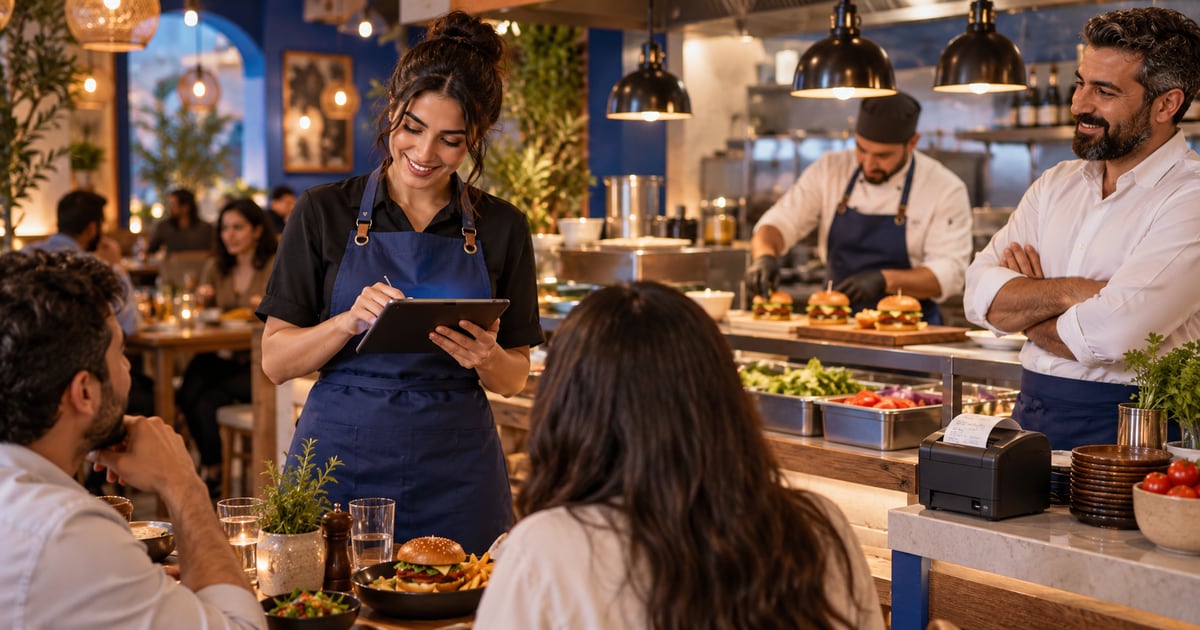
The best POS software for restaurants in Iraq in 2026 connects the sales screen with inventory, payments, and reporting in one flow. It should support Arabic and English, staff permissions, automatic stock or ingredient deduction, and temporary offline work with later sync.
01
Best POS Software for Restaurants in Iraq 2026 — Complete Guide
A practical guide for restaurants and cafes choosing an Arabic-first POS that supports orders, inventory, payments, reports, and offline-first selling.
Quick answer: The best POS software for restaurants in Iraq in 2026 connects the sales screen with inventory, payments, and reporting in one flow. It should support Arabic and English, staff permissions, automatic stock or ingredient deduction, and temporary offline work with later sync.
02
Short answer: a restaurant POS is not just a cash register
A good restaurant POS starts with fast selling, but it should not stop at printing a receipt. In a busy restaurant, every order triggers a chain: item selection, quantity changes, payment, inventory movement, financial record, and an end-of-day report.
If the system only records the sale and leaves inventory or reports outside the flow, you are still doing operational work manually. The stronger system turns one order into sales, inventory, and reporting data without double entry.
Selection rule: Every second lost at checkout becomes a longer queue, a larger stock error, and a weaker daily report.
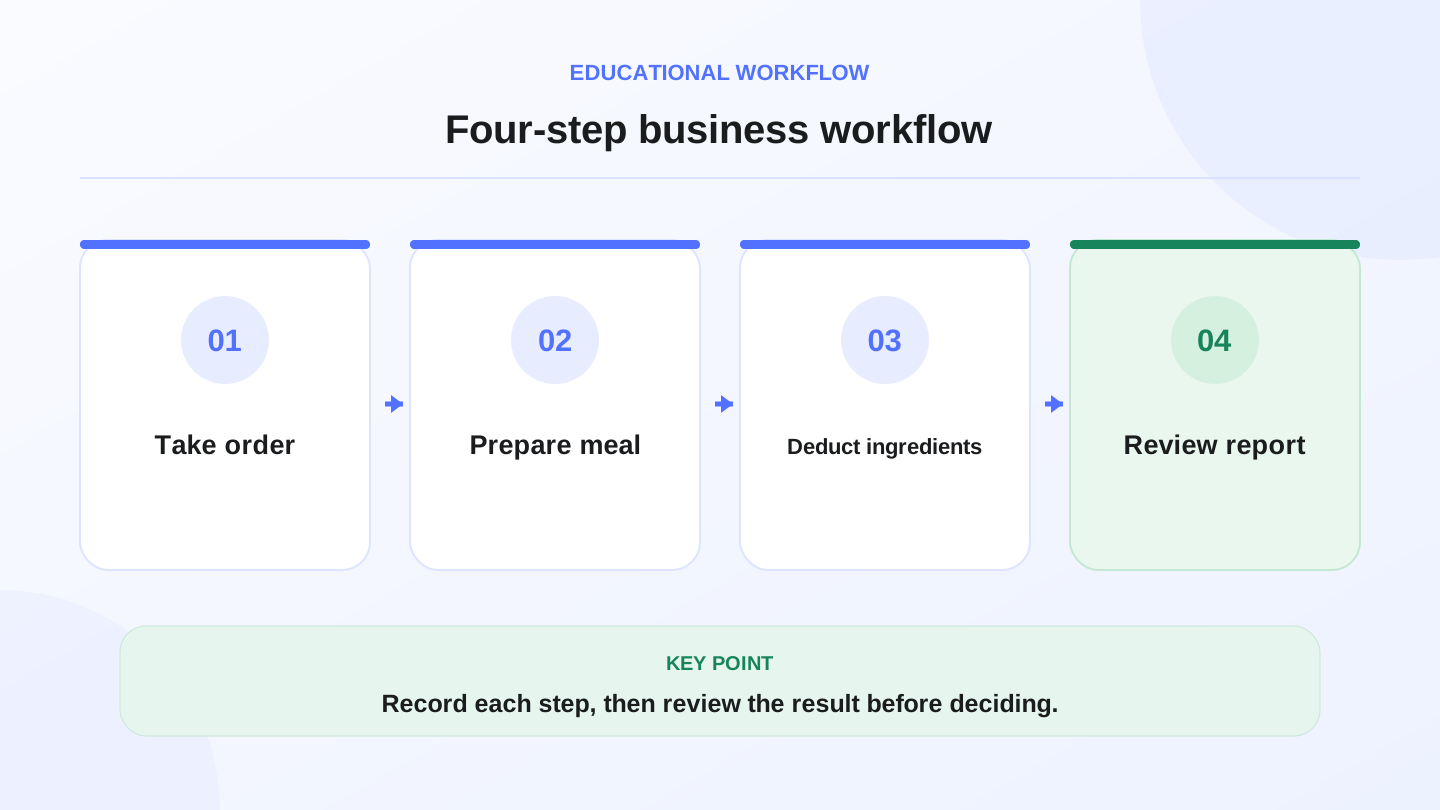
A practical sequence has four connected steps: Take order, Prepare meal, Deduct ingredients, Review report. Recording each step helps review the result.
03
What should happen when one meal is sold?
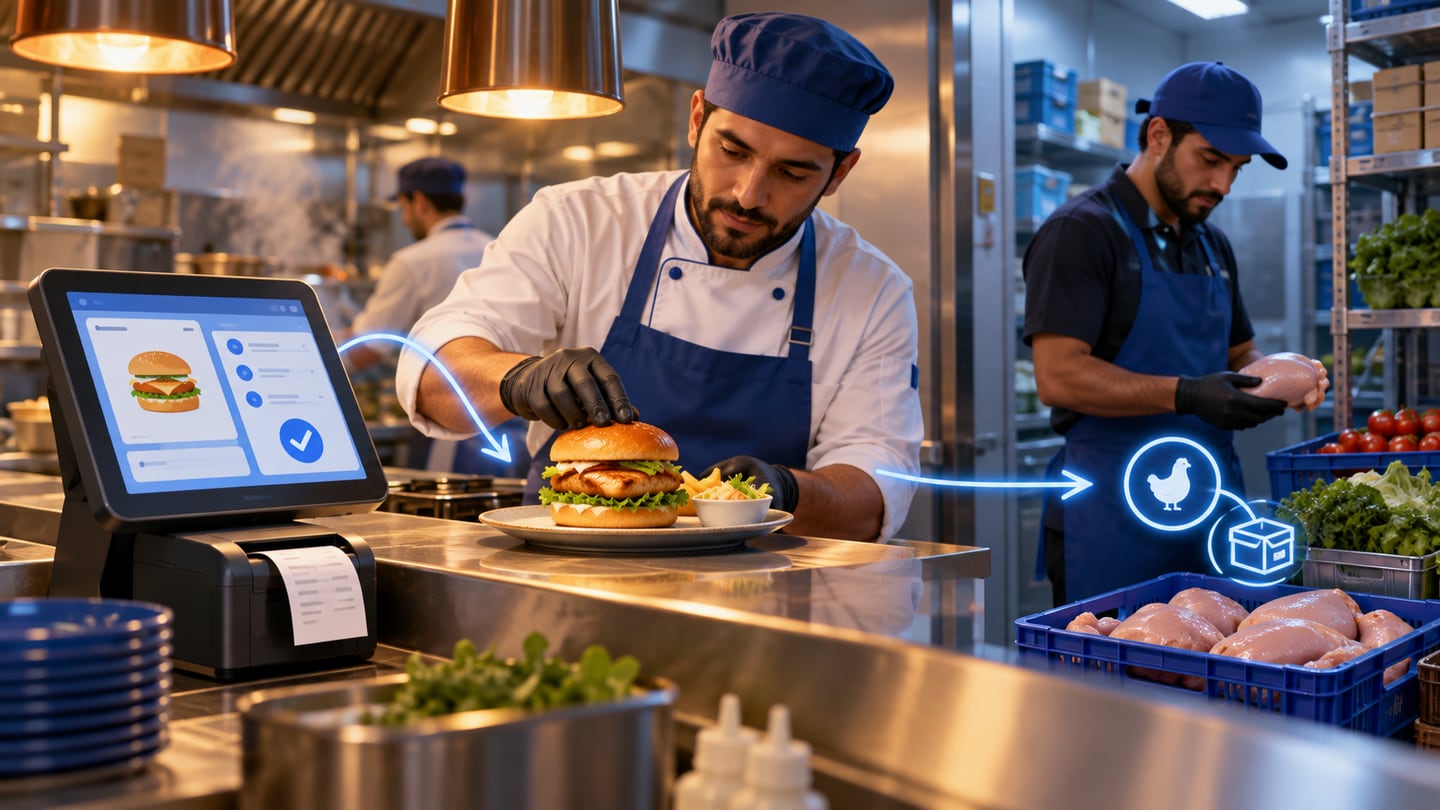
A meal sale should do more than reduce a number on the till. The right restaurant POS connects the item to table status or order type, then connects the item to inventory, then records the payment method for reporting.
RA8M’s documented POS flow includes cart handling, discounts, payment methods, bank-account selection, and stock effects depending on item type. These are product facts, not invented marketing statistics.
| Stage | System support | Business effect |
|---|---|---|
| Order entry | Touch selection, barcode or item grid, quantities and notes | Faster entry during peak hours |
| Restaurant context | Table number, order type, discount or tip | Clearer service and receipt context |
| Payment | Cash or card with the right account | Payment report without manual sorting |
| Inventory | Deduct ready items or recipe ingredients | Real consumption after selling |
| Reporting | Sales, cashier, item, discount, stock | Daily decisions based on numbers |
04
The 7 features to check before choosing
Start from the daily workflow, not a long feature list. Can the cashier finish the order quickly? Can the owner see top-selling items? Does low stock appear before the kitchen is blocked?
The 7 features that change the outcome are: clear Arabic UI, English when needed, item and ingredient management, safe discounts, multiple payment methods, staff permissions, and readable daily reports.
For multi-branch restaurants, add two more requirements: reliable sync and consistent item naming. If every branch names the same item differently, reporting quality drops even when the system is technically strong.
05
Decision table: which POS depth fits your restaurant?
Not every restaurant needs the same depth on day one. A small cafe needs speed and clarity; a growing chain needs permissions, reporting, and stricter sync.
Use this as an early decision table, then test the system against a real workday before committing.
_Figures are internal testing suggestions, not fixed implementation promises._
| Business type | Priority | Non-negotiable features | Suggested test window |
|---|---|---|---|
| Small cafe | Speed | Touch UI, receipts, payment methods | 2–3 days |
| Mid-size restaurant | Orders and inventory | Tables, discounts, ingredients, reports | 5–7 days |
| Multi-branch chain | Control and sync | Permissions, branches, unified reports | 10–14 days |
| Delivery-heavy restaurant | Order status | Order type, delivery timing, payments | 5–10 days |
06
Worked example: how sales affect inventory
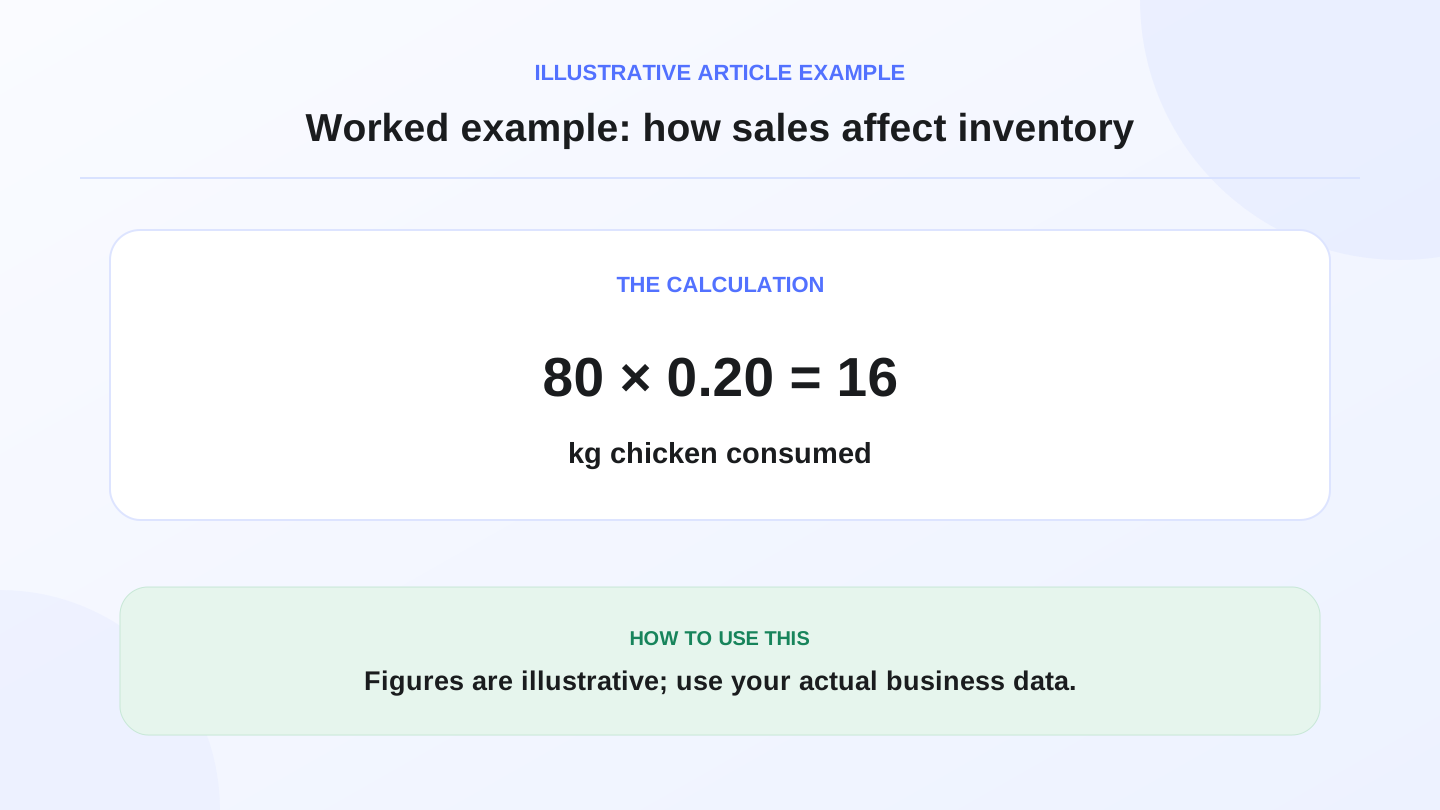
Assume a restaurant sells 80 chicken burgers in one day. If each burger uses 0.20 kg of chicken, daily chicken consumption is 80 × 0.20 = 16 kg. If opening stock was 55 kg, expected remaining stock after this item is 39 kg before purchases or waste.
With a planning cost of 18 IQD per kg, the stock cost impact for that item is 16 × 18 = 288 IQD for the day. The point is not the exact price; it is the calculation path.
A connected POS makes this visible after sales. The report does not only show revenue; it also shows what inventory was consumed to earn it.
A restaurant that only knows sales sees half the story; a restaurant that knows sales and inventory sees profit more clearly.
07
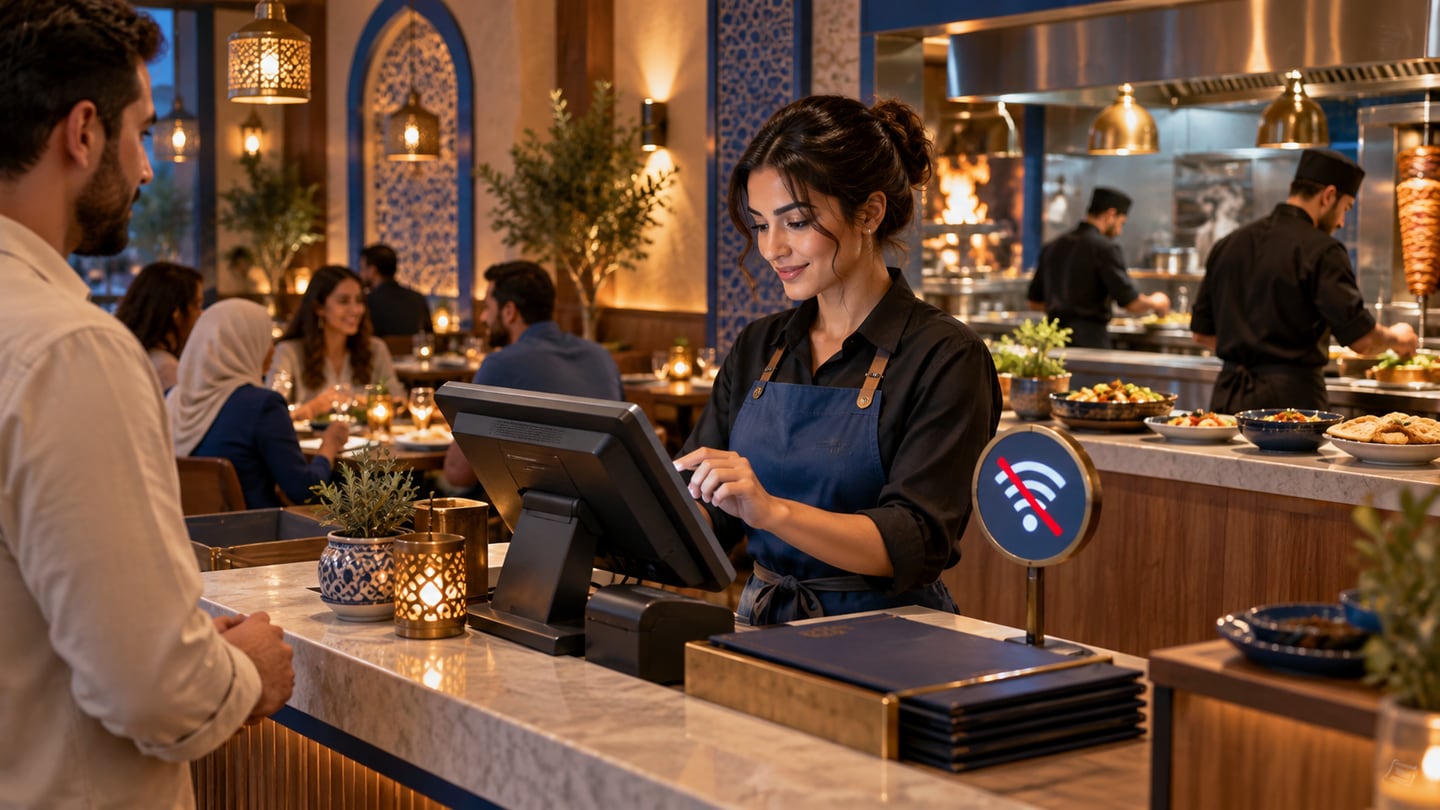
Offline-first matters because peak hours do not wait
Restaurant internet problems rarely happen at a convenient time. They happen at lunch, dinner, or weekend peaks. A modern POS should save work locally when needed and sync later when the connection returns.
When comparing systems, ask: what happens to the order, receipt, and inventory if the connection drops before sync is complete? That answer matters more than a vague claim that the system is cloud-based.
08
Daily reports restaurant owners actually need
The best daily report is not the longest report. It answers: how much did we sell, what payment methods were used, who sold, which items moved most, and whether stock consumption looks normal?
Start with total sales, receipt count, average order value, top 10 items, discounts, payment methods, and stock movement. If a system cannot answer these, manual spreadsheets will creep back in.
If you are evaluating free restaurant cashier tools first, use free restaurant cashier POS in Iraq to test كاشير مطعم table, kitchen, and split-bill workflows before comparing paid restaurant POS.
09
When a complex POS is not necessary
If the business is temporary, very simple, has few items, and does not need detailed reporting or inventory, a lighter solution may be enough at first.
Still choose a system that can grow. Replacing the POS later can mean retraining staff and moving data, which often costs more than expected.
10
How to start testing RA8M
Test one realistic day: add items, run cash and card sales, watch inventory, and read the end-of-day report. That tells you more than any sales deck.
You can review the RA8M homepage, continue reading the blog, or create an account when you are ready to test with data close to your real operation.
Useful links:
11
FAQs
What is the best POS software for restaurants in Iraq?
The best option connects fast selling, orders, inventory, payments, and reports in one workflow. For Arabic-speaking restaurants, Arabic and English support plus offline-first behavior are important checks before choosing.
Does a restaurant need inventory inside the POS?
Yes, if the owner wants clearer consumption and profit visibility. Sales-to-inventory links help show fast-moving items, ingredient usage, and stock risks before they become kitchen problems.
Are the cost examples official prices?
No. The figures are illustrative planning examples only. Use your real supplier costs, local tax setup, and accountant’s guidance before making financial decisions.
Is RA8M suitable for cafes and small restaurants?
RA8M is suitable for cafes and restaurants that need fast selling, items, receipts, inventory, and reports. Very simple businesses can start with the core flows and expand into inventory and reporting gradually.
How long should I test a restaurant POS?
Test for at least 2–7 days depending on business size. Run realistic sales, discounts, payment methods, and end-of-day reporting before training the full team.
Frequently asked questions
What is the best POS software for restaurants in Iraq?
The best option connects fast selling, orders, inventory, payments, and reports in one workflow. For Arabic-speaking restaurants, Arabic and English support plus offline-first behavior are important checks before choosing.
Does a restaurant need inventory inside the POS?
Yes, if the owner wants clearer consumption and profit visibility. Sales-to-inventory links help show fast-moving items, ingredient usage, and stock risks before they become kitchen problems.
Are the cost examples official prices?
No. The figures are illustrative planning examples only. Use your real supplier costs, local tax setup, and accountant’s guidance before making financial decisions.
Is RA8M suitable for cafes and small restaurants?
RA8M is suitable for cafes and restaurants that need fast selling, items, receipts, inventory, and reports. Very simple businesses can start with the core flows and expand into inventory and reporting gradually.
How long should I test a restaurant POS?
Test for at least 2–7 days depending on business size. Run realistic sales, discounts, payment methods, and end-of-day reporting before training the full team.
Written by
RA8M Team
Practical guides for restaurants, shops, and operations teams
Next step
Try RA8M with data close to your operation
Read next
Related RA8M guides
Restaurant and Cafe POS
Cafe POS in Iraq: Faster Orders, Stock and Reports
Read article
Restaurants and Cafes
Restaurant Cashier in Iraq: Free POS Limits and What Full Service Needs
Read article
Restaurants and Cafes
Cafe Software in Iraq: POS, Inventory and Reports for Coffee Shops
Read article
Restaurants and Cafes
Restaurant Recipe Costing in Iraq: POS and Inventory Guide
Read article
Restaurants and Cafes
Restaurant Ordering System in Iraq: From Table to Report
Read article