Restaurant Ordering System in Iraq: From Table to Report
A practical guide to restaurant ordering systems in Iraq for cafés and restaurants that need orders, cashier, stock, delivery, and reports connected.
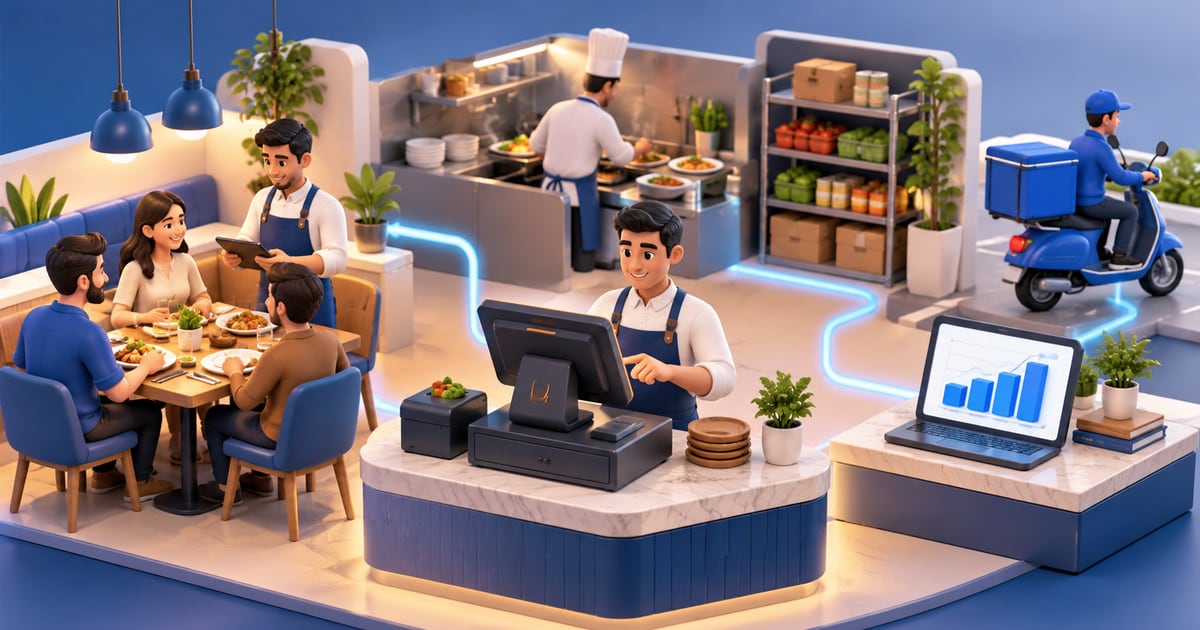
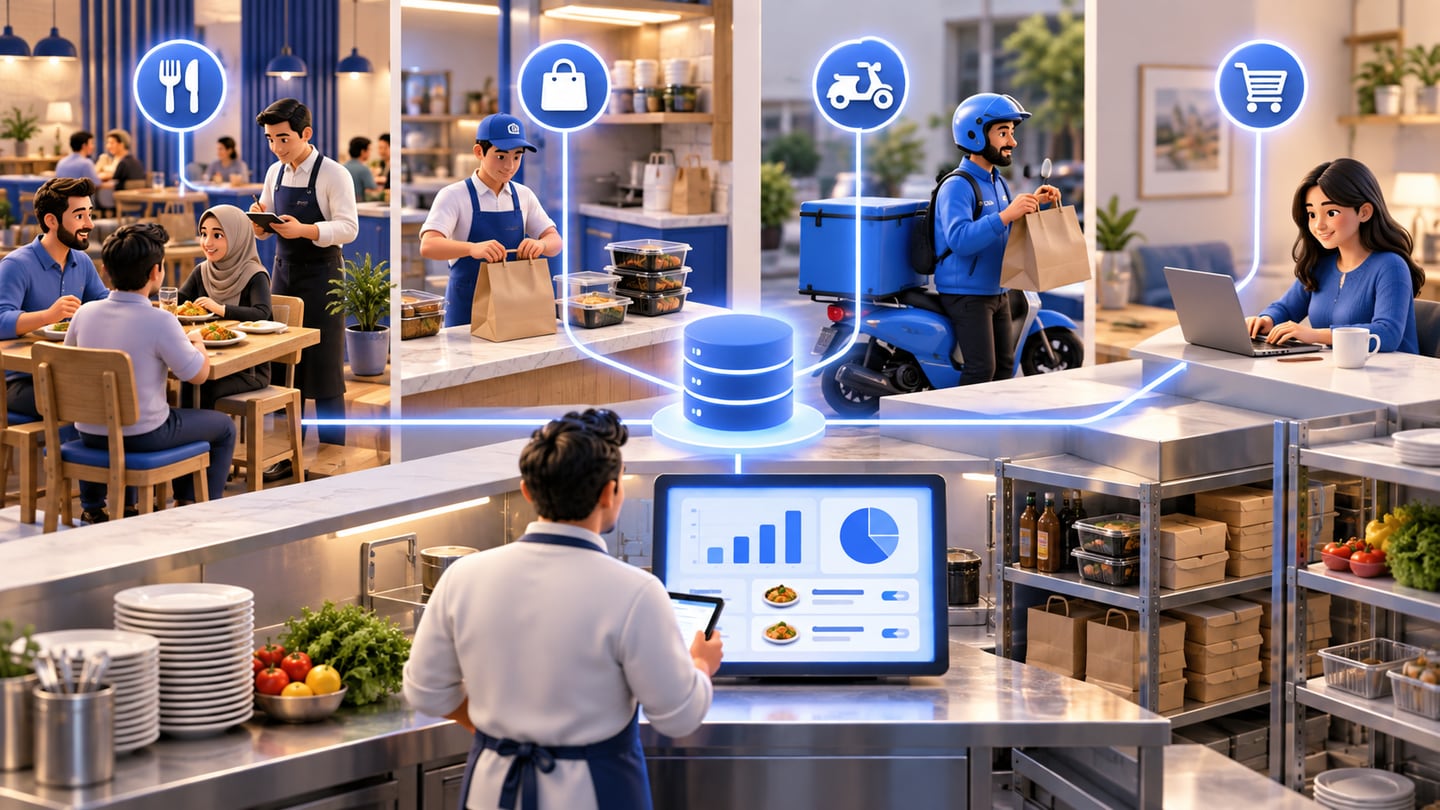
A restaurant ordering system manages the path from order capture to cashier, kitchen preparation, payment, stock deduction, delivery status, and reports. For restaurants and cafés in Iraq, the strongest setup connects ordering with POS, offline-ready selling, inventory, recipes, staff roles, and daily reports instead of keeping orders in separate notebooks or apps.
01
Restaurant Ordering System in Iraq: From Table to Report
A restaurant ordering system should do more than collect a table request. It should connect the order to the cashier, kitchen, payment, inventory, delivery status, and daily report. For restaurants and cafés in Iraq, this connection is what prevents lost orders, wrong totals, slow service, and unclear food cost.
Quick answer: A restaurant ordering system manages the path from order capture to cashier, kitchen preparation, payment, stock deduction, delivery status, and reports. For restaurants and cafés in Iraq, the strongest setup connects ordering with POS, offline-ready selling, inventory, recipes, staff roles, and daily reports instead of keeping orders in separate notebooks or apps.
02
What should a restaurant ordering system do?
The system should capture what the customer ordered, where the order came from, who entered it, what modifiers were selected, when it moved to preparation, how it was paid, and what stock or ingredients should be deducted. This applies to dine-in, takeaway, delivery, and online orders.
A simple digital menu is only one part of the workflow. It may show products clearly, but the restaurant still needs a reliable connection to POS, kitchen preparation, stock movement, and reporting. If the order is captured in one place and paid in another, errors appear during the rush.
RA8M is positioned as an Arabic-first POS and ecommerce platform for Iraq businesses. For restaurants and cafés, that means cashier workflows, receipts, modifiers, inventory deduction, staff roles, reports, and offline-ready selling can sit inside one operating system.
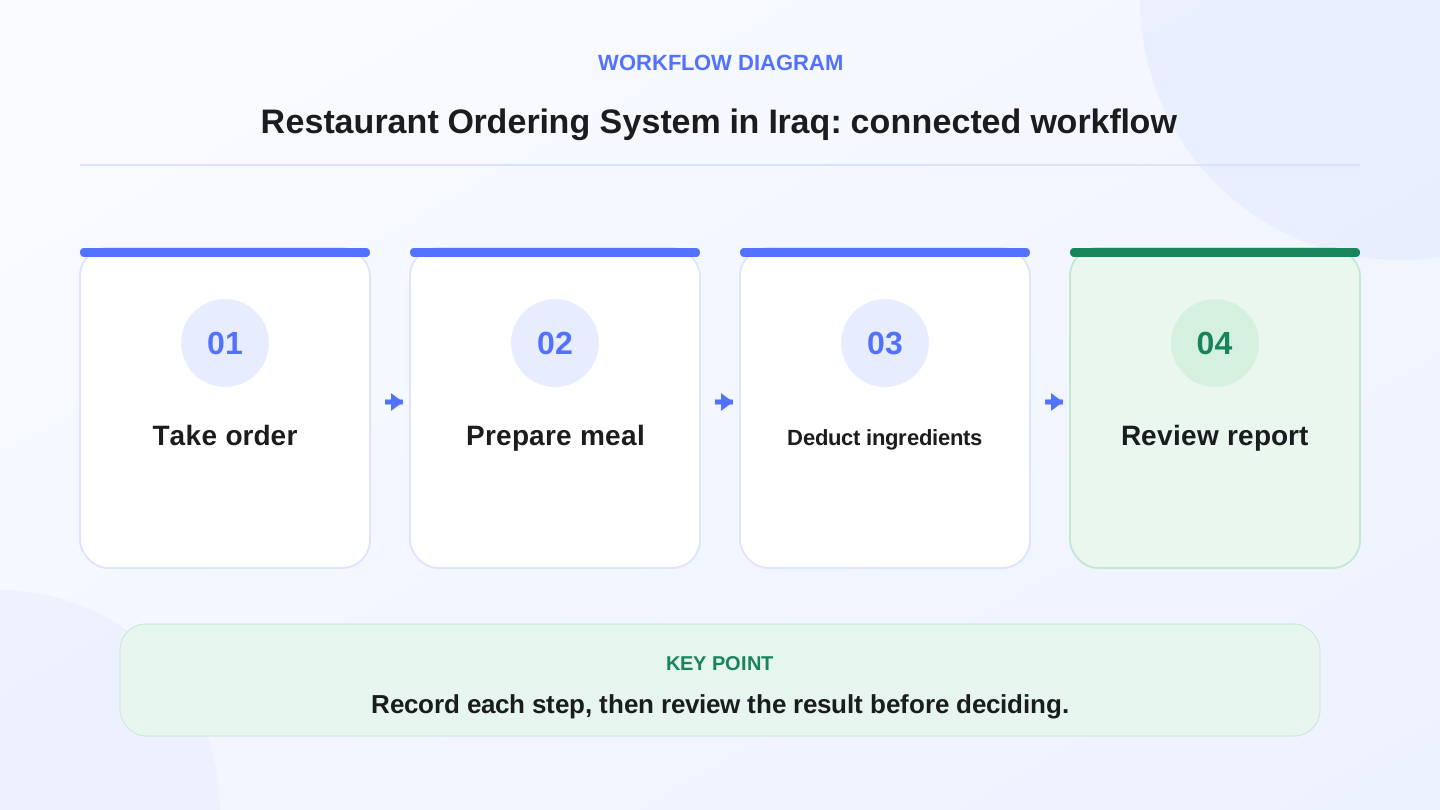
A practical sequence has four connected steps: Take order, Prepare meal, Deduct ingredients, Review report. Recording each step makes the daily result easier to review.
03
Why separate ordering creates service problems
Restaurants often start with paper notes, WhatsApp messages, a separate delivery app, and a cashier screen. This can work when volume is low, but the workflow becomes fragile as orders increase. A waiter may forget a modifier. The kitchen may prepare an item that was canceled. The cashier may enter the wrong total. Stock may not reflect what was actually sold.
The problem is not only speed. It is traceability. When a customer asks about an order, the manager should see the order source, time, status, payment, and items without checking three people. When a branch owner reviews the day, the report should show sales by item and shift, not only cash counted at closing.
Internet interruptions also matter in Iraq. Offline-ready POS helps the cashier continue selling and printing receipts when internet drops, then sync later. For restaurants, that reduces disruption during busy hours.
04
Ordering workflows to compare
Use the full workflow when comparing software, not only the ordering screen. The order must eventually become a paid sale, a kitchen task, an inventory movement, and a report line.
If one step is missing, the restaurant will likely compensate with notebooks, calls, or end-of-day cleanup.
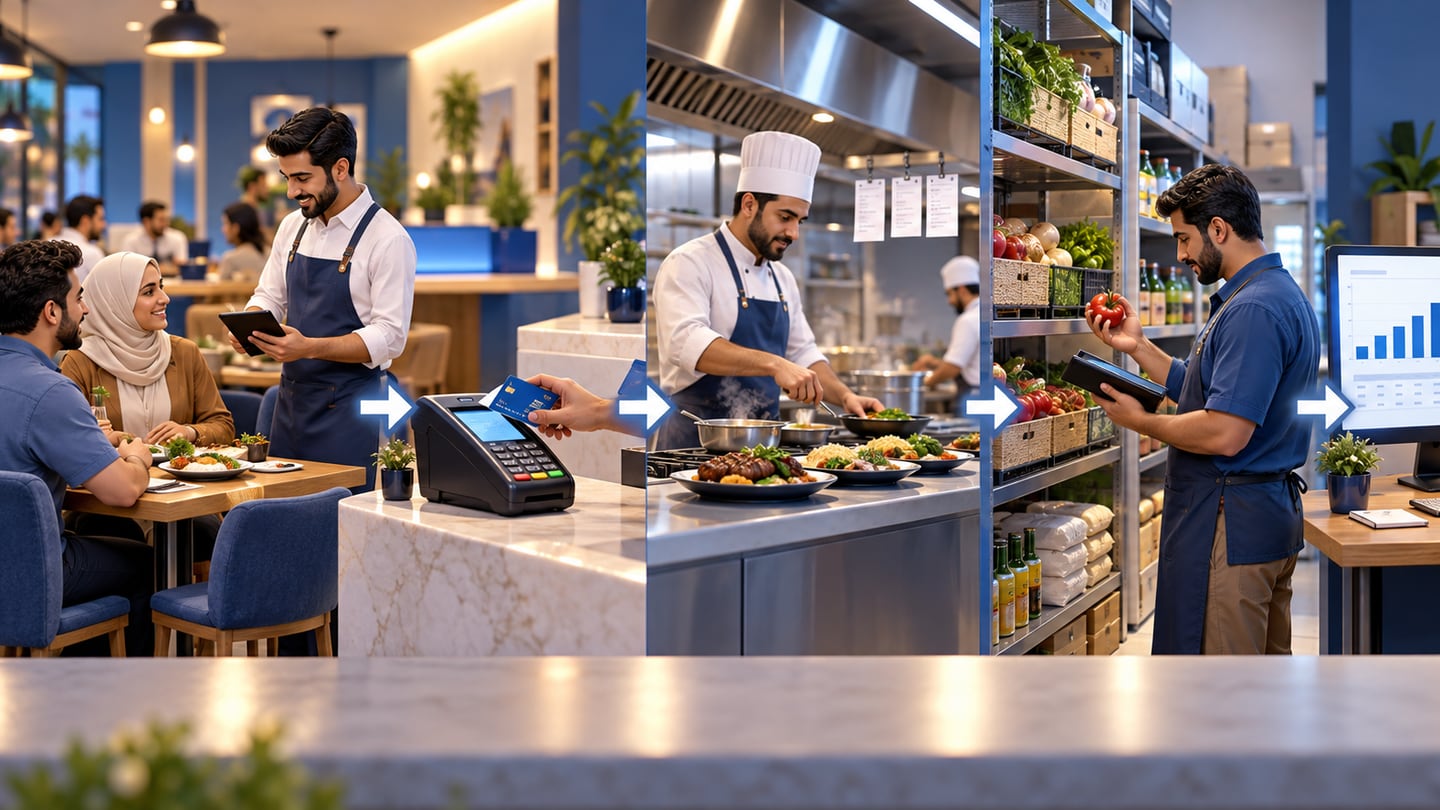
| Step | What should happen | Why it matters |
|---|---|---|
| Order capture | Staff or customer selects items and modifiers | Reduces missed details |
| Kitchen preparation | Items move to preparation with clear notes | Helps the team serve faster |
| Cashier payment | Order converts to bill or receipt | Keeps totals and payment clean |
| Inventory deduction | Products or recipe ingredients decrease | Shows food usage and shortages |
| Delivery status | Takeaway or delivery orders keep a status | Prevents confusion with drivers and customers |
| Reports | Sales, items, shifts, and payments appear | Helps the owner review performance |
| Roles | Staff access matches their job | Protects pricing, discounts, and reports |
05
Worked example: ingredient deduction from orders
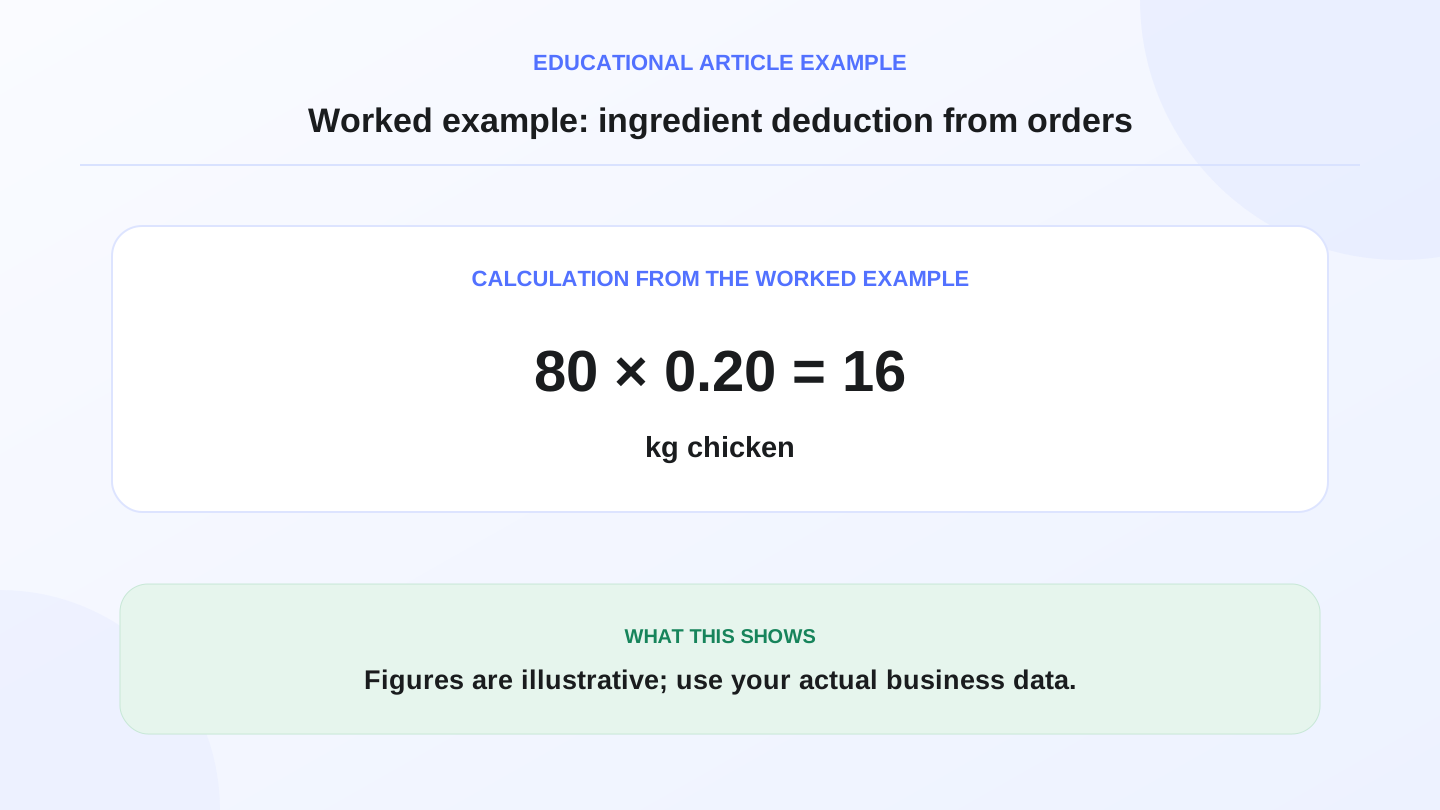
Assume a café in Erbil sells 80 chicken wraps in one day. Each wrap uses 0.20 kg of chicken. Chicken used = 80 × 0.20 kg = 16 kg.
If the kitchen started with 25 kg and received no new chicken that day, expected chicken remaining = 25 - 16 = 9 kg. If the actual count is 8 kg, the variance is 1 kg. If chicken cost is 6,000 IQD per kg, the illustrative variance value is 1 × 6,000 = 6,000 IQD.
This example shows why ordering should connect to inventory. The order is not only a kitchen instruction; it is also a stock event. Formal food cost and accounting decisions should be reviewed with qualified professionals, but operational software can give the owner a cleaner starting point.
06
Dine-in, takeaway, delivery, and online orders
Different order sources need one truth. Dine-in orders need table or service tracking. Takeaway orders need fast checkout and clear packaging notes. Delivery orders need status and customer details. Online orders need product and stock sync so the restaurant does not sell unavailable items.
When each source uses a different tool, the manager loses visibility. A sold-out item may stay available online. A discount may appear in the cashier but not in the report. A delivery order may be prepared but not marked paid or returned. Connecting ordering with POS and ecommerce reduces that gap.
RA8M Ecommerce adds a branded online storefront connected to POS products, stock, orders, payments, and delivery workflows as described in Ra8m public materials. Restaurants considering online orders should map how online demand affects kitchen capacity and stock.
07
What to check before choosing a restaurant ordering system
Start with the busiest meal period. Can staff enter items quickly? Can modifiers be clear? Can the cashier convert the order into a receipt? Can the kitchen see what to prepare? Can the manager open a report by item, payment method, and shift?
Then test edge cases. Cancel one item. Add a discount. Process a return or correction. Lose internet and keep selling if the system supports offline mode. Check whether synced orders still appear correctly after connection returns.
Language also matters. Iraq restaurant teams may need Arabic RTL screens for cashiers and kitchen staff, plus English support for managers, partners, or mixed teams. Clear labels reduce training time and mistakes.
08
When RA8M fits and when a simpler setup may be enough
RA8M fits restaurants and cafés that want cashier, ordering, receipts, modifiers, inventory, purchases, reports, roles, branches, and ecommerce connected. It is especially useful when the owner wants one view of in-store sales, online orders, stock usage, and daily performance.
A simpler notebook or basic cashier may be enough for a tiny counter with a short menu, one person, no delivery, and low order volume. But when tables, shifts, modifiers, recipes, delivery, online orders, or branch reporting matter, connected software becomes safer.
Review RA8M POS, Industries, and Pricing while comparing options. Pricing can change, so verify the current plan before buying.
09
First-week rollout checklist
Begin with a clean menu. Group items by category, set prices, add modifiers carefully, and decide which items should affect inventory. If recipe or raw-material tracking is used, start with the highest-cost items first rather than trying to perfect the entire menu immediately.
Train staff by role. Waiters or counter staff need order entry and corrections. Cashiers need payment, receipt, discount, and offline behavior. Managers need item reports, shift reports, and inventory review. Each role should know what they can change and what requires approval.
Run one full test before launch: dine-in order, takeaway order, delivery order, payment, receipt, kitchen note, inventory deduction, and report review. Fix gaps before a busy shift.
Teams testing free cashier downloads should align channel design with free restaurant cashier POS in Iraq—كاشير مطعم must handle delivery status and split payments, not only dine-in totals.
10
Conclusion: connect the order to the whole restaurant
A restaurant ordering system is valuable when it turns customer demand into a clean operational record. The order should not disappear after the kitchen reads it. It should connect to payment, receipt, inventory, delivery, staff responsibility, and reports.
For Iraq restaurants and cafés, the right system should support Arabic-first daily use, English where needed, offline-ready cashier selling, clear modifiers, inventory discipline, and practical reports. If the owner can follow an order from table to report, the system is doing the job.
Frequently asked questions
What is a restaurant ordering system?
It is software that captures orders and connects them to cashier payment, kitchen preparation, delivery status, inventory deduction, and reports.
Why should ordering connect to restaurant POS?
Because orders become sales. When ordering and POS are connected, payments, receipts, stock, and reports follow the same transaction.
Does RA8M fit restaurants and cafés?
Yes. RA8M supports restaurant and café POS workflows including touch ordering, receipts, modifiers, inventory deduction, reports, roles, and offline selling.
Is a digital menu enough by itself?
A digital menu can show items, but restaurants usually need ordering, cashier, kitchen flow, stock deduction, delivery, and reports connected.
When is a simple notebook enough?
A notebook may work for a tiny counter with few orders, but software becomes safer when tables, delivery, staff, modifiers, recipes, or reports matter.
Written by
RA8M Team
Practical guides for restaurants, shops, and operations teams
Next step
Try RA8M with data close to your operation
Read next
Related RA8M guides
Restaurants and Cafes
Digital Menu, Online Orders and Delivery for Iraq Restaurants
Read article
Restaurant and Cafe POS
Cafe POS in Iraq: Faster Orders, Stock and Reports
Read article
Restaurants and Cafes
Cafe Software in Iraq: POS, Inventory and Reports for Coffee Shops
Read article
Restaurants and Cafes
Restaurant Cashier in Iraq: Free POS Limits and What Full Service Needs
Read article
Restaurants and Cafes
Restaurant Recipe Costing in Iraq: POS and Inventory Guide
Read article