Cafe Software in Iraq: POS, Inventory and Reports for Coffee Shops
A practical guide to choosing cafe software in Iraq for fast orders, modifiers, receipts, inventory, recipes, staff controls, reports, and offline-ready POS.
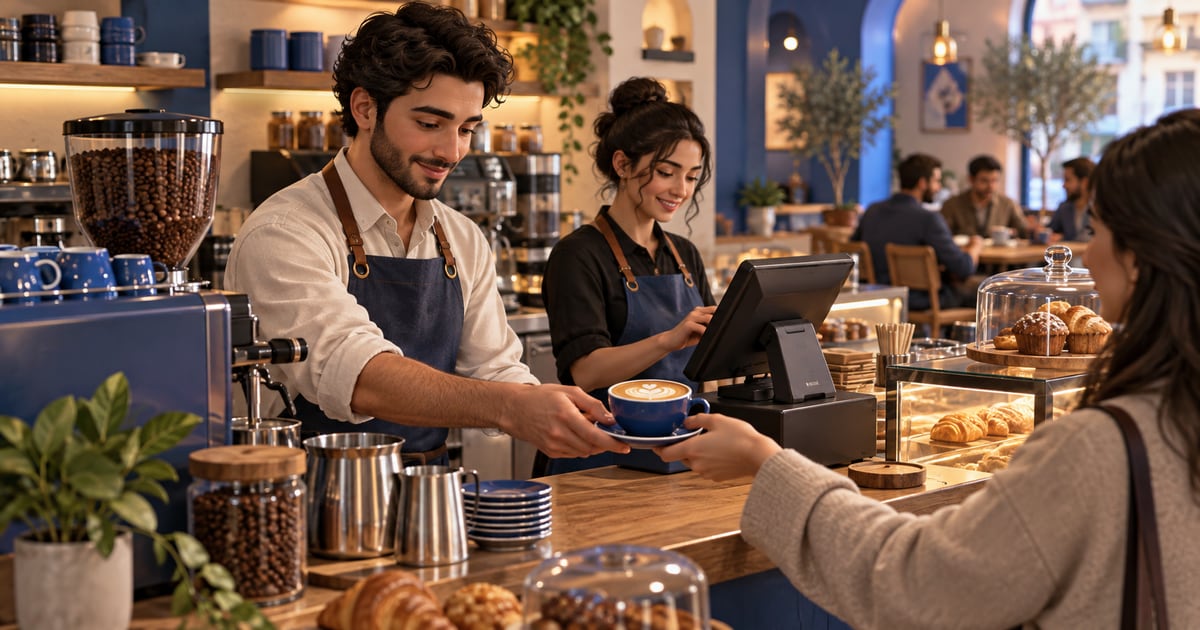
Cafe software is a POS and operations system that helps a coffee shop enter orders quickly, manage sizes and modifiers, issue receipts, deduct ingredients from inventory, control staff permissions, and read sales reports. In Iraq, it should support Arabic and English, IQD workflows, and offline-ready selling so checkout does not stop during peak hours.
01
Cafe Software in Iraq: POS, Inventory and Reports for Coffee Shops
A cafe needs more than a cashier screen that prints receipts. During peak hours, the system should enter orders quickly, handle sizes and modifiers, calculate payment, reduce ingredient stock, and give management a clear end-of-day report.
Quick answer: Cafe software is a POS and operations system that helps a coffee shop enter orders quickly, manage sizes and modifiers, issue receipts, deduct ingredients from inventory, control staff permissions, and read sales reports. In Iraq, it should support Arabic and English, IQD workflows, and offline-ready selling so checkout does not stop during peak hours.
02
What makes cafe software different from a normal cashier?
Cafe products look simple, but each order can contain several details: drink size, milk type, flavor, sugar level, hot or iced preparation, dine-in or takeaway, and sometimes delivery. If the system does not support these details, staff fall back to handwritten notes and memory.
A normal cashier may record the amount, but it may not help the owner understand best-selling drinks, milk usage, staff performance, or peak service hours. Good cafe software turns each order into operational data that can improve purchasing, staffing, and service speed.
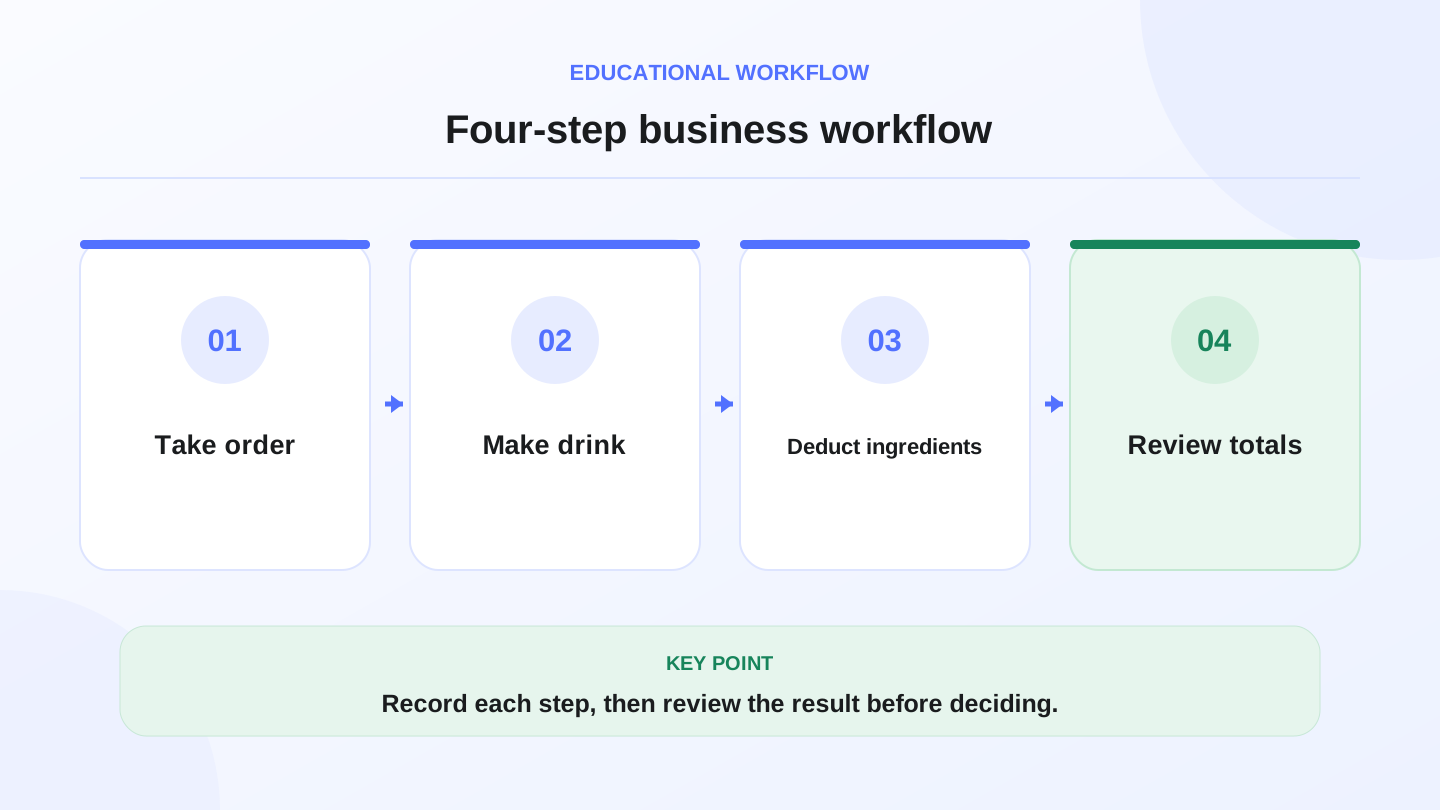
A practical sequence has four connected steps: Take order, Make drink, Deduct ingredients, Review totals. Recording each step helps review the result.
03
What should cafe POS support?
Start with the order screen. It should be quick, clear, and usable by Arabic-speaking staff. The cashier should be able to select modifiers without confusion, correct mistakes with permission, choose payment methods, and issue a receipt quickly.
Then look behind the sale. Does the order reduce inventory? Does it appear in reports? Does the system keep payment records? Can the owner control discounts and cancellations? These details matter more than the visual design of the screen alone.
| Area | Needed feature | Why it matters |
|---|---|---|
| Orders | Sizes, modifiers, notes | Reduces preparation mistakes |
| Checkout | Touch-friendly flow and payments | Keeps queues shorter |
| Inventory | Ingredient and cup deduction | Shows shortages and waste |
| Staff | Permissions and activity records | Protects discounts and cancellations |
| Reports | Sales by item and period | Improves purchasing and scheduling |
04
How inventory helps a coffee shop
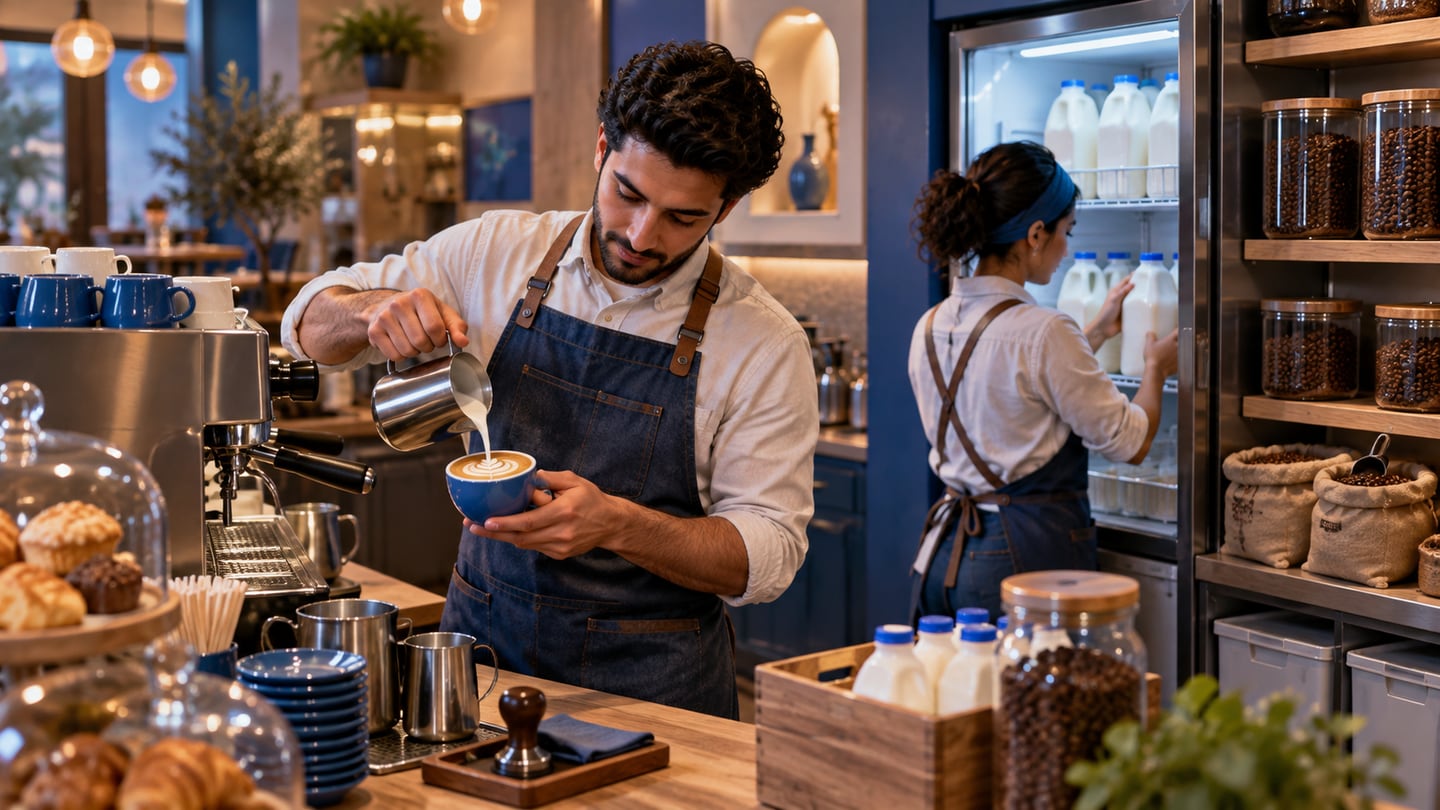
Many cafes review profit only through the cash drawer. But profit is also affected by materials: coffee, milk, cups, lids, syrups, and dessert ingredients. If usage is not measured, shortages appear during busy hours and waste becomes hard to explain.
RA8M connects POS with inventory, purchases, finance, and reports. That helps cafes understand what was sold, what was consumed, and what should be bought before the next busy period. It also reduces the habit of checking stock from memory.
05
Worked example: milk usage in one day
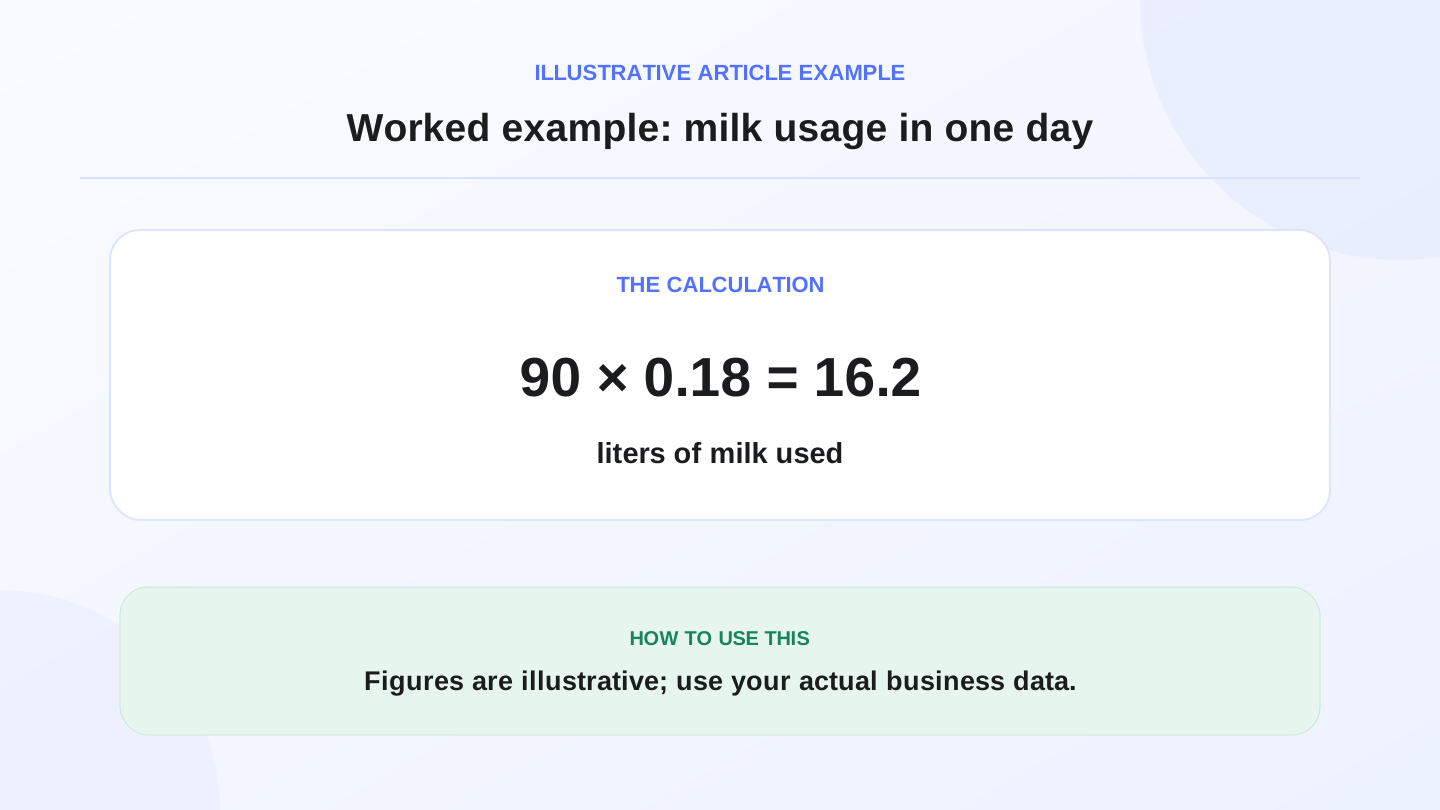
Assume a cafe in Baghdad sells 90 latte cups during the day, and each cup uses about 0.18 liters of milk. Expected milk usage = 90 × 0.18 = 16.2 liters.
If morning stock was 35 liters and a supplier delivery added 20 liters, expected closing stock is 35 + 20 - 16.2 = 38.8 liters. If the physical count shows 34 liters, the 4.8-liter difference needs review. The recipe may be inaccurate, staff may be wasting milk, a drink may not have been recorded, or the count may be wrong.
These numbers are illustrative. The goal is not to force one recipe; it is to give the owner a review method instead of guessing why stock changed.
06
How to choose software for fast orders
Test the system under a simulated rush. Enter 30 mixed orders: small coffee, large latte, flavor addition, takeaway, discount, and different payment methods. Watch whether the cashier needs too many taps or can finish each order naturally.
Do not choose the system only because the screen looks clean. In a cafe, seconds matter because the queue builds quickly. The right system reduces staff stress and makes the order clear for the person preparing drinks.
07
Offline-ready POS matters in Iraq cafes
Weak internet should not stop service. During morning or evening rush, a few minutes of checkout downtime can create a line and frustrate customers. Ask whether the POS can keep recording orders and printing receipts temporarily, then sync later.
RA8M public sources state that POS works offline and syncs when the internet returns. For cafes, this is important because service speed is part of the customer experience, not just an internal technical feature.
08
Reports a cafe owner should review
An end-of-day report should answer practical questions. Which drink sold most? Which item barely moved? When was the rush? Which staff member handled more sales? Were discounts inside the expected range? Is there a visible difference between ingredient usage and sales?
| Report | Question answered | Decision it supports |
|---|---|---|
| Item sales | Which drinks sell most? | Buying ingredients and planning offers |
| Sales by hour | When is the rush? | Scheduling another staff member |
| Discounts | Are discounts controlled? | Reviewing permissions |
| Inventory | Which materials are near shortage? | Ordering before peak periods |
09
When is a simpler cafe tool enough?
A very small cafe with a short menu, one operator, and no need to track ingredients may start with a simpler tool. That can be reasonable during the first test stage. But once shifts, a larger menu, regular purchasing, or multiple staff appear, manual detail management becomes tiring.
Do not buy complexity you will not use, but do not choose a tool that blocks inventory, staff permissions, or reports when the cafe grows. Migration later can be more disruptive than starting with the right base.
10
How to test RA8M for a cafe
Start with 25 menu items, 5 modifiers, two payment methods, and two staff roles. Run test orders, disconnect the internet in a test setting, enter a material purchase, and then review stock and reports.
If you can see sales, ingredients, payments, and staff activity in one system, you are testing a workflow close to a real service day. After that, review pricing or create an account from Create account.
11
Practical launch checklist for cafe POS
Before going live, write down your menu categories, modifiers, receipt rules, payment methods, and who can apply discounts or cancel invoices. Train staff on the five most common order changes: wrong size, added flavor, takeaway switch, payment change, and cancellation.
During the first week, review reports daily instead of waiting for the end of the month. Look for items that are hard to enter, repeated preparation mistakes, unexpected stock differences, and peak hours that need more staff. The first week is not only a launch; it is a calibration period.
For كاشير مطعم-style free trials focused on tables and kitchen flow, see free restaurant cashier POS in Iraq before you commit to cafe-specific paid plans.
12
Conclusion
Good cafe software does not only sell. It helps operate the cafe. Choose a system that connects orders with inventory and reports, supports Arabic and English, and keeps selling during weak internet. If your goal is to reduce daily confusion, start with RA8M POS and test it against your real cafe workflow.
13
FAQs
What is cafe software?
Cafe software is a cashier and operations system that helps a cafe enter orders, manage modifiers, issue receipts, track inventory, and read sales reports.
Does a cafe need inventory management?
Yes if the owner wants to understand usage of coffee, milk, cups, syrups, and ingredients. Inventory reduces shortages, waste, and poor purchasing decisions.
What is the most important cafe POS feature?
Speed with order accuracy. The POS should support sizes, modifiers, payment methods, receipts, and reports without slowing the queue.
Does RA8M work offline for cafes?
Yes. RA8M public sources state that POS works offline and syncs when the internet returns, which is important during busy service.
When is a simpler cafe tool enough?
A very small cafe with a short menu and no inventory or reporting needs may start simpler. As orders and staff increase, integrated POS becomes more useful.
Frequently asked questions
What is cafe software?
Cafe software is a cashier and operations system that helps a cafe enter orders, manage modifiers, issue receipts, track inventory, and read sales reports.
Does a cafe need inventory management?
Yes if the owner wants to understand usage of coffee, milk, cups, syrups, and ingredients. Inventory reduces shortages, waste, and poor purchasing decisions.
What is the most important cafe POS feature?
Speed with order accuracy. The POS should support sizes, modifiers, payment methods, receipts, and reports without slowing the queue.
Does RA8M work offline for cafes?
Yes. RA8M public sources state that POS works offline and syncs when the internet returns, which is important during busy service.
When is a simpler cafe tool enough?
A very small cafe with a short menu and no inventory or reporting needs may start simpler. As orders and staff increase, integrated POS becomes more useful.
Written by
RA8M Team
Practical guides for restaurants, shops, and operations teams
Next step
Try RA8M with data close to your operation
Read next
Related RA8M guides
Restaurant and Cafe POS
Cafe POS in Iraq: Faster Orders, Stock and Reports
Read article
Restaurants and Cafes
Restaurant Ordering System in Iraq: From Table to Report
Read article
Restaurants and Cafes
Digital Menu, Online Orders and Delivery for Iraq Restaurants
Read article
Restaurants and Cafes
Restaurant Cashier in Iraq: Free POS Limits and What Full Service Needs
Read article
Restaurants and Cafes
Restaurant Recipe Costing in Iraq: POS and Inventory Guide
Read article