Digital Menu, Online Orders and Delivery for Iraq Restaurants
A practical guide for Iraq restaurants and cafes on connecting digital menus, ordering, delivery, POS, inventory, and reports.
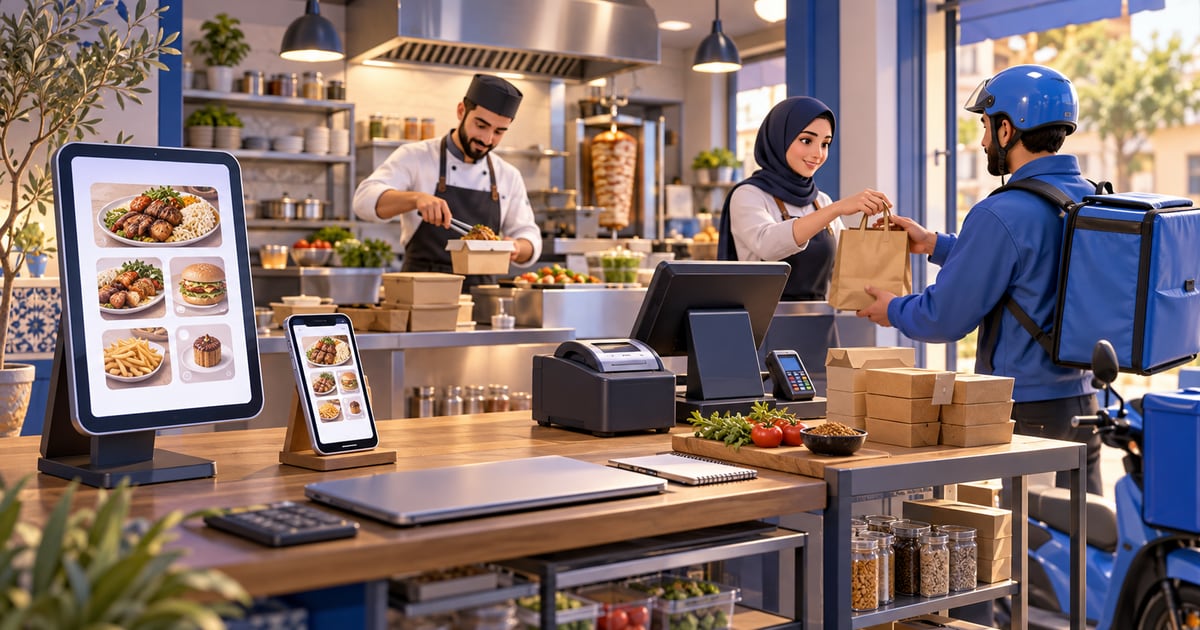
A digital menu for restaurants in Iraq is strongest when it is not just a price page, but part of an ordering workflow connected to POS, inventory, delivery, and reports. This lets staff see orders clearly, deduct ingredients or items, track delivery status, and keep dine-in, takeaway, and online sales visible in one report.
01
Digital Menu, Online Orders and Delivery for Iraq Restaurants
A digital menu is not just a link that opens a list of food. For restaurants and cafes in Iraq, the real value appears when the menu connects to ordering, POS, inventory, delivery, and reports.
Quick answer: A digital menu for restaurants in Iraq is strongest when it is not just a price page, but part of an ordering workflow connected to POS, inventory, delivery, and reports. This lets staff see orders clearly, deduct ingredients or items, track delivery status, and keep dine-in, takeaway, and online sales visible in one report.
02
What is the difference between a digital menu and connected ordering?
A basic digital menu shows items, prices, and maybe photos. That is useful for browsing, but it does not change operations much. For QR table tents, generator habits, and checkout stickers in Iraq, see QR code in Iraq. Staff may still need to rewrite the order into the cashier, send it to the kitchen manually, and update delivery records somewhere else.
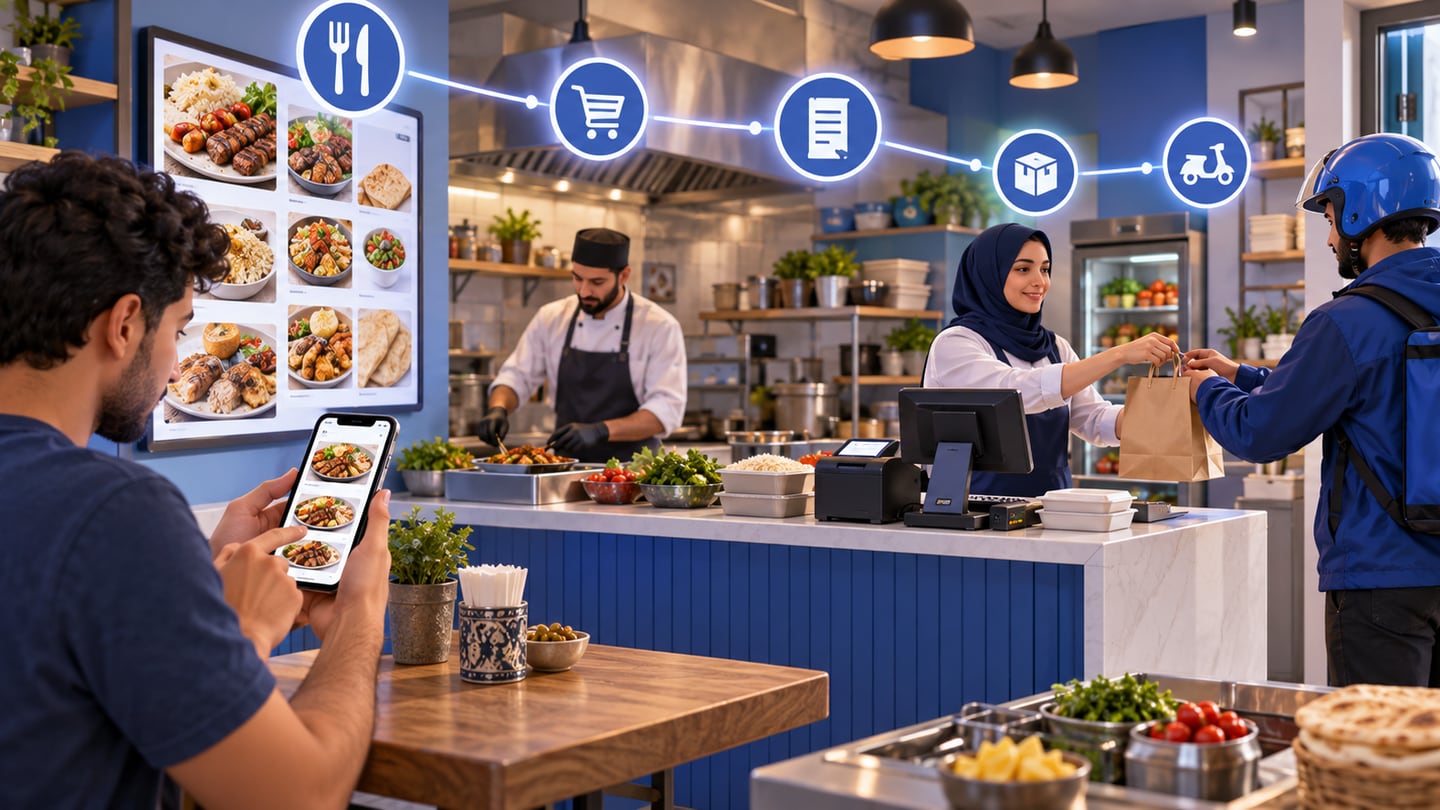
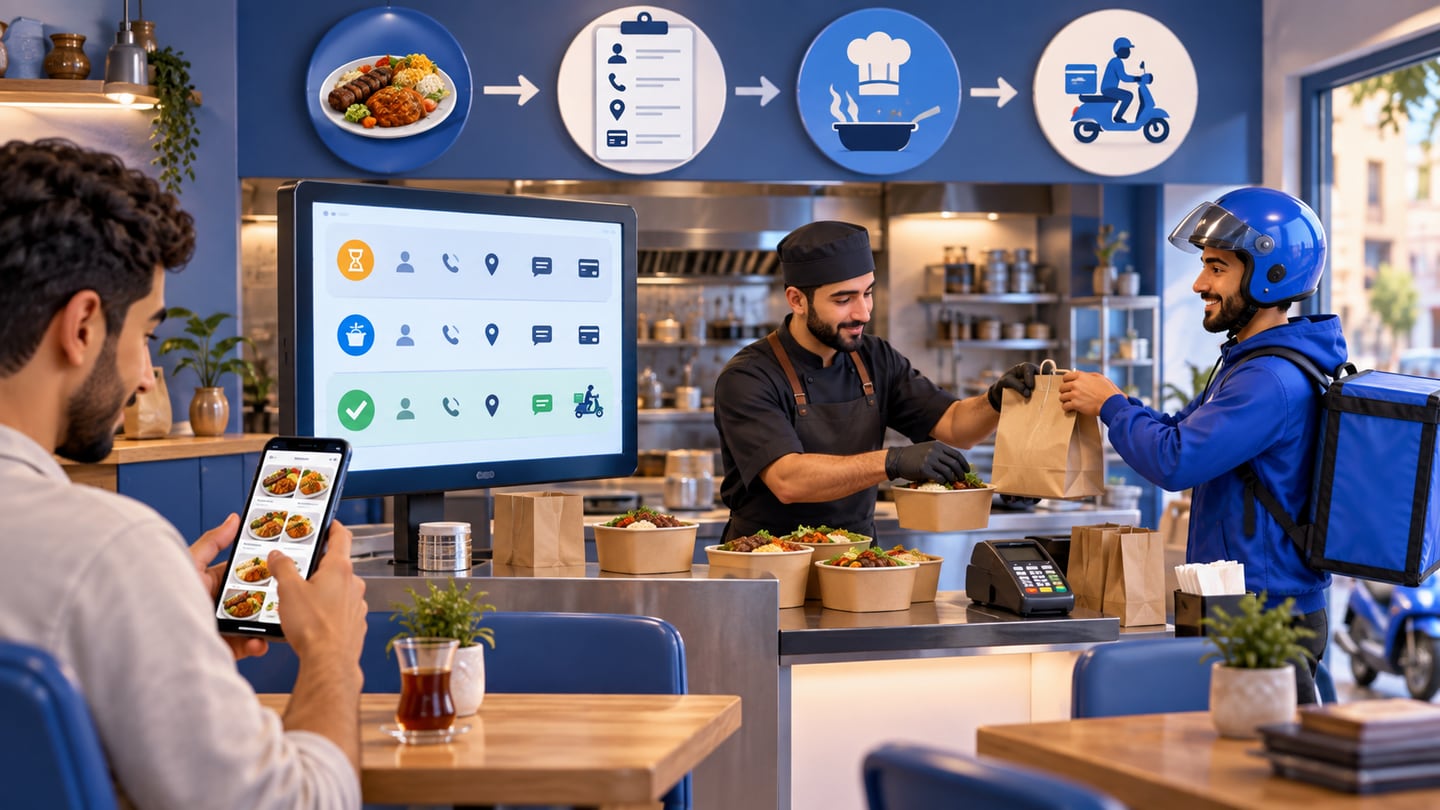
A connected restaurant ordering system treats the order as part of the business workflow. The customer or staff selects items and options, the cashier sees the sale, the kitchen receives clear details, inventory is affected where recipes or items are configured, and reports show the sales channel. That difference matters when dine-in, takeaway, delivery, and online orders happen on the same day.
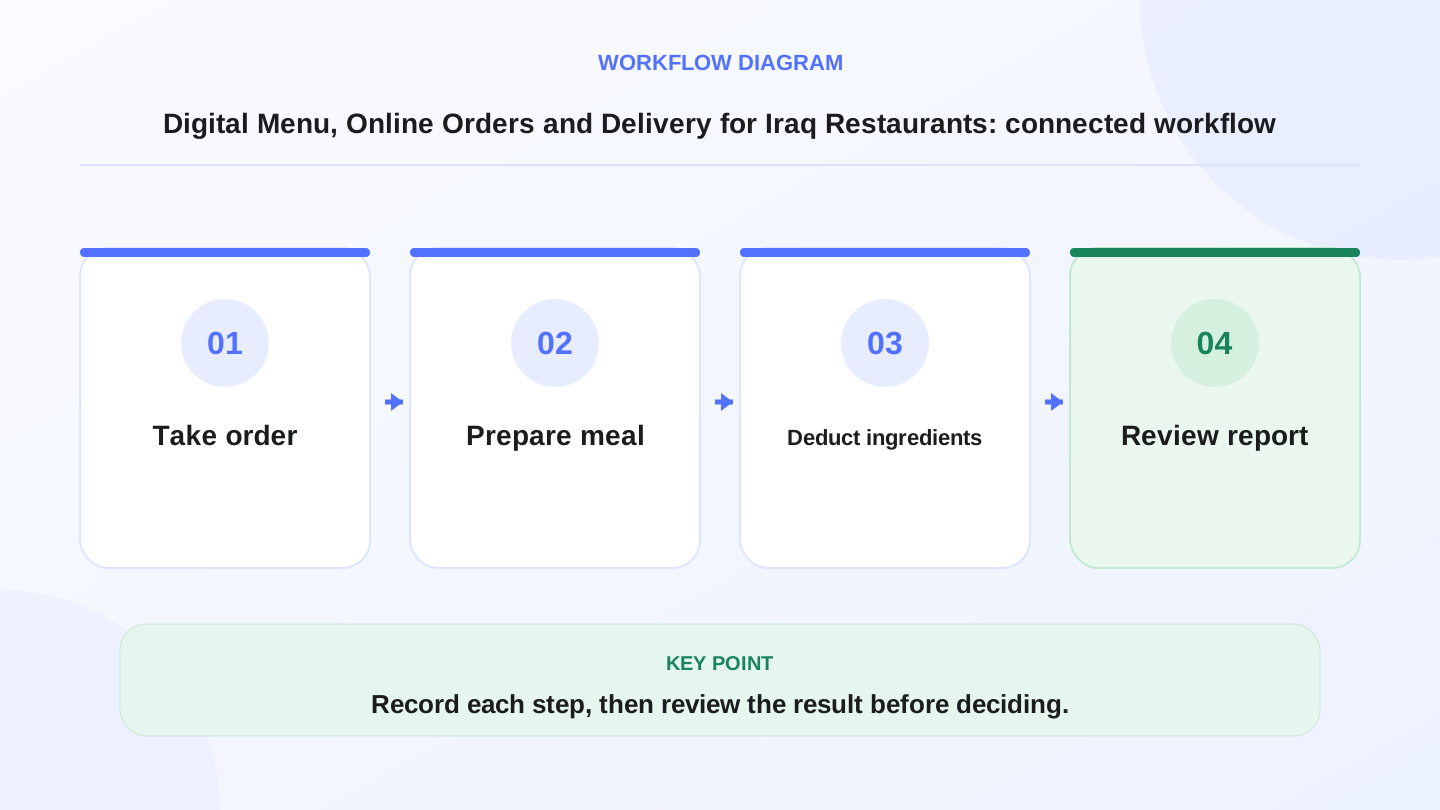
A practical sequence has four connected steps: Take order, Prepare meal, Deduct ingredients, Review report. Recording each step makes the daily result easier to review.
03
Why this matters for restaurants in Iraq
Many Iraq restaurants operate under time pressure. Customers expect speed, kitchens need accurate notes, cashiers need correct prices, and delivery teams need phone numbers, addresses, and payment status. A small mistake can become a remake, delay, refund, or unhappy customer.
Connectivity also matters. Online ordering depends on internet access, but the in-restaurant cashier should not stop during a busy shift if connectivity drops. An offline-ready POS workflow helps staff continue selling and sync later, while the digital ordering side handles online demand when available.
04
What should the ordering workflow include?
The best system connects the details that affect daily execution, not only the public menu design.
Use this table when testing a platform. If the menu cannot reach POS, inventory, or reports, it may only be a display tool.
| Area | What it should support | Why it matters |
|---|---|---|
| Menu | Items, photos, prices, choices, notes | Reduces customer and staff questions |
| Orders | Dine-in, takeaway, delivery, order status | Organizes cashier and kitchen work |
| Modifiers | Size, ingredients, add-ons, removals | Reduces preparation mistakes |
| Payments | Cash, card, cash on delivery where configured | Makes finance review easier |
| Delivery | Address, phone, notes, delivery status | Reduces lost calls and confusion |
| Inventory | Ingredient or item deduction | Shows real usage and waste risk |
| Reports | Item, channel, period, and branch sales | Supports menu and staffing decisions |
05
Worked example: delivery order margin
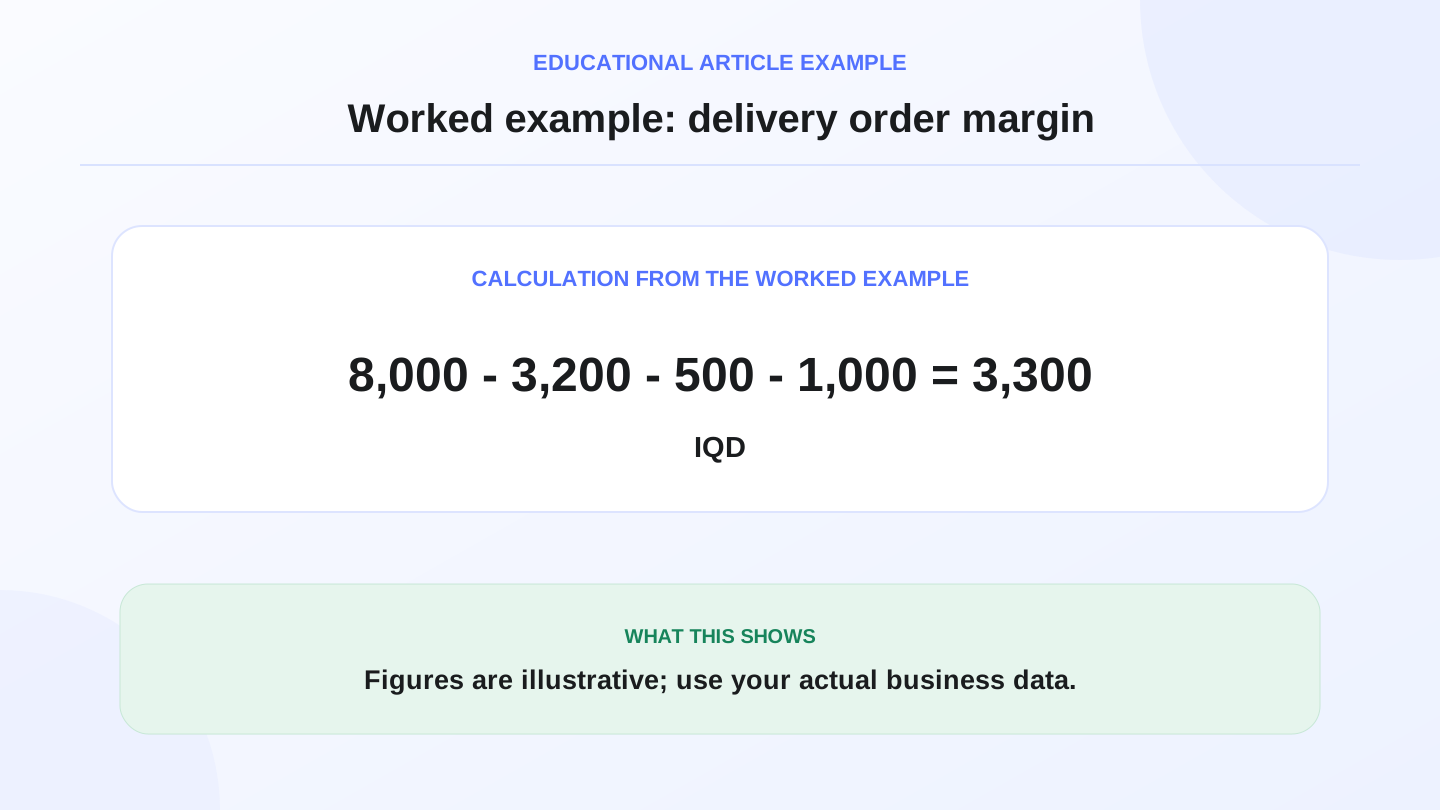
Assume a restaurant sells one meal for 8,000 IQD. Estimated ingredient cost is 3,200 IQD, packaging costs 500 IQD, and internal or delivery handling cost is 1,000 IQD.
Illustrative margin before other expenses = 8,000 - 3,200 - 500 - 1,000 = 3,300 IQD.
If the restaurant sells 40 delivery orders of the same meal, illustrative margin = 40 × 3,300 = 132,000 IQD. These numbers are examples only. The operational point is that a connected system helps the owner see the effect of ingredients, packaging, and delivery instead of looking only at the selling price.
06
How inventory connects to menu orders
Restaurants do not only sell ready-made products. Many items depend on recipes, raw materials, and portion control. If a cafe sells 80 sandwiches and each sandwich uses 0.15 kg of chicken, expected chicken usage is 80 × 0.15 = 12 kg.
When orders connect to inventory or recipes, managers can compare expected usage with actual stock movement. If the gap is large, the issue may be waste, incorrect portions, missing purchases, theft, or data entry mistakes. Without this link, stock shortages feel random.
07
Delivery status and customer communication
Delivery requires more than the customer name. The order needs phone number, address, notes, payment method, preparation status, and delivery status. An order that starts from a digital menu should become a clear task for staff, not a message lost between chat screenshots.
If the restaurant uses cash on delivery, card payments, or other payment options depending on setup, staff should know whether the order is paid, unpaid, cancelled, returned, or waiting for confirmation. Delivery and online orders should enter daily reports beside dine-in and takeaway sales.
08
When RA8M fits and when a simpler menu is enough
RA8M fits restaurants and cafes that need fast POS, inventory, reports, roles, branches, and connected ecommerce or ordering workflows. RA8M POS is offline-ready for in-store cashier operations, which is important when the internet drops during service. RA8M Ecommerce can support branded online storefront workflows connected with products, orders, stock, payments, and delivery where configured.
A simple menu can be enough if the restaurant only wants to display prices and does not receive many orders through the link. It may also fit a very small operation without inventory tracking or delivery pressure. But once online orders, delivery coordination, kitchen notes, stock usage, or daily reports matter, connected ordering becomes safer.
09
Practical launch steps
Start by organizing the menu: categories, photos, item names, sizes, add-ons, removals, and notes. Test one dine-in order, one takeaway order, and one delivery order. Check whether the cashier sees the correct price, whether modifiers appear clearly, and whether the sale appears in the report.
Then test inventory. Choose one recipe item, sell it during a test day, and compare expected ingredient usage with actual stock movement. Also review Arabic and English names, receipt clarity, staff permissions, and pricing. Useful RA8M pages include Industries, POS, and Pricing. Pricing may change, so verify the current plan before buying.
10
Common mistakes to avoid
Do not publish a beautiful menu without checking operations. If item names are unclear, add-ons are missing, or prices differ from the cashier, the menu will create confusion. Do not let delivery orders live only in chat messages if the restaurant needs reports and stock control. Do not ignore packaging and delivery costs when judging profitability.
Also avoid making the system too hard for staff. The best workflow is one the cashier, kitchen, manager, and delivery coordinator can actually use during a busy shift.
11
Conclusion
A strong digital menu does not end at food display. It starts a workflow: choose, order, cashier, kitchen, stock, delivery, and report. The clearer that workflow is, the fewer mistakes the restaurant makes and the better the owner can manage profit and service.
If you run a restaurant or cafe in Iraq, do not ask only how the menu looks. Ask whether it helps your team execute the order accurately and understand its effect on inventory, delivery, and daily reports.
Frequently asked questions
What is a digital menu for restaurants?
It is a digital list of items, prices, options, and sometimes ordering actions. The best setup connects the menu to POS, orders, inventory, and reports instead of acting as a static image.
Does a restaurant need ordering with the menu?
If the restaurant handles many dine-in, takeaway, or delivery orders, connecting the menu to ordering reduces mistakes and makes preparation and delivery easier to track.
How should delivery connect with POS?
The order should show total price, payment method, delivery status, address, phone, and customer notes, then appear in reports like any other sale.
Is RA8M suitable for restaurants and cafes?
Yes. RA8M supports restaurant and cafe POS, sales, inventory, reports, roles, and branches, with ecommerce workflows for online ordering where configured.
When is a simple menu enough?
A simple menu may be enough when the goal is only to show prices, but connected ordering is better once delivery, stock, reports, or staff coordination matter.
Written by
RA8M Team
Practical guides for restaurants, shops, and operations teams
Next step
Try RA8M with data close to your operation
Read next
Related RA8M guides
Restaurants and Cafes
Restaurant Ordering System in Iraq: From Table to Report
Read article
Restaurants and Cafes
Cafe Software in Iraq: POS, Inventory and Reports for Coffee Shops
Read article
Restaurants and Cafes
Restaurant Recipe Costing in Iraq: POS and Inventory Guide
Read article
Restaurants and Cafes
Restaurant Cashier in Iraq: Free POS Limits and What Full Service Needs
Read article
Restaurant and Cafe POS
Cafe POS in Iraq: Faster Orders, Stock and Reports
Read article