Billing Software in Iraq: POS Invoices, Payments and Reports
A practical guide to billing software in Iraq: invoices, receipts, payments, inventory links, reports, and when a POS-connected system is worth it.
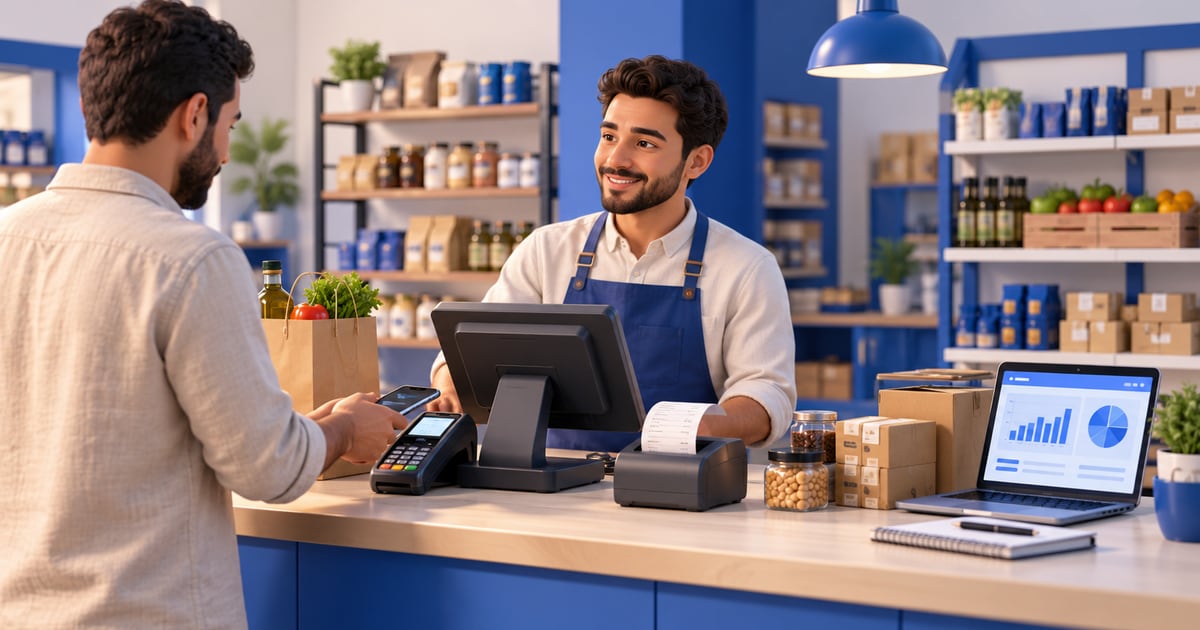
Billing software in Iraq should create clear invoices and receipts, record payment methods, connect sales to inventory, and give owners daily reports. A simple invoice tool may be enough for low-volume service work, but shops, restaurants, supermarkets, and branches usually need POS-connected billing so cashier sales, stock, customers, purchases, and finance stay aligned.
01
Billing Software in Iraq: POS Invoices, Payments and Reports
Billing software in Iraq should do more than print a number on a receipt. A useful system shows what was sold, who paid, which payment method was used, whether stock moved, and what the owner should review at the end of the day. For field-by-field sales invoice layout, template habits, and POS receipt mistakes at the counter, see sales invoice Iraq.
Quick answer: Billing software in Iraq should create clear invoices and receipts, record payment methods, connect sales to inventory, and give owners daily reports. A simple invoice tool may be enough for low-volume service work, but shops, restaurants, supermarkets, and branches usually need POS-connected billing so cashier sales, stock, customers, purchases, and finance stay aligned.
02
What does billing software actually do?
Billing software creates a structured record for a sale. At minimum, it should store the invoice number, date, customer or walk-in sale, items or services, quantities, discounts, tax or service notes where applicable, payment method, and total amount in IQD. That record becomes the basis for customer follow-up, end-of-day review, and cleaner financial work.
For a very small service business, billing may mean creating simple invoices and marking them paid or unpaid. For a retail shop, restaurant, pharmacy, supermarket, or salon, billing is tied to a cashier workflow. When the cashier completes a sale, the system should generate a receipt, update stock, record payment, and include the sale in reports without retyping the same data later.
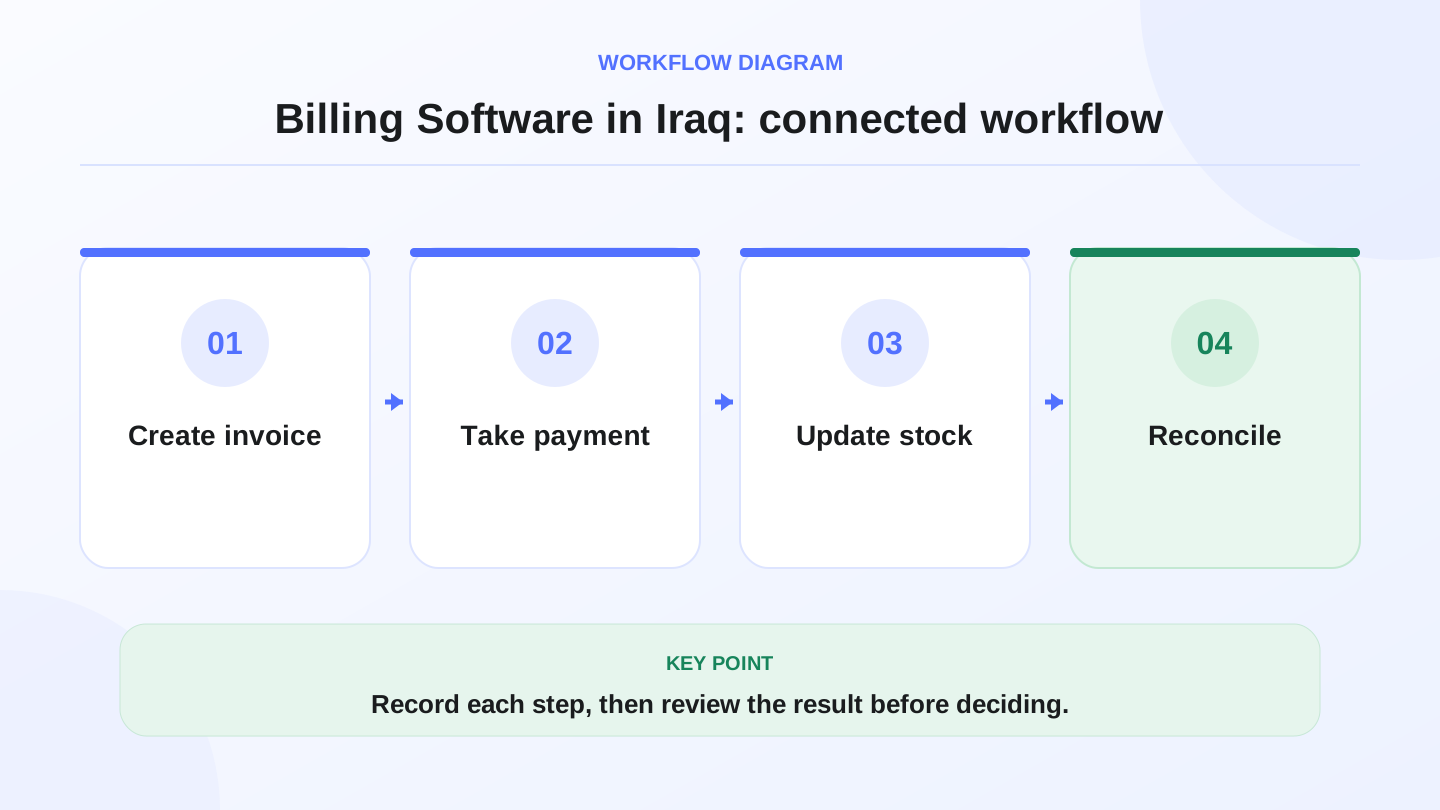
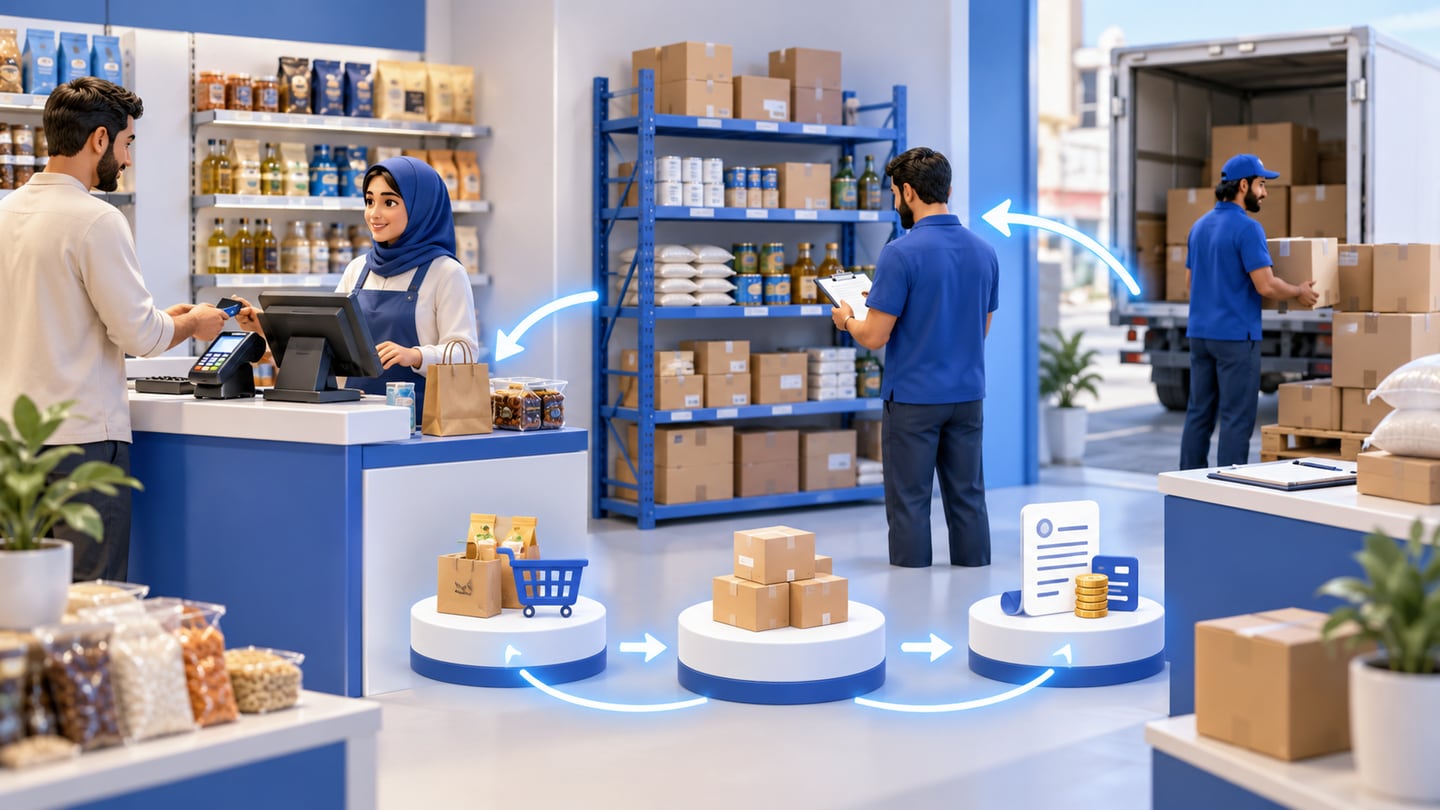
A practical sequence has four connected steps: Create invoice, Take payment, Update stock, Reconcile. Recording each step makes the daily result easier to review.
03
Billing software vs POS billing: what is the difference?
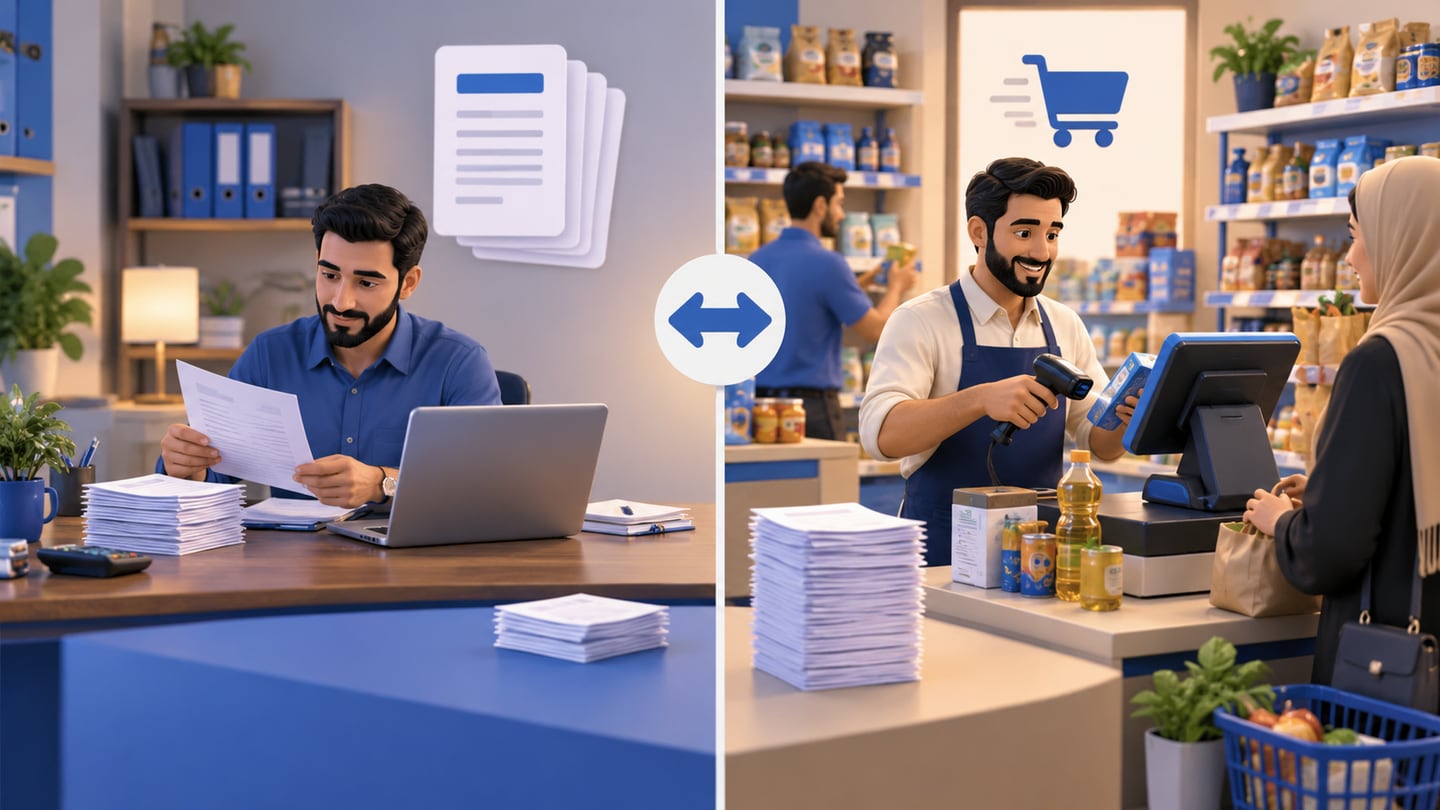
A standalone billing tool is focused on documents. A POS billing system is focused on live selling. The difference matters because many Iraq businesses sell all day at the counter, not only by sending invoices after work is done.
If the business has only ten invoices per week, document-first billing can work. If it has dozens or hundreds of counter sales per day, POS billing is safer because the document, stock movement, and payment are created in one workflow.
| Need | Simple billing tool | POS-connected billing |
|---|---|---|
| Create invoice | Yes | Yes |
| Print quick receipt | Sometimes | Yes |
| Barcode or touch checkout | Usually no | Yes |
| Inventory deduction | Manual or limited | Automatic from sales |
| Daily cashier closing | Limited | Built for shift and day review |
| Restaurant or retail speed | Weak | Stronger fit |
| Multi-branch visibility | Limited | Better when branches are supported |
04
Why billing matters for Iraq shops and restaurants
Many Iraq businesses still rely on notebooks, WhatsApp messages, calculator totals, or separate invoice templates. That can work for a short time, but it becomes difficult when the owner needs to answer basic questions: how much did we sell today, which items moved fastest, which invoices remain unpaid, and why is shelf stock different from expected stock?
Billing software creates a shared source of truth. The cashier records the sale once. The manager can review totals later. The owner can compare cash, card, online payment, and credit sales. If the system is Arabic-first, staff can work in the language they actually use while managers who prefer English can still review reports.
05
Core features to check before choosing billing software
Start with operational needs, not a feature list. A restaurant needs fast order entry, receipts, modifiers, and stock deduction by recipe where relevant. A clothing store needs variants, sizes, discounts, customer names, and exchange history. A supermarket needs barcode speed, categories, and low-stock visibility.
A practical billing checklist includes:
1. Arabic and English support for staff and owners.
2. IQD totals and clean receipt formatting.
3. Invoice numbers that are easy to search.
4. Products, services, quantities, discounts, and notes.
5. Payment methods such as cash, card, transfer, online payment, or cash on delivery where relevant.
6. Inventory updates for product sales.
7. Customer records for credit, returns, or repeat sales.
8. Daily and monthly reports.
9. Role control so not every employee can edit invoices or discounts.
10. Offline-ready selling if internet interruptions affect the cashier counter.
RA8M / رقم is built around this connected workflow: POS, inventory, purchases, customers, finance, reports, roles, branches, and ecommerce in one Arabic-first system. You can review the POS workflow on RA8M POS and compare plan fit on RA8M pricing.
06
Worked example: one invoice should update sales and stock
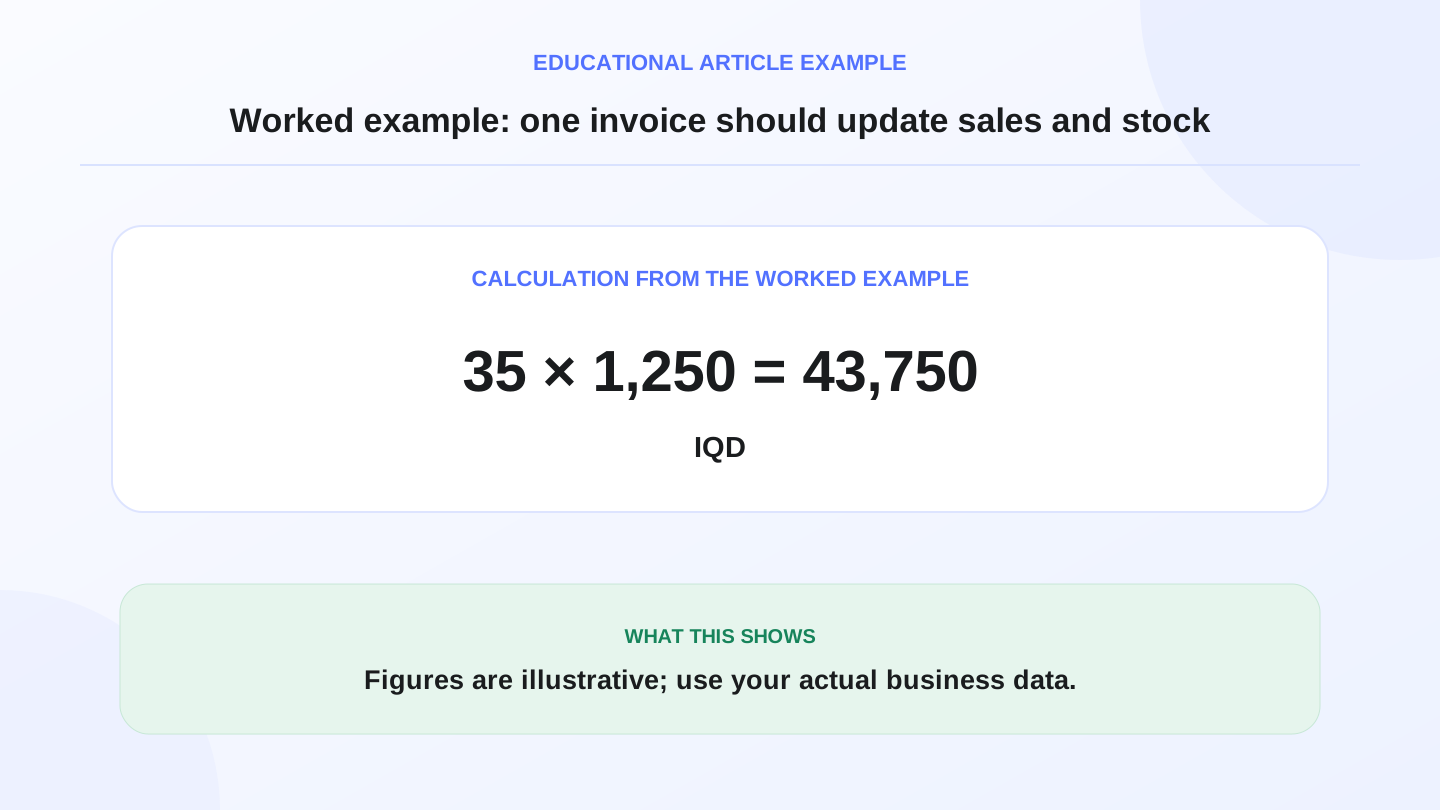
Assume a mini-market starts the morning with 120 bottles of juice. During the day, the cashier sells 35 bottles through POS receipts and receives a purchase of 48 bottles from a vendor. If each bottle sells for 1,250 IQD, recorded juice sales value = 35 × 1,250 = 43,750 IQD.
Expected closing stock = opening stock + purchases − sales. That means 120 + 48 − 35 = 133 bottles expected at the end of the day. If the shelf count is 128, the owner has a difference of 5 bottles to investigate.
Without connected billing, the owner may have receipts in one place and stock in another. With POS-connected billing, each sale can reduce inventory immediately, while purchases increase inventory when recorded. The report does not solve every problem automatically, but it shows where the owner should look.
07
Billing, inventory, and purchases should not be separate islands
Billing is only one part of the money trail. If the sale is recorded but the item stock does not change, the owner gets a good invoice and a bad inventory report. If purchases are recorded separately from inventory, the team may keep selling items that are not actually available.
For Iraq businesses that buy from vendors, receive bills, sell in store, and sometimes sell online, the best workflow connects the full cycle: purchase bill increases stock, cashier sale reduces stock, invoice records customer and payment, and reports summarize what happened. This is why a POS-led system is often stronger than a document-only billing app.
08
Offline-ready billing: why it matters at the cashier counter
Internet interruptions are not only an inconvenience. If the cashier cannot create receipts during a busy hour, the business may lose sales or write temporary notes that later become mistakes. Offline-ready POS billing lets the team keep selling and printing receipts, then sync when the internet returns.
When you compare billing software, ask what happens when the connection drops. Can the cashier still sell? Are invoices saved locally? Does the system sync later? Are duplicate invoice numbers avoided? RA8M POS is described as offline-ready, which is a practical fit for stores and restaurants that cannot stop the counter every time the connection is unstable.
09
When a simple billing tool is enough
Not every business needs a full system on day one. A freelancer, small service provider, or very low-volume office may only need clean invoices, customer details, paid or unpaid status, and monthly totals. In that case, a simpler billing tool can be acceptable if inventory, cashier speed, branches, and online orders are not important.
The danger is waiting too long after the business grows. Once there are multiple employees, product categories, discounts, returns, vendor purchases, or branch stock, simple billing becomes a bottleneck. At that point, re-entering historical data is harder than starting with a connected POS earlier.
10
When RA8M fits billing workflows
RA8M fits when billing is tied to real daily operations: cashier sales, products, stock, purchases, reports, roles, branches, and ecommerce. It is especially relevant for restaurants, cafés, retail shops, supermarkets, pharmacies, salons, service businesses, and growing SMBs in Iraq that want Arabic-first workflows with English support.
RA8M may be more than you need if you only send a few invoices per month and do not manage products or a cashier. But if invoices, receipts, payments, inventory, and daily reports all need to match, a connected system reduces manual work and gives the owner better visibility.
11
Pricing and accounting caveats
Billing software is connected to money, so be careful with unsupported claims. Public RA8M pricing can change, so verify the latest plans on RA8M pricing before buying. Also, operational billing reports are not the same as formal accounting or tax advice.
Use software to organize transactions, reduce manual mistakes, and prepare cleaner reports. For official accounting, tax, or legal decisions, check with a qualified professional or the relevant authority.
Shops that mix invoicing with day-counter sales should also read free accounting software in Iraq when evaluating free tiers—expense categories and inventory value in IQD often sit outside simple billing apps.
12
Conclusion: choose billing that matches how you sell
The best billing software is the one that matches your real workflow. If sales are simple and occasional, invoice-first software may be enough. If your business has a cashier counter, stock, purchases, customers, branches, or ecommerce, POS-connected billing is usually the more practical choice.
RA8M helps Iraq businesses connect billing with POS, inventory, purchases, finance, reports, and ecommerce. Start with the POS page, review industries, and compare current plans on pricing before deciding.
13
FAQs
What is billing software?
Billing software helps a business create invoices or receipts, record what was sold, track payment status, and review sales totals. For stores, it is stronger when connected to POS and inventory.
Do I need billing software or a full POS system?
If you only issue a few service invoices, a billing tool may be enough. If you sell products, scan barcodes, manage stock, or operate a cashier, a POS-connected billing system is usually better.
Should billing software in Iraq support Arabic?
Yes. Arabic names, RTL screens, Arabic receipts, IQD amounts, and bilingual staff workflows are practical requirements for many Iraq businesses.
Does RA8M replace an accountant?
No. RA8M helps organize sales, invoices, payments, inventory, and reports, but formal accounting, tax, and legal decisions should be checked with a qualified professional.
Which RA8M pages should I check next?
Start with the POS page for cashier and invoice workflows, then review pricing because plan details and prices can change.
Frequently asked questions
What is billing software?
Billing software helps a business create invoices or receipts, record what was sold, track payment status, and review sales totals. For stores, it is stronger when connected to POS and inventory.
Do I need billing software or a full POS system?
If you only issue a few service invoices, a billing tool may be enough. If you sell products, scan barcodes, manage stock, or operate a cashier, a POS-connected billing system is usually better.
Should billing software in Iraq support Arabic?
Yes. Arabic names, RTL screens, Arabic receipts, IQD amounts, and bilingual staff workflows are practical requirements for many Iraq businesses.
Does RA8M replace an accountant?
No. RA8M helps organize sales, invoices, payments, inventory, and reports, but formal accounting, tax, and legal decisions should be checked with a qualified professional.
Which RA8M pages should I check next?
Start with the POS page for cashier and invoice workflows, then review pricing because plan details and prices can change.
Written by
RA8M Team
Practical guides for restaurants, shops, and operations teams
Next step
Try RA8M with data close to your operation
Read next
Related RA8M guides
POS and Cashier
Cashier Software in Iraq: How to Choose for Your Shop
Read article
POS and Cashier
Best Cashier Software in Iraq: Practical Buyer Checklist
Read article
POS and Cashier
Offline Cashier Software That Syncs Later in Iraq
Read article
POS and Cashier
Free vs Paid Cashier Software in Iraq: What Do You Really Get?
Read article
Accounting and Reports
Sales Reports in Iraq: How to Read POS and Cashier Numbers
Read article