Offline Cashier Software That Syncs Later in Iraq
A practical guide to cloud cashier software in Iraq: offline POS, inventory, branches, reports, daily cost math, and a buying checklist.
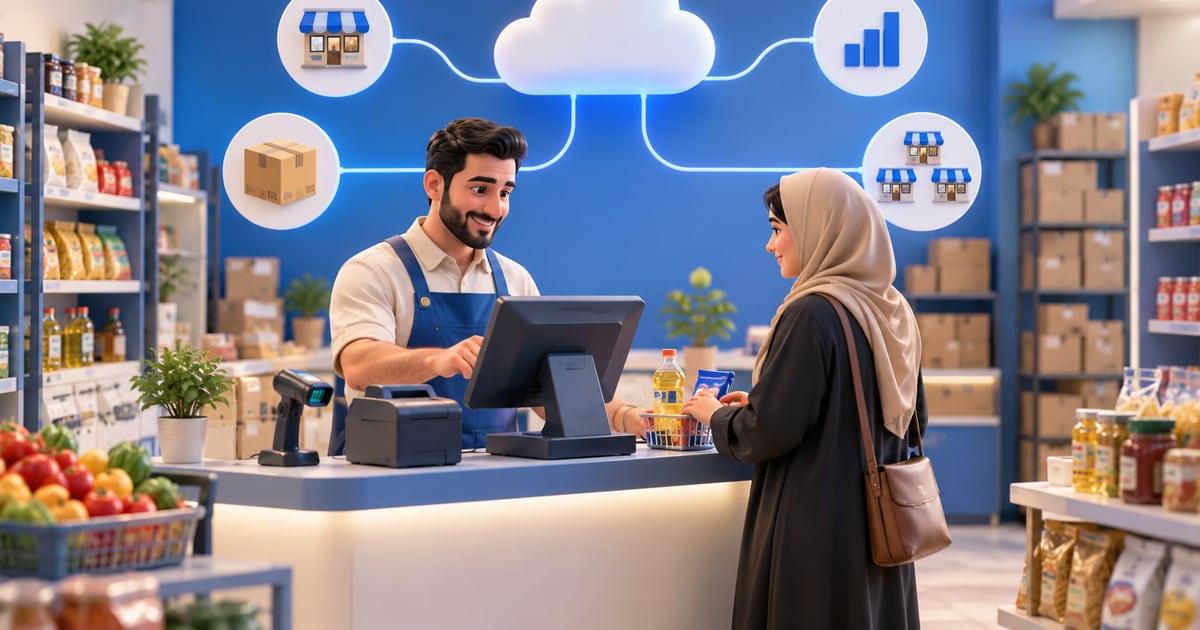
Cloud cashier software is a POS system that stores sales, inventory, reports, and user controls in a connected platform instead of one isolated device. In Iraq, the safest setup is cloud plus offline-ready POS, so cashiers can keep selling during internet interruptions and sync invoices and stock later.
01
Offline Cashier Software That Syncs Later in Iraq
Cloud cashier software is not only a modern checkout screen. It is a way to connect selling, inventory, reports, permissions, and branches so the owner can see what happened without chasing paper notes or separate spreadsheets. In Iraq, the best setup is not cloud only; it must also keep selling when the internet drops.
Quick answer: Cloud cashier software is a POS system that stores sales, inventory, reports, and user controls in a connected platform instead of one isolated device. In Iraq, the safest setup is cloud plus offline-ready POS, so cashiers can keep selling during internet interruptions and sync invoices and stock later.
02
How to test offline selling and later sync in your shop
Use a RA8M trial account and the device you plan to use at the counter. Check the result of each step before subscribing:
1. While online, start a RA8M trial, open the cashier in your account, add three products with IQD prices, and wait for the initial data load. Record one item's starting stock and the last sale number.
2. Disconnect the cashier device itself. Make one cash sale and close it. Confirm that the sale appears locally and is marked as awaiting sync. If printing matters, try your actual receipt printer.
3. Reconnect. Wait for the pending operations to finish, then compare the sale number, amount, payment method, and new stock in reports and on a second device. A connected icon alone does not prove that sync finished.
4. Repeat with a connection drop during checkout and two consecutive sales. Test a refund or edit with a manager, and ask how failed sync operations are handled before clearing device data.
03
What happens when the connection returns?
RA8M can keep a cashier sale on the device while it is offline and send pending changes when the connection returns. The other devices and your online store may show an older stock count until those changes finish syncing. Before you close the day, check for sales that are still pending or have failed, then compare the invoice and stock on a second device. There is no fixed sync time to rely on when your connection is unstable. The POS page shows the interface; use your trial account for the offline test.
04
Supported devices and practical limits
The product page lists modern Android tablets and iPads; pricing also mentions modern tablets or PCs. For a thermal printer, barcode scanner, or scale, verify the exact model and connection during a live demo. Device support does not establish compatibility with every peripheral.
RA8M POS pricing starts at 7,500 IQD/month for Basic, 15,000 for Advanced, and 30,000 for Manufacture, billed annually. A 14-day trial and one branch are included; each extra branch is listed at 10,000 IQD/month. Check the current plan and any hardware or add-on cost before paying. Start a trial and run the disconnection test above on your own setup.
| Situation | What to check |
|---|---|
| First use or a new device | Sign in, load the product catalog, and complete the first sync before testing offline mode. |
| Sale on the disconnected device | Writes are stored locally and queued; check pending operations before closing the day. |
| Second device or online store | Stock may be stale until the disconnected device syncs; watch fast-moving products. |
| New ecommerce order | It needs an internet connection; customer checkout cannot create a new order offline. |
| Electronic payment or printing | Test your payment provider, printer, and local connection; do not assume they work without network access. |
| Lost device or cleared app data | A locally pending operation is not a backup; verify sync before clearing data. |
05
What does cloud cashier software mean?
Cloud cashier software means your sales data is not trapped on one machine inside the shop. Products, invoices, inventory, customers, user roles, reports, and branch activity live in a connected platform. If you add another device, branch, or ecommerce store, the same operating data can stay aligned.
The word cloud can be misleading, though. Some cloud systems stop working when the connection is weak. That is risky for a restaurant at lunch time or a supermarket queue on a busy evening. The key question is simple: can the cashier add items, close the invoice, print the receipt, and sync later?
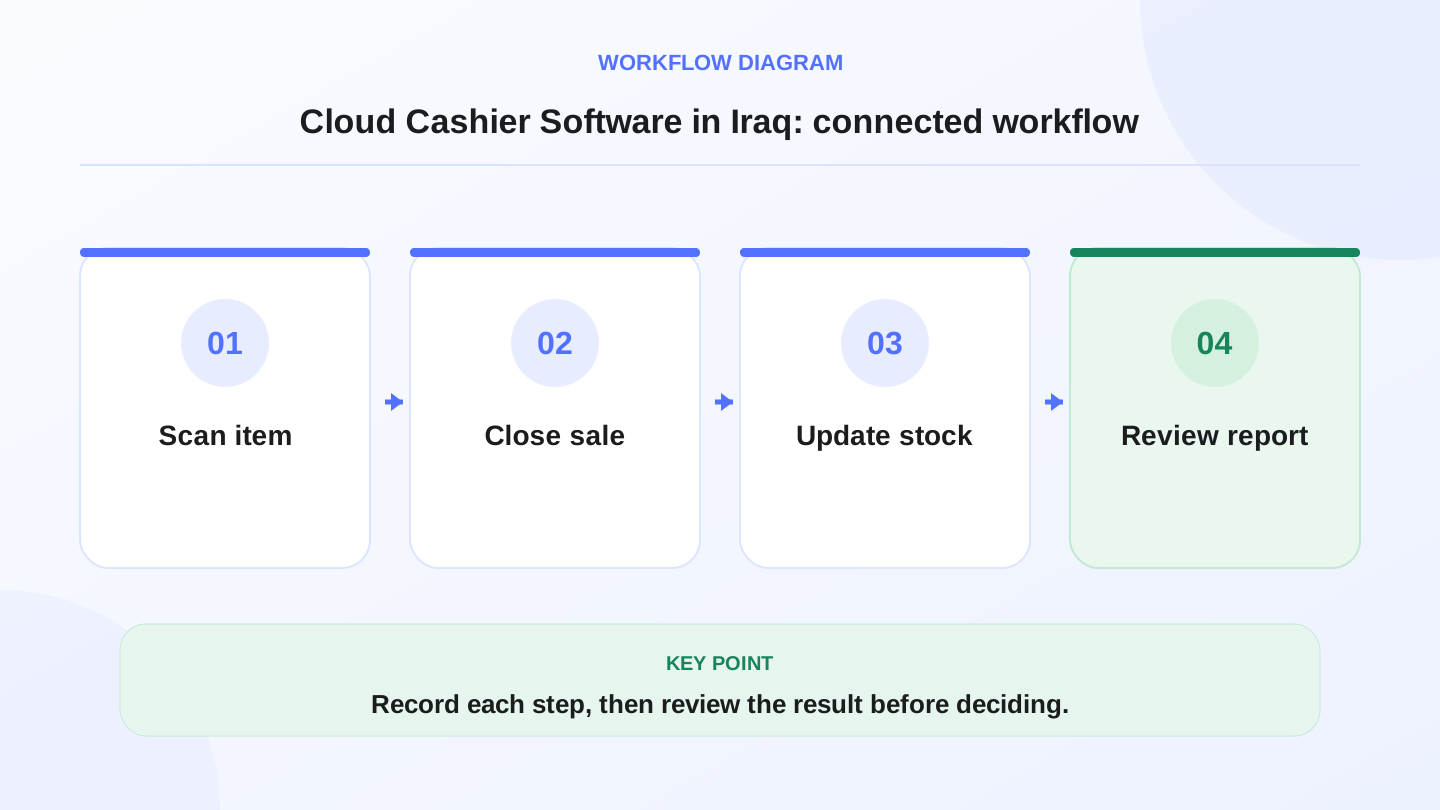
A practical sequence has four connected steps: Scan item, Close sale, Update stock, Review report. Recording each step makes the daily result easier to review.
06
Why does this matter for Iraq businesses?
Iraq operators deal with practical conditions: internet interruptions, Arabic and English teams, cash-heavy workflows, and inventory that moves quickly. If the cashier is separated from stock, you may sell an item that is already finished, reorder too late, or discover a branch shortage after the damage is done.
Cloud cashier software helps when the owner wants daily sales, expected cash, item movement, branch comparison, and inventory updates without waiting for a manual Excel file. It also answers harder questions: why are sales strong but stock value dropping? Why does one branch discount more than another? Which item sells fast but creates stock pressure?
07
Cloud cashier vs traditional cashier system
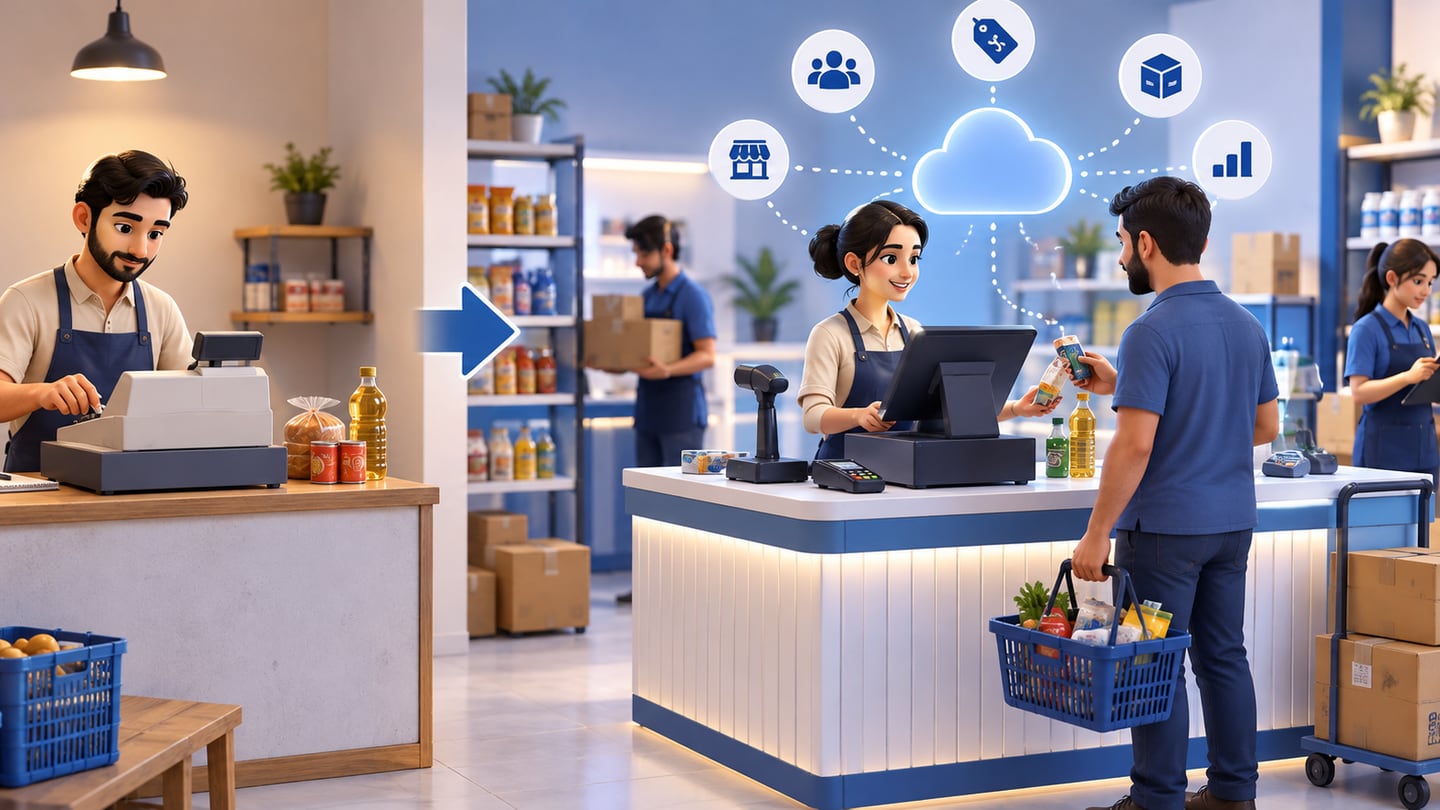
There is no single answer for every business. A tiny counter may begin with a very simple cashier. But when staff, discounts, purchases, stock, branches, or reports become part of the work, connected software is usually safer.
| Decision point | Traditional local cashier | Cloud and offline-ready cashier |
|---|---|---|
| Data location | Usually one device | Connected platform with sync |
| Internet outage | May keep local sales but no wider sync | Keeps selling offline and syncs later |
| Branches | Often manual or difficult | Branch and consolidated visibility |
| Inventory | Manual or separate | Updates with sales and purchases |
| Reports | Local and limited | Daily, branch, item, and staff reports |
| Growth | Data transfer becomes painful | Easier to add devices and locations |
08
When do you really need cloud cashier software?
You need it when the cashier is no longer just a cash drawer. If you have multiple employees, you need roles. If you hold stock, you need sales to affect inventory. If you buy from suppliers, you need purchase entries to increase stock. If you run more than one location, you need each branch and the full company view.
Restaurants and cafes need fast ordering, items, modifiers, receipts, and often recipe or ingredient awareness. Clothing shops need sizes, colors, variants, and barcode scanning. Supermarkets need speed, many SKUs, low-stock visibility, and shift control. These are not luxury features once daily operations depend on them.
09
Worked example: monthly subscription as daily cost
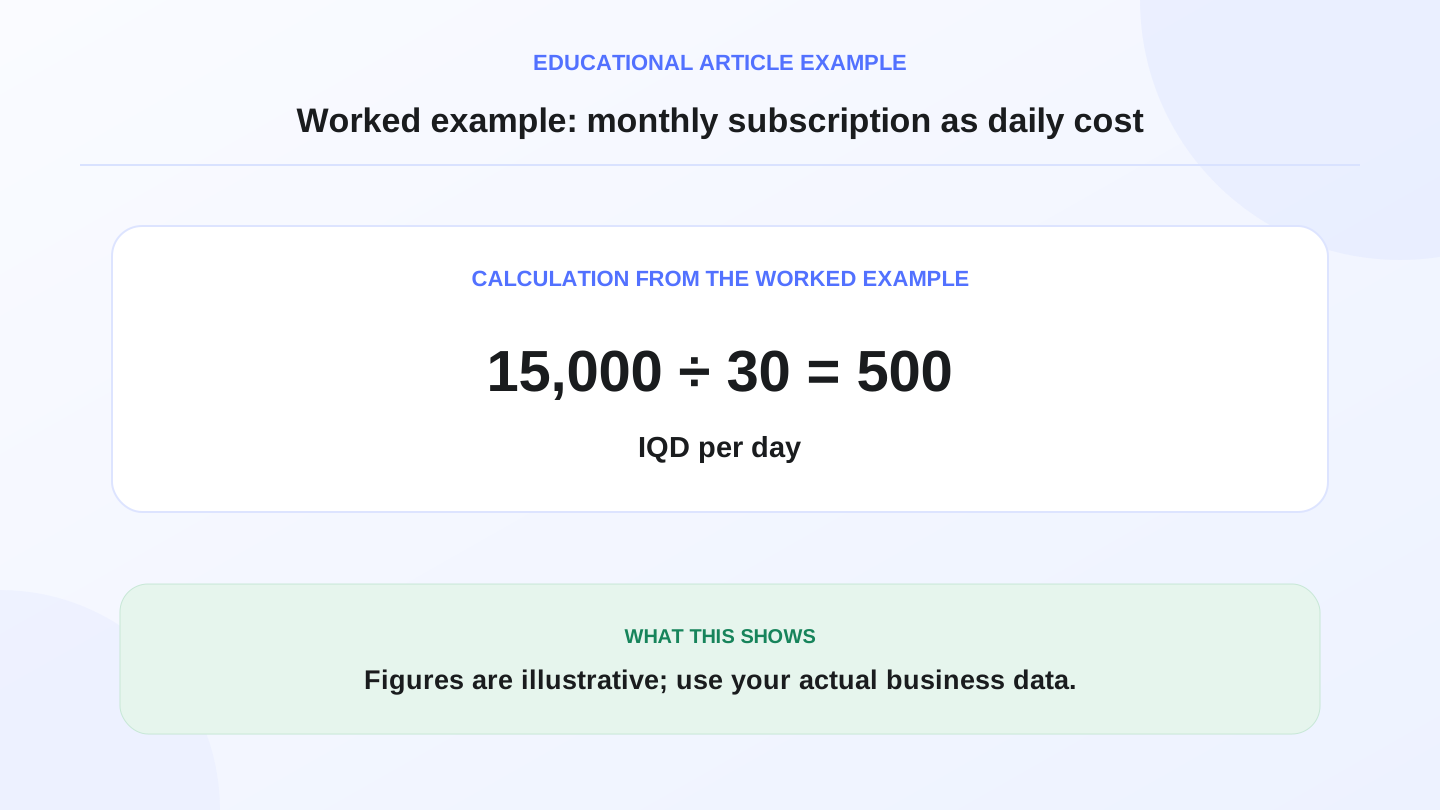
Assume a shop is comparing a plan that costs 15,000 IQD per month. The approximate daily cost is 15,000 divided by 30, which equals 500 IQD per day. If the system saves ten minutes of cash reconciliation each day or prevents one stock mistake each week, the operating value may be higher than the daily fee.
This is only an illustrative calculation, not a fixed pricing rule. RA8M public pricing may change, so verify the current plan on the pricing page before buying. Compare the cost with the complete workflow: POS, inventory, purchases, reports, roles, branches, and ecommerce if you sell online.
10
What should you test before choosing?
Test the system with a real selling day, not a polished demo only. Create products, add a discount, make a cash sale, record a non-cash payment if your workflow uses one, process a return, close a shift, and read the report. If the software looks good in the demo but slows the cashier at the counter, staff will avoid it.
Also test language and usability. Does the Arabic interface support RTL workflows? Can Arabic and English employees understand the same item names and reports? Is the receipt clear for the customer? Does barcode search stay fast when the item list grows? These small details decide whether POS succeeds every day.
11
Cloud cashier software and inventory control
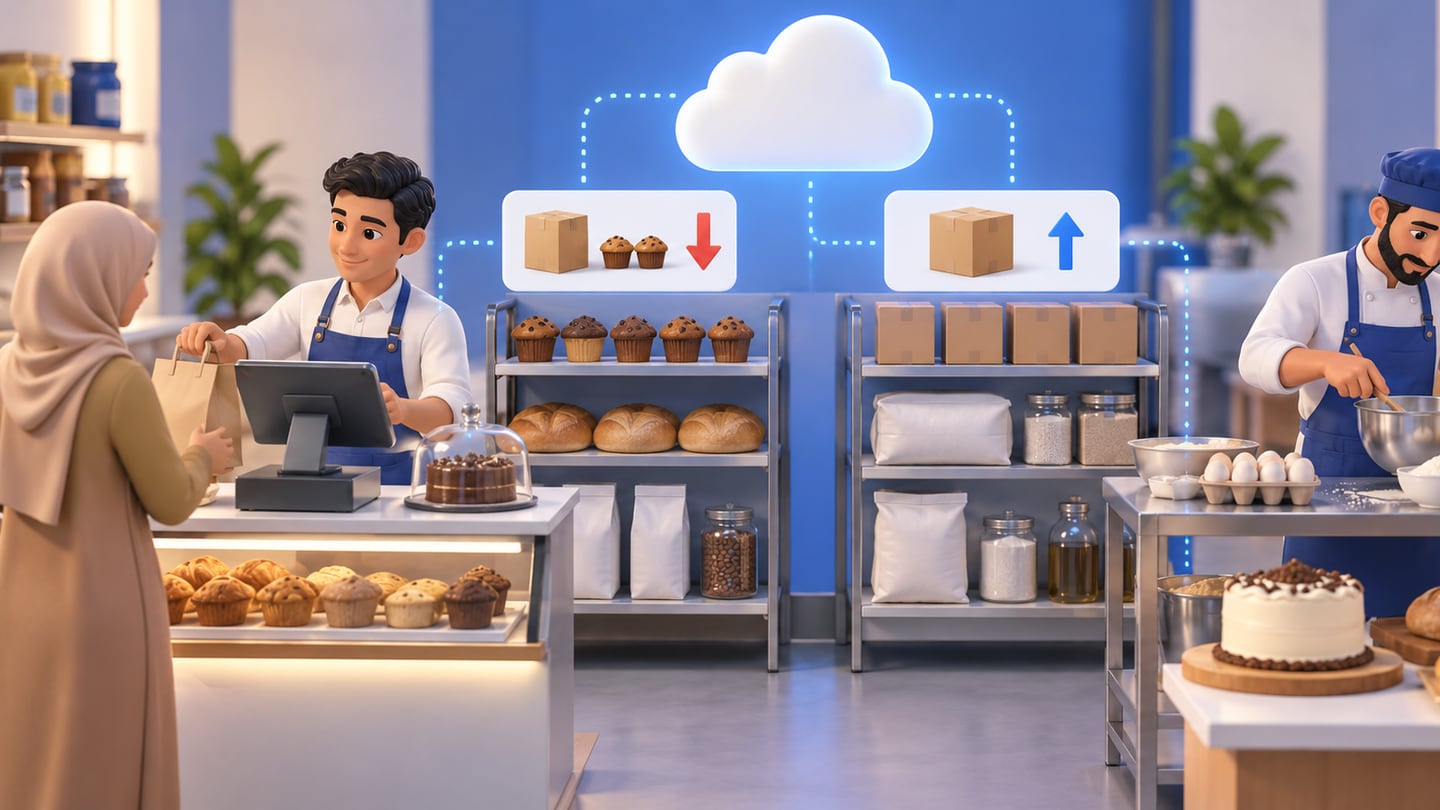
The biggest value appears when inventory updates automatically. If you sell 25 units, stock should go down. If a purchase adds 100 units, stock should go up. If you run a cafe, bakery, or production workflow, you may also need recipes, raw materials, and cost calculation depending on the plan and process.
Without this connection, the cashier is only a selling screen. With it, the system becomes a purchasing and control tool. That matters in Iraq because much of a business owner’s cash can sit inside stock. Ordering too much freezes money. Ordering too late loses sales. A connected POS helps the owner see both risks earlier.
12
Where RA8M fits, and when simpler software may be enough
RA8M fits businesses that want Arabic-first POS software, offline selling, sync when internet returns, inventory, purchases, customers, finance, reports, roles, branches, and ecommerce in one platform. It is relevant for restaurants, cafes, retail shops, supermarkets, pharmacies, salons, service businesses, and multi-branch operators in Iraq.
A simpler setup may be enough if you sell only a few items, have no staff, do not track meaningful inventory, and do not need reports. But set a review point. When SKUs, invoices, staff, or branches increase, move to a connected system before scattered records become expensive.
13
Useful internal links
14
Buying checklist for cloud cashier software
Do not buy from a broad promise. Run your own workflow and ask the employee who will use the cashier every day to test it.
| Question | Pass mark |
|---|---|
| Can POS sell offline and sync later? | Yes, without stopping checkout |
| Is the Arabic RTL workflow clear? | Yes, for daily staff use |
| Does inventory update after sales and purchases? | Yes, for linked items |
| Are employee roles available? | Yes, by responsibility |
| Are daily and branch reports readable? | Yes, without long explanation |
| Can ecommerce connect when needed? | Yes, if online selling is part of the plan |
15
Conclusion
Good cloud cashier software does more than process payments. It connects the counter to the rest of the business. In Iraq, look for Arabic support, offline-ready selling, inventory connection, readable reports, and room to grow into branches or ecommerce. If the software passes those tests, it helps you manage the day instead of investigating mistakes after closing.
RA8M gives Iraq operators a practical path for POS, inventory, purchases, reports, roles, branches, and online selling in one connected platform. Start with a real cashier scenario, then decide from operations, not from presentation alone.
16
FAQs
Does cloud cashier software need internet all the time?
Not if it is offline-ready. For Iraq businesses, the better setup is POS that can keep selling offline, then sync invoices and inventory when the connection returns.
What is the difference between cloud cashier and traditional cashier software?
Traditional cashier software often keeps data on one device. Cloud cashier software connects sales, inventory, reports, users, and branches in one central platform.
Is cloud cashier software good for restaurants?
Yes, if it supports fast ordering, items and modifiers, receipts, stock or ingredient deduction, staff roles, offline selling, and clear daily reports.
How should I calculate cloud cashier software cost?
Divide the monthly subscription by 30 days, then compare that daily cost with time saved, fewer mistakes, better stock control, and clearer reports. Always verify current pricing before buying.
Where does RA8M fit?
RA8M connects POS with inventory, purchases, customers, finance, reports, roles, branches, ecommerce, and offline sync for Arabic-first Iraq businesses.
Frequently asked questions
Does cloud cashier software need internet all the time?
Not if it is offline-ready. For Iraq businesses, the better setup is POS that can keep selling offline, then sync invoices and inventory when the connection returns.
What is the difference between cloud cashier and traditional cashier software?
Traditional cashier software often keeps data on one device. Cloud cashier software connects sales, inventory, reports, users, and branches in one central platform.
Is cloud cashier software good for restaurants?
Yes, if it supports fast ordering, items and modifiers, receipts, stock or ingredient deduction, staff roles, offline selling, and clear daily reports.
How should I calculate cloud cashier software cost?
Divide the monthly subscription by 30 days, then compare that daily cost with time saved, fewer mistakes, better stock control, and clearer reports. Always verify current pricing before buying.
Where does RA8M fit?
RA8M connects POS with inventory, purchases, customers, finance, reports, roles, branches, ecommerce, and offline sync for Arabic-first Iraq businesses.
Written by
RA8M Team
Practical guides for restaurants, shops, and operations teams
Next step
Try RA8M with data close to your operation
Read next