Accessories Shop Software in Iraq: POS, Stock and Variants
A practical guide for accessories shops in Iraq that need POS, barcode sales, variants, customer records, discounts, inventory, online orders, and daily reports.
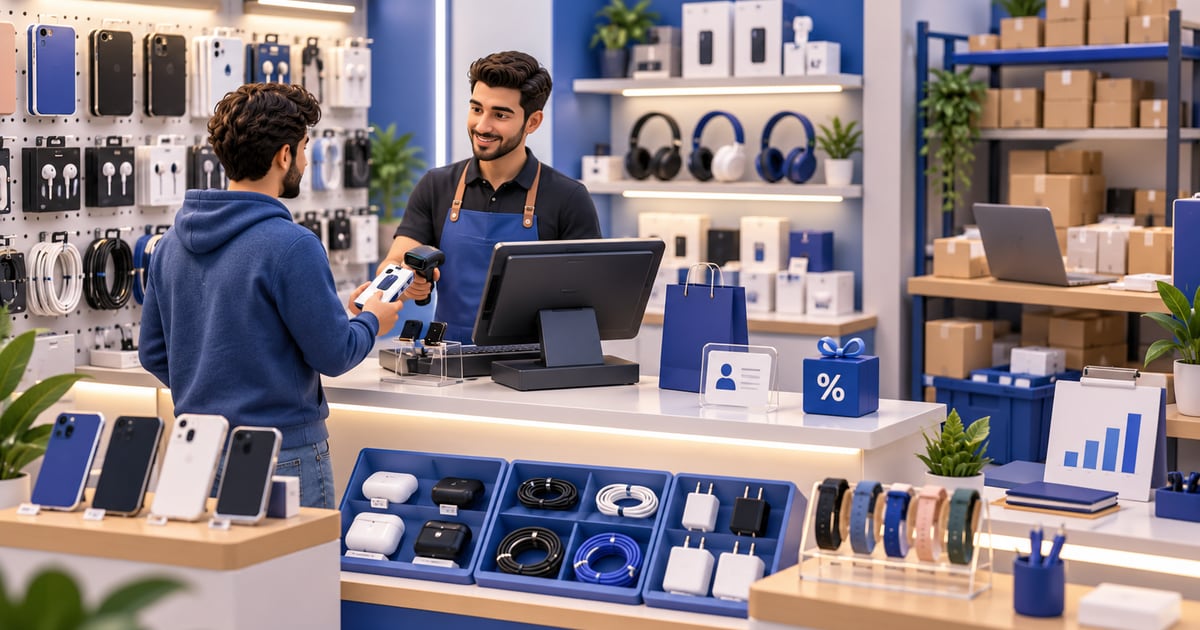
Accessories shop software helps a store sell small, high-variety items through POS while keeping stock accurate. In Iraq, useful software should support barcode checkout, variants such as color or model, discounts, customer records, invoices, inventory movements, low-stock review, online orders, and daily reports in Arabic and English.
01
Accessories Shop Software in Iraq: POS, Stock and Variants
An accessories shop can look simple from the outside, but the stock is usually full of small items, colors, models, sizes, bundles, and fast-changing trends. Accessories shop software helps the cashier sell quickly while the owner keeps inventory and reports under control.
Quick answer: Accessories shop software helps a store sell small, high-variety items through POS while keeping stock accurate. In Iraq, useful software should support barcode checkout, variants such as color or model, discounts, customer records, invoices, inventory movements, low-stock review, online orders, and daily reports in Arabic and English.
02
Why accessories shops need a different workflow
Accessories shops often sell phone covers, chargers, cables, bags, jewelry, cosmetics accessories, gifts, watches, small electronics accessories, or mixed retail items. Many products have similar names but different models, colors, prices, and supplier costs.
That creates a stock-control problem. If the cashier sells a black iPhone cover as a generic cover, the system may not know which model moved. If discounts are written on paper, the owner cannot see margin clearly. If online orders are separate from in-store sales, the shop may promise an item that is no longer available.
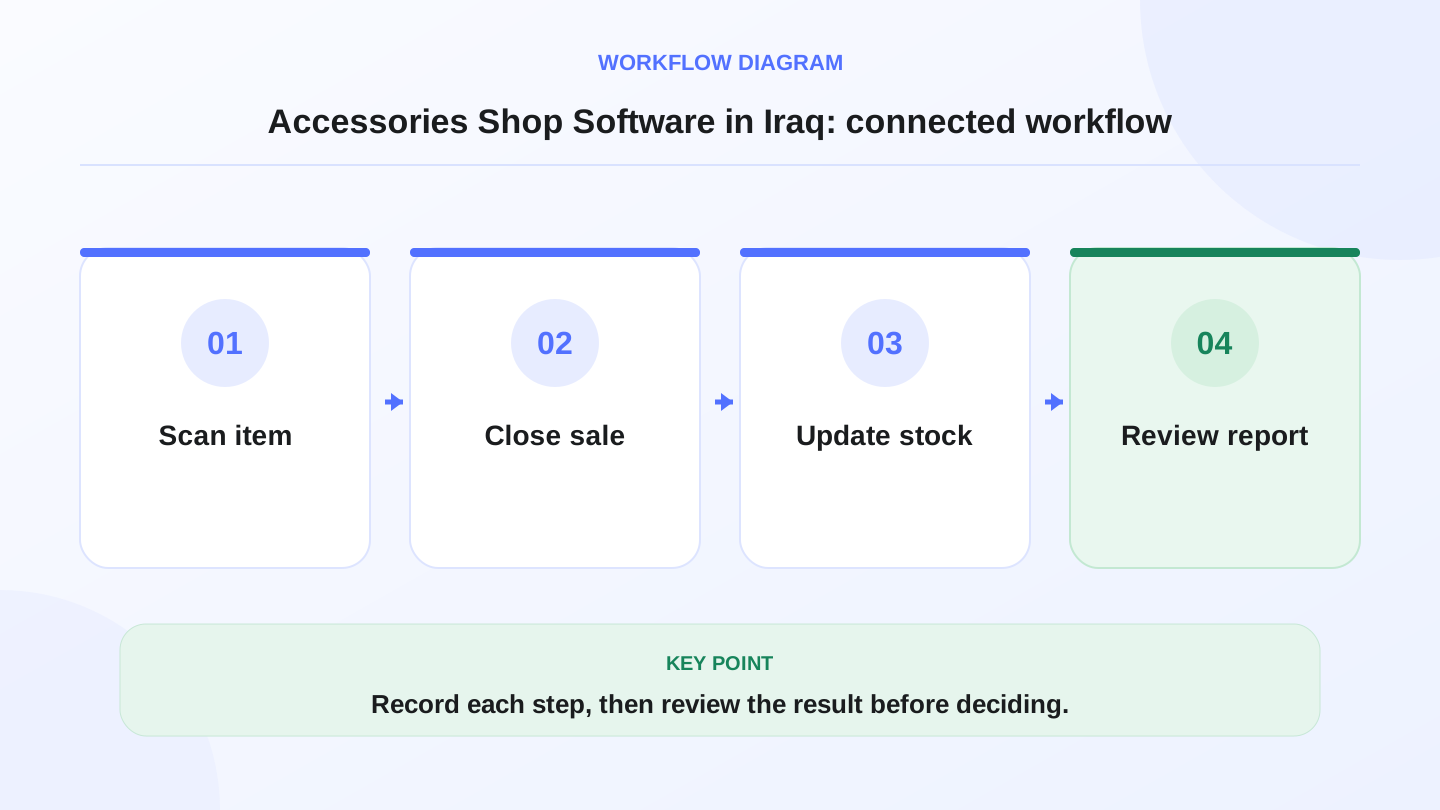
A practical sequence has four connected steps: Scan item, Close sale, Update stock, Review report. Recording each step makes the daily result easier to review.
03
What good accessories shop software should include
The best system is not only a cash register. It should help the team identify the right item, sell it quickly, update stock, record discounts, and show daily performance.
Use this table as a buying checklist, not a feature wish list. Every feature should solve a daily store problem.
| Need | What the software should support | Why it matters |
|---|---|---|
| Fast checkout | Barcode scan, product search, categories | Small items are easy to confuse during rush hours |
| Variants | Color, model, size, style, or item options | Similar products need separate stock counts |
| Discounts | Item or invoice discount tracking | Owners need to know real selling price |
| Customers | Customer records and purchase history | Useful for returns, repeat buyers, and service follow-up |
| Inventory | Purchases, adjustments, low-stock review | Prevents empty hooks and overbuying slow items |
| Reports | Daily sales, best sellers, payment methods | Shows what to reorder and what to stop buying |
| Ecommerce | Shared online and in-store stock | Prevents overselling on the online store |
04
Barcode checkout and product names
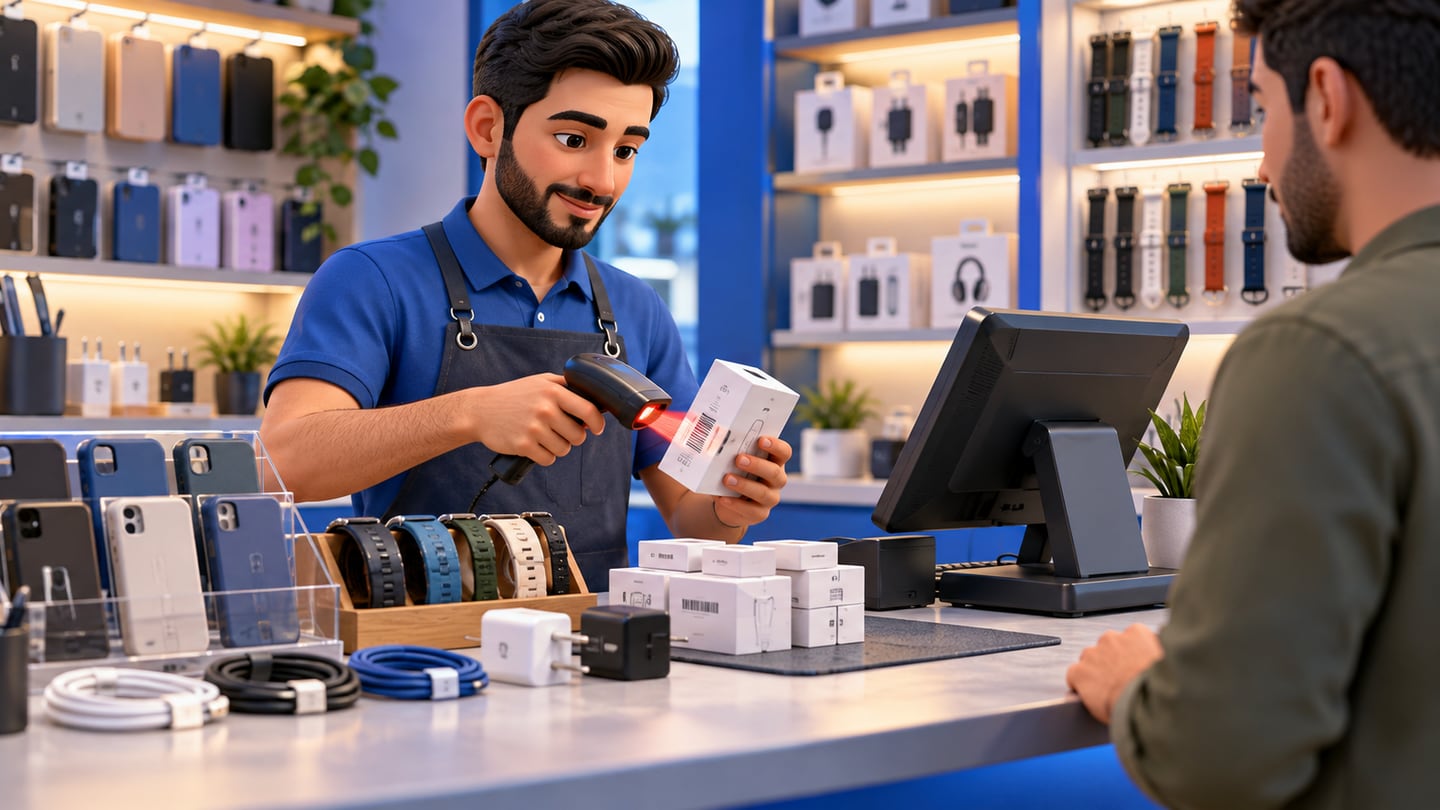
Barcode is especially useful for accessories because many items look similar. A charger, cable, case, or watch strap may differ by model, length, color, or quality level. Scanning reduces cashier guessing and keeps pricing consistent.
Product naming also matters. Use names the team can understand: product type, model, color, and key attribute. For example, a clear name like USB-C Cable 1m White is better than Cable 03. Clean naming makes search, reporting, and stock review easier.
05
Worked example: stock after sales and purchases
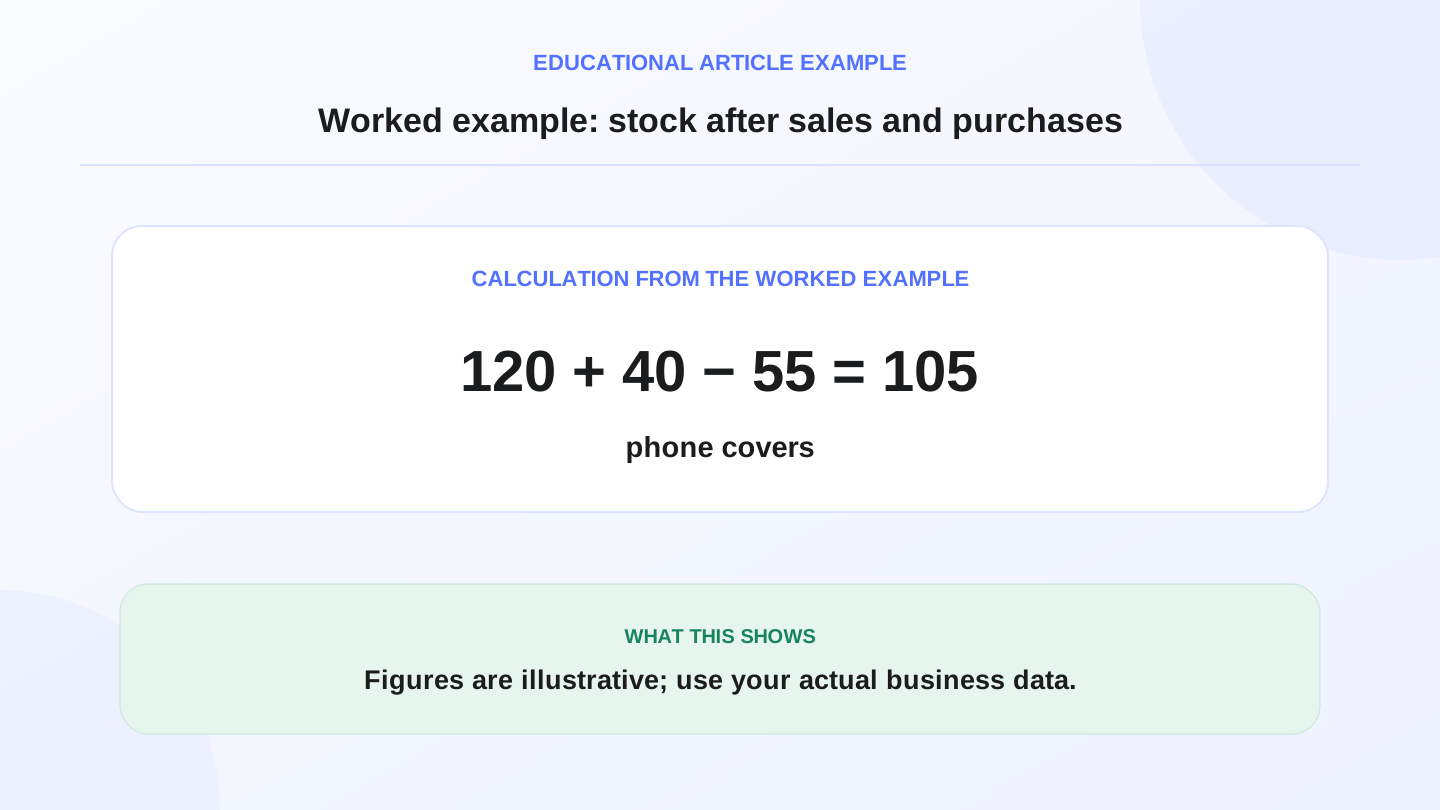
Assume a Baghdad accessories shop starts the day with 120 phone covers for one model. It receives 40 more from a supplier and sells 55 during the day.
Expected closing stock = opening stock + purchases - sales. That means 120 + 40 - 55 = 105 covers. If the system shows 98 covers, the owner needs to investigate 7 units. The gap may come from a wrong scan, damage, return, unrecorded transfer, or counting mistake.
This example is simple, but the same logic applies to every item. The more SKUs the shop has, the more important connected POS and inventory become.
06
Discounts and margins need clean records
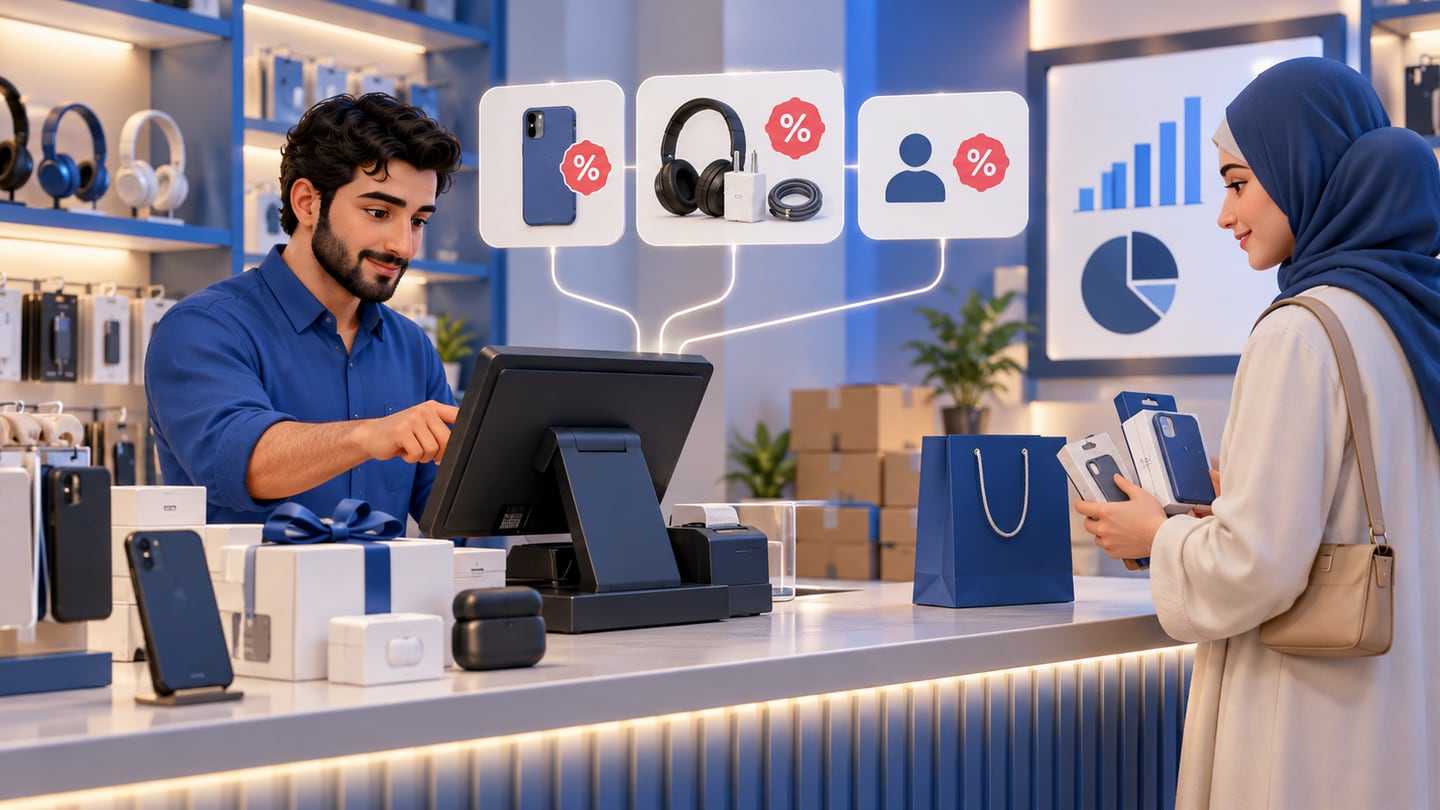
Accessories shops often use discounts to close a sale or bundle items together. If discounts are not recorded properly, revenue may look fine while margin quietly drops. The owner should know whether the discount was applied to one item, the whole invoice, or a customer-specific deal.
POS software should make discounts visible in reports. That helps the owner decide which promotions work, which products are over-discounted, and whether staff need clearer rules.
07
Connect purchases to stock
Many stock mistakes start at receiving, not selling. When supplier goods arrive, the shop should enter the purchase, check quantities, and update inventory. If new stock is added only by memory, the daily reports become unreliable.
RA8M supports purchases, inventory, POS, customers, reports, roles, branches, and ecommerce workflows. That connection helps accessories shops move from manual notes to a cleaner money-and-stock trail.
08
Online orders and in-store sales should share stock
Accessories are often sold through Instagram, WhatsApp, marketplaces, or a branded online store. If online stock is separate from the cashier, the team can oversell fast-moving items. A customer may order a case online while the last unit is already sold in the shop.
RA8M Ecommerce creates a branded storefront connected to POS products and stock. Review RA8M Ecommerce if the shop sells online, and RA8M POS if the main problem is checkout and stock discipline.
09
Branches and staff roles
A shop with two branches needs location-aware stock. Total stock is not enough if one branch is empty and another branch has all the product. Transfers should reduce one location and increase the other.
Staff roles also protect the business. Not every cashier should edit prices, delete invoices, change stock, or view all finance reports. Clear roles help the owner separate checkout work from management control.
10
When a simple setup may be enough
A tiny owner-run accessories shop with a small product range may start with a simple POS or even a spreadsheet for a short time. If the owner personally handles every sale and stock movement, the risk is lower.
Upgrade when products multiply, staff join, online orders start, discounts become frequent, or stock errors begin causing missed sales. Software is most valuable when the owner can no longer remember every item movement personally.
11
Where RA8M fits
RA8M fits Iraq accessories shops that need Arabic-first retail POS, English support, barcode sales, inventory, purchases, reports, roles, branches, offline-ready selling, and ecommerce stock sync. It is designed for daily operators, not only accountants.
A simpler tool may be enough for occasional sales. But if the business wants cleaner stock, faster checkout, better reports, and online-store connection, a connected POS system is the safer path. Explore retail fit through RA8M industries, compare pricing, or start from RA8M POS.
12
Conclusion
Accessories shops win when the checkout is fast and stock is trustworthy. Focus on barcode workflows, clear product names, variants, discount records, purchase entry, online stock sync, and daily reports.
The goal is not software for its own sake. The goal is fewer stock surprises, better purchasing decisions, cleaner sales records, and a smoother experience for customers in Iraq.
13
FAQs
What is accessories shop software?
Accessories shop software is a POS and inventory system for selling small retail items, tracking variants, managing discounts, recording customers, and reviewing sales reports.
Do accessories shops need barcode POS?
Barcode POS is useful when the shop has many small items, similar products, fast checkout, or staff who need consistent pricing and stock updates.
Can RA8M work for accessories shops in Iraq?
RA8M supports retail POS, barcode sales, inventory, customers, discounts, purchases, reports, roles, branches, offline selling, and ecommerce-connected stock workflows.
When is a spreadsheet enough?
A spreadsheet may be enough for a very small owner-run shop, but POS software becomes safer when products, staff, branches, online orders, or stock movement increase.
Frequently asked questions
What is accessories shop software?
Accessories shop software is a POS and inventory system for selling small retail items, tracking variants, managing discounts, recording customers, and reviewing sales reports.
Do accessories shops need barcode POS?
Barcode POS is useful when the shop has many small items, similar products, fast checkout, or staff who need consistent pricing and stock updates.
Can RA8M work for accessories shops in Iraq?
RA8M supports retail POS, barcode sales, inventory, customers, discounts, purchases, reports, roles, branches, offline selling, and ecommerce-connected stock workflows.
When is a spreadsheet enough?
A spreadsheet may be enough for a very small owner-run shop, but POS software becomes safer when products, staff, branches, online orders, or stock movement increase.
Written by
RA8M Team
Practical guides for restaurants, shops, and operations teams
Next step