Mobile Phone Shop Software in Iraq: POS and Inventory Guide
A practical guide for mobile phone and gadget shops in Iraq choosing POS software for IMEI-style tracking, accessories, repairs, stock, invoices, and reports.
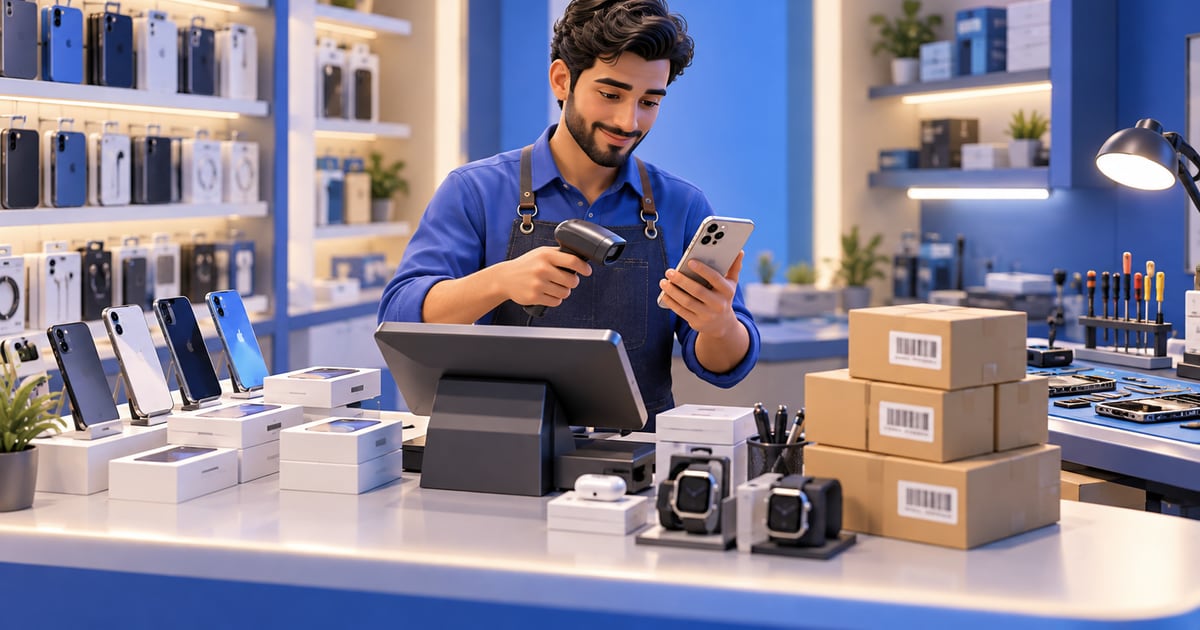
Mobile phone shop software is a retail POS and inventory system for selling phones, accessories, services, and sometimes repair jobs. In Iraq, it should support barcode sales, product variants, cost and selling price records, invoices, customers, staff roles, purchase tracking, stock movement, daily reports, Arabic workflows, and offline-ready cashier selling.
01
Mobile Phone Shop Software in Iraq: POS and Inventory Guide
A mobile phone shop in Iraq rarely sells only phones. It may sell chargers, cases, screen protectors, headphones, SIM-related accessories, repair services, warranties, used devices, and bundled offers. That mix makes stock and reports harder than a simple cash drawer.
Quick answer: Mobile phone shop software is a retail POS and inventory system for selling phones, accessories, services, and sometimes repair jobs. In Iraq, it should support barcode sales, product variants, cost and selling price records, invoices, customers, staff roles, purchase tracking, stock movement, daily reports, Arabic workflows, and offline-ready cashier selling.
02
Why phone shops need more than a basic cashier
A phone shop has many small, fast-moving items and some high-value items. A case, charger, cable, and glass protector may sell quickly with small margins. A phone may have higher value, warranty questions, supplier cost, and model-specific details. If the cashier only records the final total, the owner loses the detail needed to reorder and price correctly.
Good software should connect the sale to the product record. When an accessory sells, stock should decrease. When a supplier purchase arrives, stock should increase. When a manager checks reports, they should see which models and accessories actually moved.
This is especially important when staff work in shifts or when the business has more than one branch in Baghdad, Basra, Erbil, Najaf, Mosul, or other Iraq cities.
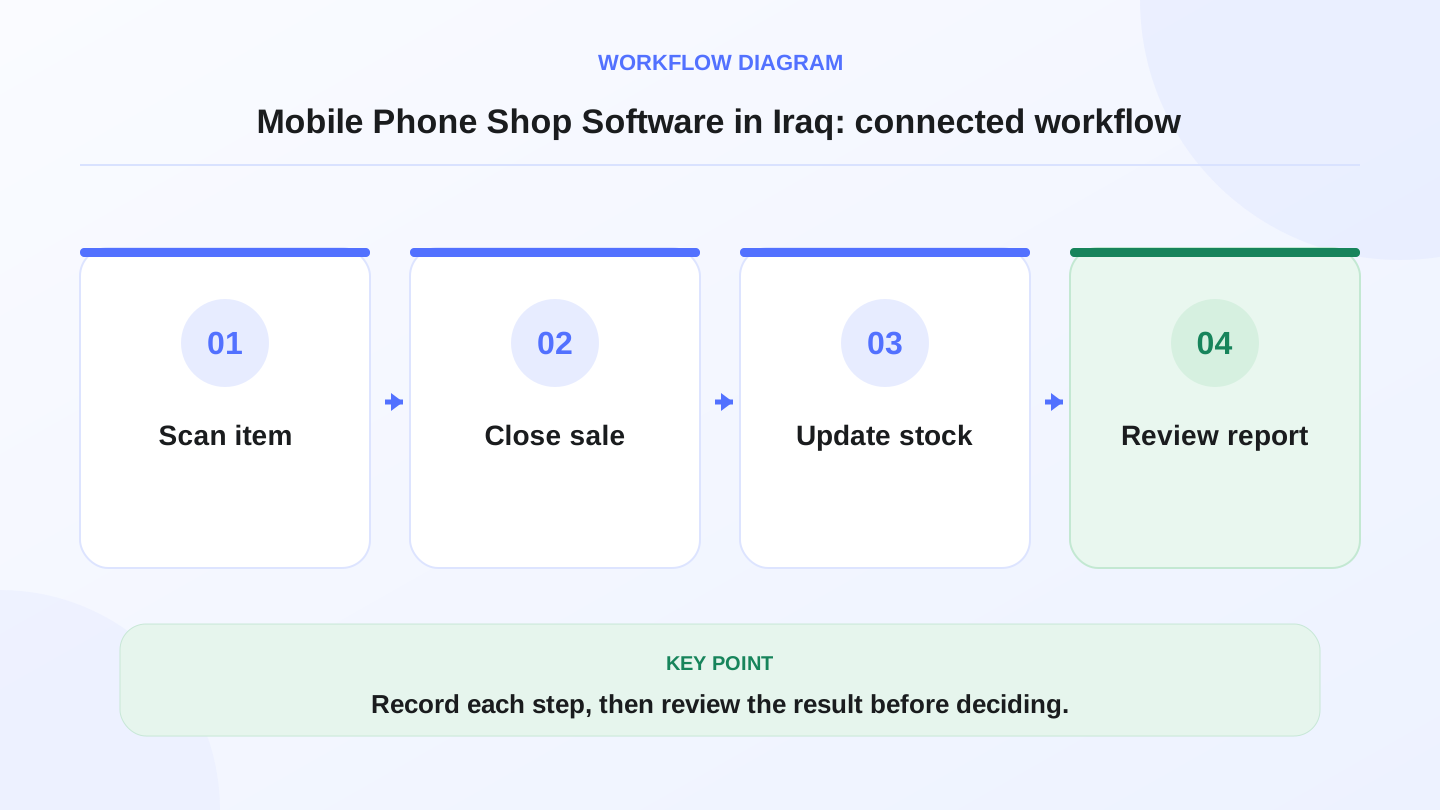
A practical sequence has four connected steps: Scan item, Close sale, Update stock, Review report. Recording each step makes the daily result easier to review.
03
Core workflows for a mobile phone shop
The best system is not the one with the longest feature list. It is the one that controls the daily shop rhythm: receive goods, price items, sell at the cashier, manage discounts, issue invoices, track stock, and review margin.
Ask for a demo using your real categories: phones, covers, chargers, screen protectors, repair services, and special-order items.
| Workflow | What to check | Why it matters |
|---|---|---|
| Product catalog | Phones, accessories, services, categories, SKUs, barcodes | Keeps items searchable and sellable |
| Purchases | Supplier bills, received quantities, purchase cost | Explains stock increases and cost basis |
| POS sales | Fast barcode checkout, discounts, customer record, receipt | Reduces queue time and missed details |
| Inventory | Stock on hand, adjustments, transfers, low stock | Prevents overselling and surprise shortages |
| Reports | Sales by item, category, staff, branch, payment method | Shows what is profitable and what is slow |
| Roles | Limit discounts, returns, and report access | Protects control when staff increase |
04
Product details that matter
Phone and accessory shops need clean product data. At minimum, each product should have a name, category, selling price, purchase cost, barcode or SKU, supplier, and stock quantity. Some shops also track model, color, storage size, condition, warranty note, or serial-like identifier depending on their workflow.
Do not overcomplicate the catalog from day one. Start with fields that staff will actually maintain. A perfect product structure that employees ignore is worse than a practical structure they use daily.
For high-value items, owners should decide whether extra item-level tracking is needed. If it is, the process must be clear at purchase, sale, return, and report time.
05
Worked example: accessory stock after sales
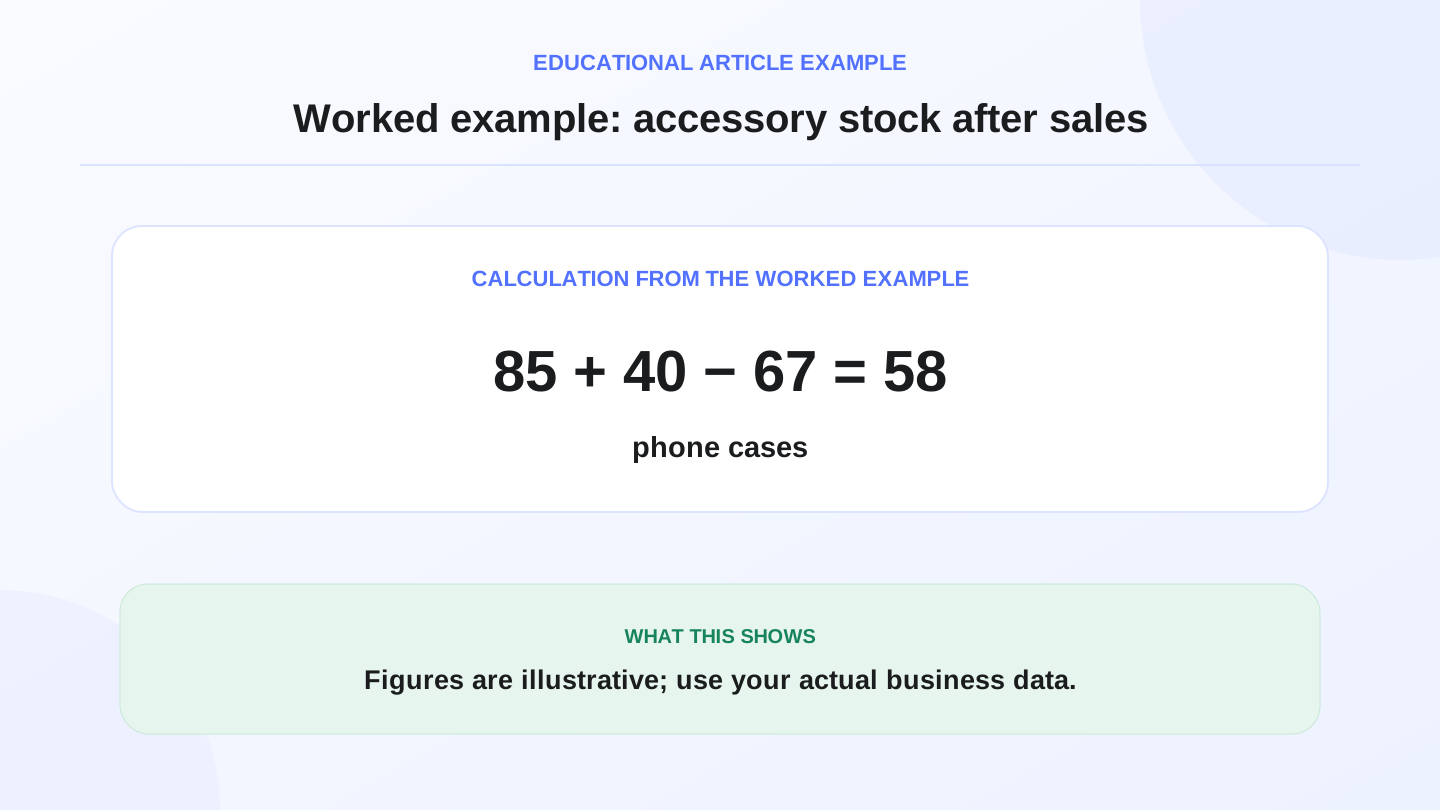
Assume a phone shop starts the week with 85 iPhone cases. It buys 40 more from a supplier and sells 67 through the POS.
Expected stock = opening stock + purchases - sales.
85 + 40 - 67 = 58 cases expected.
If the actual count is 53, the difference is 5 cases. Possible reasons include unrecorded gifts, damaged items, wrong purchase quantity, theft, or a cashier sale recorded under the wrong product. A connected POS and inventory system helps find the issue while the week is still fresh.
This example is illustrative, but the method is real. Stock accuracy comes from recording every sale, purchase, adjustment, and return in one place.
06
How POS helps pricing and margin control
Phone shops often face fast price changes. A purchase cost may change from one supplier order to the next. Accessories may look cheap individually but become meaningful when volume is high. Without purchase history and item reports, owners may price by memory.
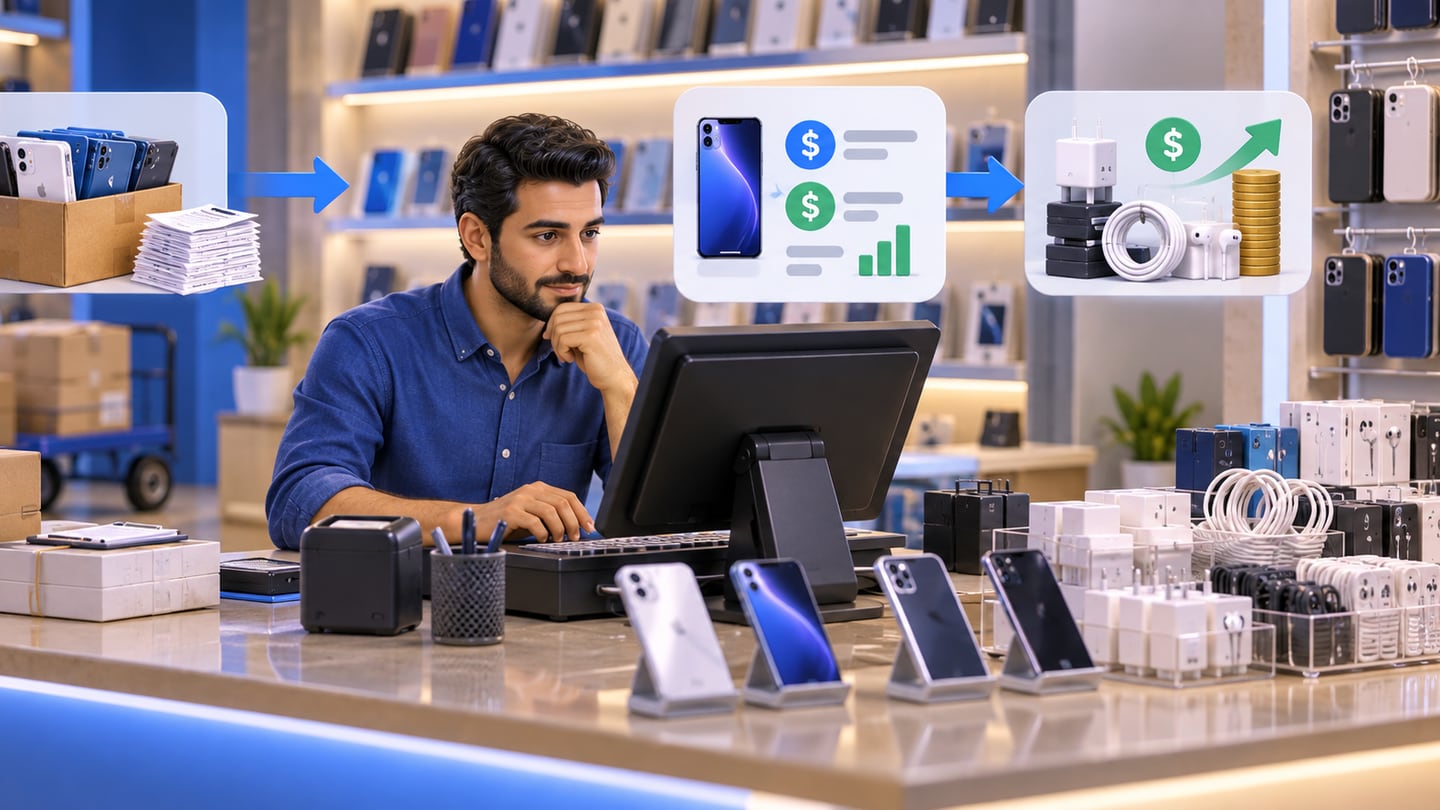
A practical POS system should make it easy to compare purchase cost and selling price. It should show slow-moving stock, best sellers, discount patterns, and daily sales by category. That helps owners decide whether to reorder a model, discount old accessories, or stop buying items that do not move.
If finance and reports connect to the POS, the owner can also see revenue, expenses, and inventory value more clearly.
07
Repairs, services, and invoices
Some mobile phone shops also provide repair or setup services. The software should at least allow services to be sold cleanly as items or service products. If the shop uses a separate repair tracking process, the POS should still record the payment and customer invoice clearly.
For warranty, tax, legal, or formal accounting decisions, use qualified professional advice. POS software organizes operational records, but it does not replace formal legal or tax guidance.
Arabic invoices and clear customer records are useful when a customer returns with a question. The goal is simple: staff should be able to find what was sold, when, by whom, and for how much.
08
Branches and ecommerce for gadget sellers
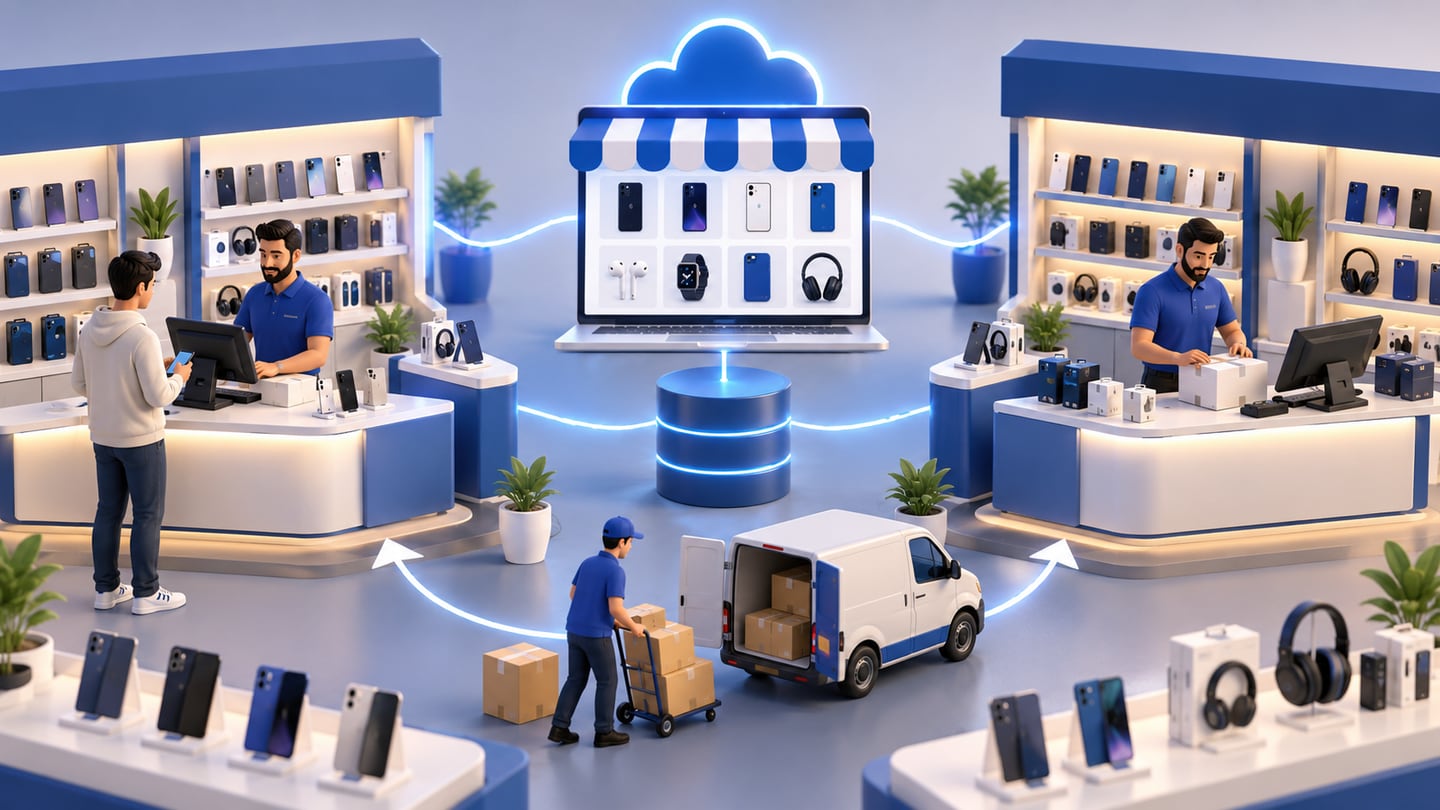
A growing phone shop may sell in-store and online. It may also move accessories between branches. If the online store and POS are disconnected, a product can be sold online after it was already sold in the shop. That creates customer frustration and manual correction.
RA8M Ecommerce is positioned as a branded online storefront connected to POS products and stock. For a gadget seller, that means online product availability should be planned with the same inventory discipline as shelf sales.
Branch transfers should also be recorded. If Branch A sends 20 chargers to Branch B, the system should reduce Branch A and increase Branch B, not leave the owner guessing.
09
When RA8M fits and when simpler tools are enough
RA8M fits Iraq retail shops that need Arabic-first POS, barcode sales, inventory, purchases, customers, finance, reports, roles, branches, offline-ready cashier workflows, and optional ecommerce. It is relevant for mobile phone shops, electronics shops, accessory stores, and gadget sellers that need more control than a receipt printer.
A spreadsheet may be enough for a tiny seller with very few items and one person at the counter. But once the shop has staff, supplier purchases, accessories, expensive devices, discounts, returns, or multiple locations, manual stock tracking becomes fragile.
Useful pages to review are Industries, POS, Ecommerce, and Pricing.
10
Buying questions before choosing software
Before buying, ask practical questions. Can staff scan barcodes quickly? Can products have categories and variants? Can purchases increase stock? Can sales reduce stock? Can managers limit discounts and refunds? Can the system work offline during internet interruption? Can reports show daily sales by product and branch?
Also ask about data import, training, support, and plan changes. Pricing may change, so verify current RA8M pricing on the pricing page before making a commercial decision.
11
Conclusion: control the counter and the stock room
Mobile phone shop software should make the counter faster and the stock room clearer. The owner needs to know what sold, what remains, what was purchased, what is slow, which staff used discounts, and which branch needs stock.
Choose the system by workflow fit. Test real products, real accessories, a return, a purchase bill, a discount, an offline sale, and an end-of-day report. If the software handles those steps cleanly, it can support the shop as it grows.
Frequently asked questions
What is mobile phone shop software?
It is POS and inventory software for phone shops that sell devices, accessories, services, and sometimes repair-related items.
What features matter most for a phone shop in Iraq?
Barcode sales, variant or model tracking, purchases, cost history, invoices, customers, staff roles, reports, and offline cashier mode matter most.
Can POS software track accessories and devices together?
Yes, if the product catalog supports categories, SKUs, barcodes, variants, purchase cost, and stock movement for each item.
Does RA8M fit mobile phone shops?
RA8M is relevant for retail shops and gadget sellers because it connects POS, inventory, purchases, customers, finance, reports, roles, branches, and ecommerce.
When is a spreadsheet enough?
A spreadsheet may be enough for a very small seller with few items, but it becomes risky when stock, staff, purchases, and reports grow.
Written by
RA8M Team
Practical guides for restaurants, shops, and operations teams
Next step