Shop Cashier Software in Iraq: Daily POS Checklist
A practical checklist for shop cashier software in Iraq covering fast sales, barcode checkout, inventory, discounts, customers, offline POS, and reports.
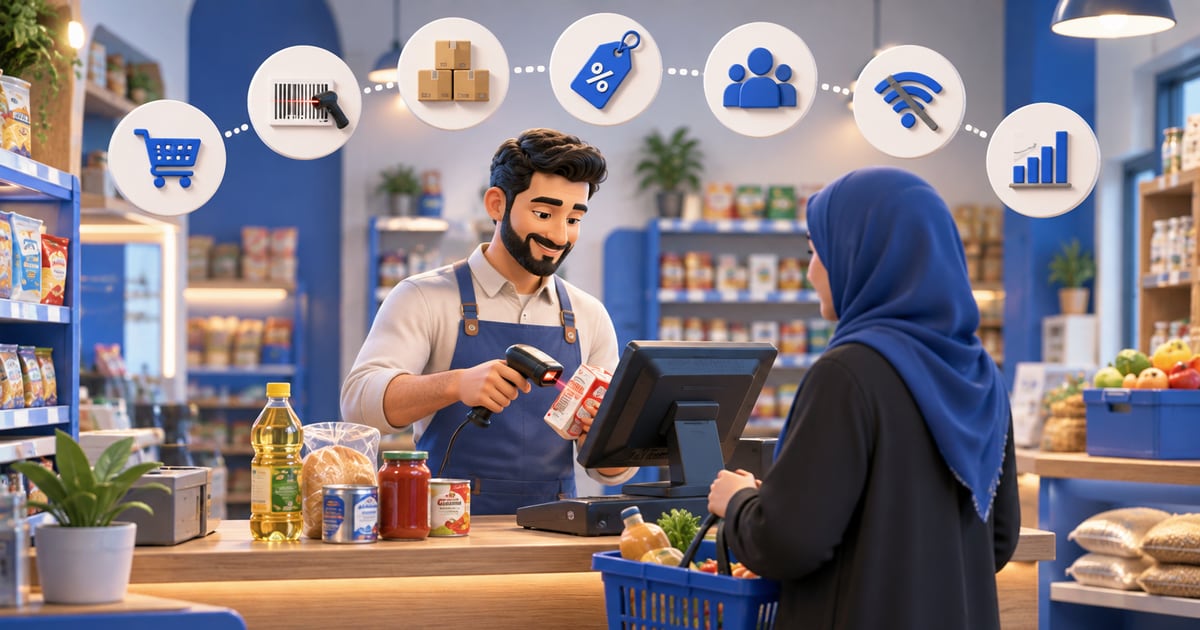
Shop cashier software is a POS system that helps a store record sales, issue invoices or receipts, scan barcodes, track stock, manage discounts and customers, and read end-of-day reports. In Iraq, strong software should support Arabic, IQD, offline selling, inventory, staff roles, and branch workflows.
01
Shop Cashier Software in Iraq: Daily POS Checklist
Good shop cashier software does more than speed up checkout. It helps the owner understand what was sold, what remains in stock, who gave discounts, and what the end-of-day numbers actually mean.
Quick answer: Shop cashier software is a POS system that helps a store record sales, issue invoices or receipts, scan barcodes, track stock, manage discounts and customers, and read end-of-day reports. In Iraq, strong software should support Arabic, IQD, offline selling, inventory, staff roles, and branch workflows.
02
When does a shop need cashier software?
At the beginning, a very small shop may record sales in a notebook, spreadsheet, or calculator. That can work when there are few products and the owner is the only person selling. The weakness appears when the product list grows, staff join, discounts become common, or stock counts stop matching reality.
Cashier software becomes necessary when memory cannot answer basic questions. How much did we sell today? Which item sold fastest? Why is stock missing? Was the discount approved? Did the employee close the shift correctly? These questions need a system, not guesses.
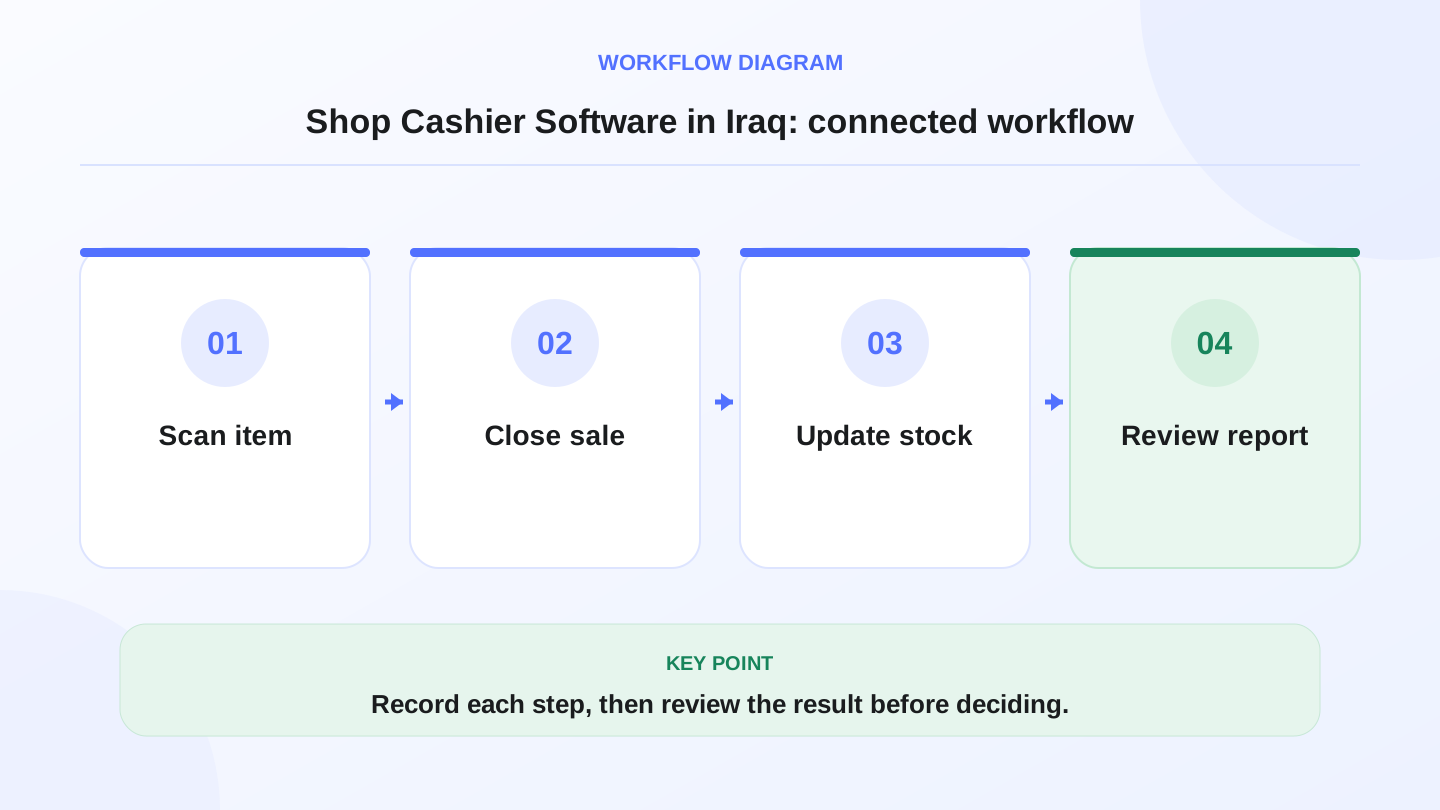
A practical sequence has four connected steps: Scan item, Close sale, Update stock, Review report. Recording each step makes the daily result easier to review.
03
Features to check before choosing
Do not choose software only because the feature list is long. Choose it because it fixes the operations that create the most daily mistakes in your store.
| Feature | Why it matters | Shop example | When it becomes critical |
|---|---|---|---|
| Fast checkout | Reduces waiting time | Add item, discount, and payment quickly | Rush hours and promotions |
| Barcode selling | Reduces product selection mistakes | Scan code instead of manual search | Clothing, accessories, supermarket, electronics |
| Connected stock | Shows what remains | Each sale reduces quantity | Many products, variants, or branches |
| Discounts and roles | Controls margin leakage | Manager approval for high discount | Multiple employees |
| Customers and invoices | Keeps transaction history | Repeat customer, return, or special order | Frequent customers and after-sale service |
| Daily reports | Shows performance | Sales total and top products | Purchasing and staff decisions |
04
Fast checkout should not mean messy checkout
Speed matters for clothing shops, shoe stores, accessories shops, phone shops, grocery stores, and supermarkets. But speed without control creates bigger problems: wrong item selected, discount not recorded, payment method unclear, or invoice missing.
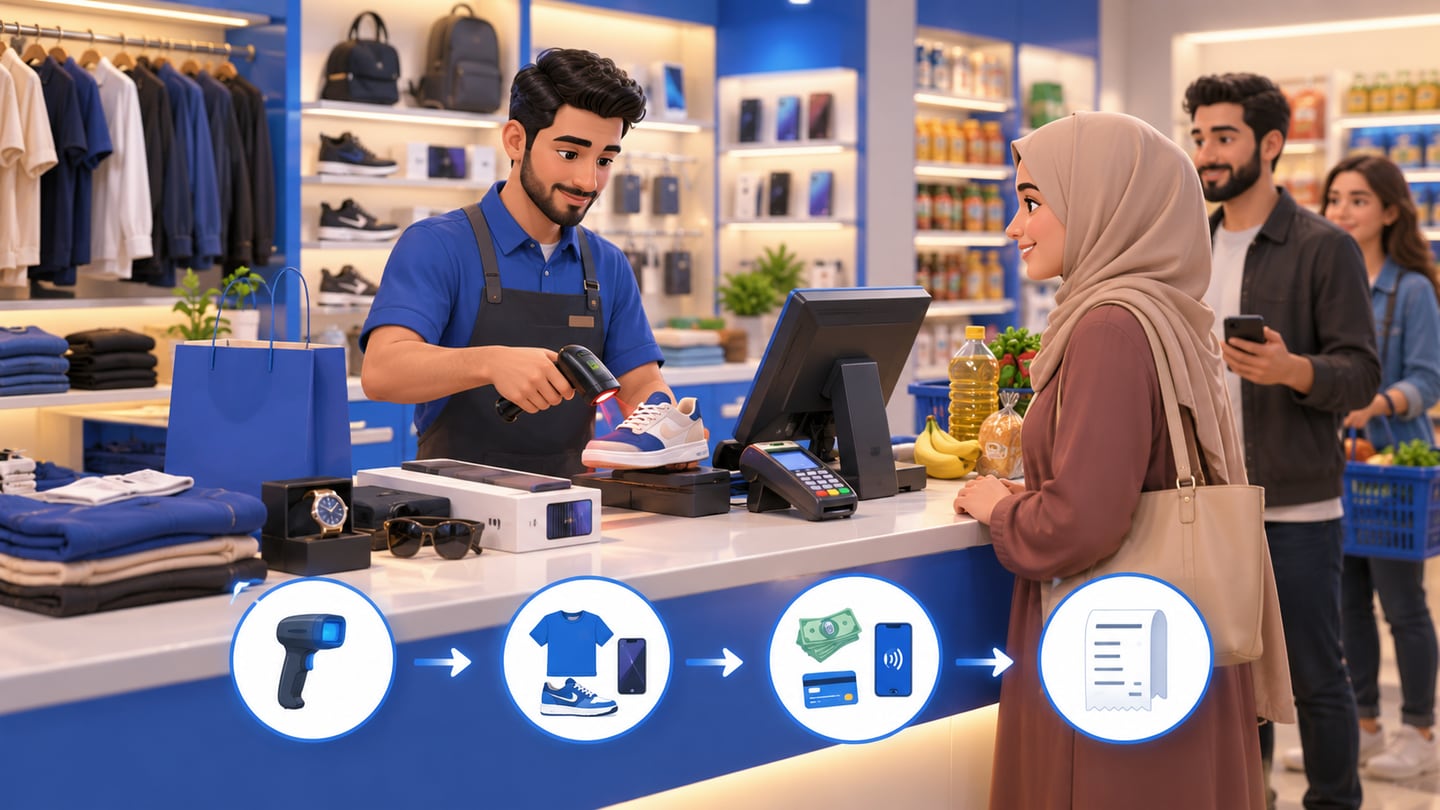
A good cashier flow is short and traceable. The employee scans a barcode or selects a product, reviews the price, applies an allowed discount, chooses the payment method, and saves or prints the receipt. Each step should leave a record that appears in reports.
05
Barcode and variants are important for shops
If one product comes in different colors or sizes, it is not really one operational item. A black shoe in size 42 is different from the same model in size 43. A white shirt and a black shirt may sell differently and run out at different times.
Barcode workflows reduce mistakes, but only when the data behind them is clean: product name, variant, size, color, price, and stock quantity. Otherwise the employee may scan or choose the wrong variant and the inventory report becomes unreliable.
06
Worked example: checking expected stock
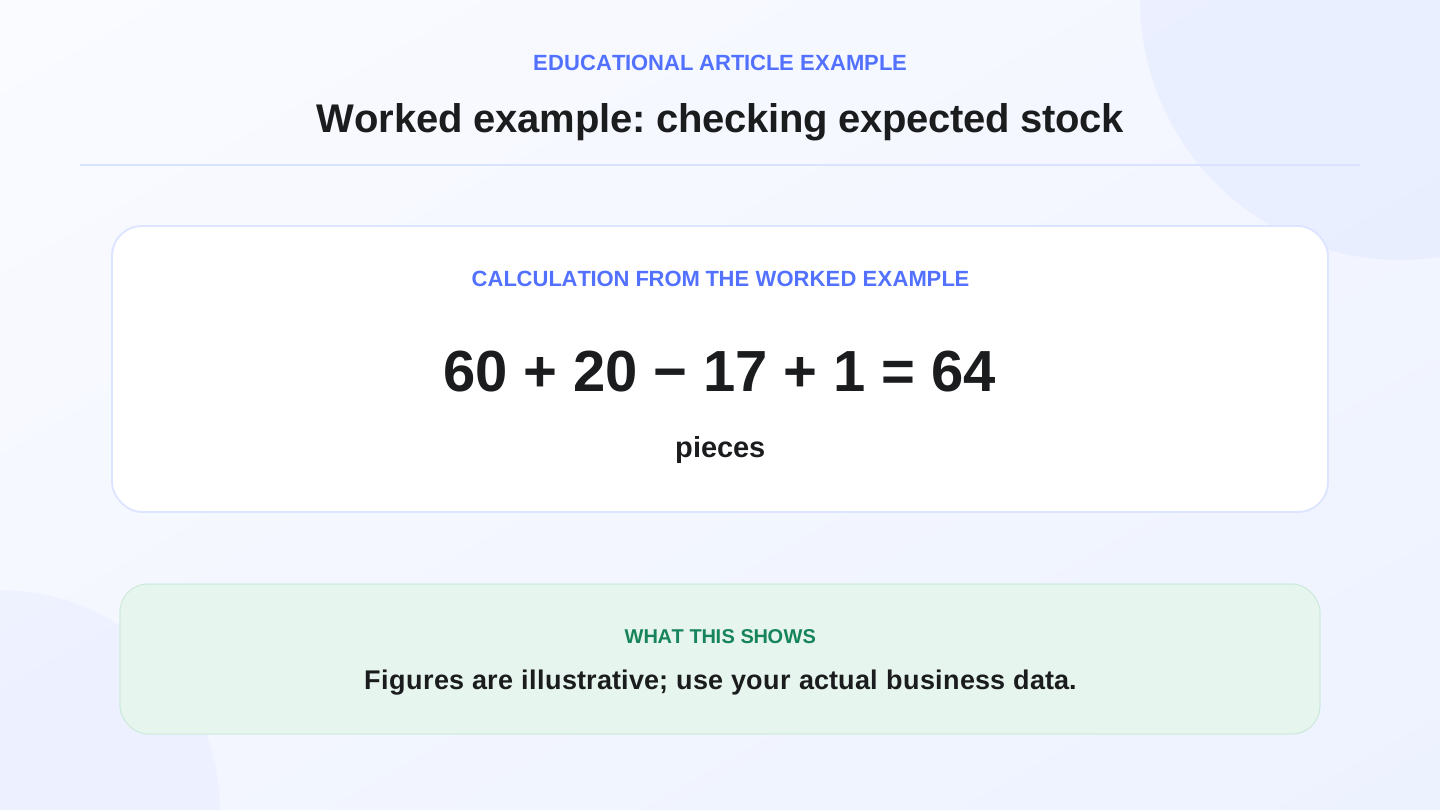
Assume a clothing shop begins the day with 60 pieces of one item. During the day, the owner receives 20 more pieces from a supplier. The cashier records 17 sales, and one customer return is added back to stock. Expected stock = 60 + 20 - 17 + 1 = 64 pieces.
If the physical count shows 61 pieces, there is a difference of 3 pieces to investigate. It may be an unrecorded sale, a return not entered correctly, damaged stock, theft suspicion, or a counting mistake. Without software, the gap appears late. With POS-connected inventory, the owner can review the movements sooner.
07
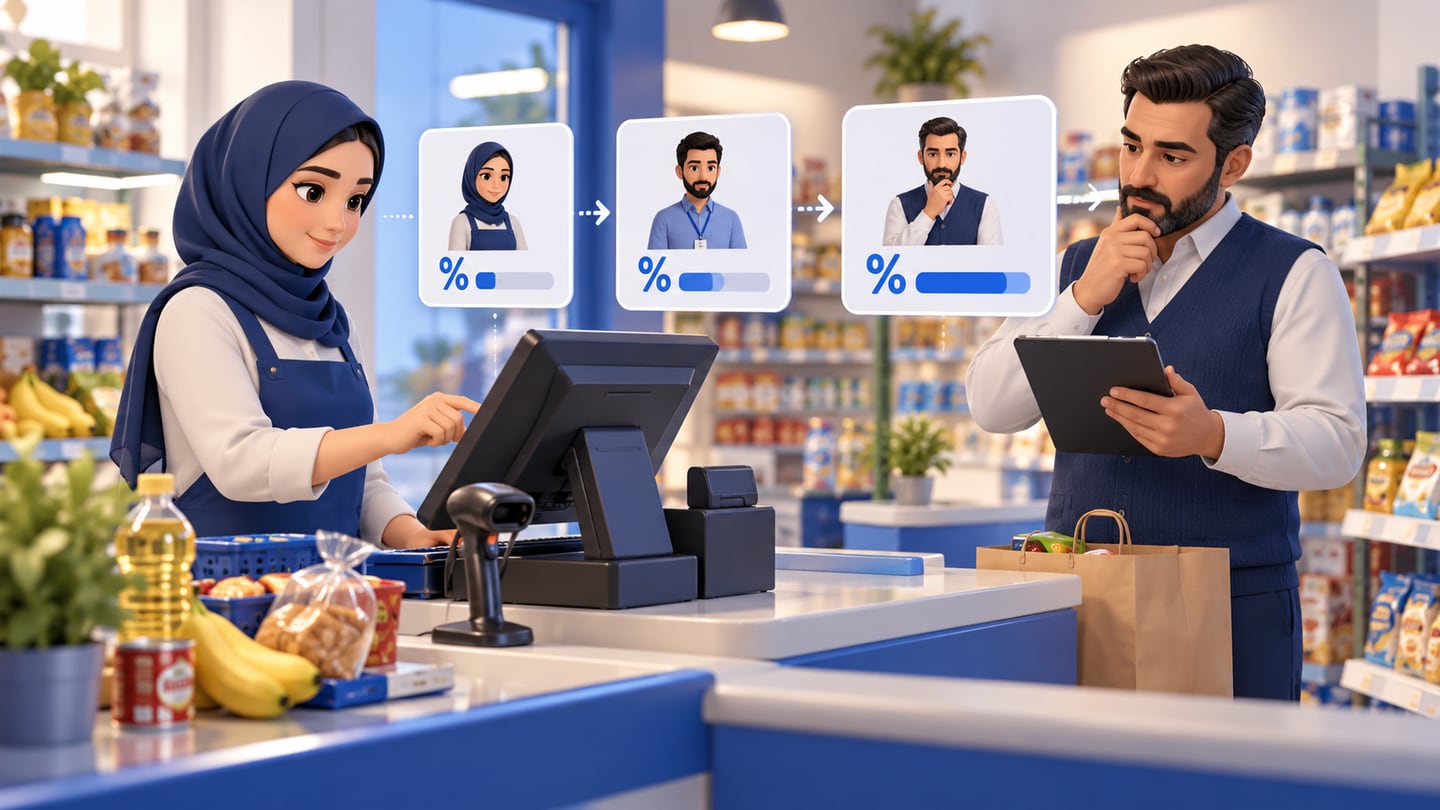
Discounts and staff roles protect margin
Discounting is normal in retail, especially during promotions or when dealing with loyal customers. But uncontrolled discounts can quietly reduce profit. Shop cashier software should let the owner define who can discount, how much, and when approval is needed.
For example, a cashier may be allowed to apply a small discount, while larger discounts require manager approval. Reports should show who applied the discount, at what time, and on which product. That protects margin without turning every transaction into an argument.
08
Offline POS matters in Iraq
Internet interruptions should not stop checkout. During busy periods, customers will not want to wait while the team switches to paper or calls the owner. For Iraq retailers, offline-ready POS is an important practical feature.
The cashier should continue recording sales, receipts, and stock movements during an outage, then sync when the connection returns. This keeps the shop operating and avoids a pile of paper sales that must be re-entered later with mistakes.
09
Customers, returns, and invoices need records
Retail is not always a simple cash sale. A customer may return an item, exchange a size, ask for a copy of an invoice, request a special item, or receive a loyalty discount. If those cases are handled only by memory, service becomes inconsistent.
Customer and invoice records help the team answer questions calmly. What did this customer buy? Was the item discounted? Which branch sold it? Was the return within the store policy? The software does not replace the owner judgement, but it gives the owner facts.
10
When a simpler setup is enough
A very small shop with limited products, one owner, no staff, and no need for stock reporting may use a simple setup for a while. The key is to watch for the moment manual work becomes expensive.
Upgrade when stock counts take too long, invoices get lost, discounts are unclear, purchase decisions are based on guesses, or sales reports are not trusted. Those are signs that the shop has outgrown a notebook or disconnected spreadsheet.
11
Where RA8M fits
RA8M fits Iraq shops that want Arabic-first cashier software connected to inventory and reports. It supports POS, inventory, purchases, customers, roles, branches, ecommerce workflows, and offline-ready selling when the internet drops.
Clothing shops, shoe stores, accessories shops, mobile phone stores, grocery stores, and supermarkets can use the same principle: faster checkout, cleaner stock, and daily reports. Review industries, RA8M POS, and pricing when comparing cashier systems.
12
One-week implementation plan
Start with the best-selling products. Enter names, prices, barcodes, variants, and current quantities for the items that move every day. Train staff on one correct sale flow instead of uploading a huge catalog with messy data.
After two or three days, review reports and stock differences. Fix duplicate product names, check discounts, and then add slower-moving items. Successful implementation is not about entering thousands of products in one day. It is about building clean data that the team can trust.
13
Conclusion
Shop cashier software in Iraq should solve daily retail problems: speed, accuracy, inventory, discounts, customers, staff roles, and reports. If the system only records invoices but does not help control stock or understand performance, it is incomplete.
Choose a cashier system that matches how the shop works today and can grow with branches, ecommerce, and reporting later. The strongest setup connects checkout, inventory, purchases, roles, and online selling instead of running every channel separately.
14
FAQs
What is shop cashier software?
Shop cashier software is a POS system that records store sales and connects them with invoices, inventory, discounts, customers, and daily reports.
Does a small shop need cashier software?
A tiny shop may start manually, but software becomes useful when products, staff, discounts, variants, stock counts, or reporting needs increase.
What is the most important feature for retail cashier software?
The most important feature is connecting each sale to inventory and reports, because invoice recording alone does not control stock or performance.
Can RA8M work when the internet drops?
RA8M supports offline-ready POS selling, so the cashier can continue recording transactions and sync when the internet connection returns.
Frequently asked questions
What is shop cashier software?
Shop cashier software is a POS system that records store sales and connects them with invoices, inventory, discounts, customers, and daily reports.
Does a small shop need cashier software?
A tiny shop may start manually, but software becomes useful when products, staff, discounts, variants, stock counts, or reporting needs increase.
What is the most important feature for retail cashier software?
The most important feature is connecting each sale to inventory and reports, because invoice recording alone does not control stock or performance.
Can RA8M work when the internet drops?
RA8M supports offline-ready POS selling, so the cashier can continue recording transactions and sync when the internet connection returns.
Written by
RA8M Team
Practical guides for restaurants, shops, and operations teams
Next step
Try RA8M with data close to your operation
Read next