Restaurant Management Software in Iraq: POS to Reports
A practical guide to restaurant management software in Iraq: connect POS, orders, modifiers, recipes, stock, staff roles, offline sales and reports.
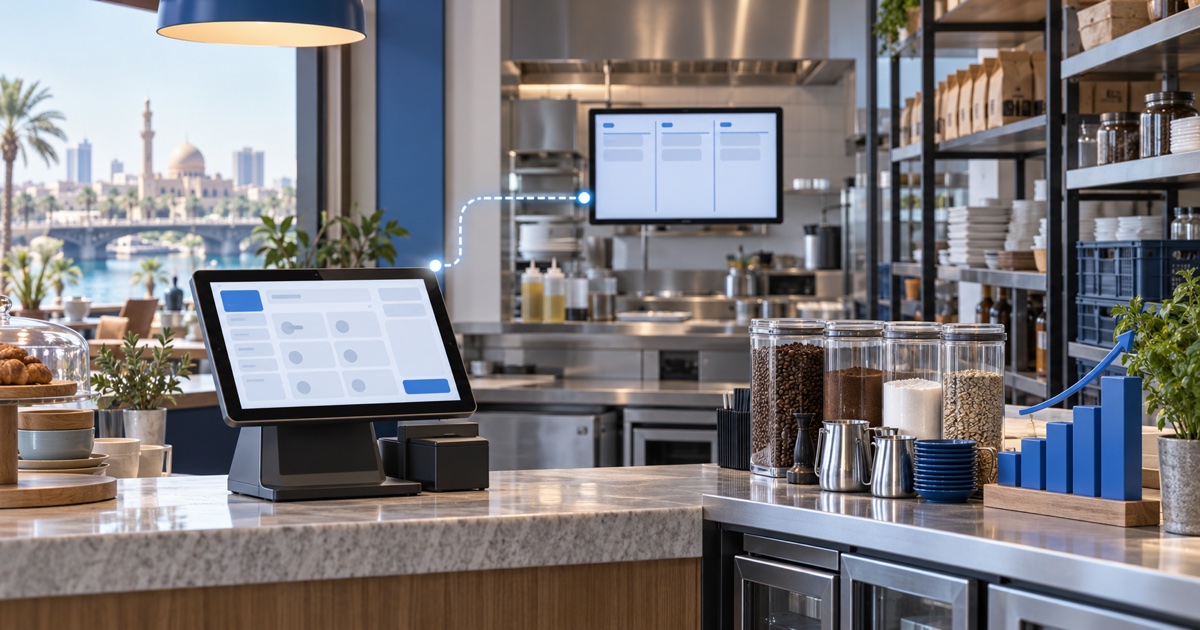
Restaurant management software should connect the front counter, orders, modifiers, recipes, inventory, staff permissions, payments, and reports. In Iraq, it should also support Arabic workflows, offline cashier selling, and clear daily closing. The right system helps restaurants and cafes reduce order mistakes, track ingredient use, and understand sales by item, shift, and branch.
01
Restaurant Management Software in Iraq: POS to Reports
Restaurant management software is more than a cashier screen. For an Iraq restaurant or cafe, it should connect orders, modifiers, receipts, inventory, staff permissions, payments, and reports so the owner can understand daily operations without chasing notebooks and scattered spreadsheets.
Quick answer: Restaurant management software should connect the front counter, orders, modifiers, recipes, inventory, staff permissions, payments, and reports. In Iraq, it should also support Arabic workflows, offline cashier selling, and clear daily closing. The right system helps restaurants and cafes reduce order mistakes, track ingredient use, and understand sales by item, shift, and branch.
02
What is restaurant management software?
Restaurant management software is the system that records how food and drink move through the business: from order entry to receipt, from ingredient use to stock level, and from daily sales to owner reports. It may include POS, menu management, modifiers, tables or order types, customer records, inventory, purchases, staff roles, and analytics.
A basic restaurant may only need fast POS and receipts. A busy cafe, delivery restaurant, or multi-branch operator usually needs deeper workflows: recipes, raw materials, wastage, shift closing, branch reports, and online orders.
03
Why restaurants in Iraq need connected workflows
Many restaurants start with separate tools: a cashier app, a notebook for purchases, WhatsApp for delivery orders, and a spreadsheet for stock. That setup can work for a small team, but it becomes fragile when orders increase, employees rotate, or the owner opens another location.
Connected software reduces the gap between what the cashier sells and what the owner sees later. If the POS records orders but inventory remains manual, food cost remains unclear. If inventory is tracked but staff permissions are open, refunds and edits become hard to audit. The goal is one reliable operating record.
04
Features to compare before choosing
Do not compare restaurant software only by screenshots. Compare the actual workflow.
If a system cannot pass these tests with sample data, it may fail during busy service.
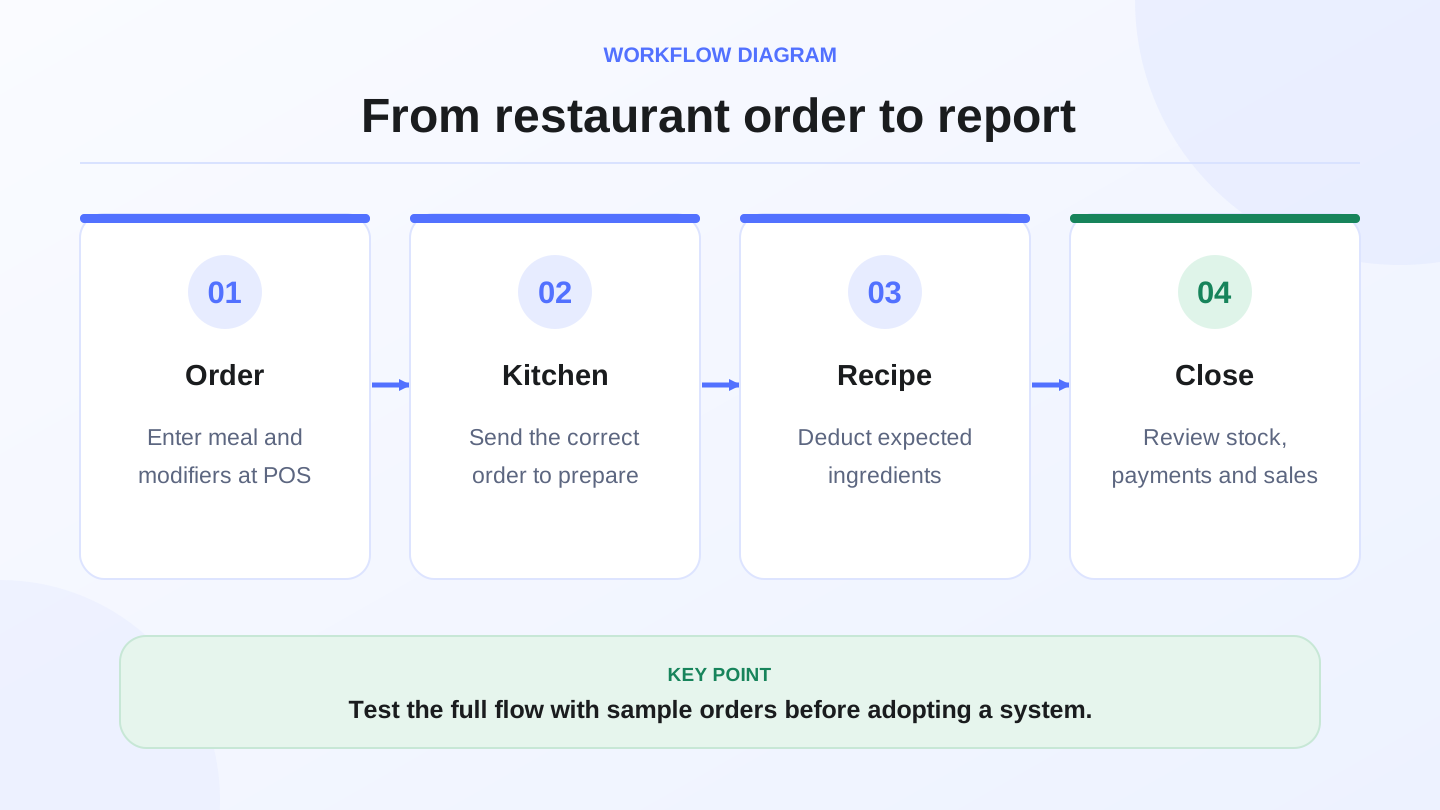
| Feature | What to test | Success signal |
|---|---|---|
| POS speed | Enter popular meals quickly | Cashier can serve during rush time |
| Modifiers | Add size, toppings, sugar level, notes | Kitchen and receipt show the correct order |
| Inventory | Deduct ingredients or products | Stock changes after sales and purchases |
| Offline mode | Sell when internet is weak | Orders continue and sync later |
| Staff roles | Cashier vs manager permissions | Sensitive actions need approval |
| Reports | Sales by item, day, shift, payment | Owner can close the day clearly |
| Branches | Compare locations | Each branch has clear stock and sales |
| Online orders | Sync web orders with POS stock | No double entry between channels |
05
Worked example: ingredient deduction
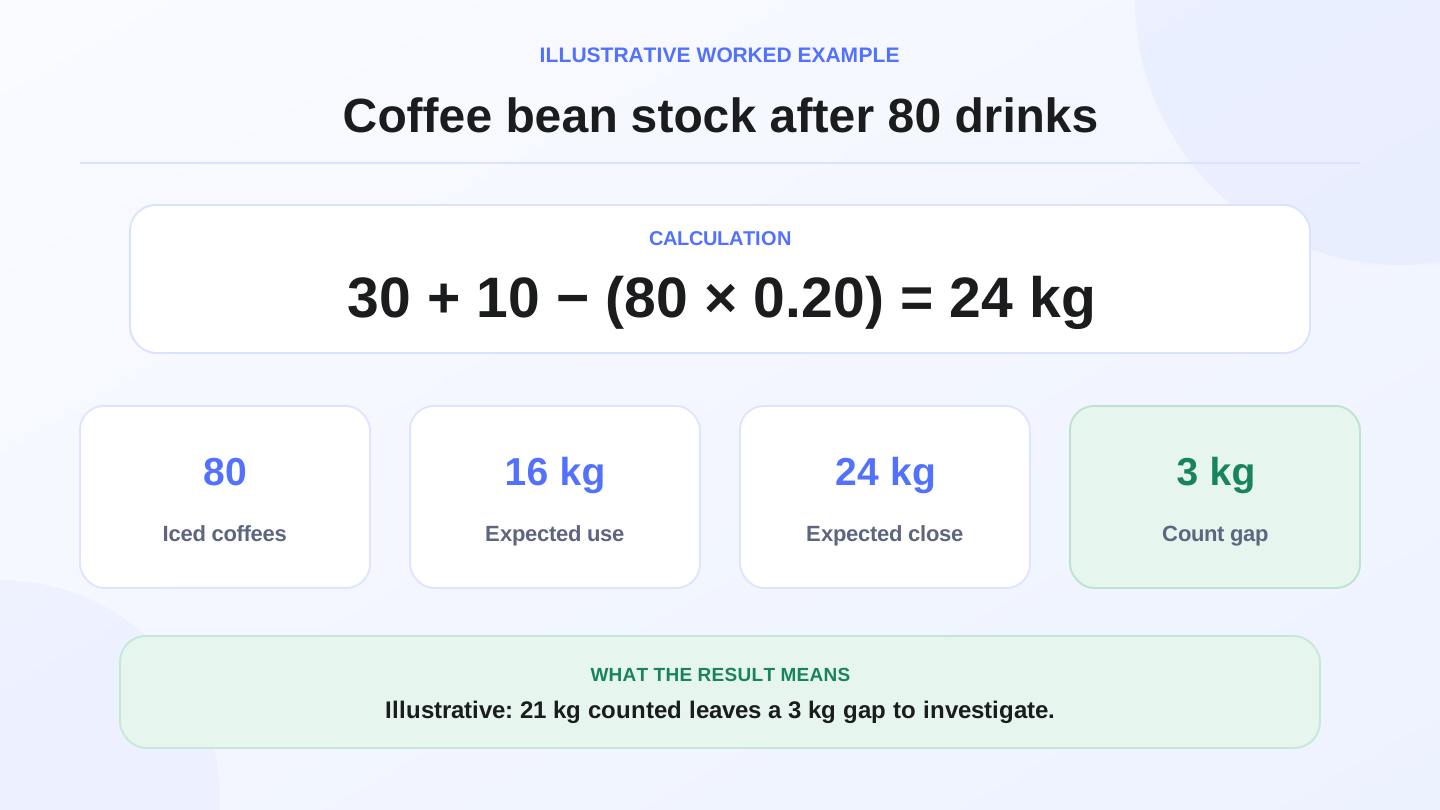
Assume a cafe sells 80 iced coffees in one day. Each drink uses 0.20 kg of coffee beans. Ingredient used = 80 × 0.20 kg = 16 kg of beans.
If opening stock was 30 kg and purchases were 10 kg, expected closing stock = 30 + 10 − 16 = 24 kg. If the actual count is 21 kg, the 3 kg difference needs review: waste, wrong recipe, free staff drinks, counting error, or unrecorded sales.
This example uses illustrative numbers, but it shows why restaurant management software matters. Without recipe and stock discipline, the owner may see sales revenue but miss food-cost leakage.
06
POS, orders and kitchen clarity
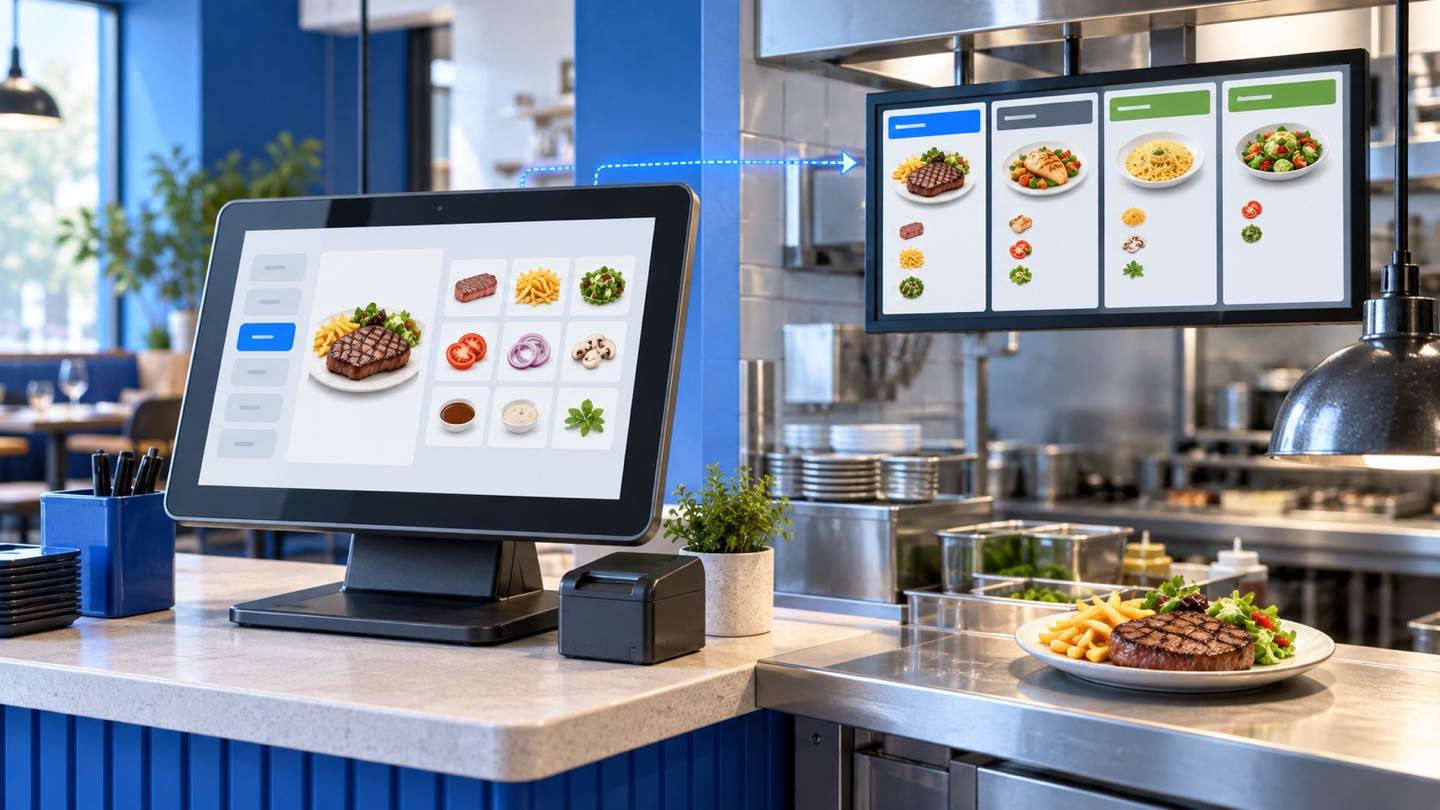
The POS should help staff enter orders accurately, especially during rush periods. For a restaurant, this means menu categories, modifiers, notes, discounts, receipt printing, and clear payment records. For a cafe, it may mean size options, extras, dine-in or takeaway, and quick repeat orders.
The system should reduce verbal confusion. A modifier entered at the cashier should appear in the receipt or kitchen workflow. A cancelled item should leave a trace. A discounted order should be visible in reports. These details protect margin and reduce arguments at closing.
07
Inventory and recipes
Restaurant inventory is different from retail inventory because many items are not sold as units. A cafe buys beans, milk, syrups, cups, and packaging, then sells drinks. A restaurant buys rice, meat, spices, vegetables, and packaging, then sells meals. Software should help translate sales into expected ingredient movement.
RA8M public materials describe support for restaurants and cafes, recipes, raw materials, finished goods, and cost calculation in manufacturing-style workflows. If your restaurant needs this depth, verify which plan fits on RA8M pricing before committing.
08
Offline selling and internet interruptions
A restaurant should not stop taking orders because the internet drops. Offline-ready POS lets the cashier keep selling and printing, then sync when the connection returns. This matters in Iraq because operators need continuity during busy hours, not only cloud access when everything is perfect.
During a trial, test offline mode intentionally. Enter an order, print or save it, reconnect, and confirm the sale appears in reports. Do not treat offline support as a checkbox until you see how it behaves with your workflow.
09
Staff roles and daily closing
Restaurant teams need controlled permissions. Cashiers may sell and print receipts. Managers may approve refunds, discounts, voids, or report access. Owners need visibility without giving every employee full control.
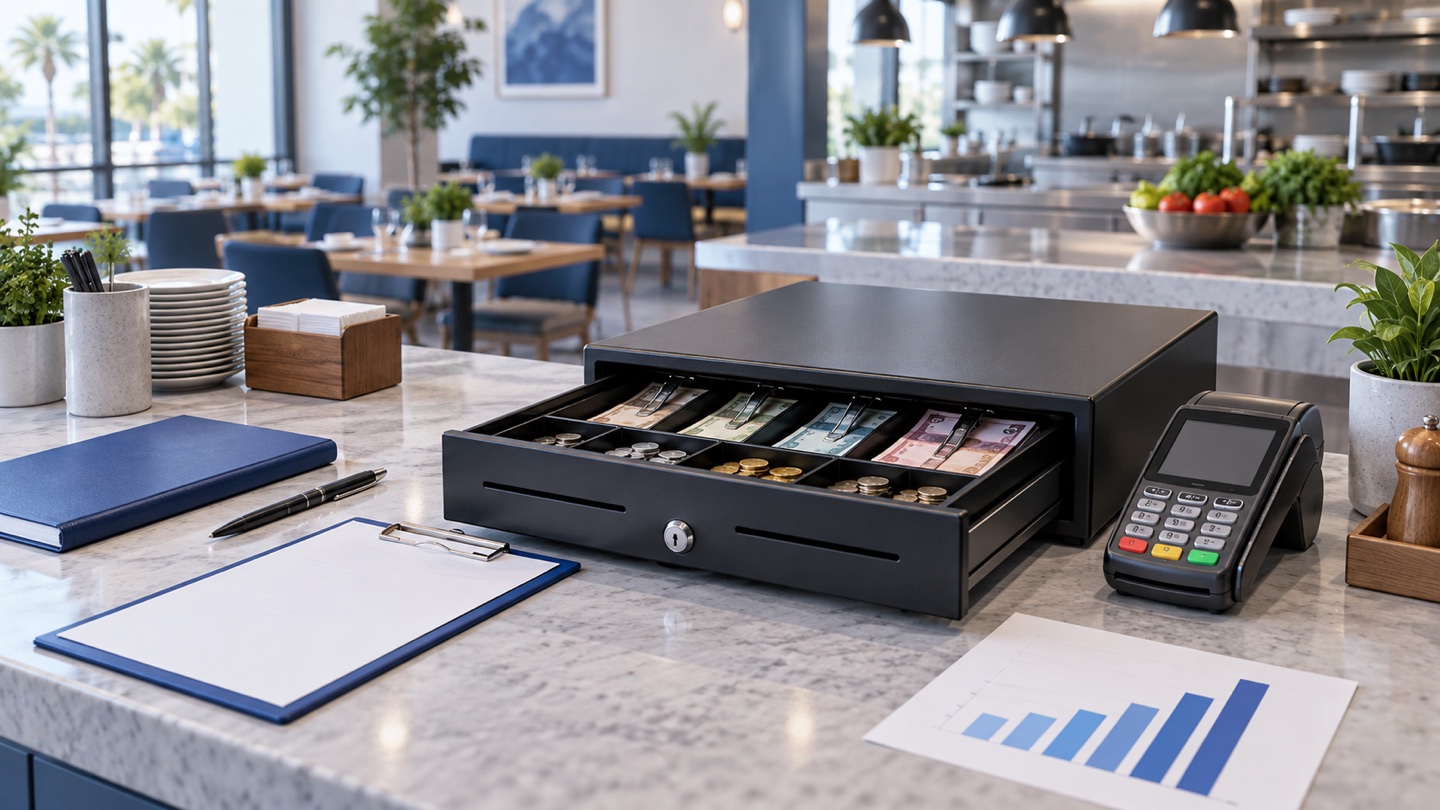
Daily closing should answer simple questions: How much did we sell? Which payment methods were used? Which items sold most? What discounts or returns happened? Which cashier handled the shift? If the report cannot answer these clearly, the software will not reduce daily stress.
10
Online ordering and delivery
Some restaurants need digital menus, online orders, delivery coordination, or a branded storefront. The important question is whether online orders connect to the same products and stock used by POS. If online orders are separate, staff may re-enter orders manually and stock can become inaccurate.
RA8M Ecommerce can add a branded online storefront connected to POS products and inventory. For restaurants and cafes that sell online, compare RA8M Ecommerce with RA8M POS as one operating workflow.
11
When a simpler setup may be enough
A very small cafe with a short menu, one owner-operator, and no inventory discipline may begin with a simpler POS. That is acceptable if the business only needs receipts and daily sales totals.
But when there are employees, modifiers, delivery orders, stock purchases, recipes, wastage, or more than one branch, simple POS starts to hide problems. Connected restaurant management software becomes important because each sale affects cash, stock, staff activity, and reports.
12
When does RA8M fit?
RA8M fits restaurants and cafes that need Arabic and English workflows, offline POS, inventory, purchases, reports, roles, branches, and ecommerce in one system. It is relevant for cashier counters, coffee shops, quick-service restaurants, bakeries, sweets shops, and growing operators in Iraq.
It may be more than needed for a very small operation with no stock tracking and no employees. But if the owner wants one system for daily sales, inventory discipline, reports, and online selling, RA8M is built around that connected workflow.
13
Implementation checklist
Before going live, configure menu categories, top-selling products, modifiers, payment methods, cashier and manager roles, opening stock, purchase workflow, and daily closing reports. Train staff on real orders instead of a demo script. Then run one full day in parallel with your current process before depending fully on the new system.
Use the first week to watch exceptions: discounts, cancelled items, returns, waste, stock differences, and offline sync. Fix those workflows early so the software becomes the restaurant record, not another separate tool.
14
Conclusion
Restaurant management software should connect POS, orders, inventory, staff roles, offline selling, and reports. Choose the system by testing real service conditions, not only by price or design. If you need Arabic-first restaurant POS in Iraq, start with RA8M POS, explore industries, and review pricing before rollout.
15
FAQs
What should restaurant management software include?
It should include POS, order handling, modifiers, receipts, payments, inventory, recipe or ingredient control, staff roles, reports, and ideally offline selling.
Why does offline POS matter for restaurants in Iraq?
Offline POS matters because the cashier should keep taking orders and printing receipts when internet is weak, then sync sales when the connection returns.
How does restaurant software help inventory?
It connects sales to stock by deducting products or ingredients, recording purchases, and showing differences between expected and actual quantities.
Does every cafe need advanced restaurant management software?
No. A very small cafe may start with simple POS, but recipes, staff roles, delivery, branches, and reports create a stronger need for connected software.
When does RA8M fit restaurants and cafes?
RA8M fits when a restaurant or cafe in Iraq needs Arabic POS, offline selling, inventory, purchases, roles, reports, ecommerce or branch visibility.
Frequently asked questions
What should restaurant management software include?
It should include POS, order handling, modifiers, receipts, payments, inventory, recipe or ingredient control, staff roles, reports, and ideally offline selling.
Why does offline POS matter for restaurants in Iraq?
Offline POS matters because the cashier should keep taking orders and printing receipts when internet is weak, then sync sales when the connection returns.
How does restaurant software help inventory?
It connects sales to stock by deducting products or ingredients, recording purchases, and showing differences between expected and actual quantities.
Does every cafe need advanced restaurant management software?
No. A very small cafe may start with simple POS, but recipes, staff roles, delivery, branches, and reports create a stronger need for connected software.
When does RA8M fit restaurants and cafes?
RA8M fits when a restaurant or cafe in Iraq needs Arabic POS, offline selling, inventory, purchases, roles, reports, ecommerce or branch visibility.
Written by
RA8M Team
Practical guides for restaurants, shops, and operations teams
Next step
Try RA8M with data close to your operation
Read next