POS & Cashier Software Across Iraq: Baghdad, Erbil and Basra
A practical city-level guide for Iraq businesses choosing POS and cashier software for Baghdad, Erbil, Basra, branches, stock, reports, and ecommerce.
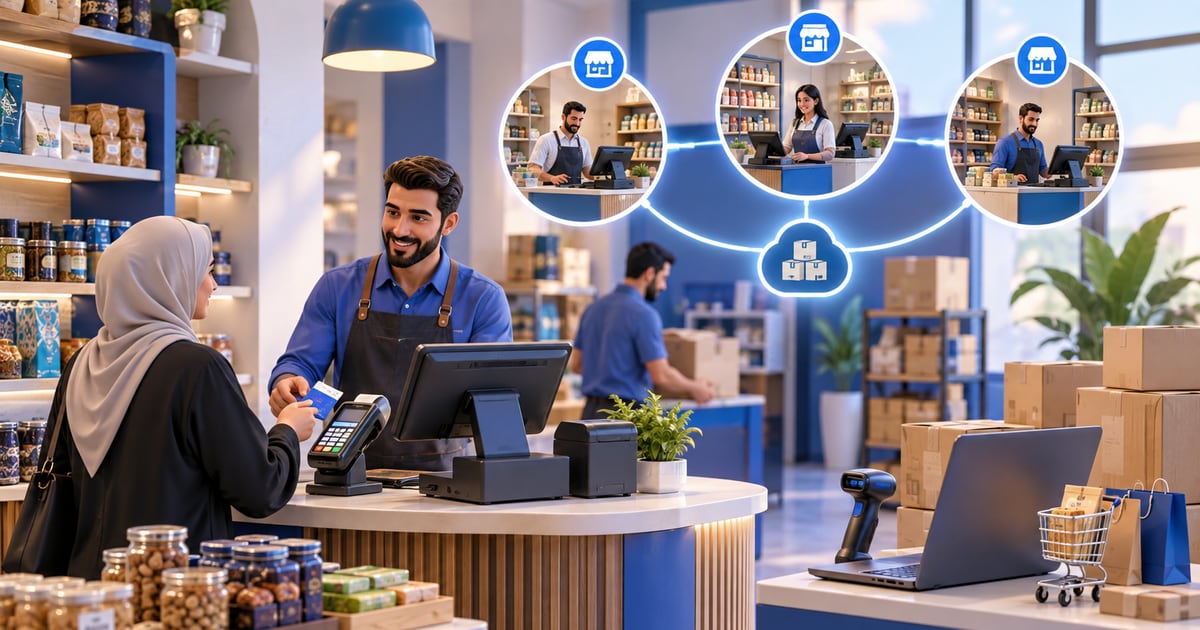
POS and cashier software in Iraq should support Arabic and English teams, offline selling, barcode checkout, inventory, invoices, reports, roles, and branch visibility. In Baghdad, Erbil, Basra and other cities, the best fit depends on internet reliability, store volume, staff language, delivery workflow, and whether the business sells online and in-store from the same stock.
01
POS & Cashier Software Across Iraq: Baghdad, Erbil and Basra
A business searching for cashier software Baghdad, POS Erbil, online store Basra, or POS Iraq is usually asking one practical question: what system can keep selling, stock, staff, invoices, and reports organized in the city where the business actually operates?
Quick answer: POS and cashier software in Iraq should support Arabic and English teams, offline selling, barcode checkout, inventory, invoices, reports, roles, and branch visibility. In Baghdad, Erbil, Basra and other cities, the best fit depends on internet reliability, store volume, staff language, delivery workflow, and whether the business sells online and in-store from the same stock.
02
What city-level POS searches really mean
City searches are often commercial. The owner is not researching POS theory. They want a practical system that works for a shop, restaurant, supermarket, pharmacy, salon, or online seller in a real Iraqi city.
Baghdad businesses may care about fast cashier flow, many customers, delivery areas, and staff training. Erbil businesses may need Arabic and English workflows, branch controls, and clear reports for mixed teams. Basra sellers may need online orders, delivery coordination, and stock accuracy across a physical location and ecommerce.
The right POS should handle the common foundation first: sales, inventory, customers, receipts, roles, reports, and offline operation.
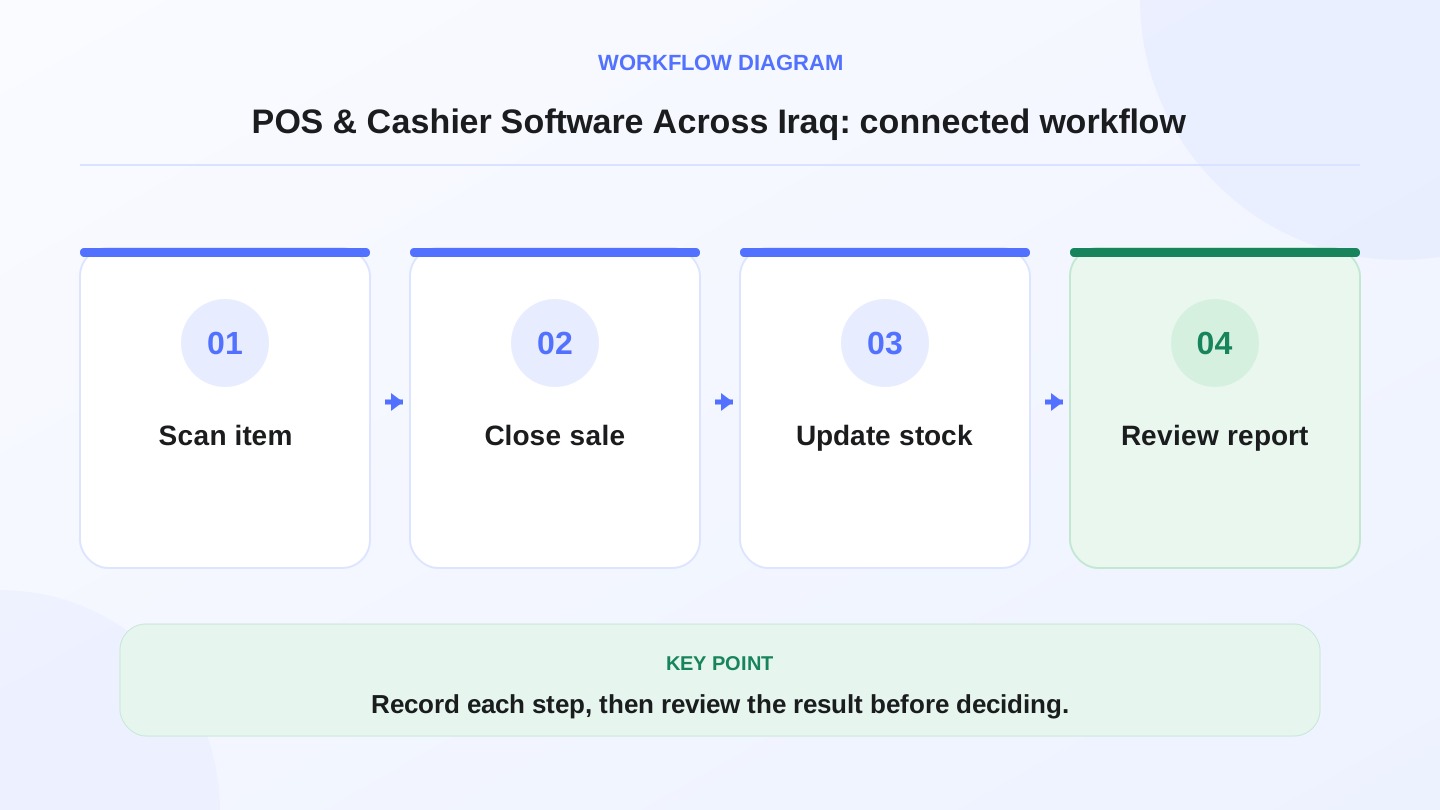
A practical sequence has four connected steps: Scan item, Close sale, Update stock, Review report. Recording each step makes the daily result easier to review.
03
City-by-city checklist
Use this table to compare needs without assuming every business in a city is the same.
This table is a planning aid, not a legal, tax, or accounting recommendation.
| Location intent | Common need to check | POS feature that helps |
|---|---|---|
| Baghdad shop or restaurant | High daily sales and busy cashier hours | Fast POS screen, barcode or touch ordering, receipts, role control |
| Erbil branch or bilingual team | Arabic and English staff workflows | Bilingual interface, RTL Arabic support, role permissions, reports |
| Basra online or retail seller | Delivery, online orders, and stock sync | Ecommerce connection, order status, POS inventory sync |
| Multi-city operator | Different branches and managers | Branch visibility, transfers, consolidated reports |
| Any Iraq business | Internet interruptions | Offline selling and sync when internet returns |
04
Cashier software Baghdad: what to prioritize
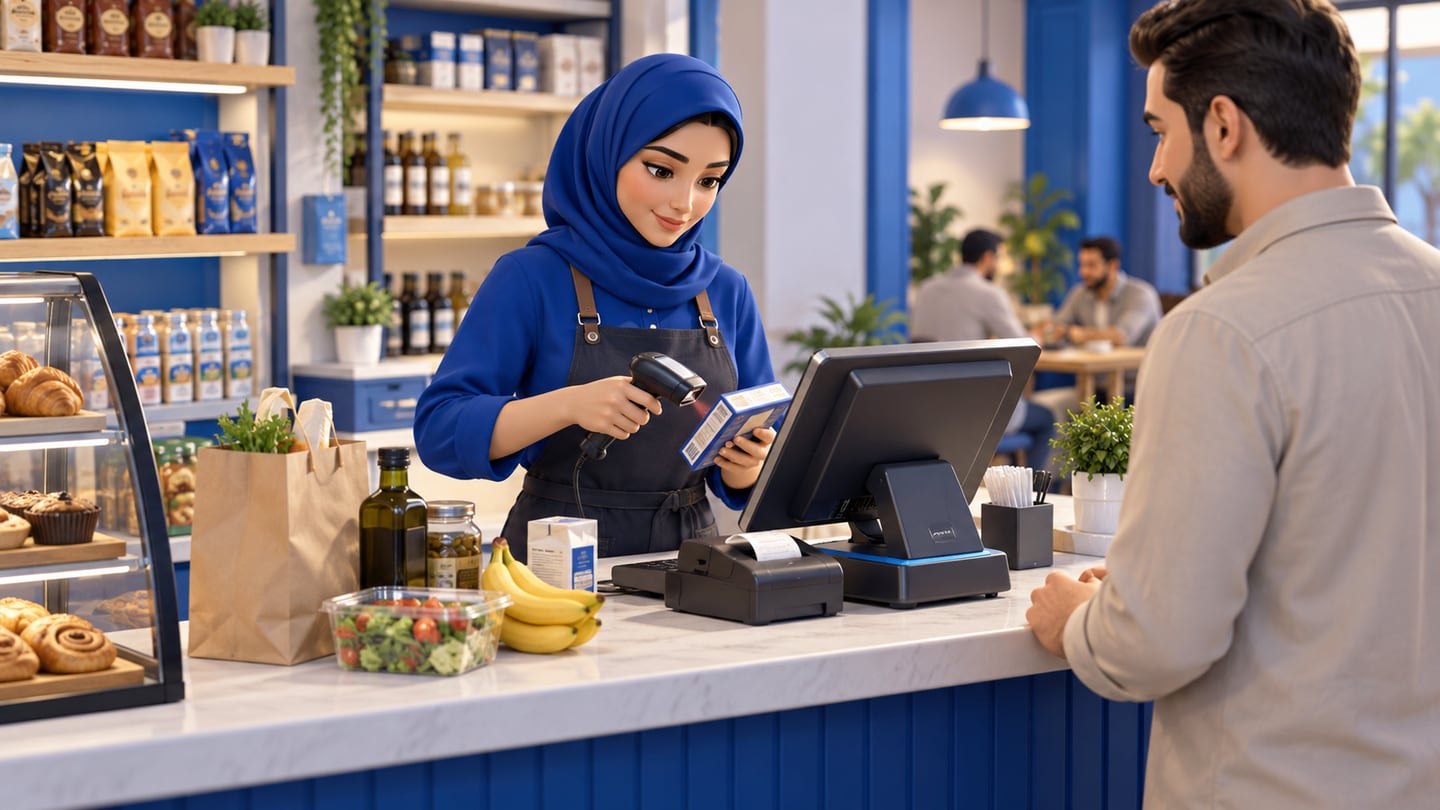
For Baghdad retailers, restaurants, cafés, salons, and mini-markets, the cashier must stay fast. A slow checkout creates lines and errors. The system should support product categories, barcode scanning where relevant, discounts, customer records, receipts, and end-of-day reports.
Arabic-first screens matter because cashiers and owners need to understand the flow quickly. English support also helps mixed teams and managers. Offline operation is important because sales should not stop when the internet drops.
RA8M POS is positioned around Arabic-first and bilingual cashier workflows, offline selling, inventory, reports, customers, roles, and ecommerce connection. Review POS when comparing Baghdad cashier needs.
05
POS Erbil: bilingual teams and branch discipline
A business in Erbil may have Arabic, Kurdish, and English operational realities. Even when the software supports Arabic and English, the owner should test how staff actually use product names, receipts, reports, and permissions.
Branch discipline matters when a business grows. Managers should not see or edit everything if they only manage one location. The owner may need consolidated sales, branch-level stock, transfers, and role-based access.
A good POS should make branch reporting simpler, not depend on separate spreadsheets sent at night.
06
Online store Basra: connect ecommerce to stock
For Basra sellers, the search may be about an online store as much as a cashier. If the business sells through a website, social channels, and a physical location, stock can become confusing fast.
The practical question is whether online orders reduce or reserve the same stock used by the POS. If not, staff can sell the same item twice. The store may accept an online order, then discover the item already sold in-store.
RA8M Ecommerce is positioned as a branded online storefront connected to POS products, stock, orders, payments, and delivery workflows. Review Ecommerce if online and in-store selling must work together.
07
Worked example: stock across two city branches
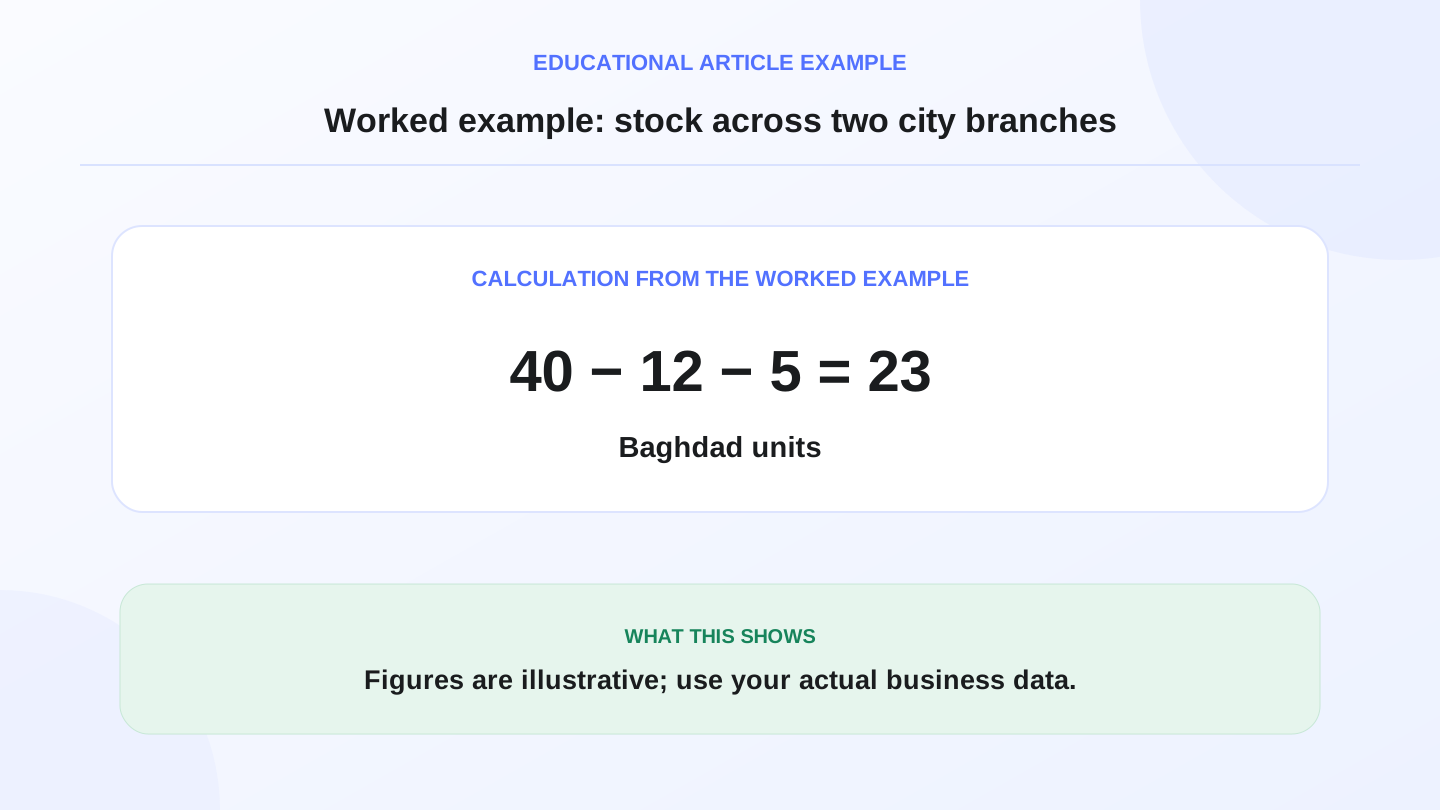
Assume a retailer has 40 units of a product in Baghdad and 25 units in Basra. During the day, Baghdad sells 12 units, Basra sells 8 units, and 5 units are transferred from Baghdad to Basra.
Expected Baghdad stock:
40 opening stock − 12 sold − 5 transferred = 23 units.
Expected Basra stock:
25 opening stock − 8 sold + 5 received = 22 units.
If each branch updates stock manually, these numbers can drift. A connected POS with branch movements and reports helps the owner see expected closing stock before the next purchase decision.
08
Offline POS matters in every city
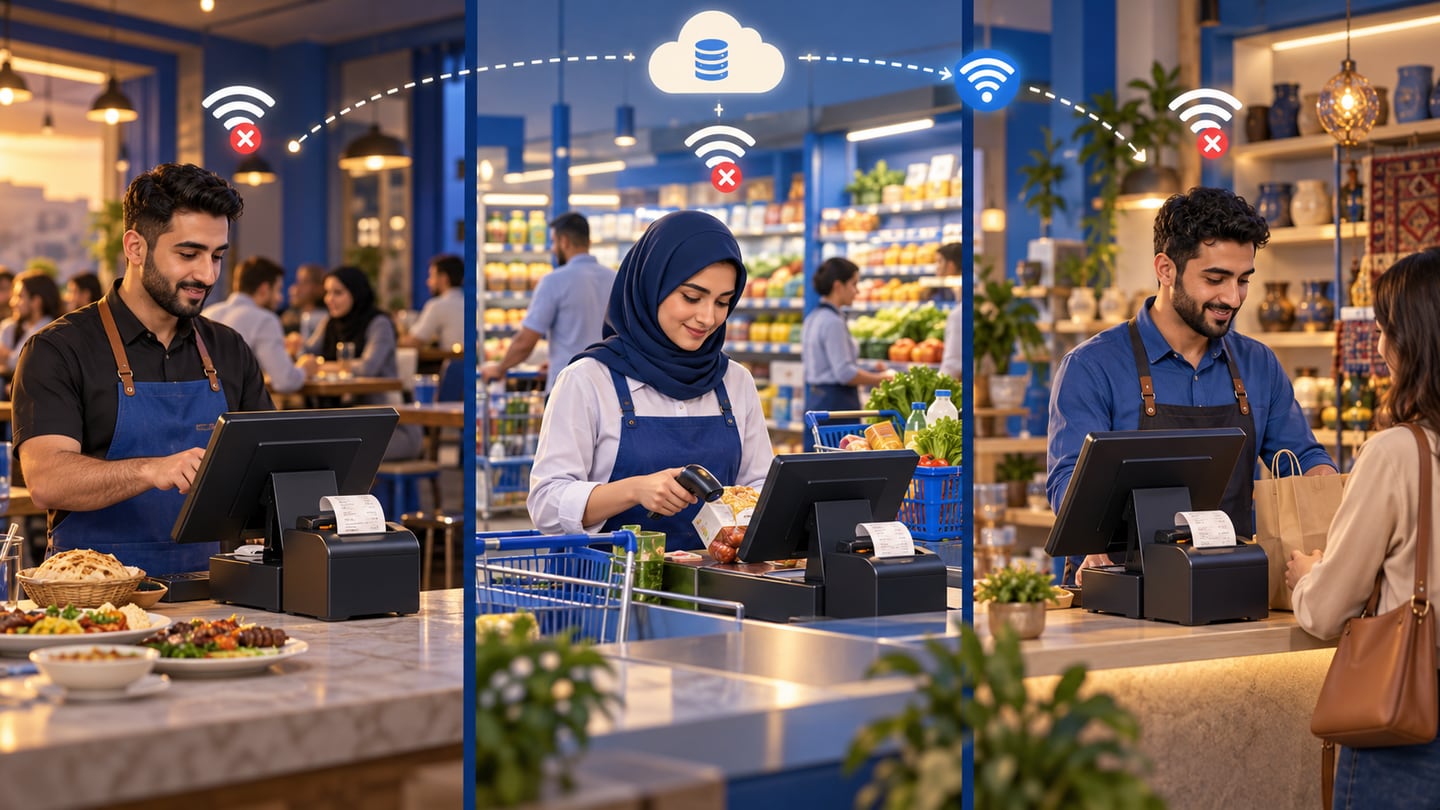
Internet quality can vary by location, building, device, and provider. A cashier system should not become useless because the connection drops. Offline POS lets staff keep selling, printing receipts, and recording transactions, then sync when the internet returns.
This is especially important for restaurants during rush hours, supermarkets with lines, and stores that cannot pause sales. When evaluating POS Iraq options, ask exactly what works offline and what needs internet.
09
Accounting software Iraq: keep the scope practical
Many owners search for accounting software Iraq when they want cleaner sales, expenses, purchases, invoices, and reports. POS software can organize operational records, but it should not be presented as formal legal or tax advice.
RA8M includes finance and reporting workflows such as invoices, payments, expenses, banking, journal entries, and sales visibility. For formal tax, legal, or accounting decisions, verify requirements with qualified professionals and relevant authorities.
10
When RA8M fits and when a simpler setup is enough
RA8M fits Iraq businesses that need Arabic-first POS, offline cashier selling, inventory, purchases, finance, reports, roles, branches, and ecommerce in one connected system. It is relevant for restaurants, cafés, retail shops, supermarkets, pharmacies, salons, service businesses, SMBs, manufacturers, and multi-branch operators.
A simpler setup may be enough for a very small seller with few products, no cashier counter, no branch, and low order volume. But once the business has daily sales, staff, stock, returns, or online orders, manual tracking becomes risky.
Check Industries to map the business type and Pricing to verify current plan details.
11
Final checklist before choosing a POS in Iraq
Before choosing, test a real day in the system. Create products. Sell by barcode or touch. Print a receipt. Disconnect the internet and try a sale. Add a purchase. Move stock between branches. Cancel an order. Review daily sales and inventory reports.
If the system handles those steps clearly, it is closer to being operationally ready. If it only looks good in a demo but cannot answer stock, branch, and report questions, keep comparing.
12
Conclusion: local search needs operational answers
City-level POS searches are practical. The owner wants software that works in Baghdad, Erbil, Basra, and across Iraq, not generic advice. Start with the daily workflow: cashier speed, Arabic and English use, offline selling, inventory, branches, ecommerce, and reports.
RA8M is built around that connected workflow. The best next step is to map the exact business type, sales channels, branches, and reporting needs, then choose the POS setup that removes the most daily manual work.
Frequently asked questions
What should cashier software in Baghdad include?
It should include Arabic cashier screens, offline selling, receipts, barcode checkout, inventory, customer records, staff roles, and daily sales reports.
Is POS software different for Erbil or Basra?
The core POS needs are similar, but language mix, branch workflow, delivery coverage, internet reliability, and reporting needs can differ by city and business type.
Why does offline POS matter in Iraq?
Offline POS lets the cashier continue selling and printing receipts during internet interruptions, then sync transactions when the connection returns.
Can one POS system manage multiple Iraqi cities?
Yes, if it supports branches, roles, stock visibility, transfers, and consolidated reports across locations. RA8M is positioned for branch and role workflows.
Can POS connect to an online store in Basra or another city?
Yes, when the ecommerce platform is connected to POS products and stock. RA8M Ecommerce is positioned as a branded storefront connected to POS inventory and orders.
Written by
RA8M Team
Practical guides for restaurants, shops, and operations teams
Next step
Try RA8M with data close to your operation
Read next
Related RA8M guides
POS Across Iraq
POS Erbil: Choosing Cashier Software for Kurdistan Businesses
Read article
Local and Geo-Modified
Online Store Basra: How Iraq Shops Can Sell Smarter
Read article
Best-in-Iraq Comparisons
Best POS System in Iraq: Features, Cost and Checklist
Read article
Pricing and Subscription
Cashier Software Price in Iraq: How to Compare Real Cost
Read article
POS and Cashier
Best Cashier Software in Iraq: Practical Buyer Checklist
Read article