Create Online Store in Iraq: A Practical Launch Guide
A practical guide to creating an online store in Iraq: products, inventory, pricing, payments, delivery, POS sync, and one order-cost example.

To create an online store in Iraq, start with organized products, clear IQD pricing, Arabic-first storefront pages, payment and delivery rules, and inventory connected to your POS. The strongest setup uses one stock record for online orders and in-store sales, so teams do not sell unavailable products or reconcile quantities manually every day.
01
Create Online Store in Iraq: A Practical Launch Guide
This guide is an online store launch plan from catalog to payment and delivery. If you already run a cashier, first check shared stock and order flow with the store-to-POS integration test.
Creating an online store is not only a design project. A useful store in Iraq needs organized products, IQD prices, accurate stock, clear payment options, delivery rules, and reports that show what sold and what remains in inventory.
Quick answer: To create an online store in Iraq, start with organized products, clear IQD pricing, Arabic-first storefront pages, payment and delivery rules, and inventory connected to your POS. The strongest setup uses one stock record for online orders and in-store sales, so teams do not sell unavailable products or reconcile quantities manually every day.
02
What does creating an online store really mean?
A real online store is a selling workflow. It displays products, accepts orders, updates inventory, helps the team prepare orders, and gives the owner useful reports. If the store is only a public catalog, staff still have to confirm stock manually through calls, WhatsApp, or spreadsheets.
Many Iraq businesses start with Instagram or WhatsApp. That is a good way to test demand, but it becomes difficult when the business has many products, variants, discounts, delivery areas, and branch stock. At that point, the store needs to connect to the operating system of the business.
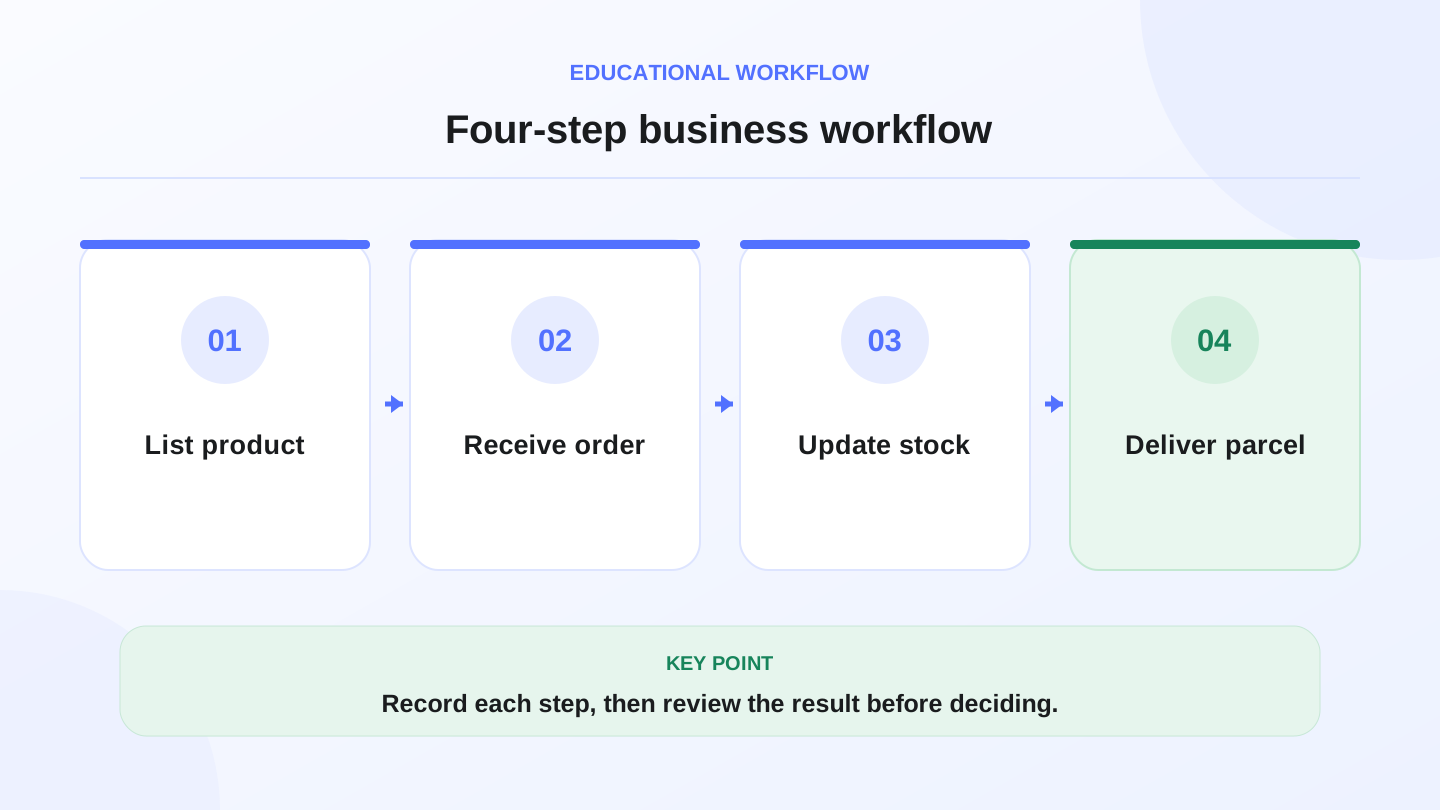
A practical sequence has four connected steps: List product, Receive order, Update stock, Deliver parcel. Recording each step helps review the result.
03
Is your business ready to sell online?
Before you choose software, check whether the business can fulfill orders consistently. Do you have product photos, item names, prices, quantities, payment rules, delivery coverage, and an exchange or return policy? If these are unclear, customers will ask the same questions again and again.
Start with a focused product set. Launch with the items you can describe and deliver confidently, then expand after the workflow is stable.
| Area | Operational question | Why it matters |
|---|---|---|
| Products | Are names, photos, and descriptions clear? | Reduces repeated customer questions |
| Prices | Are prices in IQD and up to date? | Prevents conflict during confirmation |
| Inventory | Is available stock accurate? | Avoids selling unavailable products |
| Payment | Does the customer know how to pay? | Reduces incomplete orders |
| Delivery | Are areas and timeframes defined? | Sets expectations before purchase |
| Reports | Can you see daily sales? | Helps decide what to restock |
04
Choose an Arabic ecommerce platform that feels local
Arabic support should not feel like a rough translation. Customers need correct RTL layouts, clear buttons, fast product pages, readable descriptions, and simple checkout steps. If the journey is confusing, the customer will return to messaging instead of completing the order.
Look for an ecommerce platform that lets you manage products, categories, stock, orders, and customer communication without heavy manual work. If your team uses Arabic and English, bilingual support keeps operations flexible without forcing separate tools.
05
Why POS-connected ecommerce changes everything
The most common operational mistake is separating the online store from the cashier. Imagine you have 10 units of one item. The shop sells 3 units in person, while the online store receives 4 orders. If stock is not shared, the online store may still show a quantity that does not exist.
When ecommerce connects to POS, the store and cashier update the same inventory. In-store sales reduce stock, online orders reduce stock, and the owner sees one truth instead of two conflicting numbers.

06
Worked example: stock after online and in-store sales
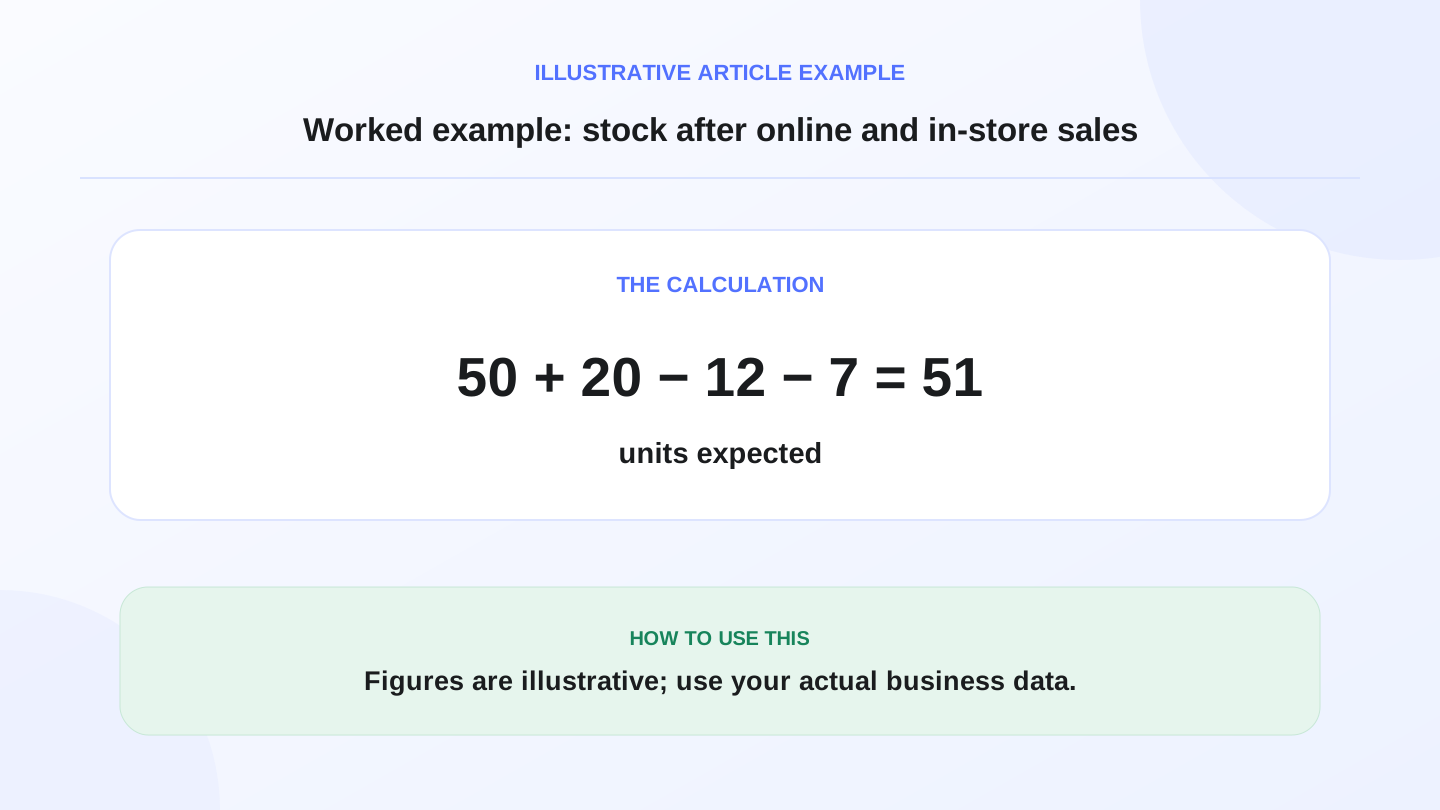
Assume a clothing shop in Baghdad starts the day with 50 units of one product. During the day, the branch sells 12 units in person and receives 7 online orders. A supplier delivery adds 20 new units.
The expected closing stock is: 50 opening stock + 20 purchases - 12 in-store sales - 7 online orders = 51 units. If the physical count is 49, the two-unit gap needs review: maybe an order was not recorded, a branch transfer was missed, or the count was wrong.
This small example explains why store, POS, and inventory should be connected. Small mismatches become expensive when they happen every day.
07
Payment and delivery in Iraq: define the rules early
Payment behavior depends on customer type, location, order value, and available providers. Some customers prefer cash on delivery, while some businesses can use online payment methods where available. Do not promise options the team cannot operate reliably.
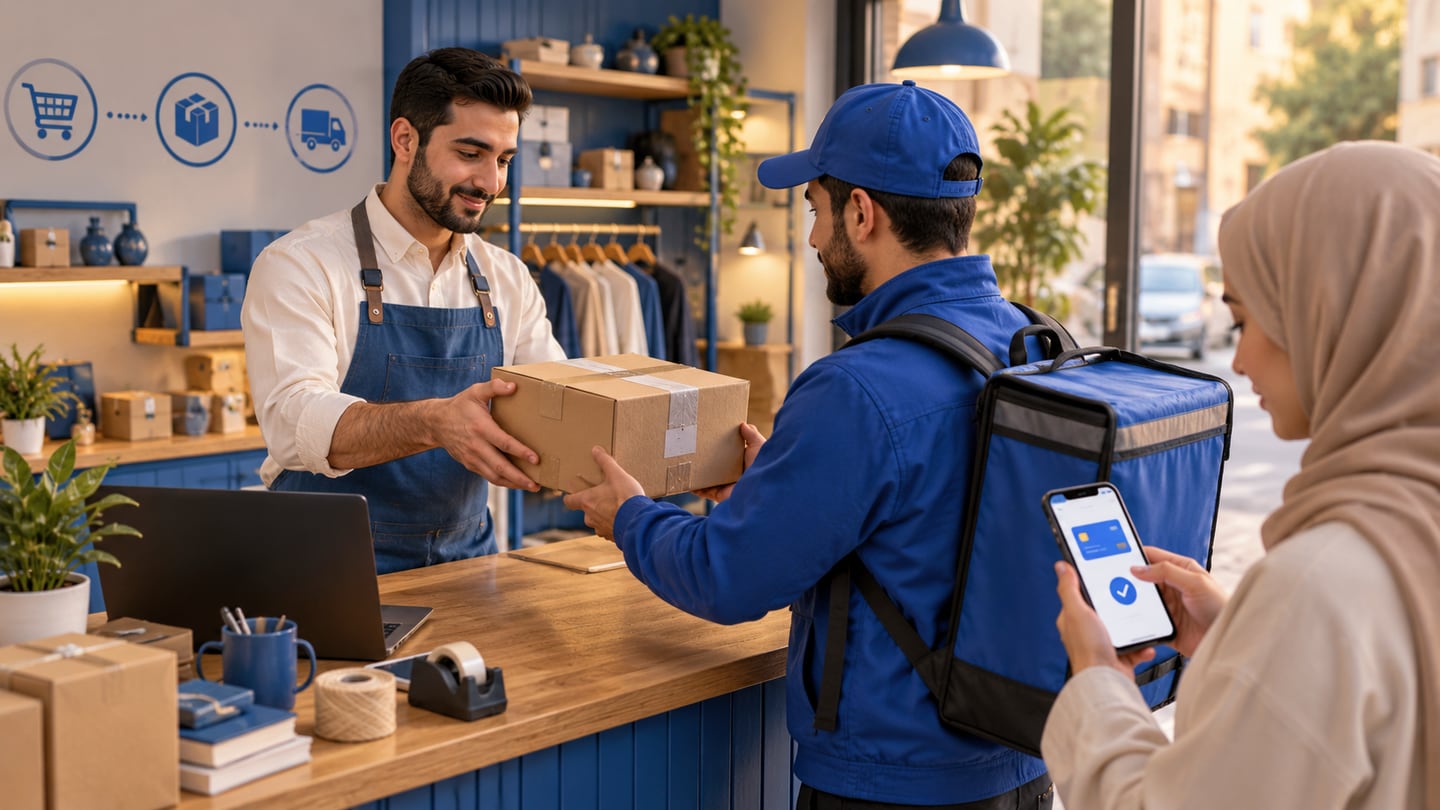
Delivery needs the same clarity. Define coverage areas, expected delivery time, who pays delivery cost, and what happens if the customer does not answer. Clear rules reduce calls and help staff prepare orders faster.
08
Connect ecommerce to pricing and reports
The store should show more than order volume. Owners need to know margin, best-selling products, cancelled orders, low-stock products, and daily revenue. When comparing software cost, compare it against the staff time saved by avoiding duplicate entry and manual reconciliation.
If you review RA8M plans, confirm current details on the pricing page. Pricing can change, so any calculation in this guide should be treated as an operational example, not a fixed commercial offer.
09
When does RA8M Ecommerce fit?
RA8M fits when the online store should be part of the same system as the cashier, inventory, reports, customers, and finance workflows. This is useful for shops selling in-store and online, restaurants adding digital orders, and multi-branch operators that need stock visibility and role control.
A simple landing page may be enough if you sell one product, receive a small number of orders, and do not need inventory control. Once the team starts updating stock manually after every online and offline sale, POS-connected ecommerce becomes a better operational choice.
10
Seven-step launch plan
Before day one of this plan, lock your public online store names, square logo, and cover image using online store names and logo in Iraq. Then pick 20 to 50 products, clean product names, prepare photos, add IQD prices, confirm stock, define payment and delivery, and place a test order from a phone. Follow that test order from storefront to order management, stock deduction, preparation, and reporting. Do the same test in Arabic first, then check English labels if your team or partners use English.
After launch, do not measure only visits. Track completed orders, abandoned orders, products with repeated questions, products that sell out quickly, and delivery problems. These signals tell you what to improve next. If customers keep asking about size, color, warranty, delivery cost, or availability, the product page needs clearer content, not only more advertising.
A practical launch week can be simple: day one for product cleanup, day two for photos and categories, day three for payment and delivery rules, day four for internal testing, day five for a soft launch to existing customers, day six for fixing confusing pages, and day seven for reviewing reports. This prevents the team from launching a large catalog before the operational workflow is ready.
11
Common mistakes to avoid
Do not copy every offline product into the online store without checking stock. Do not use global ecommerce advice without adapting it to Iraq payment behavior, Arabic customer support, delivery coverage, and local operating hours. Do not promise same-day delivery everywhere unless the team can actually fulfill it.
Also avoid running online orders in a separate spreadsheet after launch. That approach may work for a few orders, but it breaks when staff are handling customers in the branch at the same time. The store should make the daily workflow cleaner: order received, quantity reserved, staff prepares, delivery or pickup is recorded, and the owner sees the result in reports.
After launch basics, use the best online store in Iraq checklist to strengthen trust signals shoppers notice before they order.
12
Conclusion: your online store should run the business, not only display products
A strong online store in Iraq connects to daily operations: POS, inventory, invoices, delivery, payments, and reports. If you want an online storefront connected to in-store selling, review RA8M Ecommerce and keep reading related guides on the RA8M blog.
For more details about development options and costs, see ecommerce store development in Iraq and cost of building an online store.
Frequently asked questions
What is the first step to create an online store?
Start by choosing the products you can reliably sell online, then prepare names, photos, prices, available quantities, payment rules, and delivery rules before selecting the platform.
Should my online store be separate from my POS?
It can be separate, but most growing Iraq businesses benefit from POS sync because online orders and in-store sales should update the same inventory record.
Does RA8M support ecommerce?
Yes. RA8M Ecommerce adds a branded storefront connected to RA8M POS products, inventory, orders, payments, and delivery workflows.
How do I calculate online order profitability?
Subtract product cost, packaging, delivery, and operational costs from the selling price. The result estimates order margin before general overhead.
Is this legal or tax advice?
No. This guide explains operational workflows only. Confirm tax, accounting, and legal decisions with a qualified professional or authority.
Written by
RA8M Team
Practical guides for restaurants, shops, and operations teams
Next step
Try RA8M with data close to your operation
Read next
Related RA8M guides
Ecommerce
Ecommerce Platform in Iraq: How to Choose the Right System
Read article
Ecommerce
How to Open Online Store in Iraq: Practical Launch Guide
Read article
Online Store and Ecommerce
Build Online Store in Iraq: Catalog, Stock and Orders
Read article
Online Store and Ecommerce
Online Store Design in Iraq: POS-Connected Selling Guide
Read article
Online Store and Ecommerce
Link Online Store With POS in Iraq: Why It Matters
Read article