Cloud POS vs Traditional Cash Register in Iraq 2026 — Full Cost and Growth Comparison
Compare cloud POS and cash registers in Iraq: cost, inventory, reports, branches, updates, offline work, and a practical growth example.
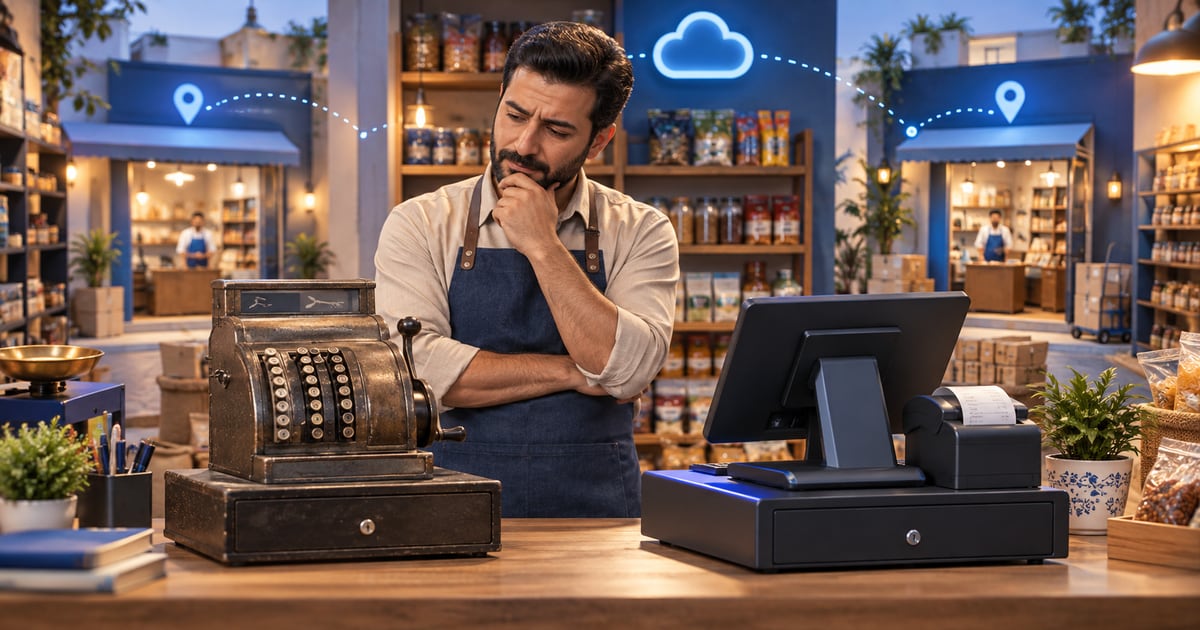
Cloud POS suits businesses that need live reports, branch management, sync, and ongoing updates. A traditional cash register can work for a simple single-location business, but it becomes limited when you need accurate inventory, staff permissions, or sales visibility outside the branch.
01
Cloud POS vs Traditional Cash Register in Iraq 2026 — Full Cost and Growth Comparison
A practical comparison of cloud POS and traditional cash registers for cost, branches, inventory, reports, and offline-first work.
Quick answer: Cloud POS suits businesses that need live reports, branch management, sync, and ongoing updates. A traditional cash register can work for a simple single-location business, but it becomes limited when you need accurate inventory, staff permissions, or sales visibility outside the branch.
02
Short answer: choose for your growth path, not only device price
If you run one very simple branch, a traditional cash register may look sufficient. But if you need live reports, inventory, permissions, or more than one branch, a cloud or modern POS quickly becomes operational infrastructure.
The common mistake is comparing hardware price only. The real cost includes time lost to reporting, inventory errors, data migration, and harder expansion.
A traditional register records the sale; a cloud POS helps you understand what happened after the sale.
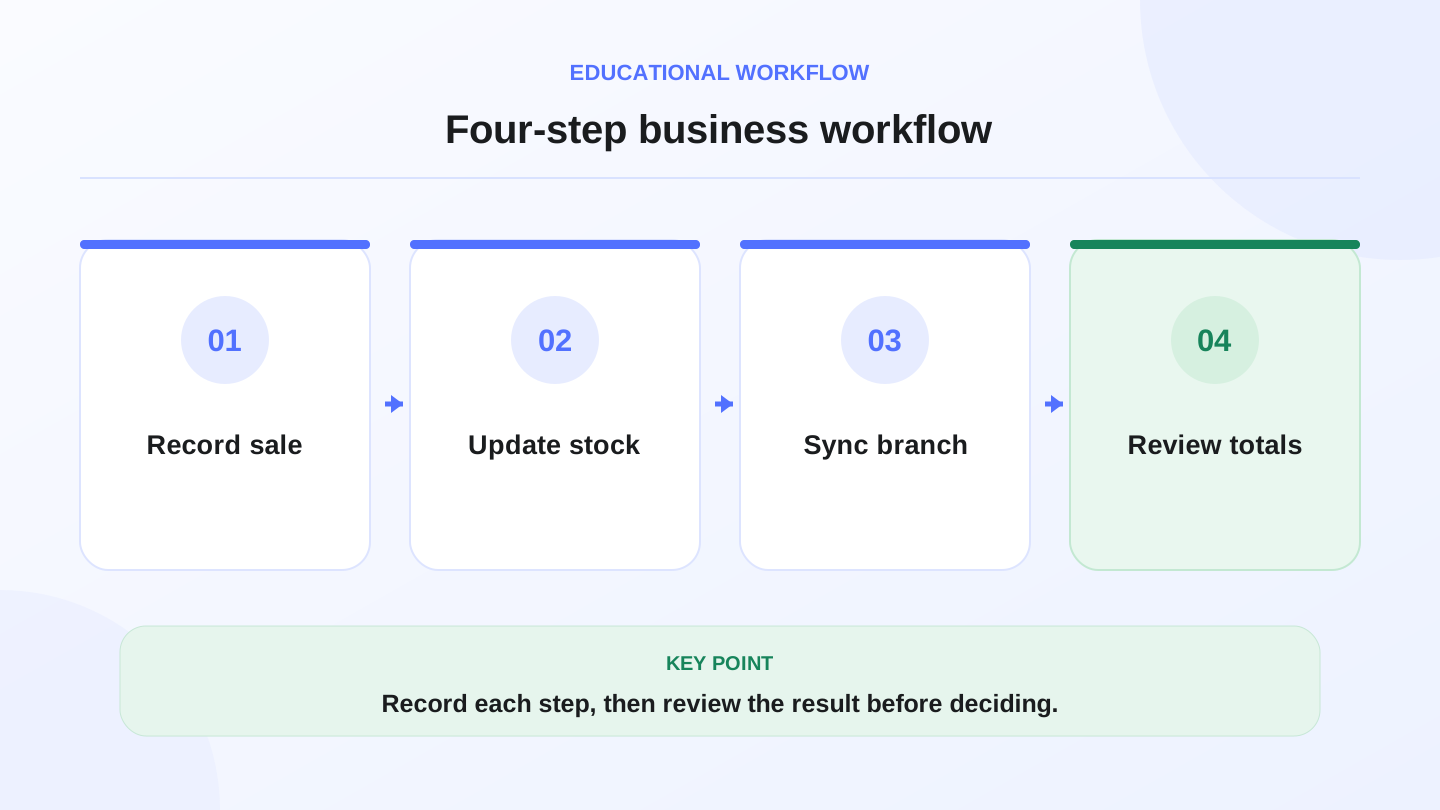
A practical sequence has four connected steps: Record sale, Update stock, Sync branch, Review totals. Recording each step helps review the result.
03
Direct comparison
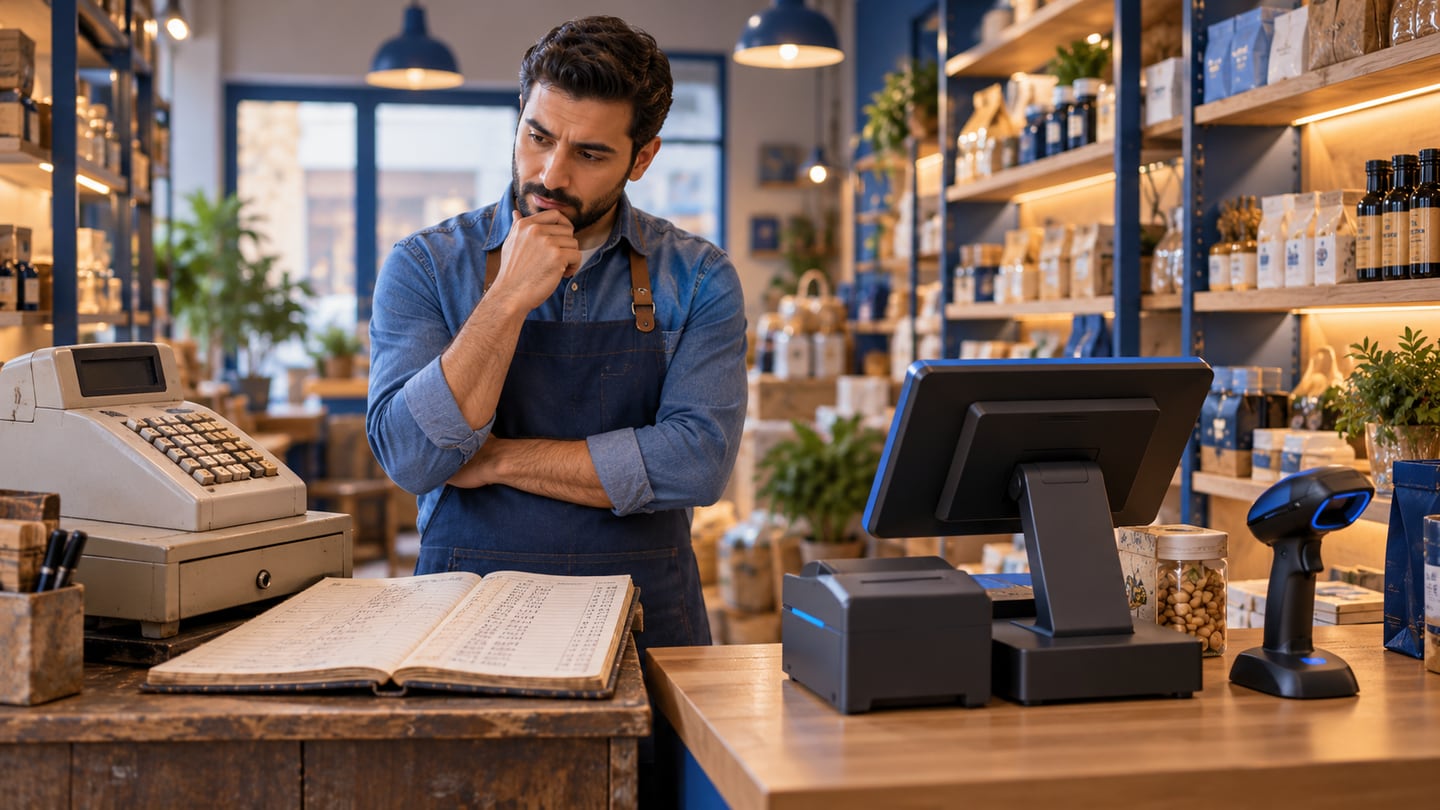
The fair comparison is not which option is cheapest today. It is which option costs less after you add employees, items, branches, and reporting needs.
The operational differences usually appear after weeks of use, not on installation day.
| Criterion | Cloud POS | Traditional register |
|---|---|---|
| Reports | Live or near-live depending on sync | Usually local and limited |
| Branches | Easier to unify and monitor | Manual consolidation or extra tools |
| Inventory | Linked to sales and movements | Often separate or manual |
| Updates | Continuous through the app | Slower and device/vendor dependent |
| Offline work | Possible if offline-first | Local but without smart sync |
| Best fit | Growth, branches, reports, inventory | Simple single-location selling |
04
Indicative cost table: hidden costs to include
Some costs do not appear in a quotation. You may pay less for a device but more in owner time, stock mistakes, or late visibility into performance.
Use the table as a checklist, then replace the ranges with your real numbers before making a decision.
_Figures are approximate planning ranges only. Verify with your suppliers, team, and accountant._
| Cost line | Indicative range | Why it matters |
|---|---|---|
| Item setup time | 2–8 hours | Repeats when menus or branches change |
| Manual report review | 3–10 hours/month | Management time not shown in device price |
| Stock correction | 4–16 hours/month | Grows with item and branch count |
| Training one new staff member | 2–6 hours | Affected by UI clarity and permissions |
| Data migration during growth | 1–5 days | Appears when you replace the system later |
05
Worked example: 1 branch today, 3 branches in 6 months
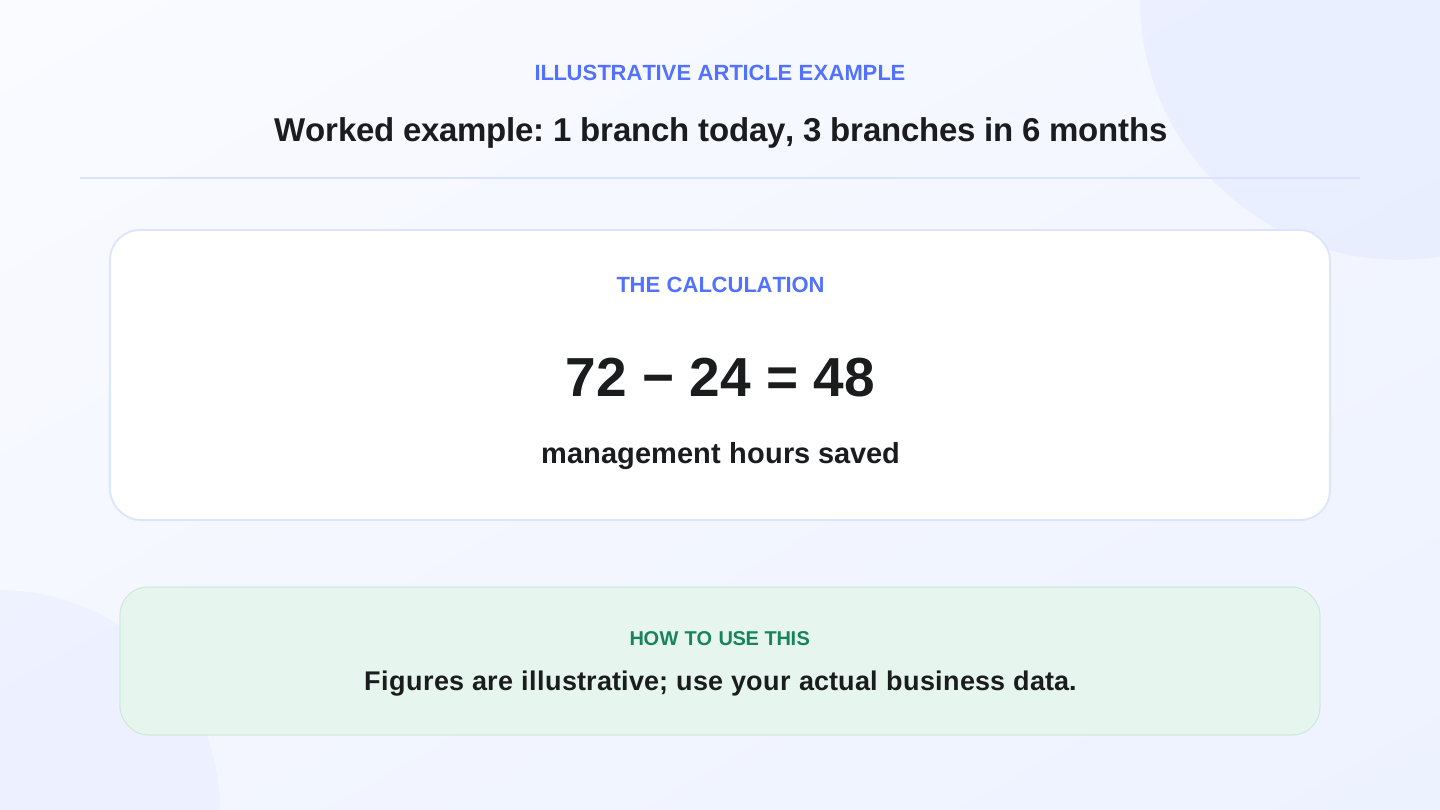
Assume one branch currently needs 4 hours per month to consolidate sales and stock manually. With 3 branches, that can become 12 hours per month if the method stays the same. Over 6 months, that is 72 manual review hours.
If a cloud POS reduces this to 4 total hours per month across all branches through unified reporting, 6 months becomes 24 hours. The difference is 48 management hours. At an illustrative 50 IQD per hour, that is 2,400 IQD of operational time over 6 months.
This is not a guaranteed saving. It shows why management time belongs in the cloud POS vs traditional register comparison.
06
What about weak internet?
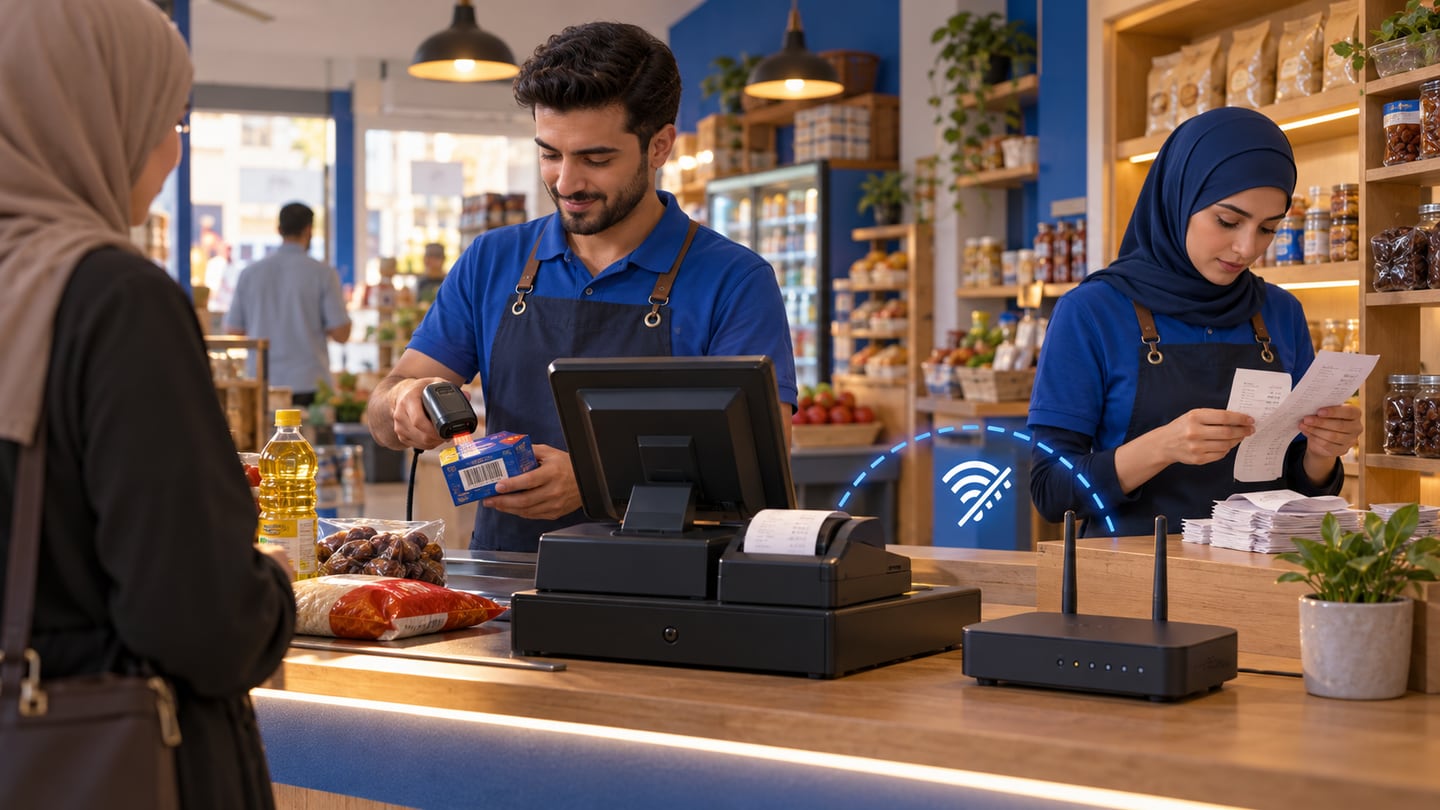
Cloud POS does not have to mean sales stop when the connection drops. Modern systems can save work locally and sync later, if they are designed around offline-first behavior rather than requiring connection for every step.
Ask a specific question: if 20 sales happen during weak internet, are receipts and inventory saved and synced later without duplicates or loss? That answer matters more than the phrase cloud-based.
07
When a traditional register is acceptable
A traditional register may work if the business is simple, has no need for detailed inventory, does not plan branches, and does not require reporting outside the location.
Even then, choose with growth in mind. Moving later from a closed setup to a modern POS can cost more in training and data cleanup than expected.
08
How RA8M helps with this decision
RA8M focuses on POS, inventory, invoices, reports, and local work with sync across operational flows. That makes it relevant for businesses that need more than sale registration.
The practical value is testability: sell, pay, deduct stock, report, and sync. That journey separates an operating system from a standalone register.
09
How to read a quote fairly
Do not compare two offers from the first line only. Separate setup cost, operating cost, support cost, and future migration cost. Some systems look cheaper because they exclude training, item setup, or reports you will need after the first month.
Before deciding, make a simple table: hardware, subscription or maintenance, item setup hours, staff training hours, monthly stock-count time, and reporting time. Even approximate figures help you avoid a system that is cheap on paper but expensive to operate.
In Iraq, add language, receipts, and local tax/invoicing handling to the comparison. Do not rely on generic claims like Arabic support or tax support; test a real receipt and a real report first.
10
A 5-question decision method
Before choosing, ask: will I open a second branch, do I need daily inventory visibility, do I read reports away from the branch, do staff need different permissions, and is weak internet possible during work hours?
If you answer yes to 2 or more, you likely need a modern POS with sync and reporting, not only a traditional register.
Useful links:
11
FAQs
What is the difference between cloud POS and a traditional cash register?
Cloud POS connects sales with reports, inventory, and sync. A traditional register usually focuses on recording sales locally. The difference becomes important when you need branches, live reporting, or accurate inventory.
Does cloud POS always need internet?
Not always. If the system supports local work and sync, it can save sales during weak connectivity and upload them later. You should test this before adopting any system.
Is a traditional cash register cheaper?
It may be cheaper at the start, but not always cheaper in operation. Manual reports, stock correction, migration, and staff training can change the real cost.
When should I choose cloud POS?
Choose cloud POS if you need reports, inventory, branches, permissions, or visibility outside the branch. These needs make a modern POS more suitable than a standalone register.
Are the cost ranges fixed prices?
No. They are approximate planning examples. Use your own supplier quotes, staff time, and accountant guidance before making a financial decision.
Frequently asked questions
What is the difference between cloud POS and a traditional cash register?
Cloud POS connects sales with reports, inventory, and sync. A traditional register usually focuses on recording sales locally. The difference becomes important when you need branches, live reporting, or accurate inventory.
Does cloud POS always need internet?
Not always. If the system supports local work and sync, it can save sales during weak connectivity and upload them later. You should test this before adopting any system.
Is a traditional cash register cheaper?
It may be cheaper at the start, but not always cheaper in operation. Manual reports, stock correction, migration, and staff training can change the real cost.
When should I choose cloud POS?
Choose cloud POS if you need reports, inventory, branches, permissions, or visibility outside the branch. These needs make a modern POS more suitable than a standalone register.
Are the cost ranges fixed prices?
No. They are approximate planning examples. Use your own supplier quotes, staff time, and accountant guidance before making a financial decision.
Written by
RA8M Team
Practical guides for restaurants, shops, and operations teams
Next step
Try RA8M with data close to your operation
Read next
Related RA8M guides
POS and Cashier
Cloud POS System in Iraq: When It Fits Your Business
Read article
Business finance
Cash Flow for Iraq Shops: A Practical Weekly Forecast
Read article
Restaurant and Cafe POS
Cafe POS in Iraq: Faster Orders, Stock and Reports
Read article
POS and Cashier
iPad POS App in Iraq: Practical Setup for Shops
Read article
POS / Cashier Operations
POS Staff Permissions in Iraq: Roles, Approvals and Audit Trail
Read article