POS Staff Permissions in Iraq: Roles, Approvals and Audit Trail
A practical guide to POS staff permissions in Iraq for discounts, refunds, voids, cash drawer access, branch roles, shifts, and audit trails.

POS staff permissions define who can sell, discount, void, refund, open the cash drawer, view reports, or access a branch. A good setup does not slow the team down; it makes sensitive actions reviewable by user, time, branch, and approval status.
01
POS Staff Permissions in Iraq: Roles, Approvals and Audit Trail
POS staff permissions in Iraq are not a technical detail; they protect cash, stock, reports, and branch accountability. When every employee can do everything, discounts, refunds, voids, and manual cash drawer openings become difficult to review.
Quick answer: POS staff permissions define who can sell, discount, void, refund, open the cash drawer, view reports, or access a branch. A good setup does not slow the team down; it makes sensitive actions reviewable by user, time, branch, and approval status.
02
Why do cashier permissions need design?
The team needs speed at checkout, while management needs control. If every employee has full access, mistakes can happen quietly: an unnecessary discount, a void after the customer leaves, a refund without reason, or cash drawer access outside a sale.
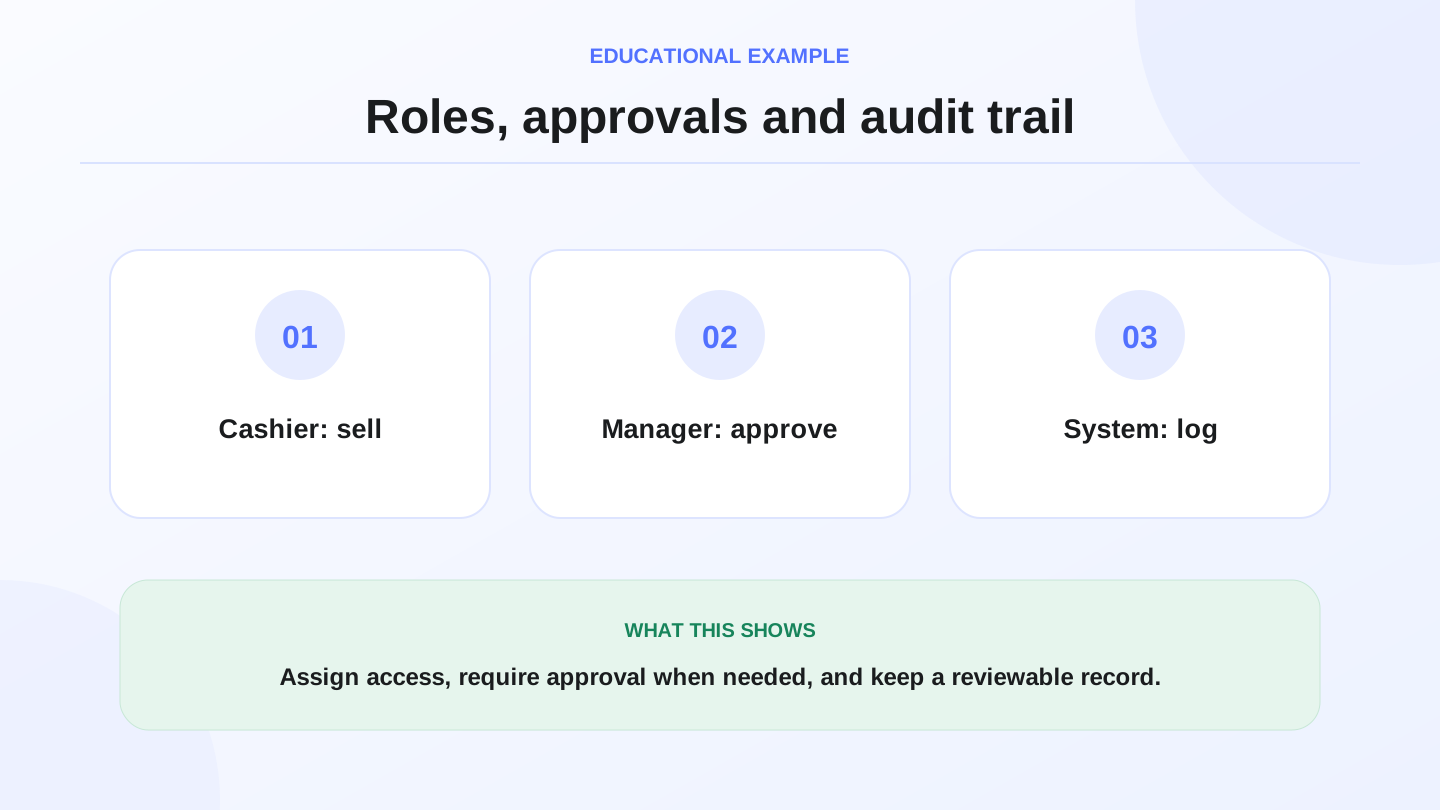
Good permission design gives each employee only what they need. Cashiers sell quickly, supervisors approve sensitive cases, branch managers review local reports, and owners see the full audit trail.
03
Practical role matrix
Start with this matrix, then adjust it based on team size, branch structure, and risk level.
| Role | Suitable permissions | Requires approval |
|---|---|---|
| Cashier | Sell, print receipt, close shift | Large discount, invoice void |
| Shift supervisor | Limited discount, cash review | Post-close void |
| Branch manager | Refunds, branch reports | Global price changes |
| Owner/admin | All branches, full reports | Not applicable |
04
Discounts: who approves and how much?
Discounts are sensitive because they affect margin immediately. A cashier may be allowed a small discount limit, while higher discounts require supervisor or manager approval.
Example: if a sale is 300,000 IQD and the cashier discount limit is 5%, the limit = 300,000 × 0.05 = 15,000 IQD. Any discount above that should appear as manager-approved in the audit trail.

05
Refunds and voids
Refunds and voids should be separate from normal selling. A refund means money or goods are returned. A void cancels a transaction. Both should require a clear reason and user identity.
Avoid giving every cashier post-close void permission. A void after shift close can affect cash reconciliation and daily reports, so it should usually require manager approval.
06
Cash drawer control
Manual cash drawer opening should be restricted. Some businesses need supervisors to open the drawer for corrections or small cash handling, but the reason should be recorded. Frequent unexplained drawer openings may show training or control issues.
The shift report should show cash sales, other payment methods, differences, and manual drawer openings. This gives the owner a clearer cash story at day close.
07
Branch access and location control
If the business has more than one branch, employees should not automatically see everything. A cashier in one location may only need that branch’s sales and stock, while an owner or general manager needs all branches.
Branch-based access reduces mistakes and protects data. It also makes reports clearer because each transaction is tied to a branch and a user.
08
Audit trail
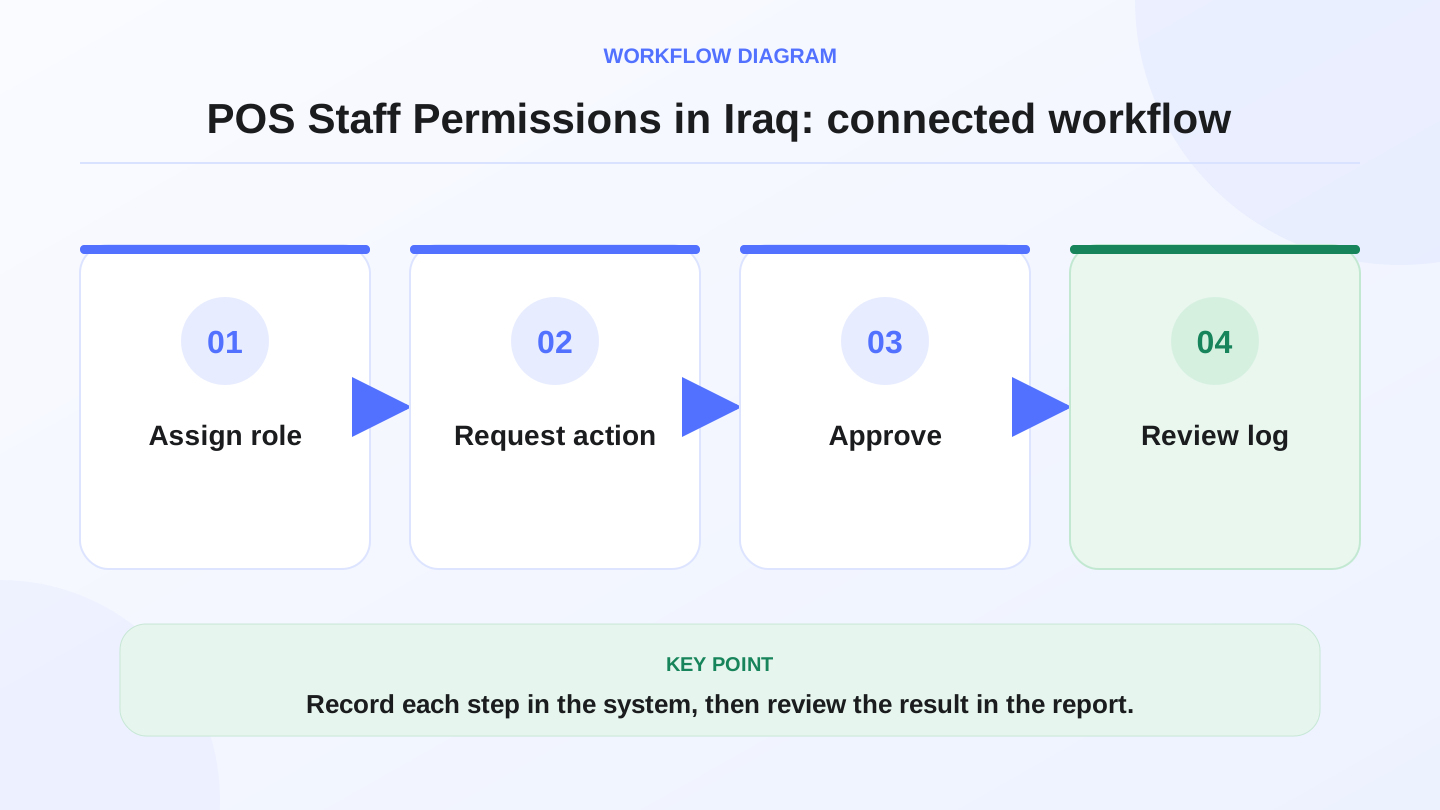
The audit trail is the center of permission control. It should show who performed the action, when, from which branch, and what changed. Without an audit trail, permissions are only labels on a screen.
Review the audit trail for sensitive events: large discounts, refunds, voids, price edits, cash drawer openings, and permission changes. It does not need to be checked every minute, but it must be available when questions appear.

09
Cashier shifts
A cashier shift connects the user, cash drawer, and time period. At shift start, the system knows who is responsible for transactions. At shift close, cash, payment methods, refunds, and differences can be reviewed.
If several employees share one account, permission control loses value. Each employee should have a separate login so accountability is clear. Pair void and return rules with quality management for small businesses in Iraq when mistakes repeat on the same SKU.
10
Where RA8M fits
RA8M POS fits businesses that need Arabic-friendly cashier workflows, user roles, reports, branches, and review of sensitive actions. Review pricing before deciding because plans can change.
If the business is very small and one person runs everything, simple permissions may be enough. Once there is more than one cashier, branch, or shift, permission design becomes important.
11
Common mistakes
Common mistakes include using one shared account for all staff, allowing everyone to void invoices, and not reviewing cash differences at shift close. These mistakes make reports less trustworthy.
Another mistake is over-restricting everything. If the cashier needs approval for every small action, checkout slows down. The goal is balance: fast selling for normal actions and approval for sensitive ones.
12
One-week rollout plan
Day one: define roles. Day two: set discount limits. Day three: restrict voids and refunds. Day four: review cash drawer rules. Day five: configure branch access. Day six: review the audit trail. Day seven: adjust the policy based on mistakes.
This gradual rollout helps the team learn without changing everything at once.
13
Manager approval workflow
Approvals should be simple. When a cashier reaches a restricted action, the manager should approve with their own account or PIN, not by sharing the cashier password. Shared passwords destroy accountability.
The approval should record both users: who requested the action and who approved it. This matters for later review.
14
What to review weekly
Review top discount users, refund count, void count, manual drawer openings, and shift differences. Compare these by branch if you operate multiple locations.
Patterns matter more than one isolated event. If one user or branch repeatedly creates exceptions, the business may need training, clearer policy, or tighter permissions.
15
Changing permissions when roles change
When an employee moves from cashier to supervisor, or from one branch to another, permissions should be updated immediately. Do not leave old access in place just because it was correct before. Old permissions may allow a user to view reports or perform actions that no longer match their responsibility.
Make user review part of month-end operations: who still works here, whose role changed, who no longer needs access, and who should only see one branch? This review is simple, but it prevents large control problems.
16
Practical limit examples
Set limits the team can understand: cashier discount up to 5%, refunds require a supervisor, voids after shift close require a manager, and manual cash drawer opening requires a reason. The exact numbers depend on the business, but clear limits are better than open judgment.
Start with conservative limits and adjust after two weeks of review. If approvals are too frequent, the limits may be too tight. If cash differences or unexplained actions are common, the limits may be too loose.
17
Separating reports from actions
Some users need to view reports without changing transactions. Others need to sell but should not see full financial summaries. Separate “view” permissions from “action” permissions whenever possible.
This separation helps the owner share information safely. A branch manager may need branch reports, while a cashier may only need their shift summary.
18
Emergency access
Every business needs a plan for urgent cases. If the manager is absent and a customer needs a refund, who can approve it? Emergency access should be documented, limited, and reviewed later.
Avoid using the owner password as the emergency solution. A better process is a supervisor role with limited emergency authority and a required reason in the audit trail.
19
Conclusion
POS staff permissions in Iraq protect cash, inventory, reports, and branch accountability without stopping daily work. Focus on a clear role matrix, manager approvals for discounts/refunds/voids, cash drawer control, branch access, cashier shifts, and an audit trail the owner can trust.
Frequently asked questions
What are POS staff permissions?
They are rules that define what each user can do in the cashier system, including discounts, refunds, voids, cash drawer access, and reports.
Should every employee have the same permissions?
No. Cashiers, supervisors, branch managers, and owners need different access based on responsibility.
Which permissions should be restricted first?
Discounts, voids, refunds, and manual cash drawer opening should be controlled first because they affect cash and reports.
When does RA8M fit?
RA8M fits when you want Arabic-friendly cashier workflows, user roles, branches, reports, and audit trails connected.
Written by
RA8M Team
Practical guides for restaurants, shops, and operations teams
Next step
Try RA8M with data close to your operation
Read next
Related RA8M guides
POS / Cashier Operations
Cashier Shift Handover Checklist in Iraq
Read article
Restaurant and Cafe POS
Cafe POS in Iraq: Faster Orders, Stock and Reports
Read article
POS and Cashier
iPad POS App in Iraq: Practical Setup for Shops
Read article
POS Across Iraq
POS Erbil: Choosing Cashier Software for Kurdistan Businesses
Read article
POS and Cashier
Cloud POS System in Iraq: When It Fits Your Business
Read article