Branch Stock Transfer POS in Iraq: Keep Every Location Accurate
A practical Iraq guide for moving stock between branches, recording transfer quantities, controlling approvals, and keeping POS inventory accurate.

Branch stock transfer POS in Iraq means recording stock movement from one branch or warehouse to another inside the same POS and inventory system. The transfer should show source branch, destination branch, item quantities, approval status, expected receiving quantity, variance, and the effect on each branch report so owners do not depend on WhatsApp notes or manual notebooks.
01
Branch Stock Transfer POS in Iraq: Keep Every Location Accurate
A branch transfer is simple only when it happens once. When a business has several branches, warehouse shelves, delivery stock, and busy cashiers, every carton moved without a system creates a future stock mistake.
Quick answer: Branch stock transfer POS in Iraq means recording stock movement from one branch or warehouse to another inside the same POS and inventory system. The transfer should show source branch, destination branch, item quantities, approval status, expected receiving quantity, variance, and the effect on each branch report so owners do not depend on WhatsApp notes or manual notebooks.
02
What is a branch stock transfer?
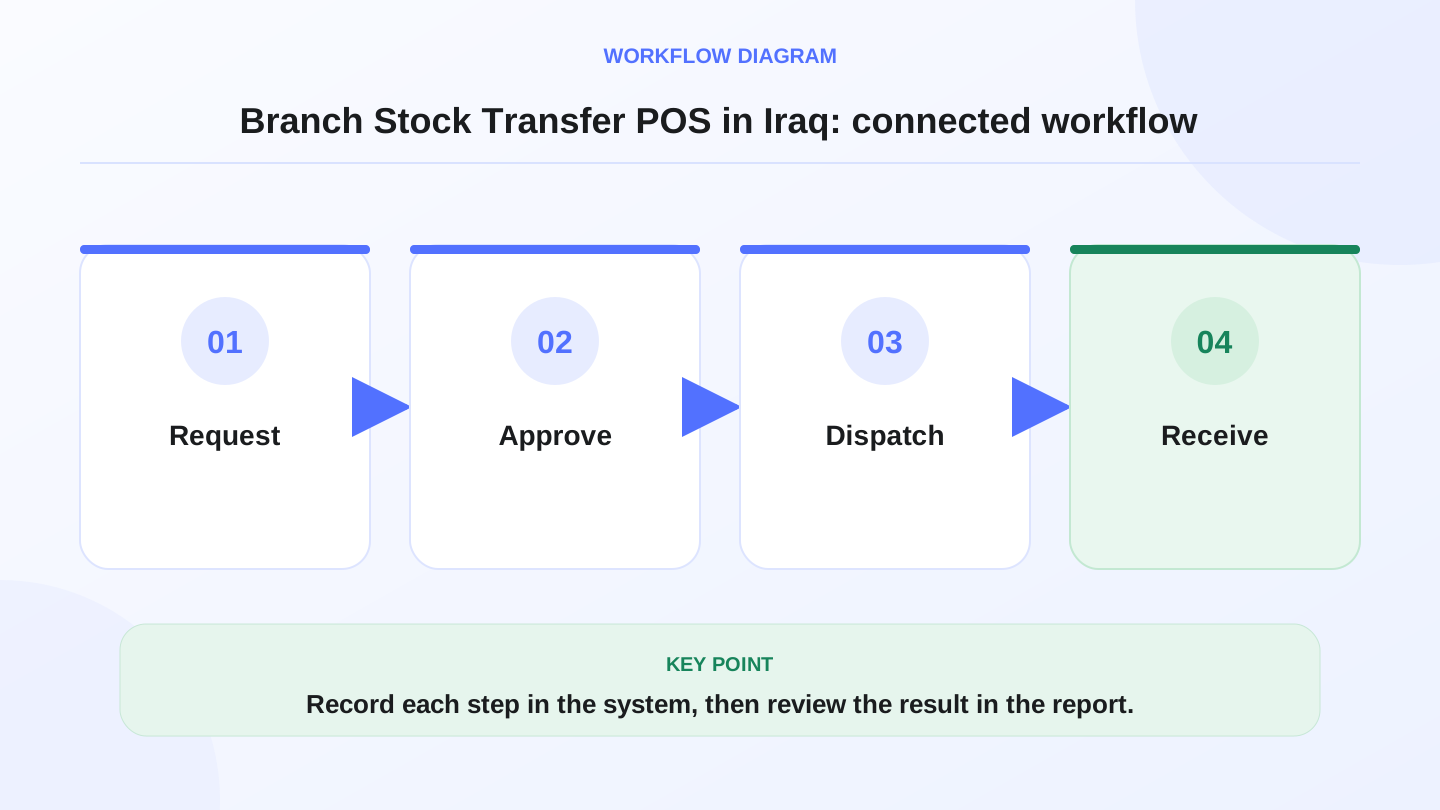
A branch stock transfer is the operational record that says stock moved from one location to another. The sending branch gives up quantity. The receiving branch gains quantity after the goods arrive and are accepted. In a strong system, the transfer has a date, reference number, responsible user, item list, quantities, and receiving status.
For Iraq businesses, this matters because branches often support each other during shortages. A mini-market may send drinks from one area to another. A clothing store may move sizes from Baghdad to Erbil. A pharmacy may move slow stock to the branch where demand is higher. The movement is not a sale, but it changes what every cashier can honestly sell.
03
Why manual transfers create stock problems
Manual transfers usually start with good intentions: a manager sends a voice note, writes a paper, or messages the other branch. The problem appears later. One branch forgets to deduct stock. The other branch forgets to receive it. A driver delivers fewer units than expected. The owner sees sales numbers that do not match inventory value.
If the POS still thinks Branch A has 20 units, the cashier may promise stock that already left. If Branch B receives goods without recording them, shrinkage and profit reports become confusing. The larger the business becomes, the more expensive these small gaps become.
04
What a transfer workflow should include
This table is a practical demo checklist. If a system cannot show these fields, the owner will probably need another spreadsheet beside the POS.

| Transfer field | What it records | Why it matters |
|---|---|---|
| Source location | Branch, warehouse, or stock room sending goods | Deducts stock from the right place |
| Destination location | Branch receiving the goods | Adds stock only to the intended branch |
| Item and variant | Product, size, color, barcode, batch, or unit | Prevents wrong-item receiving |
| Sent quantity | Quantity dispatched by the sender | Creates the expected receiving number |
| Received quantity | Quantity counted by the receiver | Shows shortage, damage, or mismatch |
| Transfer status | Draft, sent, received, cancelled, or adjusted | Keeps pending transfers visible |
| Responsible user | Staff member who created or approved the transfer | Supports accountability and permissions |
05
Worked example: moving stock from Baghdad to Basra
Assume Branch A in Baghdad has 120 units of a fast-selling item. Branch B in Basra has only 14 units and expects weekend demand. The manager approves a transfer of 40 units.
After dispatch, expected Branch A stock is: 120 - 40 = 80 units.
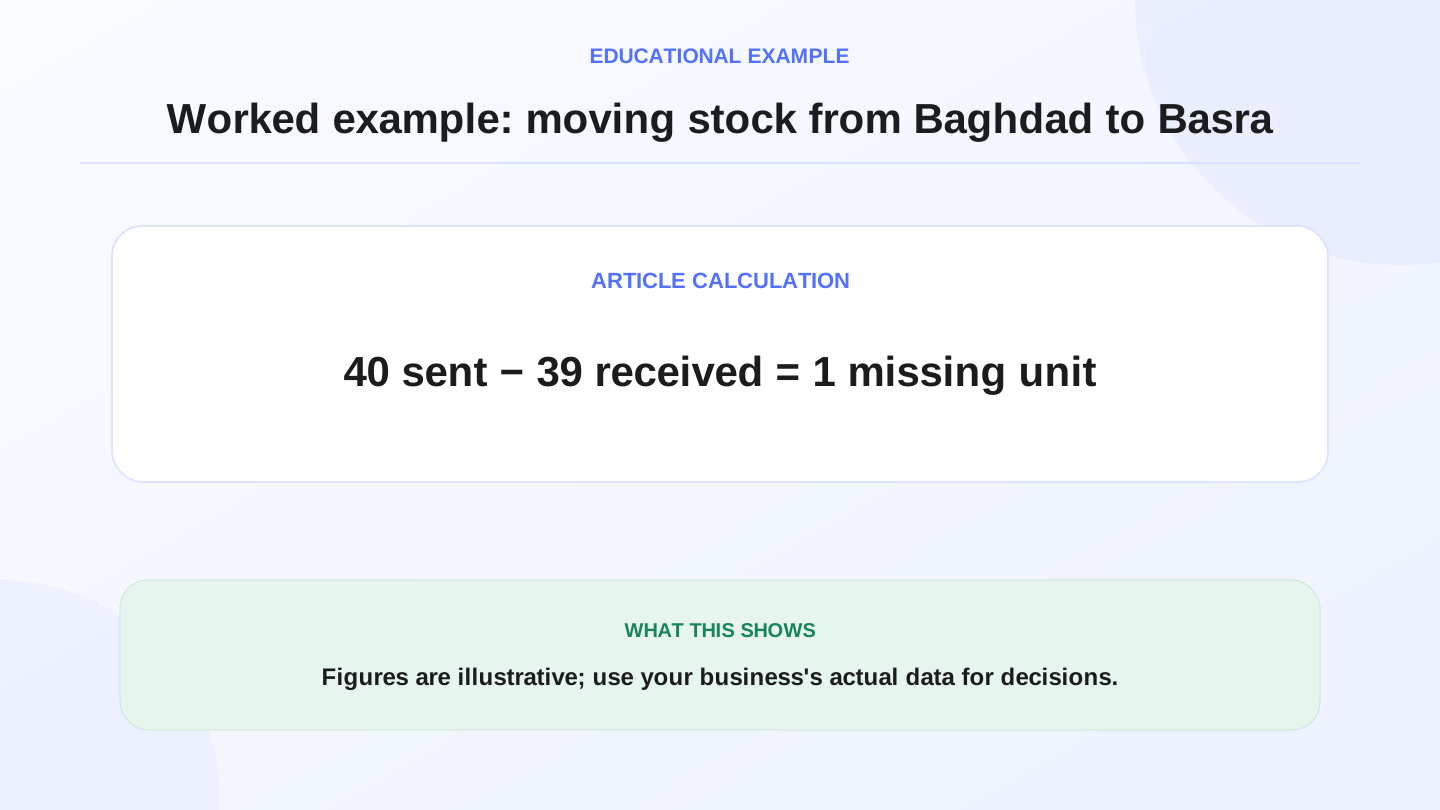
If Branch B physically receives 39 units, expected Branch B increase is 39 units, not 40. The transfer variance is: 40 sent - 39 received = 1 missing unit.
If each unit cost 6,000 IQD, the variance value is: 1 × 6,000 = 6,000 IQD. That number is not automatically a loss accusation. It is a signal to check packing, transport, counting, or damage notes before closing the transfer.
06
How branch transfers affect reports
Transfers should not inflate revenue. Moving a product from Baghdad to Basra is not the same as selling it to a customer. However, the transfer should affect branch inventory value, stock-on-hand reports, reorder decisions, and availability shown to the cashier.
A strong report lets the owner answer three questions. Which branch is selling fastest? Which branch is receiving support from other branches? Which items move often because purchasing is not balanced? These answers help the business buy smarter instead of constantly moving emergency stock.
07
When warehouses are involved
Many businesses treat the warehouse as the source of truth. Purchases arrive at the warehouse, then branches request quantities. In that model, the POS and inventory system should separate purchase receiving, warehouse stock, branch transfer, and branch sale.
The common formula is: warehouse opening stock + purchases - transfers out - adjustments = expected warehouse stock. At the branch, the formula is: branch opening stock + transfers in - POS sales - returns or adjustments = expected branch stock. Keeping both formulas visible prevents branch growth from hiding warehouse mistakes.
08
Roles and approvals for safer transfers
Not every cashier should be able to move stock between branches. A practical setup gives different permissions to cashiers, branch managers, warehouse teams, and owners. The cashier may view availability. The branch manager may request stock. The warehouse user may dispatch. The owner or senior manager may approve large transfers.
This is not bureaucracy for its own sake. It protects the business from accidental movements, duplicated requests, and after-the-fact arguments. RA8M supports role and branch workflows, which makes it relevant when a business needs controlled visibility instead of one shared login.

09
Offline selling and pending transfer visibility
A cashier may sell while the internet is weak, especially during peak hours. Offline-ready POS helps sales continue, then syncs later when internet returns. Transfers need similar discipline: the system should make pending and received quantities clear so a branch does not sell items that are still in transit.
RA8M POS is offline-ready and syncs when internet returns. For multi-branch teams, the key operating habit is to review pending transfers and synced sales before making final stock decisions for the day.
10
When RA8M fits and when a simpler setup is enough
RA8M fits businesses that need Arabic and English workflows, POS, inventory, purchases, roles, branches, finance, reports, and ecommerce in one connected system. Review RA8M POS, RA8M industries, and RA8M pricing before buying because pricing and plan packaging may change.
A simpler setup may be enough for one owner-operated shop with no warehouse and no branch movement. Once the business has multiple locations, staff permissions, stock transfers, or branch-level reports, manual notes become risky.
11
Manager checklist before closing a transfer
Before closing a transfer, confirm the source branch, destination branch, items, variants, sent quantity, received quantity, and variance reason. If the transfer includes damaged goods, write the reason clearly. If the driver delivered late or the receiving branch counted later, record that note so the month-end report makes sense.
Owners should also review transfer frequency. If the same product moves every week from one branch to another, the purchasing plan may need adjustment.
12
Conclusion
Branch stock transfers are where multi-branch operations become real. A business can sell well and still lose control if stock movement is not recorded with the same discipline as sales.
If your Iraq business needs branch stock visibility, controlled transfers, and reports connected to POS sales, start with RA8M and the RA8M blog to compare practical inventory and branch workflows.
Frequently asked questions
What is a branch stock transfer in POS?
It is the recorded movement of products from one branch, warehouse, or stock location to another, with quantities deducted from the sending location and added to the receiving location when accepted.
Why do Iraq shops need branch transfer control?
Because many businesses move stock between Baghdad, Basra, Erbil, warehouses, and stores. Without a recorded transfer, each location can show the wrong available stock.
Should transfers affect sales reports?
Transfers are not sales revenue, but they should affect inventory reports and branch stock value so the owner can separate selling performance from stock movement.
Can RA8M help with multi-branch stock visibility?
RA8M is built for roles, branches, POS, inventory, purchases, finance, and reports, making it relevant for businesses that need branch-level visibility and controlled stock movement.
Written by
RA8M Team
Practical guides for restaurants, shops, and operations teams
Next step
Try RA8M with data close to your operation
Read next
Related RA8M guides
Inventory and Warehouse
Warehouse Management System in Iraq: A Practical Guide
Read article
Pharmacy and Services
Pharmacy Expiry and Batch Inventory in Iraq: POS Control Guide
Read article
Inventory and Warehouse
Inventory Adjustments and Shrinkage in Iraq: Control Stock Variance
Read article
Inventory and Warehouse
Low Stock Alerts in Iraq: Reorder Before Shelves Go Empty
Read article
POS Across Iraq
POS Erbil: Choosing Cashier Software for Kurdistan Businesses
Read article